User Training
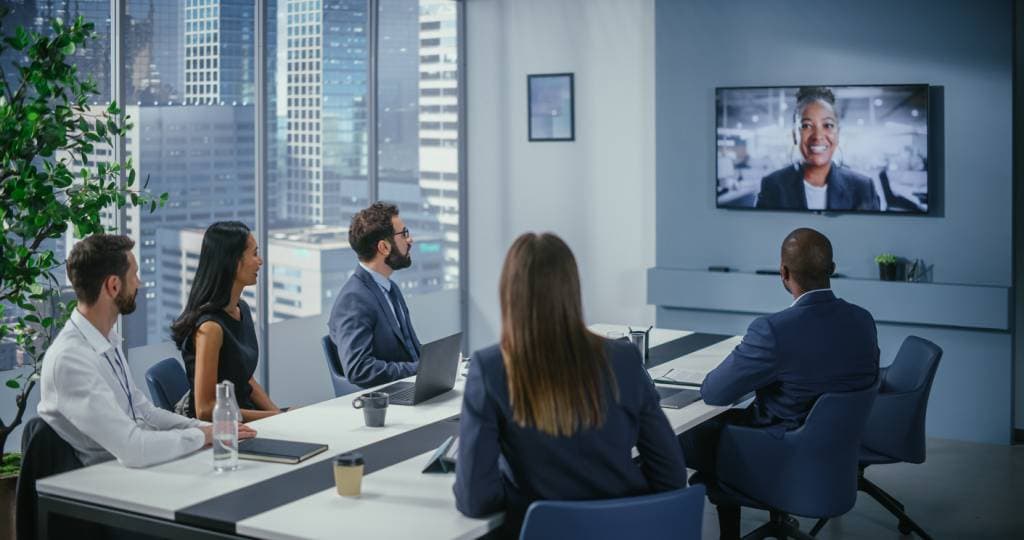
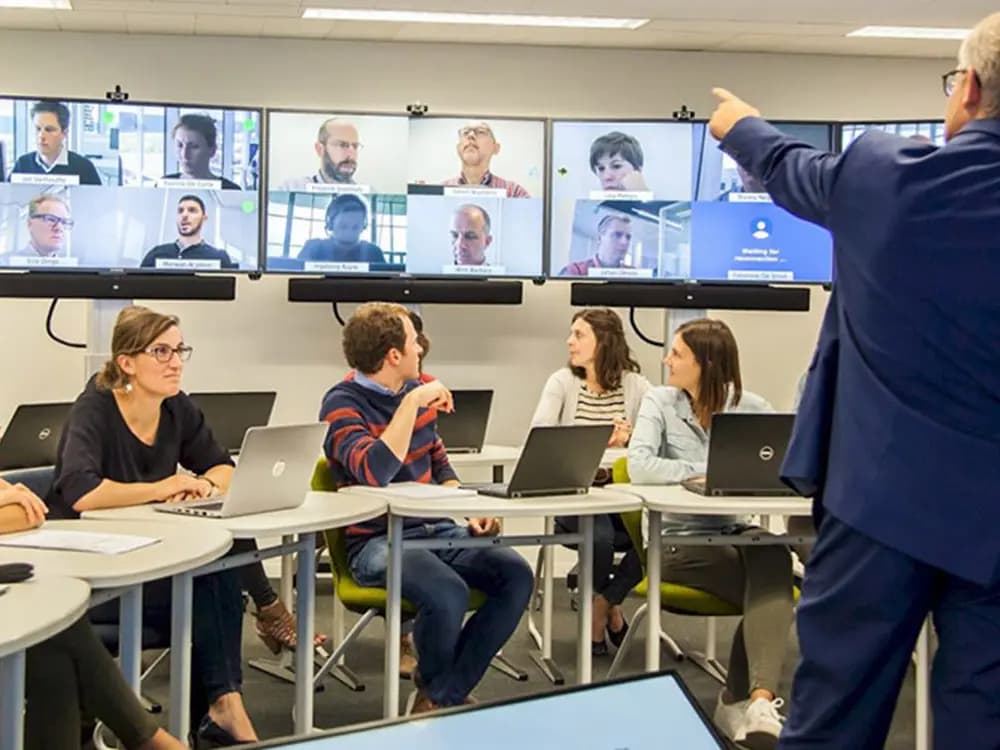
01We provide on-site, hands-on training to staff who will use the equipment on a daily basis, such as in meeting rooms, classrooms, or control rooms.
We provide on-site, hands-on training to ensure your team can use the system correctly and efficiently.
When a new AV system is put into operation, the most common problem is that users are unable to make full use of the system, even though there are no technical shortcomings. For a video conference room or smart classroom to function properly, both the hardware and the users must be set up correctly.
Our training service was designed not as the final step in the setup process, but as the first step toward the system delivering real value.
We provide on-site, hands-on training to staff who will use the equipment on a daily basis, such as in meeting rooms, classrooms, or control rooms.
We provide in-depth technical training to the in-house IT team on topics such as content management software, user authorization, and basic troubleshooting.
We are preparing short, easy-to-understand user guides that you can refer to later.
A few weeks after installation, we check how the system performs in real-world use and provide additional guidance if necessary.
We provide training at different levels for staff who will use the system on a daily basis and for administrators who will handle authorization and configuration.
We provide a document containing the post-installation device list, connection diagram, user information, and basic troubleshooting steps.
FAQ
Clear and concise answers to the key questions asked about Post-Installation Training Service.
Get more informationContact our team for corporate AV, digital signage or professional visualization solutions tailored to your needs.