Skip to Main Content
Toplantı ve Video Konferans Sistemleri LED ekran çözümü kurulum

Meeting and Video Conferencing Systems

Meeting room solutions that combine audio, video, display, wireless presentation, and room control for a hybrid work environment.

Meeting and Video Conferencing Systems

Make your meeting rooms clearer, faster, and more professional

Meeting and video conferencing systems combine cameras, microphones, speakers, screens, and wireless presentation and control infrastructure into a single user experience. The goal is to establish an efficient meeting environment before the meeting begins, without having to deal with cable, audio, video, or connectivity issues.

01 System configurations suitable for everything from small meeting rooms to large conference halls
02 Clear audio, the right camera angle, and easy screen sharing
03 Simple, reliable, and manageable use with enterprise-class products
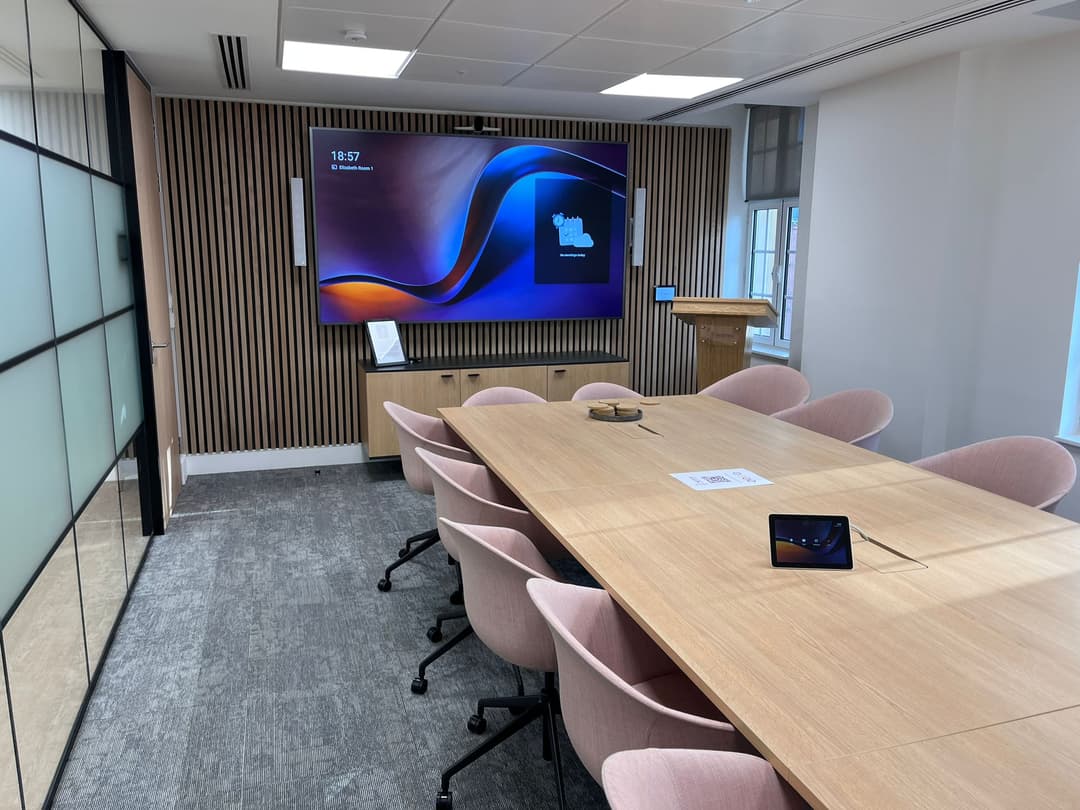
Toplantı ve video konferans sistemleri kullanılan modern toplantı odası
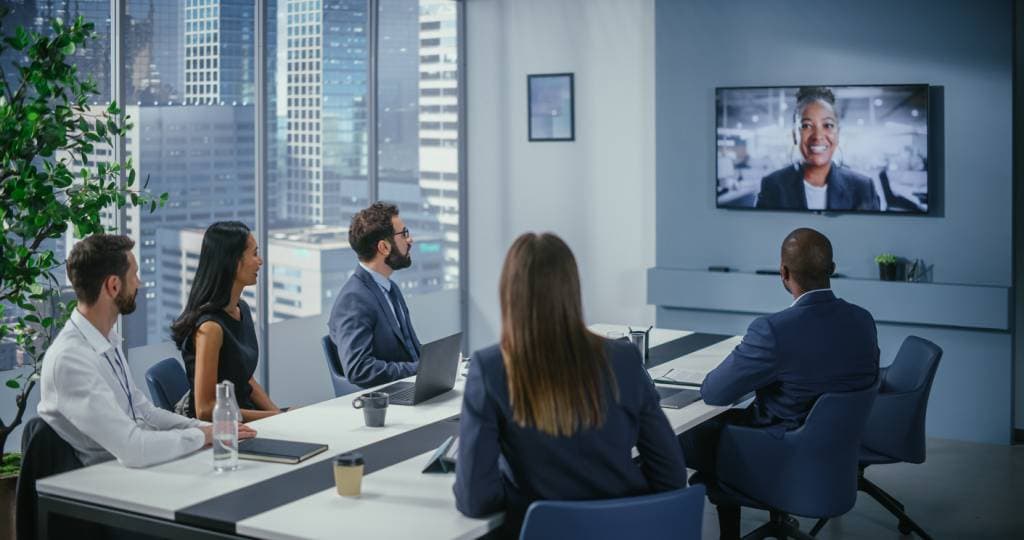
A properly designed conference room system provides a clearer meeting experience for both in-person participants and remote teams.
Why This Solution?

The quality of a meeting starts with the right equipment and the right room setup

A video conferencing system isn’t just a camera or a screen. It must ensure clear audio, display the video from the right angle, make content sharing easy, and allow the entire system to be operated with a single touch.

01

Meetings with clear audio

The type of microphone—desktop, ceiling-mounted, or wireless—is selected based on the size of the room. Speeches are conveyed more clearly.

02

The Right Camera Angle

Camera placement, field of view, and room layout are planned together. Teams participating remotely can follow the meeting more comfortably.

03

Easy presentation sharing

With wired or wireless sharing options, presentations, reports, and screen content can be transmitted more quickly.

04

Simpler to use

With the control panel and room automation, starting meetings, adjusting the audio, and managing the screen become more convenient.

Room Types

The same video conferencing system isn't right for every meeting room

As the size of the room, the table layout, the number of participants, and meeting practices change, so do the required camera, microphone, screen, and control infrastructure.

Small meeting rooms

In huddle rooms or small meeting rooms, video conferencing systems that are simple, fast, and require minimal equipment are preferred.

  • All-in-one camera and soundbar solutions
  • Use of a single screen or an interactive screen
  • Quickly start meetings and easily share your screen

Standard meeting rooms

For rooms accommodating 6–12 people, the camera angle, table microphone, screen placement, and wireless presentation infrastructure are planned together.

  • PTZ camera or wide-angle camera options
  • Desktop microphone, speaker, and control panel
  • Compatible with Teams, Zoom, and similar platforms

Boardrooms and executive offices

In executive offices, sound quality, image clarity, and room aesthetics are evaluated together. The system must perform effectively without being visible.

  • Ceiling-mounted microphone, DSP, and professional speaker system
  • Dual screen, control panel, and room automation
  • A clean installation approach that reduces cable clutter

Classrooms and multipurpose rooms

In the areas of training, seminars, and hybrid events, speaker tracking, stage audio, screen sharing, and recording scenarios are considered together.

  • Wireless microphone, ceiling speaker, and camera monitoring
  • Projection, LED screen, or large-format screen options
  • A structure designed to meet the needs of remote participation, live streaming, and recording
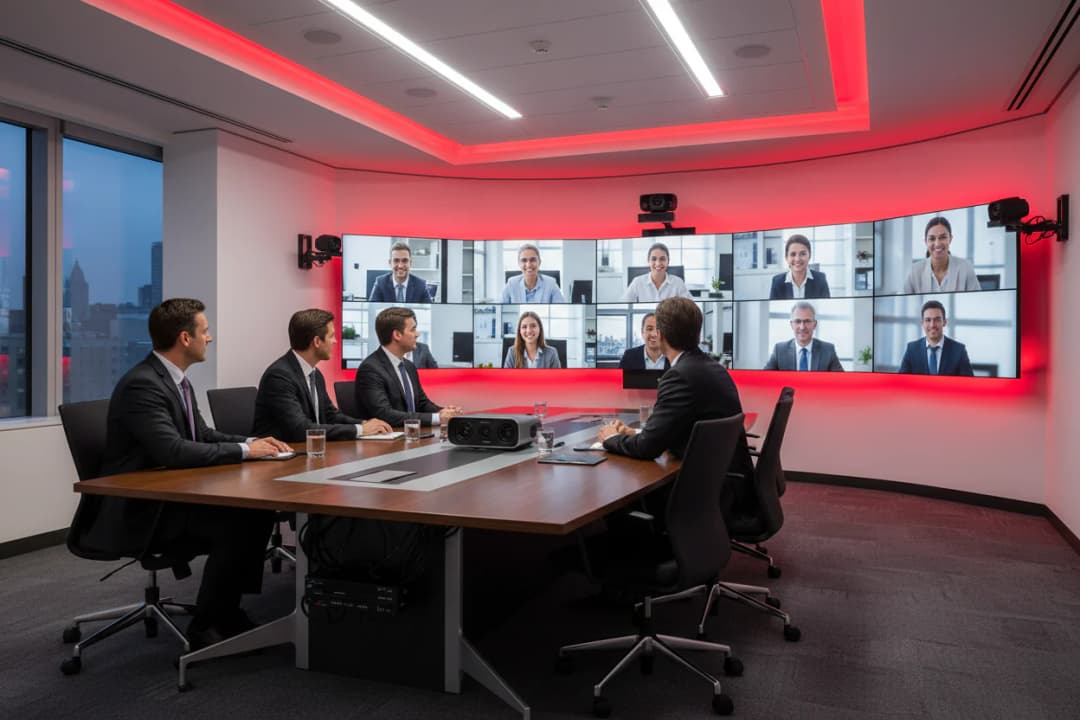
Kurumsal toplantı odası için ekran, kamera ve ses sistemi kurulumu
In meeting rooms, the display, camera, audio, and control infrastructure should be considered as part of the same usage scenario.
System Components

Meeting and video conferencing systems consist of compatible components

For a good meeting room, it is not enough for each piece of equipment to be high-performance on its own. The camera, microphone, speakers, screen, control panel, and connectivity infrastructure must all work together.

Camera system

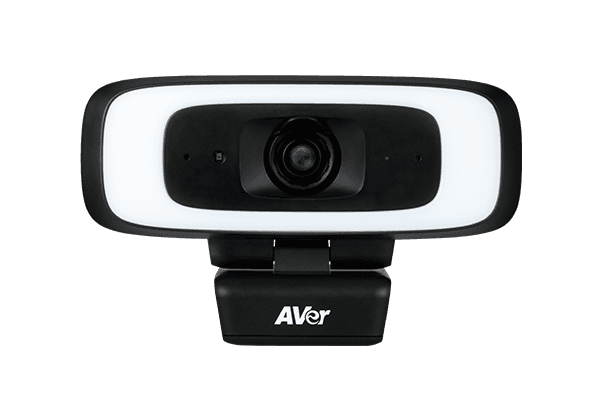
Depending on the size of the room, you can use a wide-angle camera, a PTZ camera, or a camera with automatic framing. The goal is to show participants clearly and from a natural angle.

Audio infrastructure

The choice of microphone and speaker depends on the room's acoustics. Options include a table microphone, a ceiling microphone, a soundbar, or a professional sound system with DSP support.

Screen and Display

Whether to use a single screen, dual screens, an interactive screen, a projection, or an LED screen is determined based on the type of meeting. The presentation and the video feed of remote participants can be planned together.

Control and Sharing

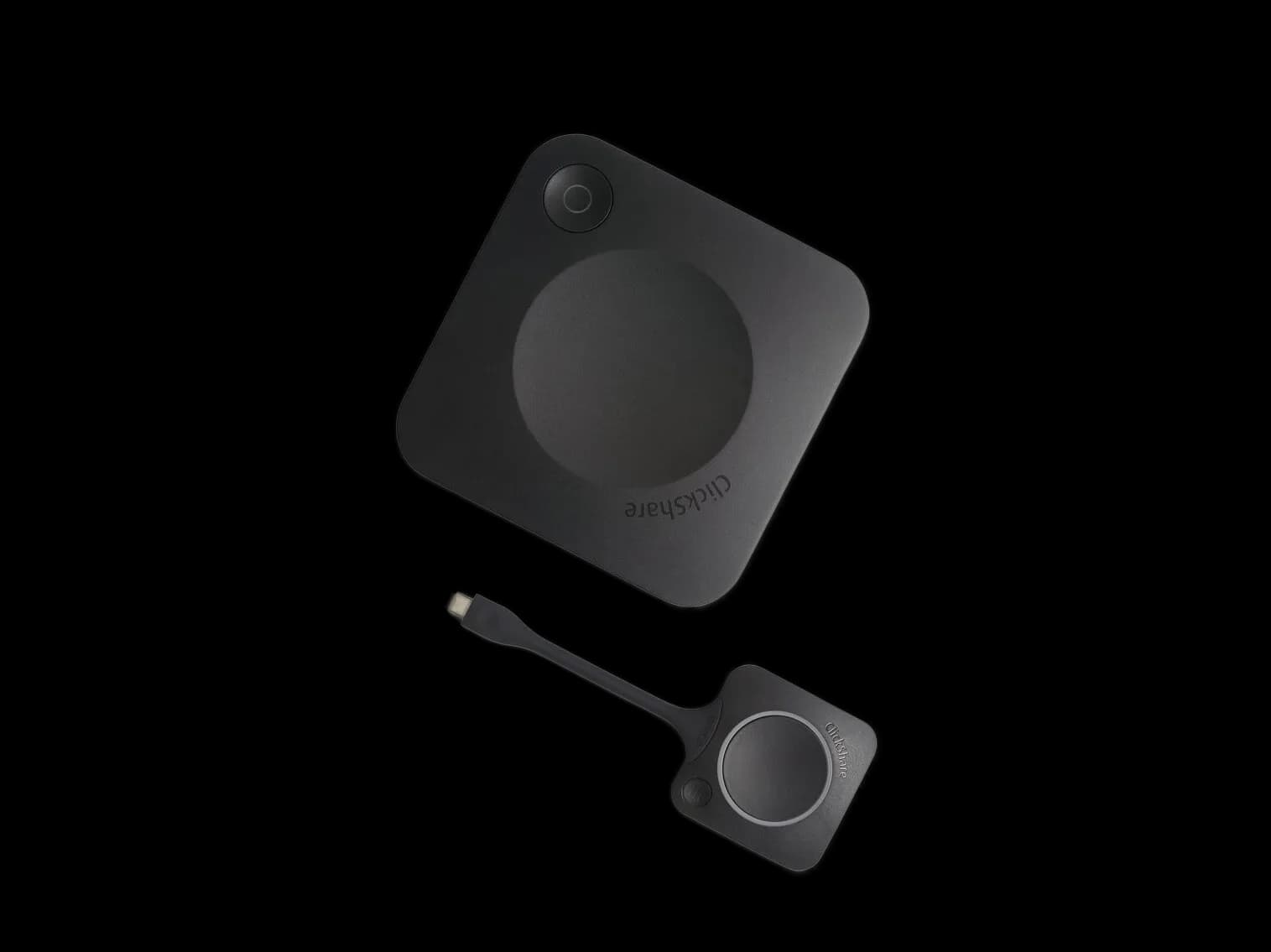
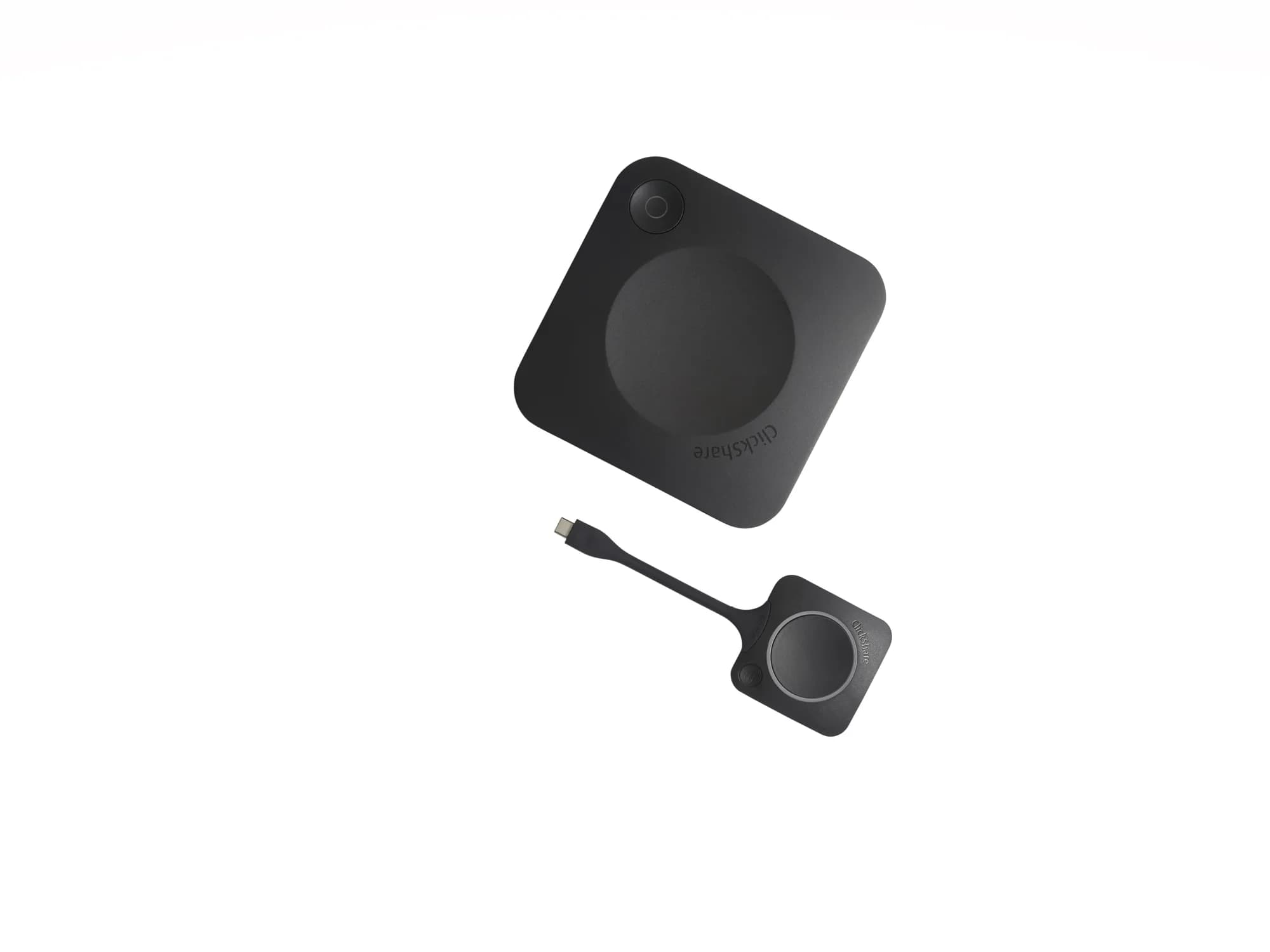
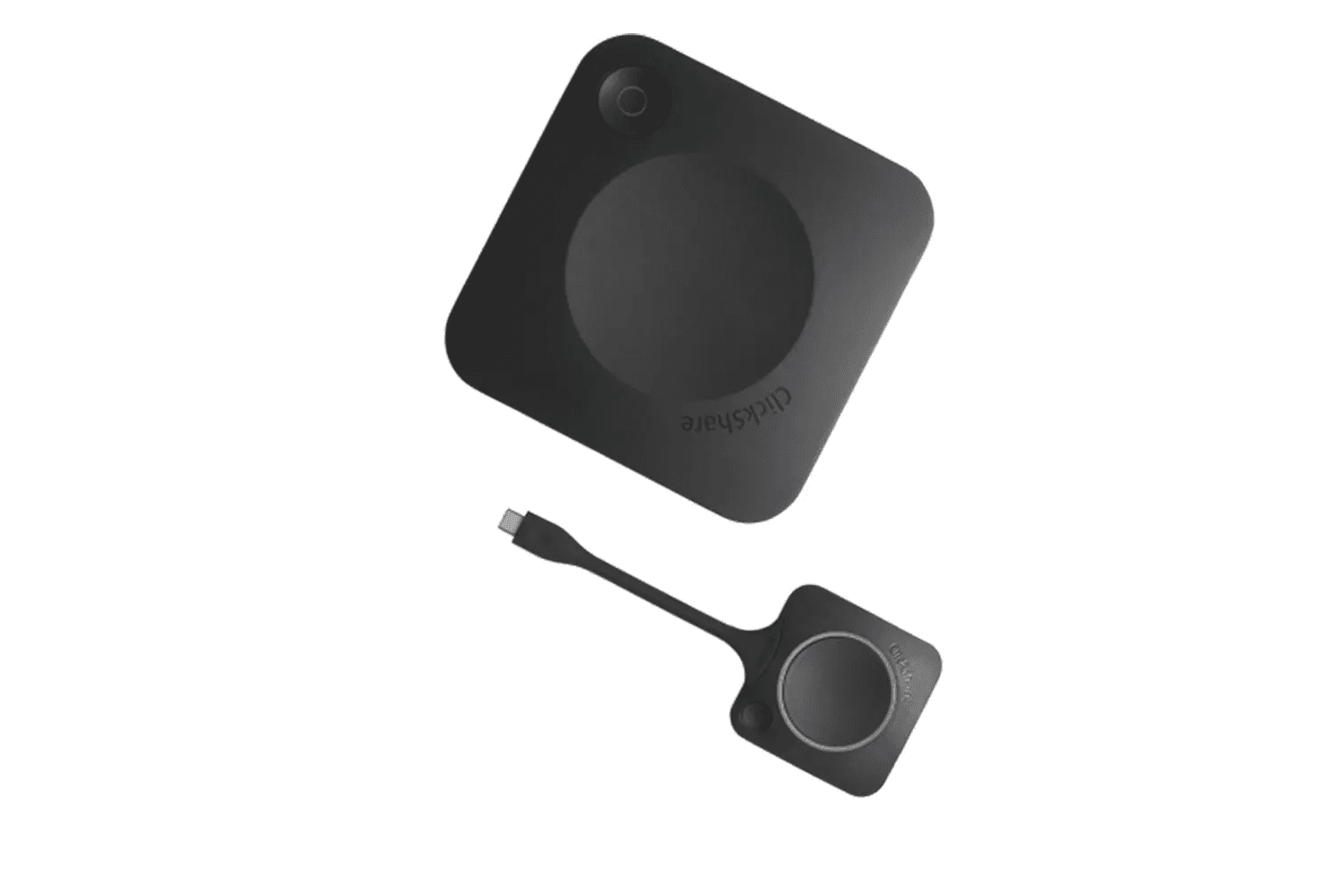
With a control panel, wireless presentation, BYOD connectivity, and room automation, using the meeting room becomes simpler and faster.

Solution Design

The goal is to create a structure that everyone can use comfortably after installation

The most important aspect of conference room systems is ease of use. When a user joins a meeting, they shouldn’t have to waste time with screen sharing, audio adjustments, or camera selection.

For this reason, the solution is designed not merely as a list of devices, but based on the actual usage flow of the room.

01

Selecting the Right Equipment for the Room

The appropriate product group is determined by evaluating the number of participants, table layout, screen wall, ceiling structure, and acoustic conditions.

02

Clean and organized setup

Cabling, connection points, device locations, and control panel placement are planned with ease of use in mind.

03

Platform compatibility

The devices and connectivity infrastructure compatible with meeting platforms such as Teams, Zoom, Google Meet, and similar services are selected based on the project.

04

A structure ready for daily use

The meeting room is prepared for regular use by testing audio, video, screen sharing, and control scenarios.

Compatible Equipment Ecosystem

Works with enterprise-class camera, audio, control, and display solutions

For meeting and video conferencing system projects, we can develop solutions that are compatible with reliable manufacturers for cameras, microphones, speakers, video transmission, control systems, and displays.

Camera and Video

With PTZ cameras, video bars, automatic framing, and wide-angle camera options, a video infrastructure suitable for the room type can be set up.

Microphone and Audio

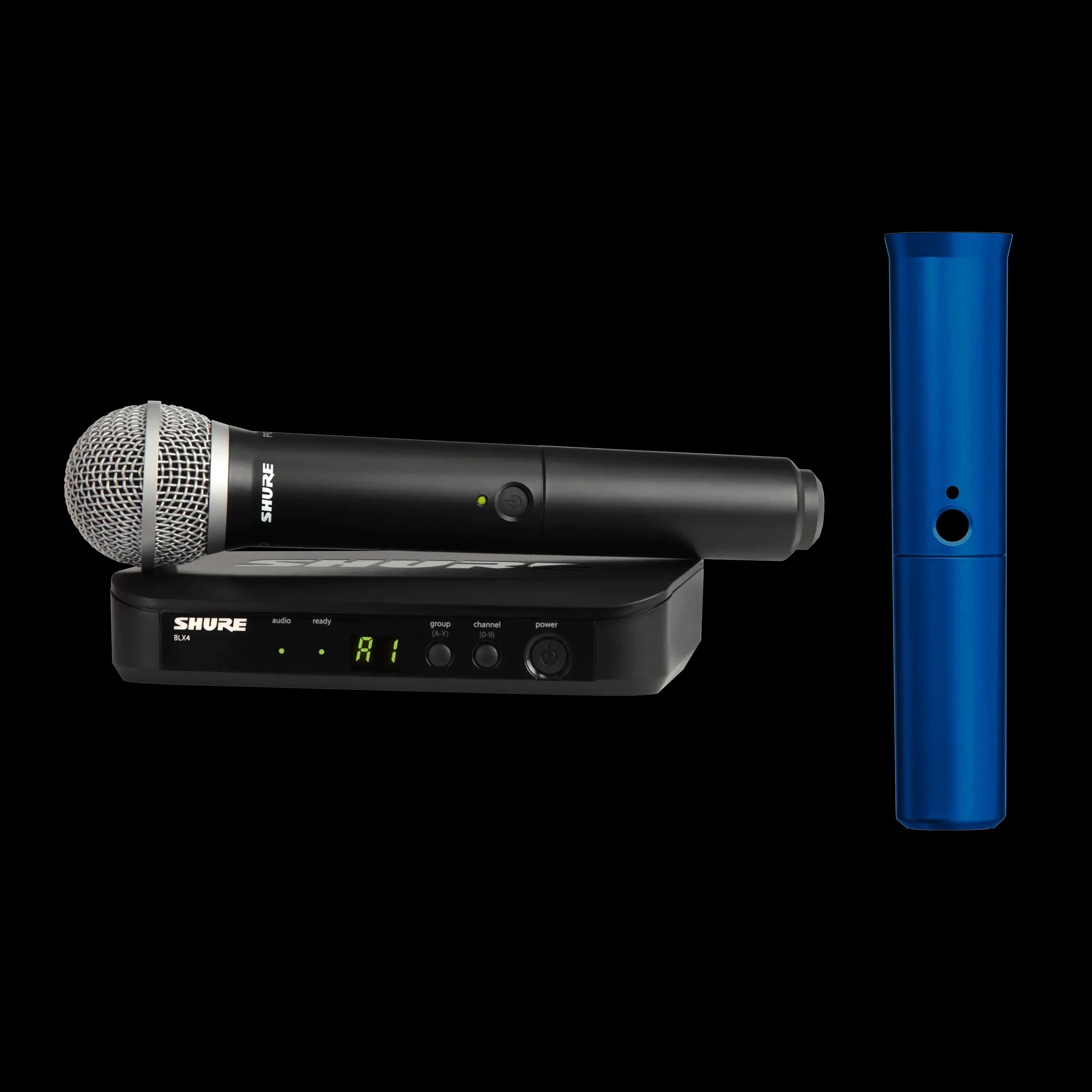
The goal is to ensure clear speech transmission using table microphones, ceiling microphones, wireless microphones, speakers, and DSP solutions.

Control and Transmission

Video streaming, wireless presentations, room control, screen management, and automation needs can be combined into a single workflow.

Application Process

The setup of a conference room proceeds through the steps of site survey, design, and commissioning

Before the system is installed, the physical layout of the room and how it is typically used are assessed. This ensures that a functional, simple, and sustainable setup is created, rather than one with unnecessary equipment.

Discovery

Room dimensions, desk layout, display wall, ceiling structure, and electrical and network infrastructure are evaluated.

Design

The camera, microphone, screen, speaker, and control system are designed based on the room's intended use.

Installation

Devices are installed, connections are made, and cable routing and control scenarios are set up.

Test

The system is prepared by testing audio, video, screen sharing, and the meeting platform.

Conclusion

Meeting and video conferencing systems make your workspace more efficient

A well-planned meeting room offers clear audio, high-quality video, easy presentation sharing, and a seamless user experience. When the camera, microphone, screen, and control infrastructure are integrated, meetings start faster, run more smoothly, and remote teams are better able to participate.

Get a Quote
System design suitable for small meeting rooms, boardrooms, and training rooms
Installation of the camera, microphone, speaker, screen, and control infrastructure as a single system
Use of video conferencing compatible with Teams, Zoom, and similar platforms
A cleaner setup, easier use, and more professional meetings
Use Cases

Application Areas

Boardrooms and meeting rooms
Huddle rooms and small meeting areas
Training, seminar, and webinar rooms
Multi-location corporate meeting infrastructure
Public, health, and educational institutions
Hybrid work and meetings with remote participants
Features

What We Deliver with Meeting and Video Conferencing Systems

Clear sound transmission

The goal of beamforming or ceiling microphones is to ensure that the speech of remote participants can be heard clearly.

The Right Camera Frame

Cameras that support automatic framing and speaker tracking based on room size are selected.

Easy connection

Users can quickly start a meeting using wireless presentation or BYOD options.

Single-panel control

Screen, audio, camera, meeting initiation, and source selection are all consolidated into a simple control flow.

Advantages

Why Choose This Solution?

01

One-Touch Control

Start the entire system with a single button on the room control panel—no need to deal with complicated setups.
02

Platform-Independent Compatibility

Fully compatible with Teams, Zoom, Google Meet, and Webex, with seamless cross-platform switching.

03

Professional Sound Quality

Crystal-clear audio transmission with beamforming microphones and ceiling speakers.

04

AI-Powered Camera

Automatic framing and speaker tracking using artificial intelligence, hands-free operation.

Related Products

Explore the Products

FAQ

Frequently Asked Questions

Clear and concise answers to the key questions asked before choosing a solution.

Get more information
All of our solutions are fully compatible with Microsoft Teams, Zoom, Google Meet, and Cisco Webex. Multi-platform support can also be provided if needed.
The room control system is a centralized control solution that allows all AV equipment in a meeting room to be managed via a single touchscreen panel or tablet.
Yes. We carry out retrofit projects using hardware and software solutions tailored to your existing rooms. After analyzing your rooms, we determine the most suitable solution.
BYOD (Bring Your Own Device) is a feature that allows participants to easily connect their own laptops to the conference room system.
Beamforming microphones use multiple capsules to determine the direction of the sound source and focus on that direction. This filters out other sounds in the room and clearly transmits the speaker’s voice.
Echo and sound absorption issues directly affect video conference quality. Remote participants hear muffled or echoing sound. Professional acoustic treatment completely eliminates these issues.
Yes, enterprise-class wireless presentation solutions are protected by AES encryption and network security protocols. There are various layers of security in place to prevent unauthorized access.
Depending on the size of the room and the complexity of the system, a standard meeting room setup is completed within 2–5 business days.
Yes, with post-installation user training, your team will be able to manage the system on their own. Plus, with our remote monitoring and support services, we’re always here to help.
Yes, we offer multipoint video conferencing solutions that connect the meeting rooms at your offices in different cities—and even in different countries.
The number of microphones depends on the room size and the number of participants. For small rooms accommodating 4–6 people, a single table-top beamforming microphone is sufficient. For medium-sized rooms accommodating 8–12 people, two microphones are recommended. In large rooms with 20 or more people, ceiling-mounted array microphone systems provide the best results.
Yes, your room reservation software (Microsoft Exchange, Office 365, Google Calendar) can be integrated with the AV control system. The room is automatically reserved at the start of the meeting, and when the meeting ends, the system shuts down and the room is released. This integration significantly improves room utilization efficiency.
With wireless presentation systems, participants can share their screens from their own devices using AirPlay, Miracast, or Chromecast protocols. A physical connection via an HDMI cable is also possible. The shared content is displayed simultaneously on the main screen in the meeting room and on the screens of remote participants.
Yes, our video conferencing systems support meeting recording and automatic transcription. Recordings can be saved to your cloud storage or local server. With the AI-powered transcription feature, everything said during the meeting is archived as text and becomes searchable.

Let's Find the Right Solution for Your Project

Contact our team for corporate AV, digital signage or professional visualization solutions tailored to your needs.