Factors Affecting the Cost of Installing a Video Conferencing System
We explain the factors that determine the cost of setting up a video conferencing system, such as room size, camera and microphone selection, platform licensing, and integration.
Why Can’t Two Meeting Rooms Be Set Up for the Same Price?
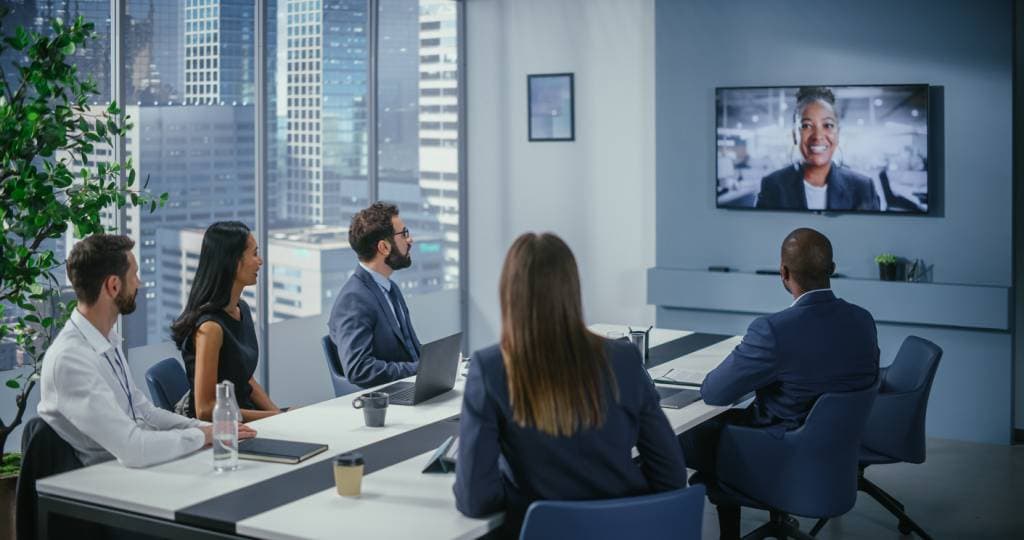
In our article on meeting and video conferencing technologies, we discussed system selection; here, let’s address the main question: how much does a video conferencing setup cost? The answer isn’t a single figure, because the equipment lists for a 4-person meeting room and a 20-person boardroom are fundamentally different.
Room Size and Number of Participants
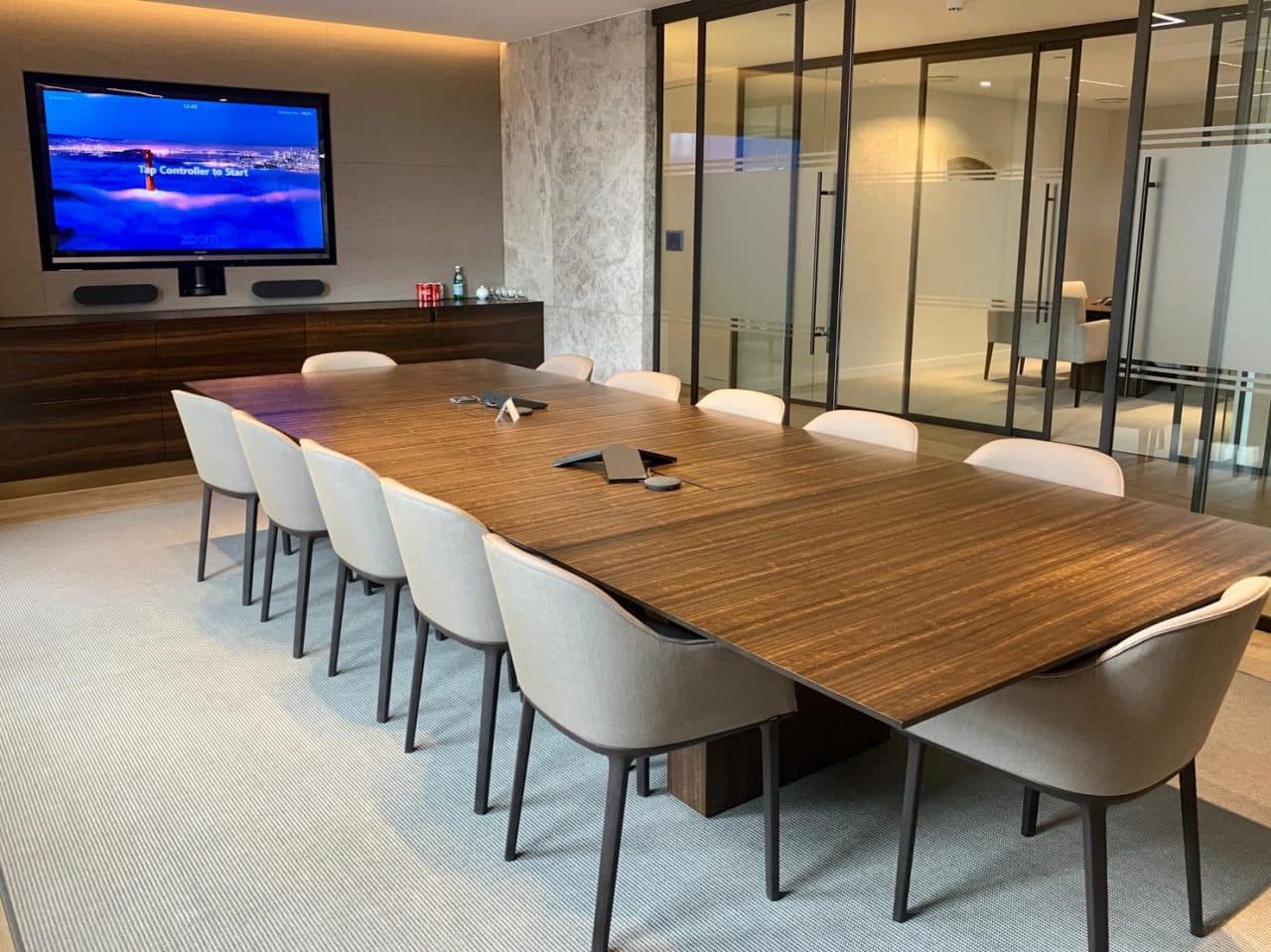
While a single all-in-one bar (combining a camera, microphone, and speakers) may be sufficient for a small room seating 4–6 people, rooms accommodating more than 12 people may require a separate camera, a ceiling-mounted microphone array, and additional speakers. As the number of participants increases, the amount of equipment required does not increase linearly; it can increase more rapidly depending on the room’s acoustics.
Camera Selection: PTZ or Fixed Wide-Angle?
Fixed wide-angle cameras are more economical but cannot automatically track the speaker in large rooms. PTZ (pan-tilt-zoom) or AI-powered tracking cameras are more expensive but significantly improve the experience for remote participants. While this feature may seem like a luxury for a small team, it quickly pays for itself in large, frequently used boardrooms.
Microphone Technology and Room Acoustics
Beamforming microphones significantly reduce echo and noise by identifying and focusing on the direction of the sound source, but they are more expensive than standard microphones. Additionally, if the room acoustics are poor (glass walls, hard floors), additional acoustic treatment may be required; this expense is often overlooked in initial quotes and only comes to light during installation.
Room Control System
A control panel that turns all equipment on and off with a single touch greatly simplifies the user experience, but this is a separate hardware and programming cost. In simple rooms, the system can operate without a control panel; the user connects directly through the platform interface. If the budget is limited, this component may be one of the first to be eliminated.
Platform and Licensing Costs
Certified platforms such as Microsoft Teams Rooms and Zoom Rooms may require an annual licensing fee in addition to the hardware cost; unlike a one-time hardware investment, this represents an ongoing operating expense. Selecting certified hardware that is compatible with the platform the organization already uses is the most practical way to avoid additional integration costs.
Installation and Cabling Complexity
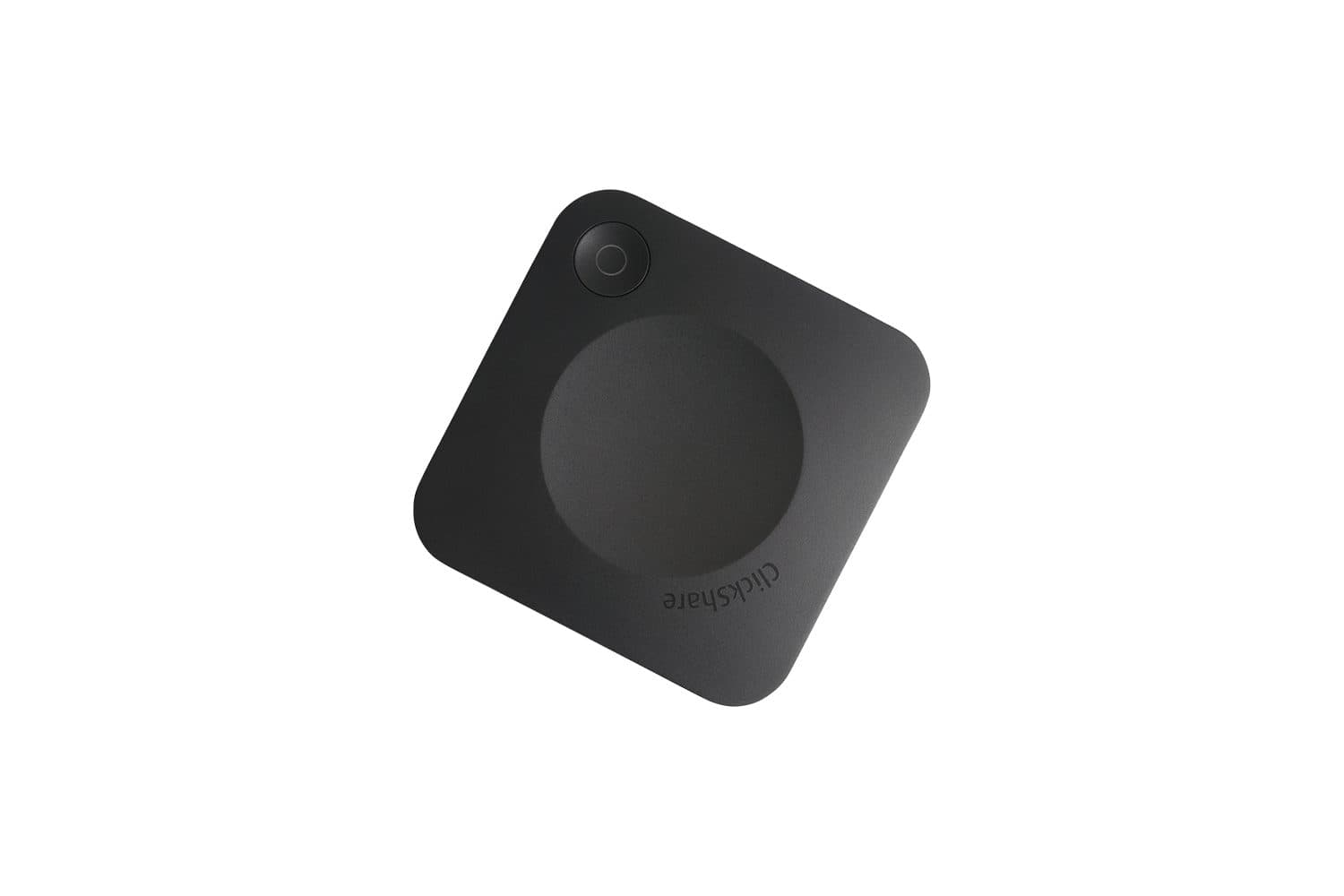
Planning the cabling infrastructure from scratch in a newly constructed building requires very different labor compared to running cables through the attic or inside walls in an existing building. In retrofit projects, wireless connectivity options (such as wireless presentation systems) can sometimes be a way to avoid construction costs.
For a Custom Quote
If you provide us with the size of your meeting room, how often it’s used, and your preferred platform, we’ll prepare a realistic quote that avoids unnecessary hardware. You can explore our video conferencing solutions or contact us.