Wireless Presentation Systems: A Comparison Guide to Help You Make the Right Choice
We explain what you need to consider in terms of room size, security, and platform compatibility when choosing wireless presentation systems like Barco ClickShare.
Why Isn't an HDMI Cable Enough Anymore?
In a hybrid work environment, every participant arriving in the meeting room brings a different device (their own laptop, tablet, or sometimes just their phone). A traditional setup with a single HDMI input wastes the first five minutes of the meeting with the “I don’t have an adapter” delay. Wireless presentation systems eliminate this friction, but the options on the market vary significantly.
Hardware-Based or Software-Based?
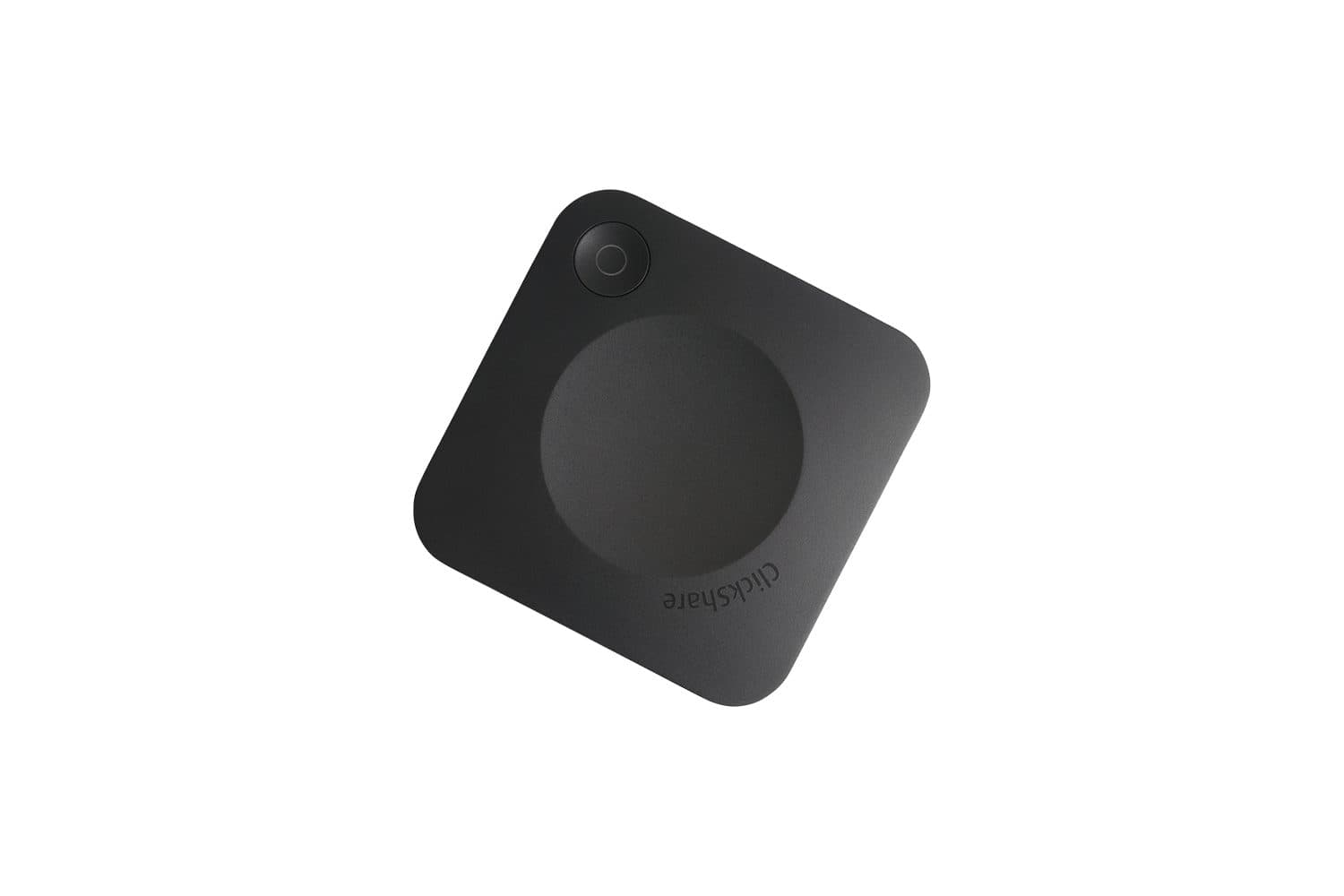
With hardware-based solutions like Barco ClickShare, a small USB transmitter is plugged into the participant’s computer and connects to the screen with the press of a button; setup and use are extremely simple. With software-based solutions (connecting to the network via an app), the hardware cost is lower, but the user experience can vary depending on network quality and IT infrastructure.
Selecting a Model Based on Room Size
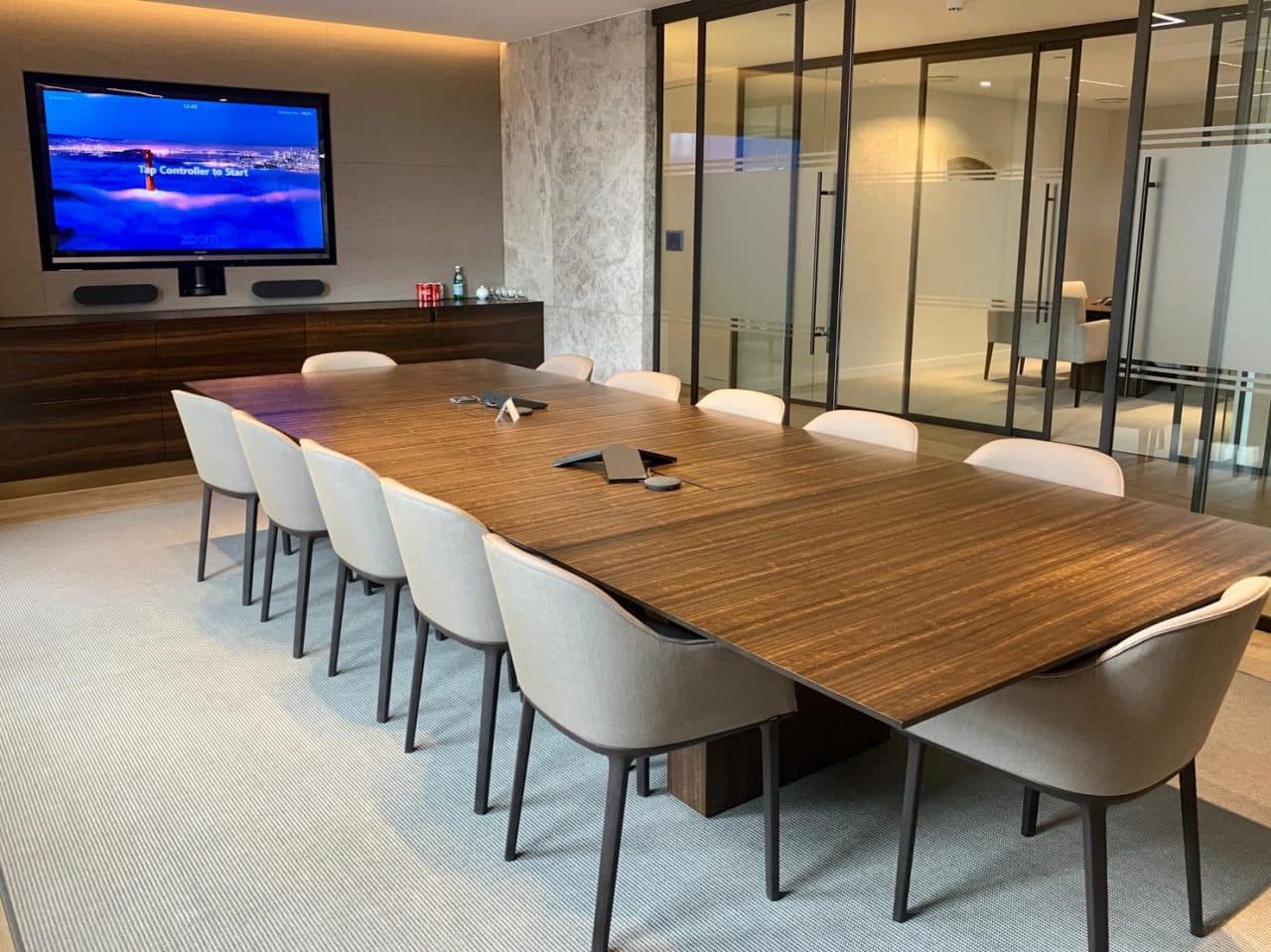
While an entry-level model (such as the ClickShare C-5) is sufficient for a small meeting room, conference-featured models (such as the CX series) are preferred for large rooms that need to integrate with multi-participant conference systems. Choosing a model that’s the wrong size can result in either overpaying for unnecessary features or ending up with a system that becomes inadequate as your needs grow.
Security: A Critical Detail in the Corporate Network
Since wireless sharing systems connect to the corporate network, security is the question most frequently asked by the IT department. Enterprise-class solutions offer AES encryption and support for network segmentation; without these features, integrating a device into the corporate network may violate security policies. Clarifying this issue with the IT team before installation prevents the post-project surprise of “we can’t get the system onto the network.”
Compatibility with the Existing Video Conferencing Platform
A wireless presentation system is not a standalone solution; it is part of the existing video conferencing infrastructure. Models with Teams or Zoom integration allow remote participants to view the shared screen; choosing a model that doesn’t support this integration solves only in-room sharing and leaves the hybrid meeting experience incomplete.
Multi-User and Simultaneous Sharing
While some models display only one user’s screen at a time, high-end models can display the screens of multiple participants side by side. This feature makes a significant difference in use cases—such as brainstorming or design meetings—where multiple sources need to be compared.
Let’s Work Together to Find the Right Model for Your Room
If you provide us with the size of your meeting rooms, how often they’re used, and your current video conferencing platform, we’ll recommend the wireless presentation system that’s right for you. You can explore our video conferencing solutions or contact us.