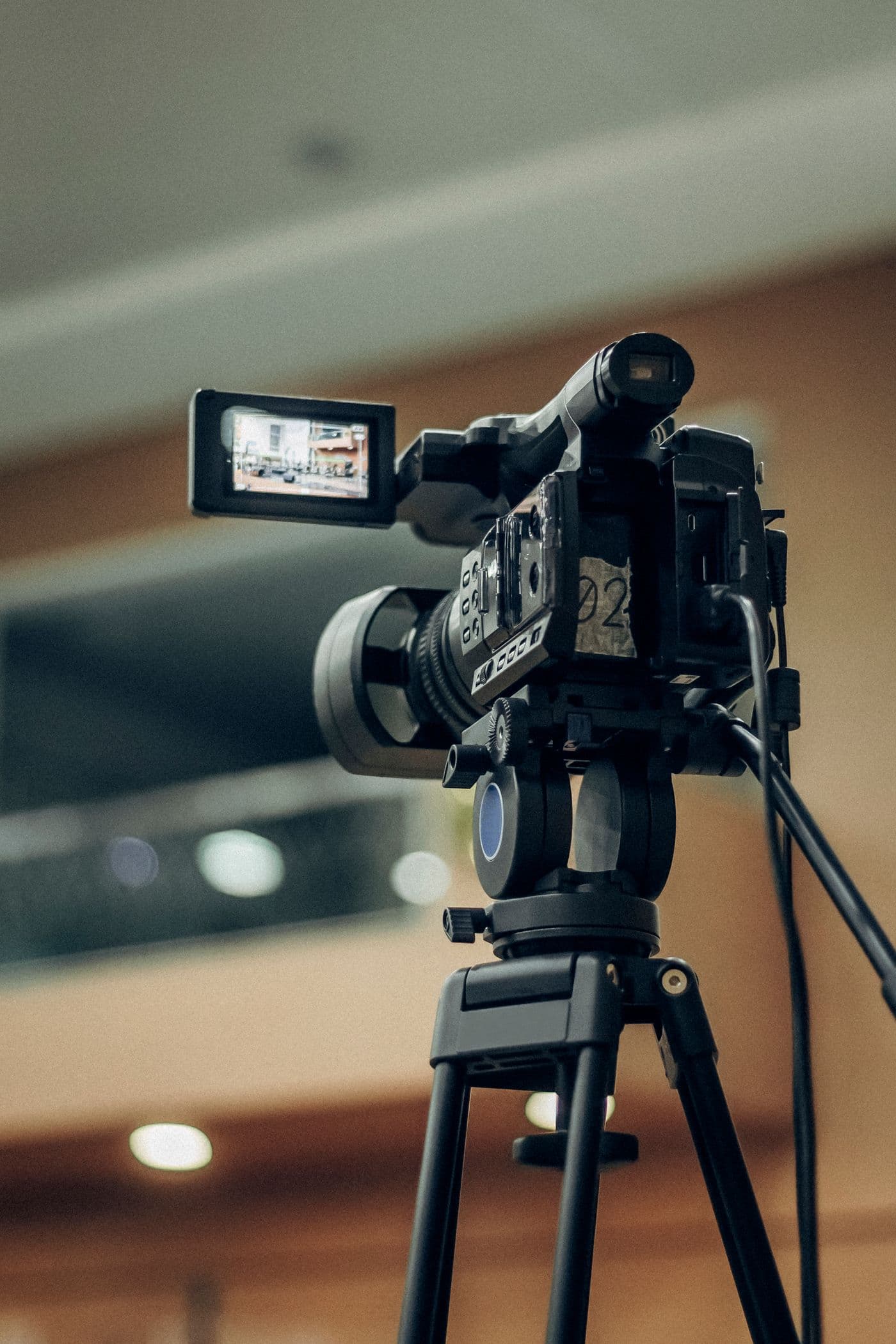
Camera and Audio System Setup for Hybrid and Remote Learning
We explain how to set up the camera, microphone, and streaming infrastructure to provide an equal learning experience for both in-person and remote students.
The Real Challenge in a Hybrid Classroom: An Equal Experience
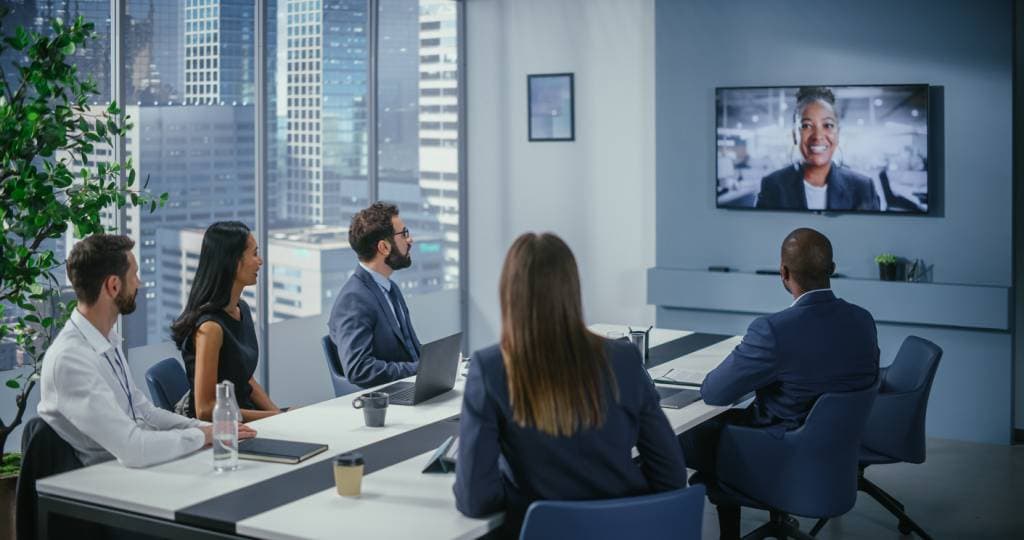
The hybrid learning model has now become a permanent fixture in many schools and universities, but in a hybrid classroom that isn’t set up properly, students joining remotely often have a second-rate experience: the teacher’s voice isn’t clear, the board is unreadable, and they can’t participate in classroom discussions. In this article, we’ll focus specifically on the technical setup of the camera and audio components, setting it apart from the general concept of a “smart classroom.”
Camera Selection: Fixed Wide-Angle or Automatic Tracking?
A fixed wide-angle camera captures the entire classroom, but the teacher may fall out of frame as they move. AI-powered auto-tracking cameras automatically keep the person speaking—whether the teacher or a student asking a question—in the frame, providing a much more natural viewing experience for remote students. While a fixed camera may be sufficient for small classes, auto-tracking makes a real difference in larger or more dynamic class settings.
Audio: A More Critical Component Than Video
Even if the video quality is low, a remote student can still follow the lesson; however, if the audio isn’t clear, the lesson is completely lost. The microphone array in the classroom must clearly capture not only the teacher’s voice but also questions and discussions coming from within the classroom. Ceiling-mounted microphone arrays provide much more consistent coverage in large classrooms compared to a single lapel microphone.
Screen Sharing and Content Synchronization
The content the teacher writes on the board or displays in a presentation must reach remote students simultaneously with the camera feed and at a readable resolution. Ensuring that the camera feed and screen sharing are transmitted synchronously via separate channels is a key consideration when selecting a platform (such as Teams, Zoom, or Google Meet).
Class Recording and On-Demand Viewing
Another need just as important as live streaming is the ability to record the class so it can be viewed later. Features such as automatic recording, cloud storage, and integration with the course management system eliminate the burden of manual tasks for the teacher at the end of each class.
One-Click Start and Ease of Use
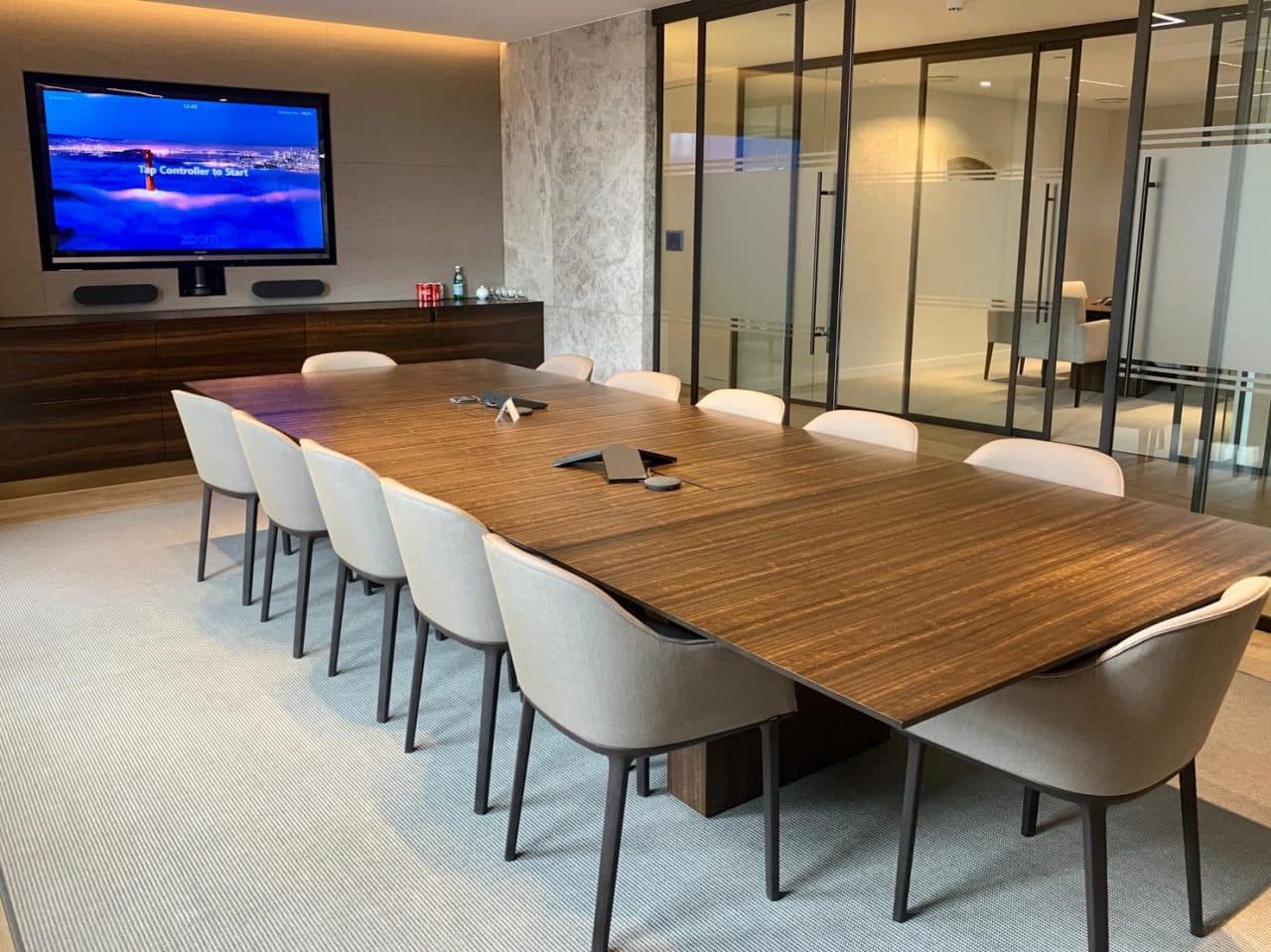
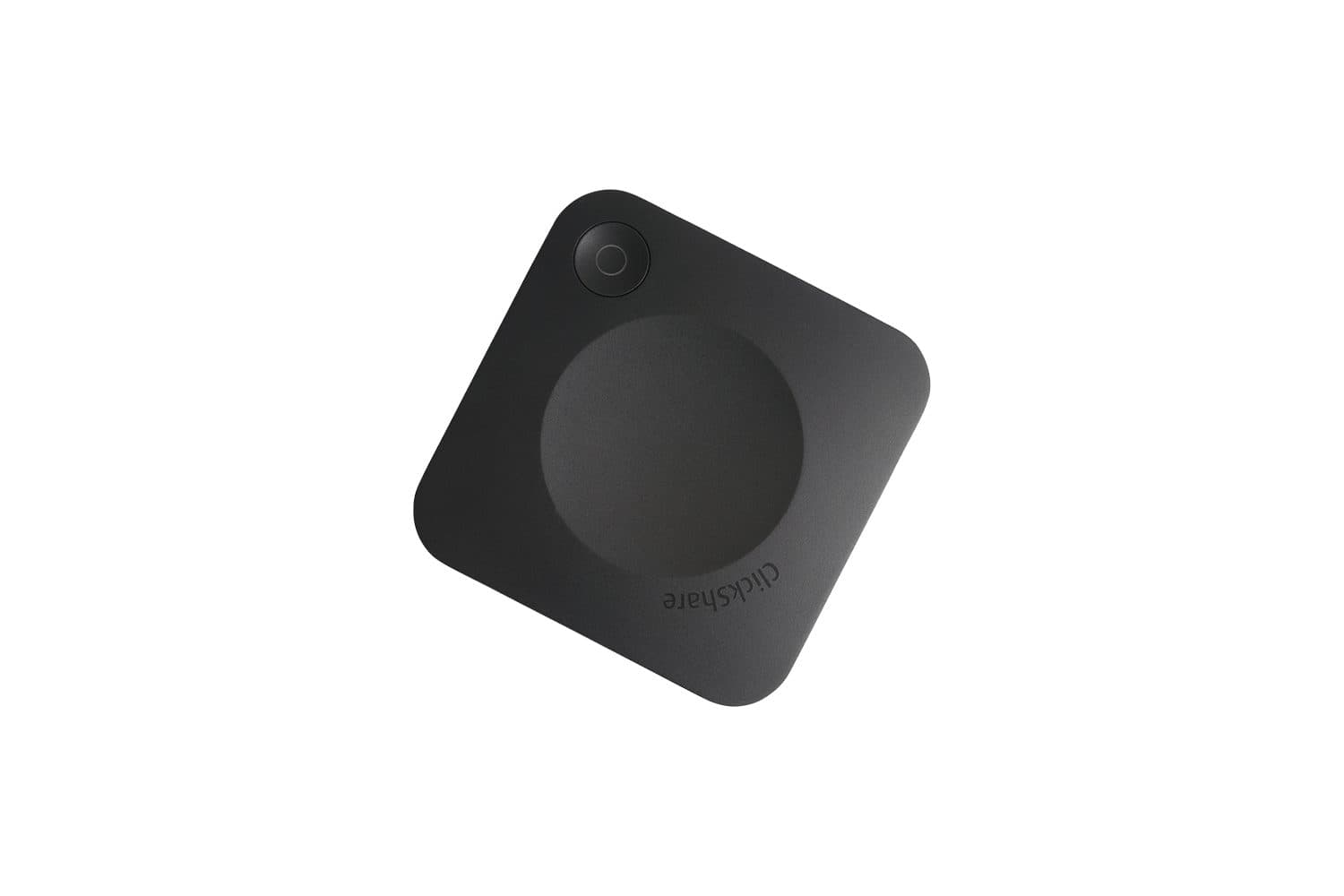
No matter how technically advanced a system may be, if it requires a complex setup at the start of every class, teachers may eventually stop using it. In a well-designed hybrid classroom, the camera, microphone, and streaming infrastructure are activated via a single control panel or with the press of a single button. We’ve covered how the interactive panel in the classroom fits into this setup in our interactive smart board selection guide.
Hybrid Classroom Infrastructure for Your Institution
The key question that determines where the budget should be allocated in hybrid classroom setups is usually this: Who is teaching the class, and how much do they move around? While a fixed camera is sufficient for a class taught from a stationary lectern, automatic tracking becomes essential for a format where the teacher moves around in front of the board. If you share your classroom dimensions and the streaming platform you use, we can design a suitable setup for you. Check out our smart classroom solutions or tell us about your classroom.