Meeting Room Audio and Video (AV) Systems Buying Guide 2026
The hardware and integration criteria to consider when choosing video conferencing, sound systems and display solutions for modern meeting rooms and smart classrooms.
What Are Meeting Room Audio and Video (AV) Systems, and Why Invest in Them?
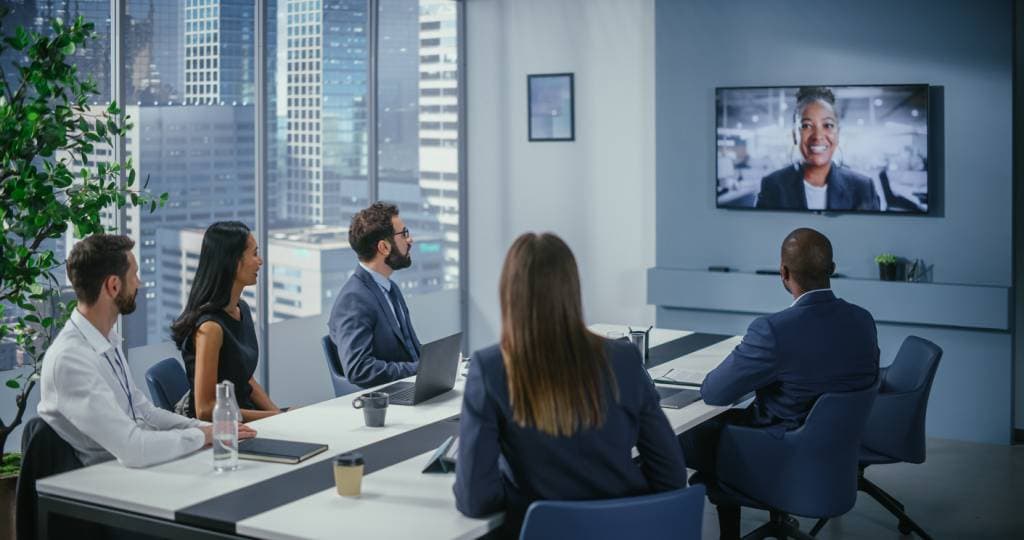
As hybrid work has become standard, meeting room audio and video systems (AV, or Audio Visual) are no longer a luxury but a critical infrastructure that directly affects company productivity. Old projectors and tables full of tangled cables have given way to AI-assisted cameras, wireless presentation systems and high-resolution LED displays.
A well-designed video conferencing and meeting room system keeps communication between teams uninterrupted, lowers travel costs and strengthens the corporate image you present to your customers. Drawing on the systems we have installed for corporate clients, we have set out in this guide the hardware and integration criteria to consider when building a meeting room to 2026 standards.
1. Display Technologies: Which Display Should You Choose?
Choosing the right display technology for the floor area, architecture and daylight level of your meeting room is the most important step. The wrong display choice leads to unreadable presentations and eye strain.
Professional Commercial Displays (Signage Displays)
For small and medium-sized rooms (huddle rooms), commercial displays in 55", 65", 75" or 85" sizes from brands such as Samsung, LG or iiyama are the ideal solution. Unlike standard televisions, these displays are built for 16/7 or 24/7 operation and have anti-glare panels, so the content stays clearly readable even in daylight.
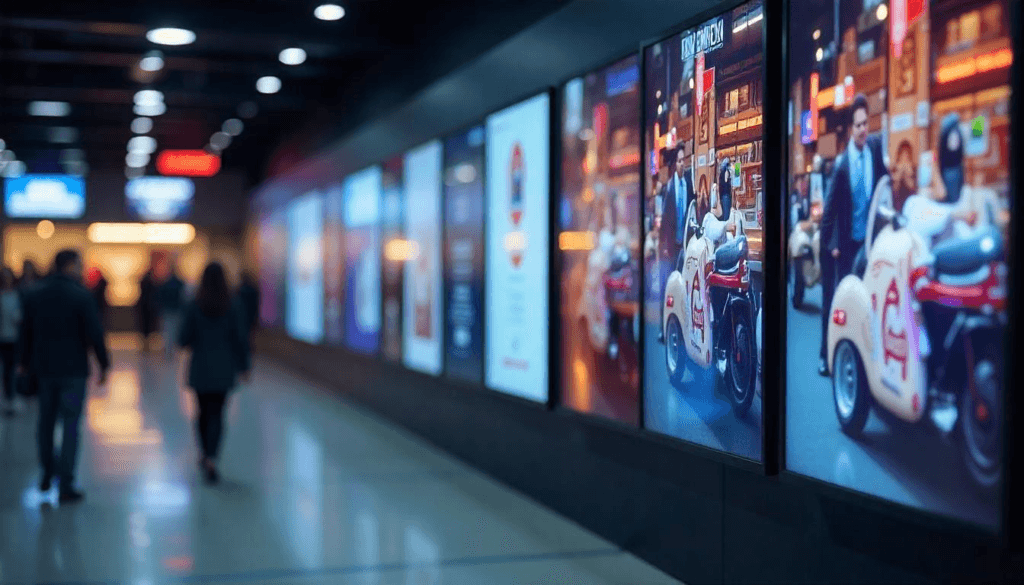
LED Display and LCD Video Wall Solutions
For large conference halls, boardrooms and auditoriums, a single-piece professional display is not enough. Two technologies stand out here:
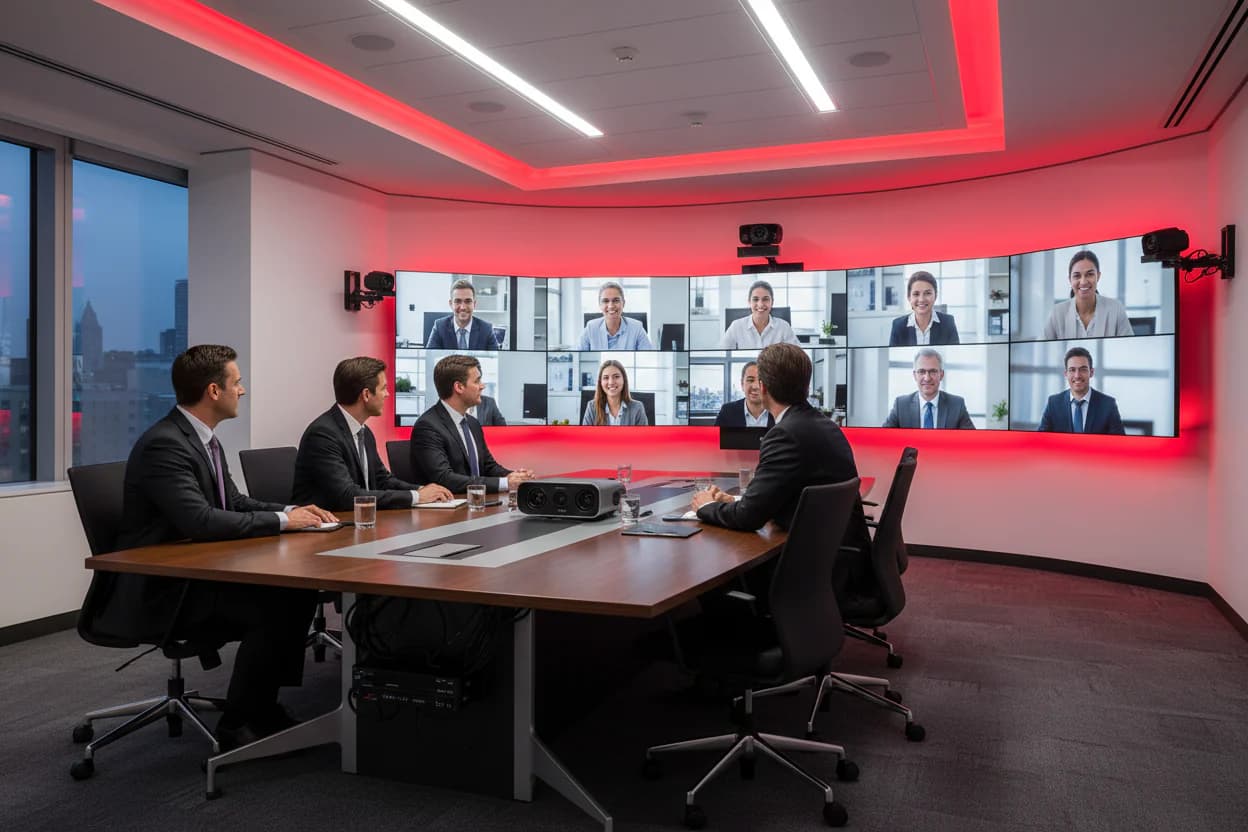
- LCD video wall: Large images are created by joining thin-bezel displays. It costs less, but thin lines are visible at the joints between the displays.
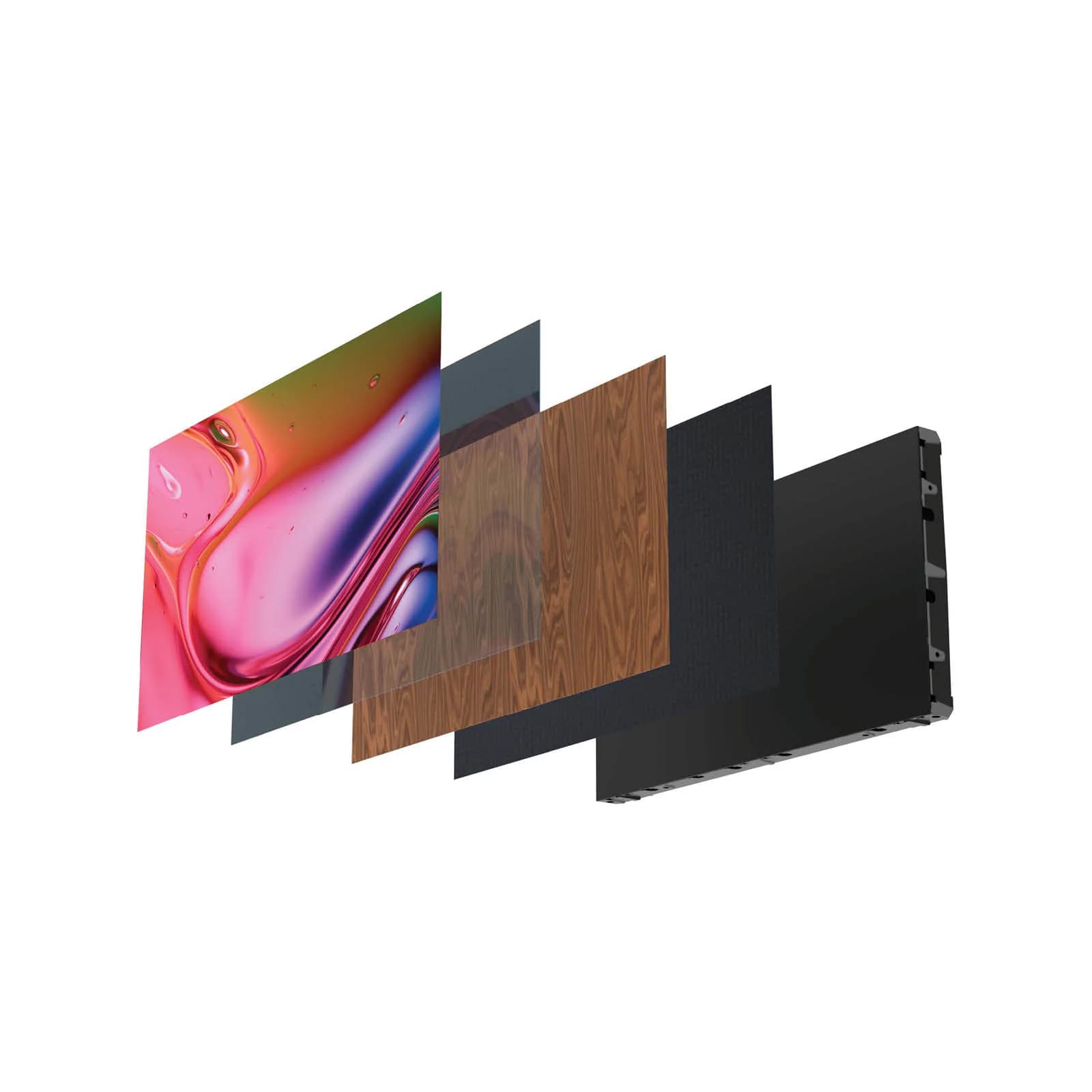
- Professional LED displays: LED displays (in P1.2 to P2.5 pixel pitches) that offer a seamless, bezel-free surface are today’s most prestigious choice. They offer very high brightness, unlimited size and a flawless image.
2. Video Conferencing Cameras and AI Integration
The quality of video calls represents your company. Standard webcams cannot cover large meeting tables. Professional installations use high-end PTZ (pan-tilt-zoom) cameras from brands such as AVer and Barco.
AI-assisted auto-framing: Modern cameras detect how many people have entered the room and adjust their angle automatically. With voice tracking, they focus and zoom on the person speaking within seconds. This keeps the attention of the other side in an online meeting from drifting.
3. Flawless Audio Integration: An End to Echo and Noise
The biggest mistake in meeting rooms is to put the entire budget into the display and ignore the sound system. Even at 4K, if the audio echoes or cuts out, the meeting fails.
Ceiling Array Microphones and Boundary Microphones
For companies that do not want a clutter of microphones on the table, ceiling microphones from brands such as Shure and Sennheiser work very well. Concealed in the ceiling panels, these devices pick up your voice cleanly wherever you speak in the room.
Digital signal processors (DSP) with acoustic echo cancellation (AEC) digitally remove air-conditioning noise, sounds from outside and echo from the loudspeaker, so that only clean human speech reaches the other side.
4. Wireless Presentation Systems (BYOD: Bring Your Own Device)
The days of meetings starting late because the HDMI or Type-C cable on the table did not reach are over. With wireless presentation devices that support the BYOD (Bring Your Own Device) concept, such as Barco ClickShare or Kramer VIA:
- You can send an image from your laptop to the main display instantly, with one button or through an app.
- You can connect the cameras, loudspeakers and microphones in the room to your own computer wirelessly and start a call right away on Zoom, Teams or Webex.
5. Room Booking and Door Displays
As the number of rooms grows, searching for a free room and double bookings waste time. A touch display mounted beside the door shows whether the room is free and lists the day's meetings; it syncs with Microsoft 365, Exchange or Google Workspace calendars. See our meeting room booking system page for installation details.
Factors That Determine Meeting Room Installation Costs
These are the main factors that affect the budget when investing in a professional AV system:
- The size and capacity of the room (how many people does the meeting table seat?).
- The preferred display technology (signage display vs. LED display).
- The microphone technology to be used (tabletop or lapel microphone vs. ceiling array microphone).
- Automation integration of the system (controlling lighting, curtains, audio and video devices from a single tablet).
How Can Koz Teknoloji Help You?
Buying all these devices one by one is only the beginning. Real success comes from engineering and automation programming that makes devices from different brands (Microsoft Teams hardware, LED displays, sound systems) work together without problems.
At Koz Teknoloji, we provide end-to-end turnkey corporate AV solutions, from the survey stage of the project and the cabling infrastructure to DSP programming, delivery and training.
To talk to our expert team about your projects, and to get a free survey at your office and a technology proposal specific to your company, you can reach us through the Koz Teknoloji contact page.