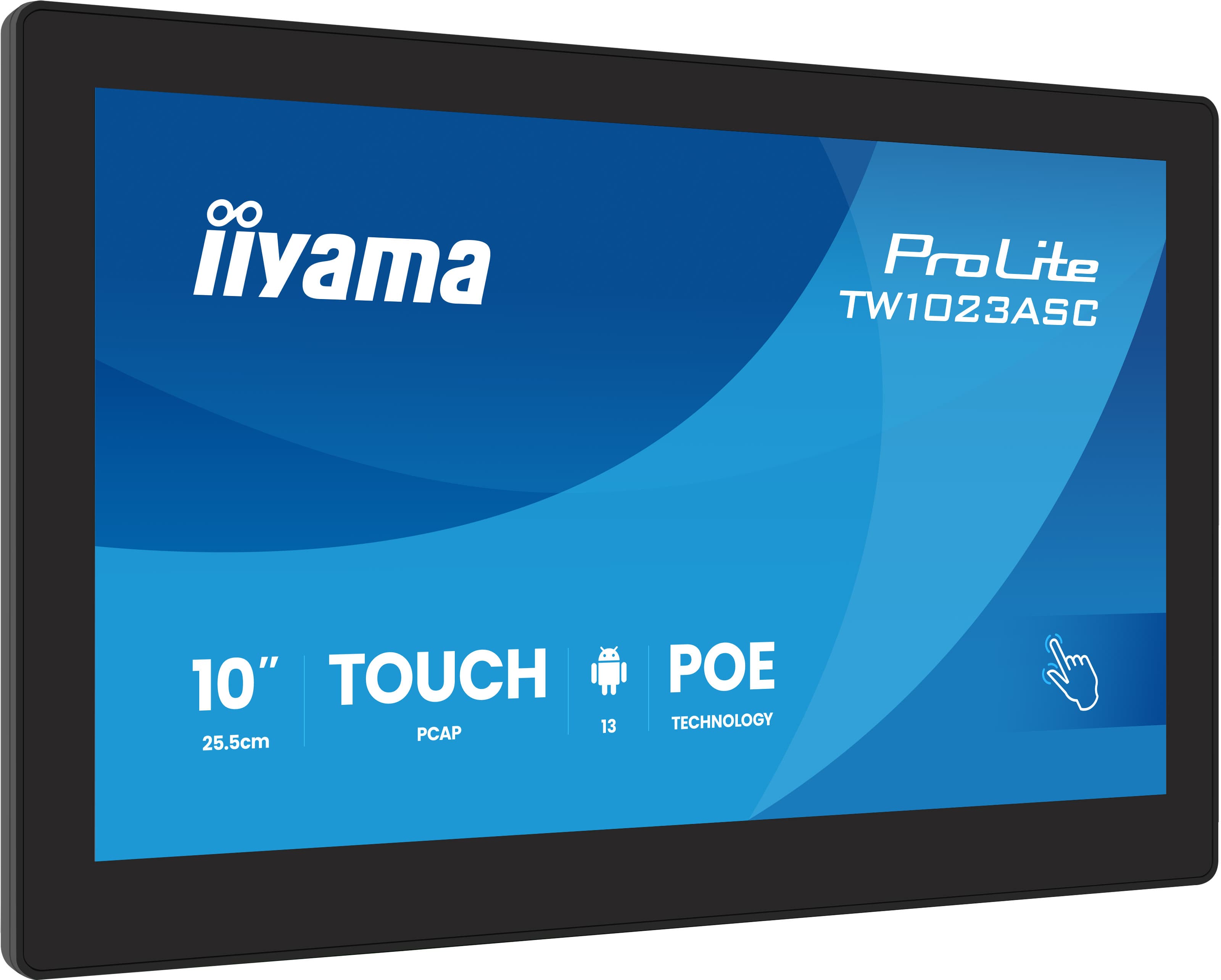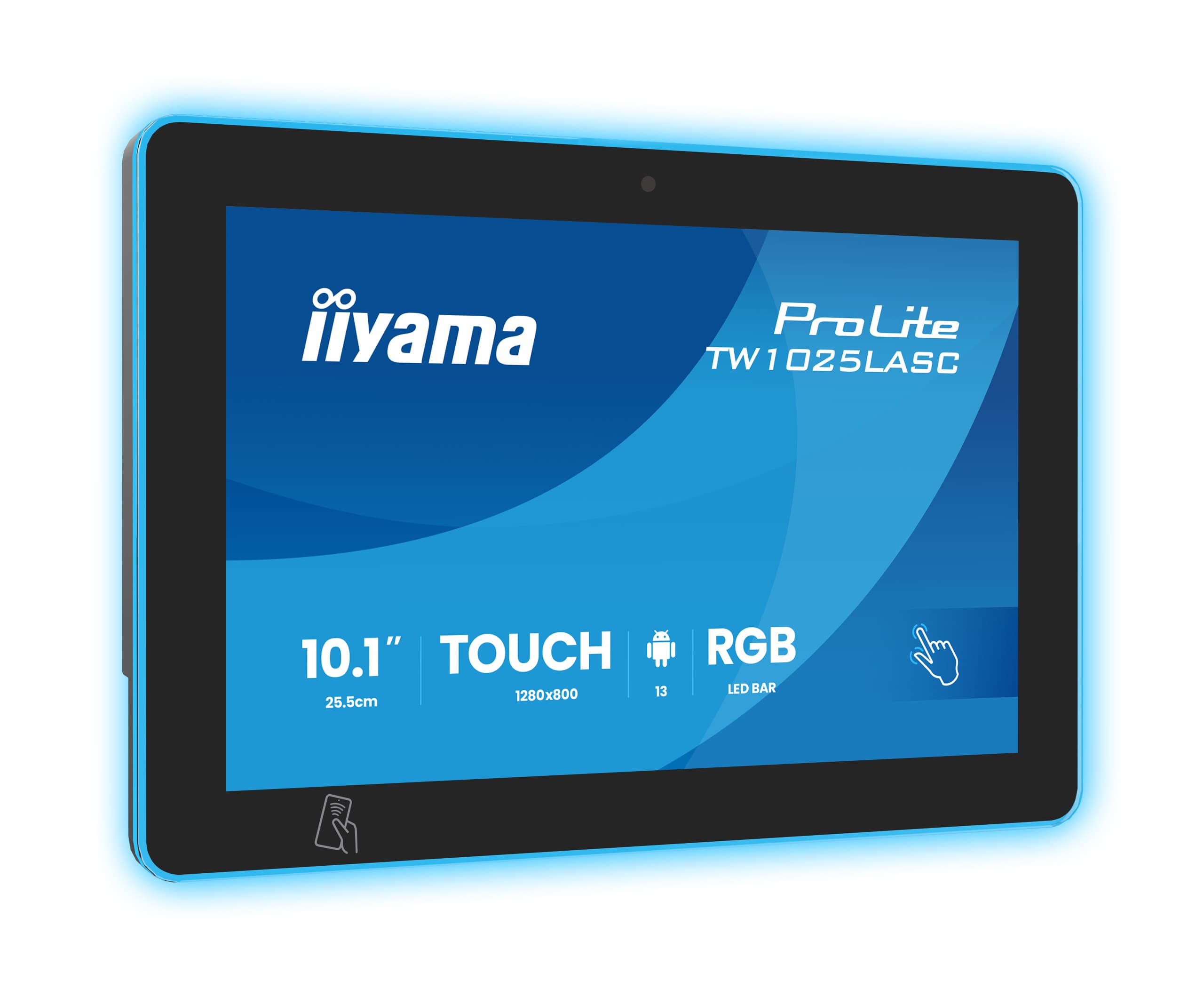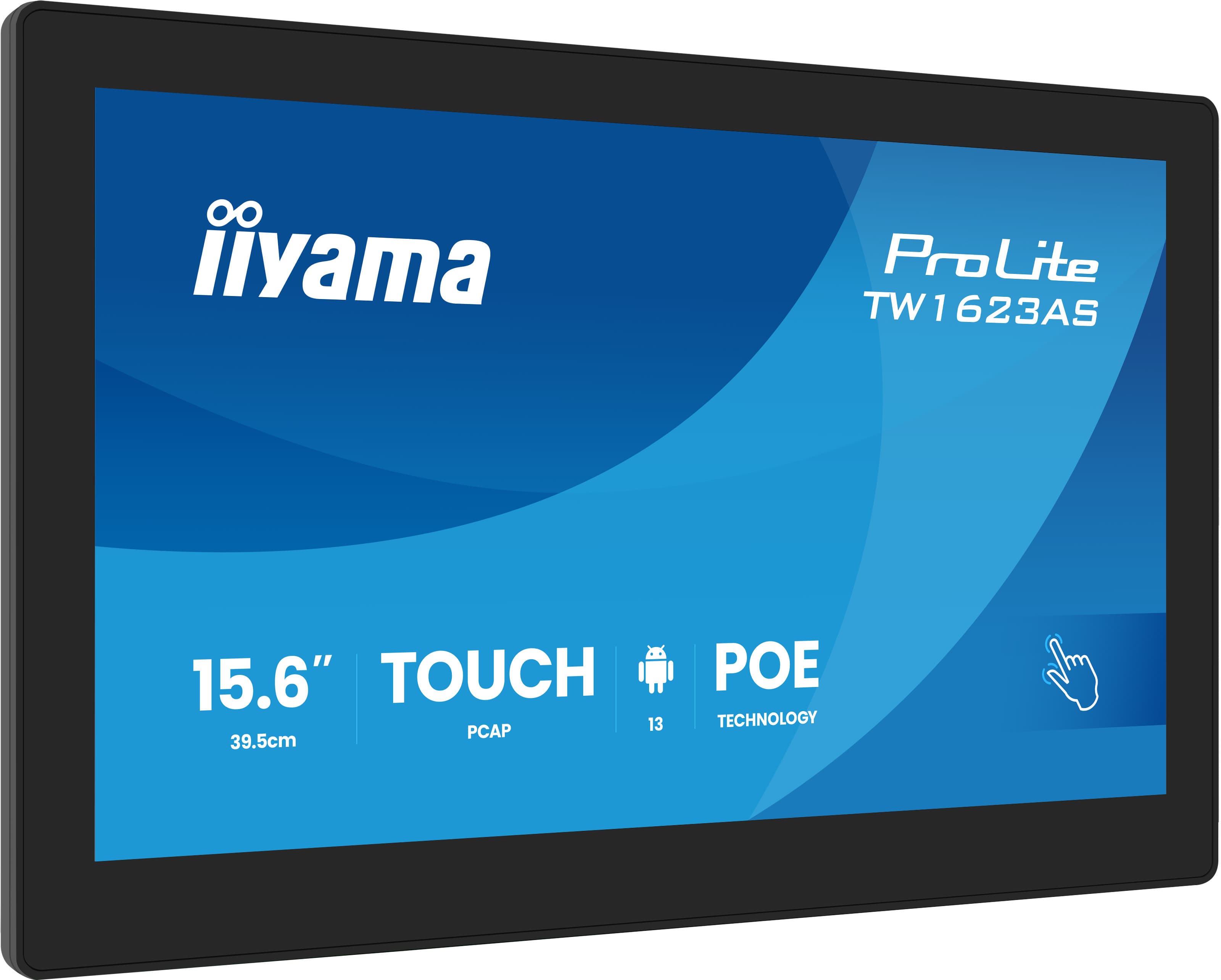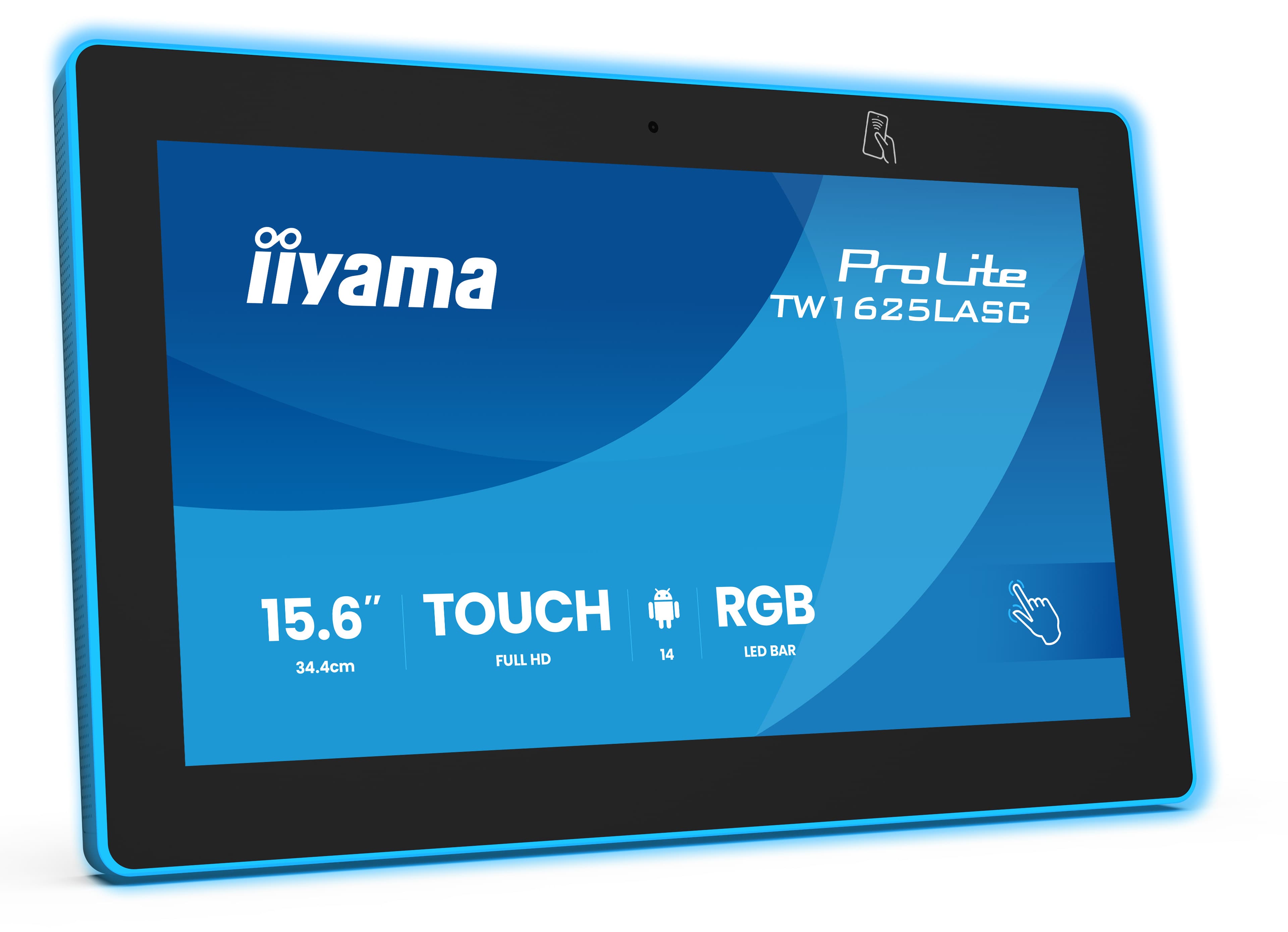

Room status at the door
The display and its edge light show whether the room is free; no need to open the door and check.
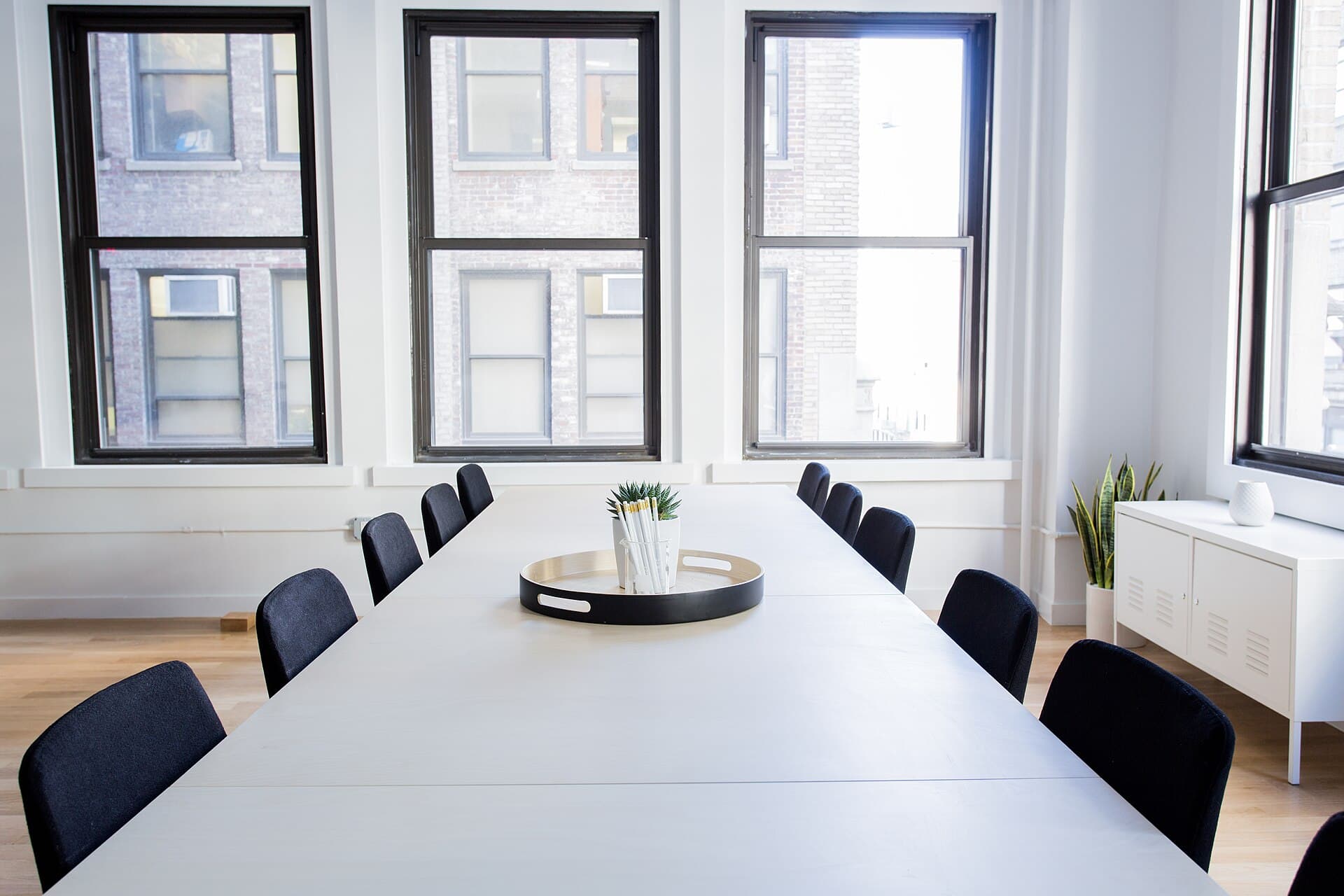
Smart door display for meeting rooms: shows room status live, books with one tap and syncs with Microsoft 365, Exchange and Google Workspace.
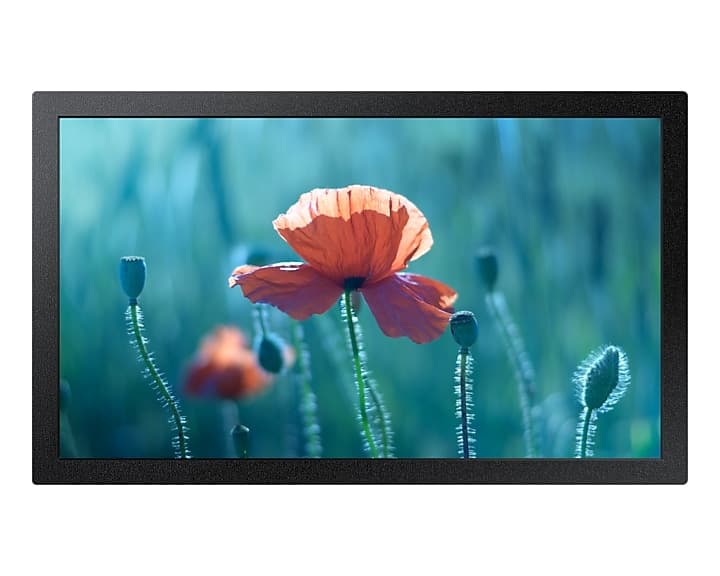
A meeting room booking system connects touch door displays mounted at meeting room doors to the company calendar. A meeting created in Outlook or Google Calendar appears on the door display. The display shows whether the room is free or occupied and lists the upcoming meetings and their times; a free room can also be booked on the display itself.
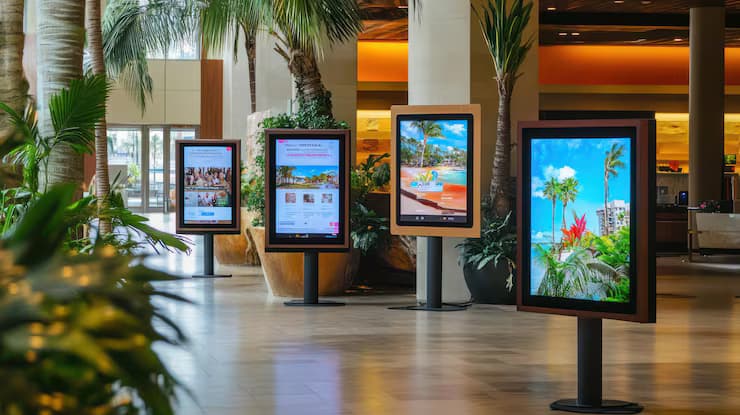
The same device is also called a door display, meeting room information display, room booking panel or room sign. A larger information display at the lobby or floor entrance lists the status of every room on one screen.
The presentation and video conferencing display inside the room is a separate topic; we cover size and display type on the meeting room display page.
The touch display at the door shows the room status live, lists all of the day’s meetings and books the room with one tap. It syncs instantly with Outlook and Google Calendar.
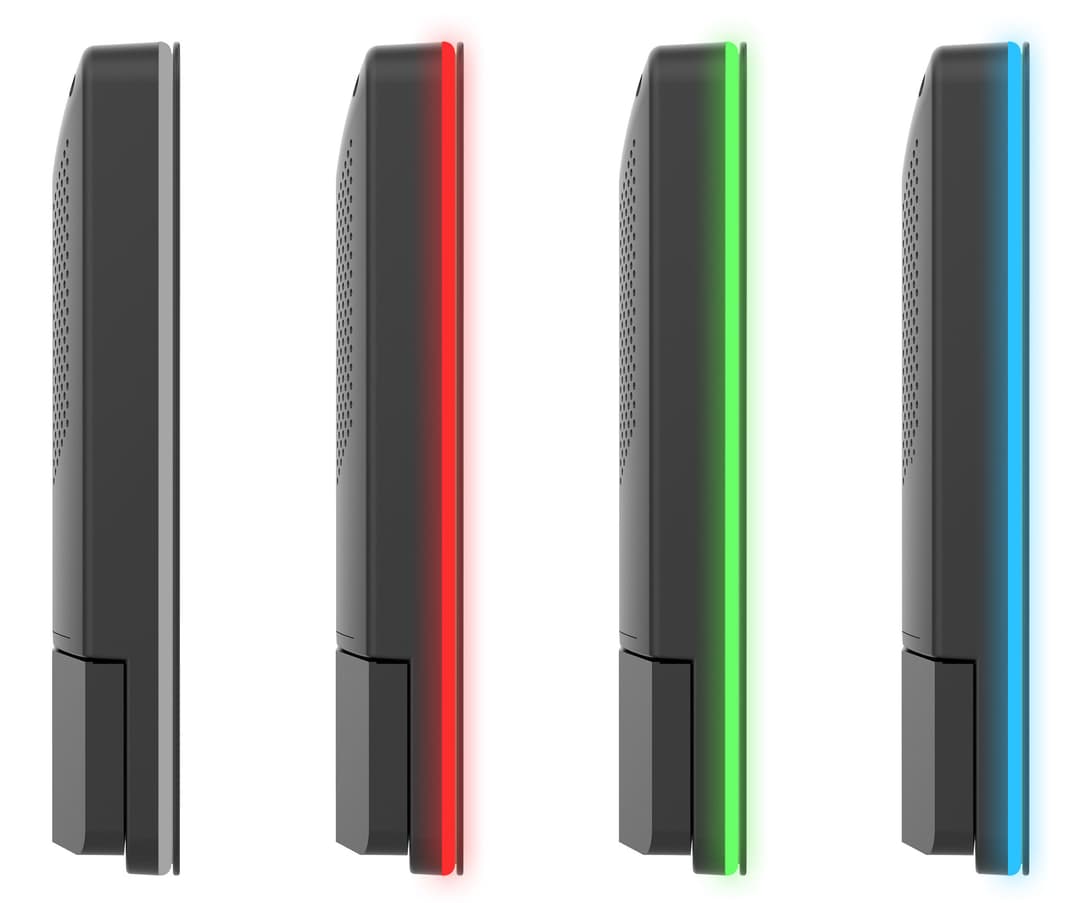
The LED light around the panel shows the room status from the far end of the corridor. Green is available, yellow means a meeting is about to start, red is occupied.
 Synced
 Synced
 Synced
Two-way, instant sync with your company calendar. A meeting created in Outlook or Google Calendar appears at the door, and a booking made at the door is written to the calendar.
The panel is mounted in landscape or portrait to suit the space beside the door. The interface works fully in both orientations.
If the room is free, it is booked instantly from the door display.
The meeting owner confirms arrival on the display. An unconfirmed booking is cancelled automatically and the room is released.
A PIN is set for the room; only authorised people can use the display.
With the NFC/RFID reader, actions are made by tapping a staff card.
A meeting is extended or ended early on the display; the freed time is released to others immediately.
The meeting subject can be hidden on the display.
All rooms that are free right now are listed on the display.
A large display in the lobby or at the floor entrance shows the status of every meeting room at a glance. It is managed from the same system as the door panels.
You edit the displays yourself in the design editor: background image, logo, colours, typeface and layout. Start from a ready-made theme and adapt it to your company.
The software runs on the panel’s own processor. No separate computer or media player is needed, and with PoE no socket is required beside the door.
We install the door display in two sizes. The choice depends on the free wall or glass area beside the door and on how far away the display needs to be read.
One team handles the whole process, from survey to training.
Works two ways with Microsoft 365, Exchange and Google Workspace calendars.
Start an instant meeting, extend it or end it early at the door.
A meeting not confirmed on time is removed and the room is released.
Room PIN and staff cards limit actions to authorised people.
Red for occupied, green for available, yellow for meeting approaching.
The meeting subject can be hidden on the display.
Background, logo, colours, typeface and layout are edited in the editor.
The status of all rooms on one screen in the lobby.
The display and its edge light show whether the room is free; no need to open the door and check.
Syncs with Microsoft 365, Exchange and Google Workspace. Staff keep using Outlook or Google Calendar.
PoE panels are powered over the network cable; no socket or adapter is needed next to the door.
No separate computer is attached; it runs on iiyama, Samsung, LG, Philips and Android displays.
Clear and concise answers to the key questions asked before choosing a solution.
Get more informationContact our team for corporate AV, digital signage or professional visualization solutions tailored to your needs.