In-house broadcasting
What is corporate TV?
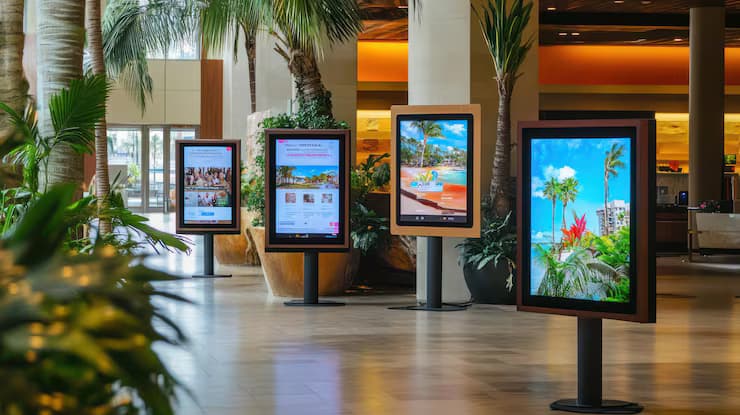
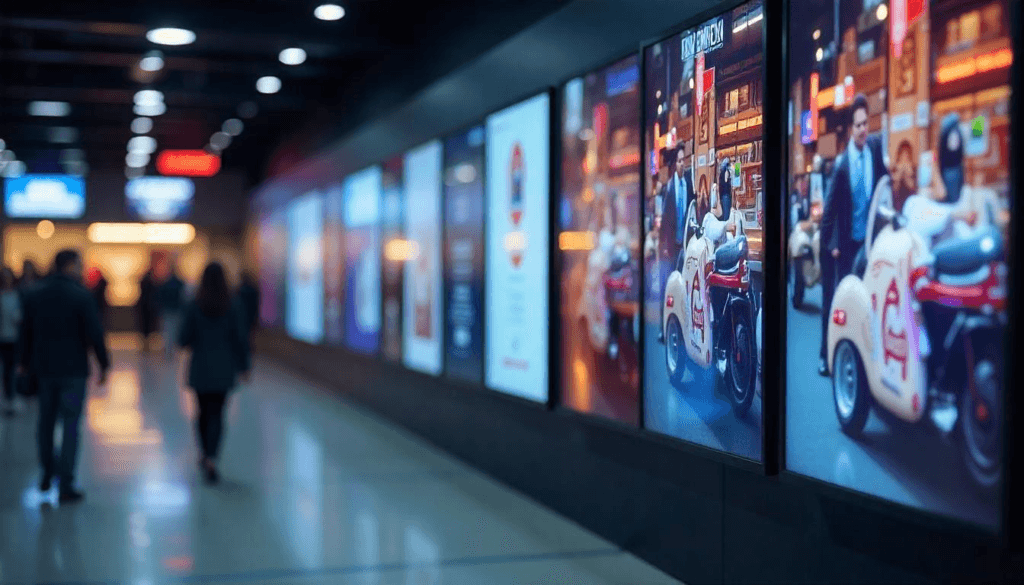
Corporate TV is a closed display network through which a company broadcasts to its staff and visitors on screens in its own buildings. Professional displays in the lobby, corridors, canteen and production areas are connected to content management software. Announcements, production data, HR content and emergency messages are planned from one place and, where needed, published separately for each building or branch.
Central publishingDisplays in every building are managed from the same software.
Professional displaysSignage displays built for long operating hours are used.
Remote monitoringThe admin panel shows which display is on and what it is playing.
Corporate TV and digital signage
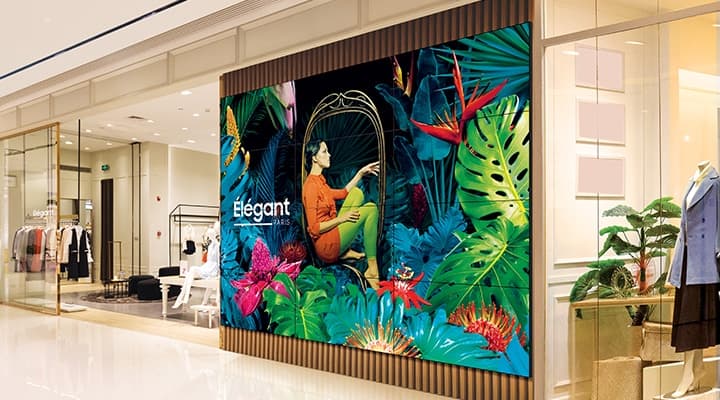
The infrastructure is the same: professional displays, players and content management software. The difference is the audience. Digital signage is mostly customer-facing and shows store campaigns, menus and wayfinding. Corporate TV broadcasts to the company's own staff, and its content is announcements, targets, shifts and safety information. Both can be run from the same software: the lobby display shows visitors one thing and the canteen display shows staff another. For customer-facing projects, see digital signage solutions.
Where is it used?
Headquarters and office lobbies
Welcome messages, company news and event calendars. Where visitors and staff see the same display, content changes with the time of day.
Factories and production areas
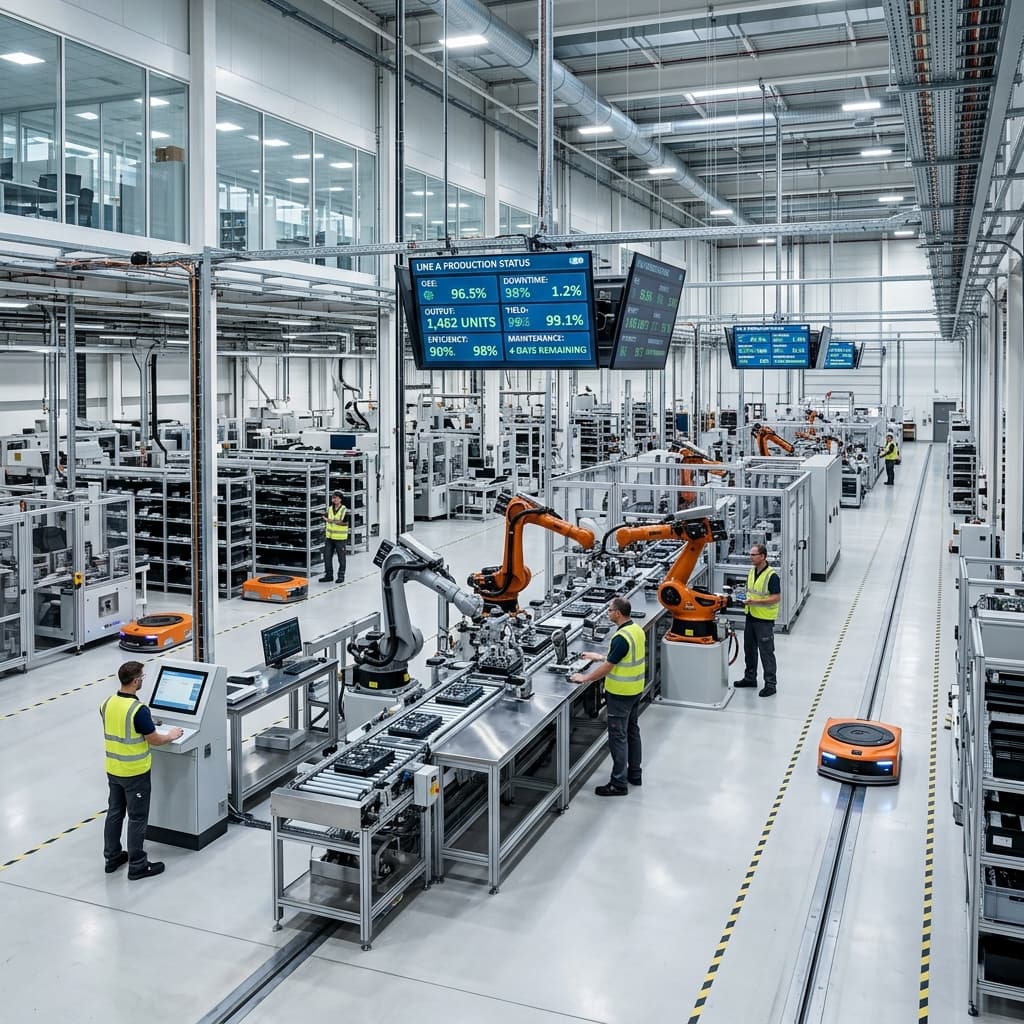
Shift targets, units produced, downtime and safety warnings. The display is read from a distance and on the move, so content uses large type and few lines.
Branch networks
A common broadcast sent from head office to bank, store or dealer branches. Branch-specific announcements are added with a separate playlist.
Hospitals and public buildings
Staff announcements, duty rosters and internal information. Displays for patients and visitors are run from the same system with separate content.
Canteens and social areas
Menus, shuttle times, HR announcements and new starters. Everyone passes through these areas every day, so general announcements are seen here.
System
System components
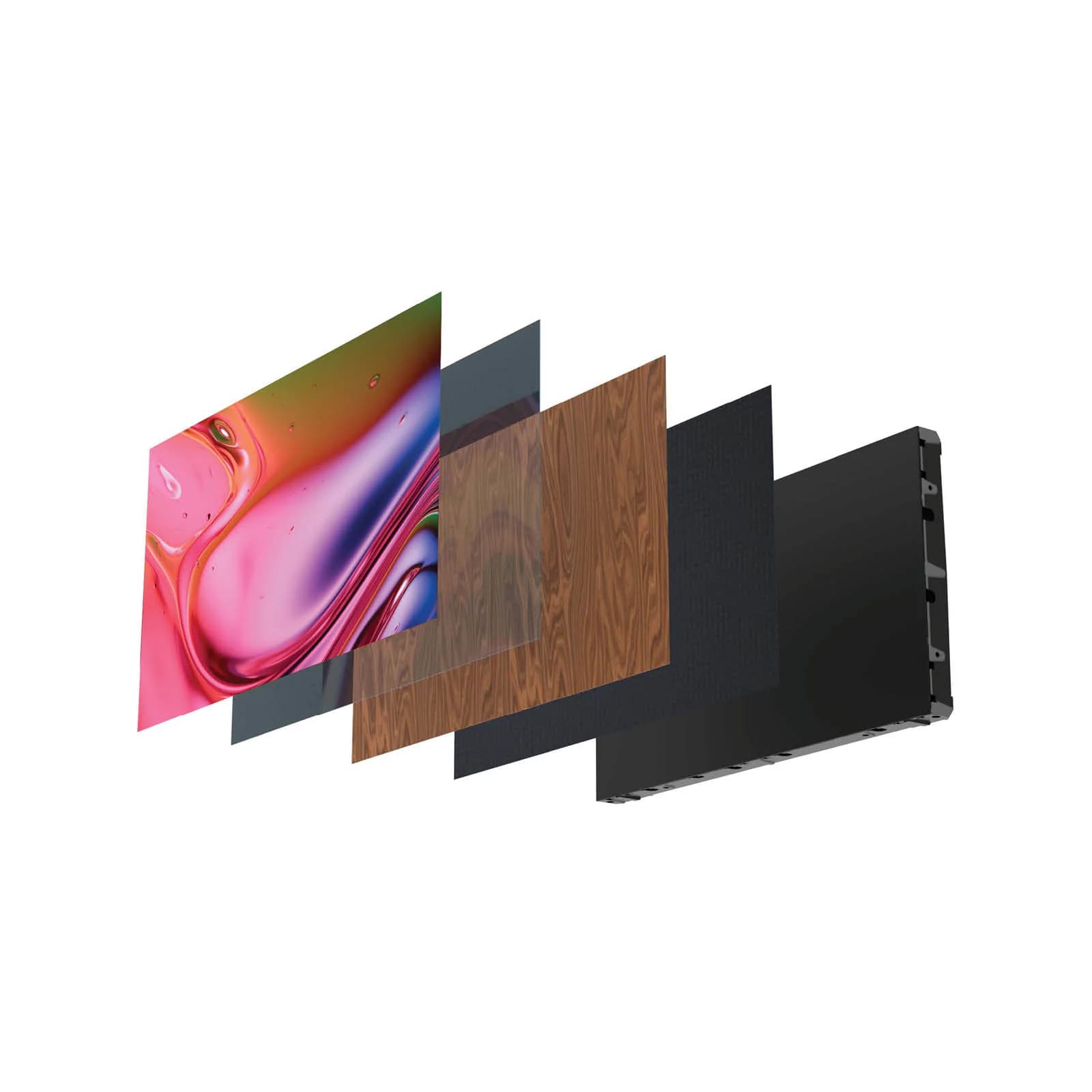
Corporate TV has four parts. You can compare the displays by size and brightness on the digital signage displays page.
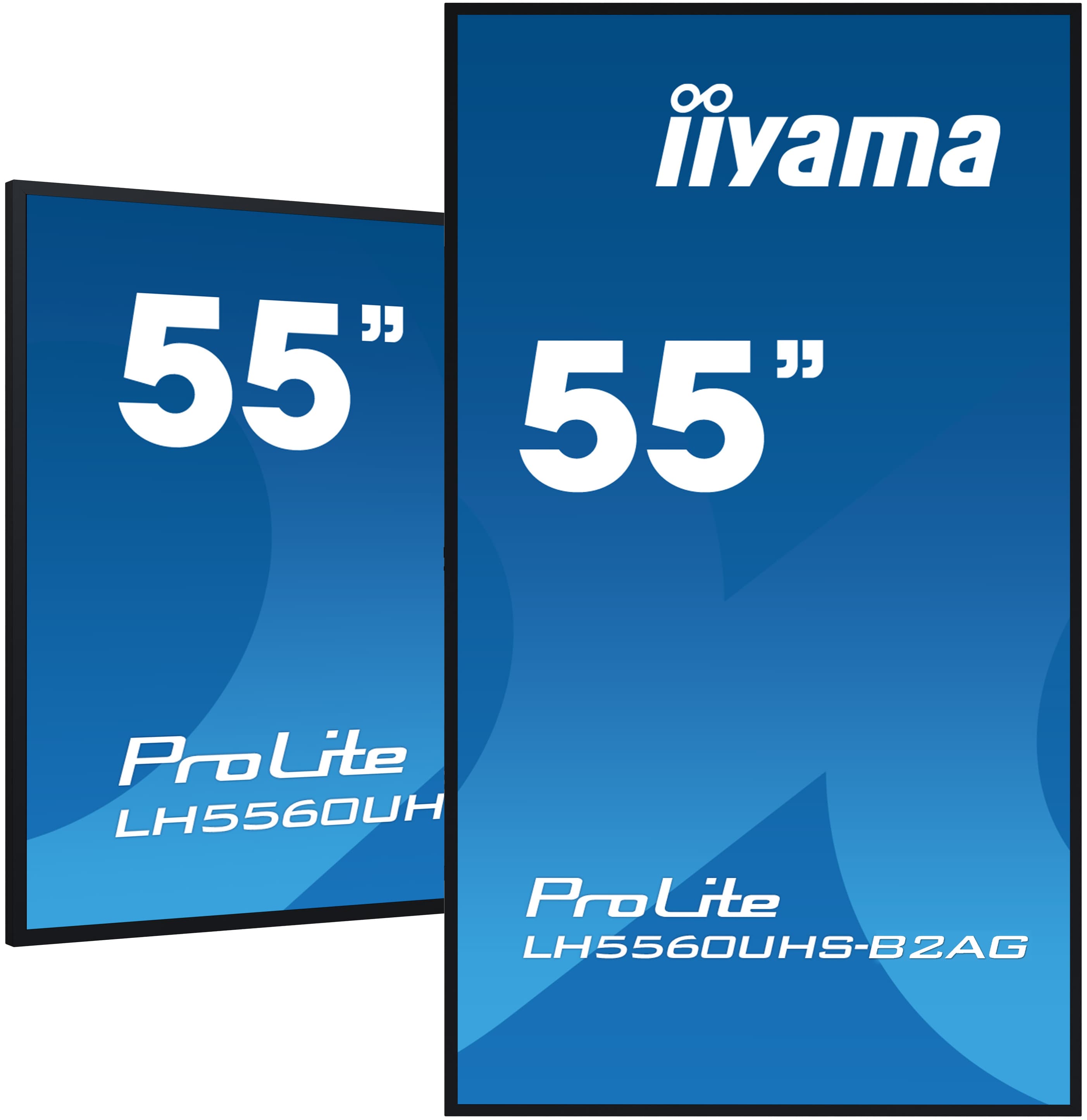
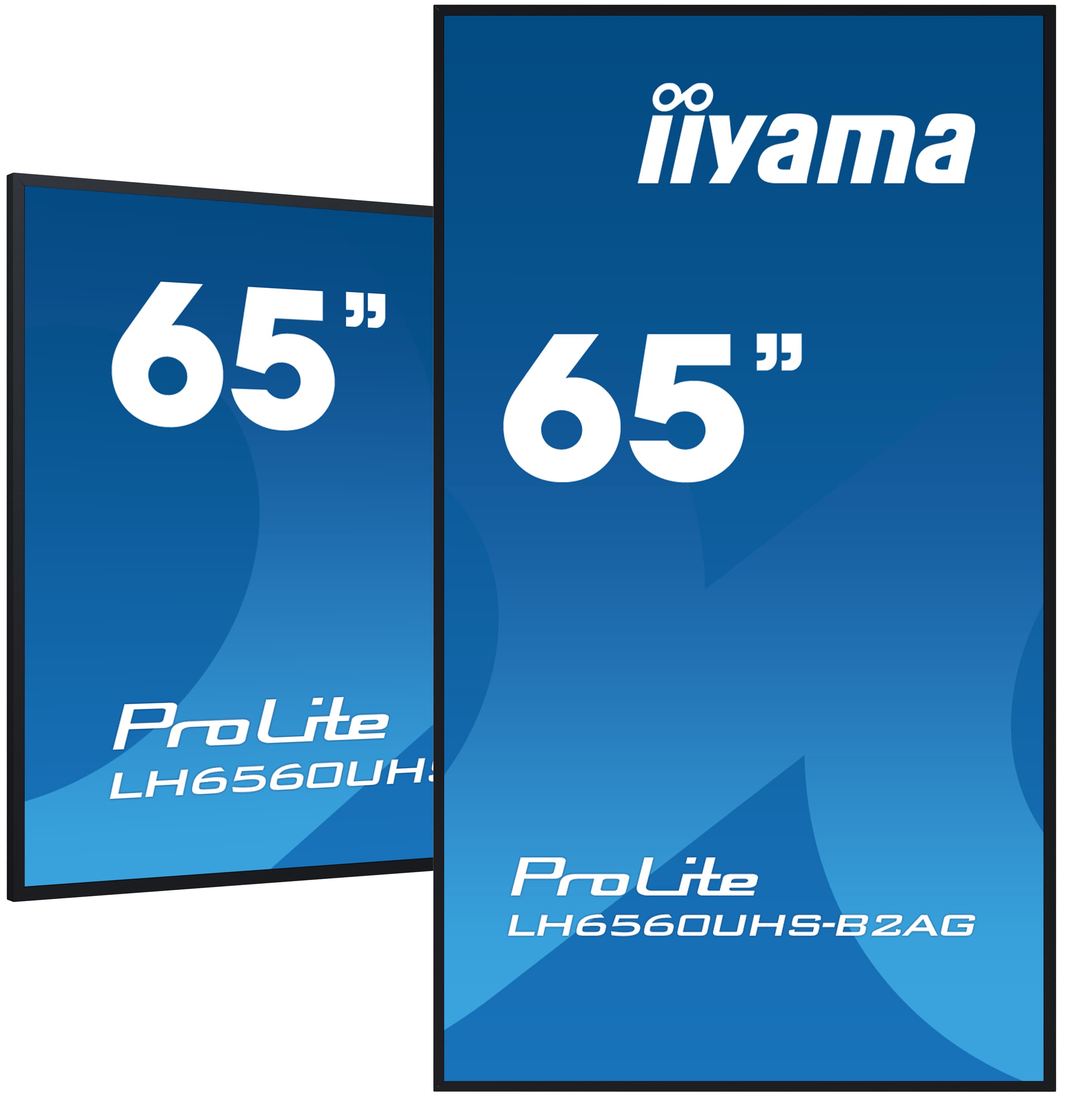
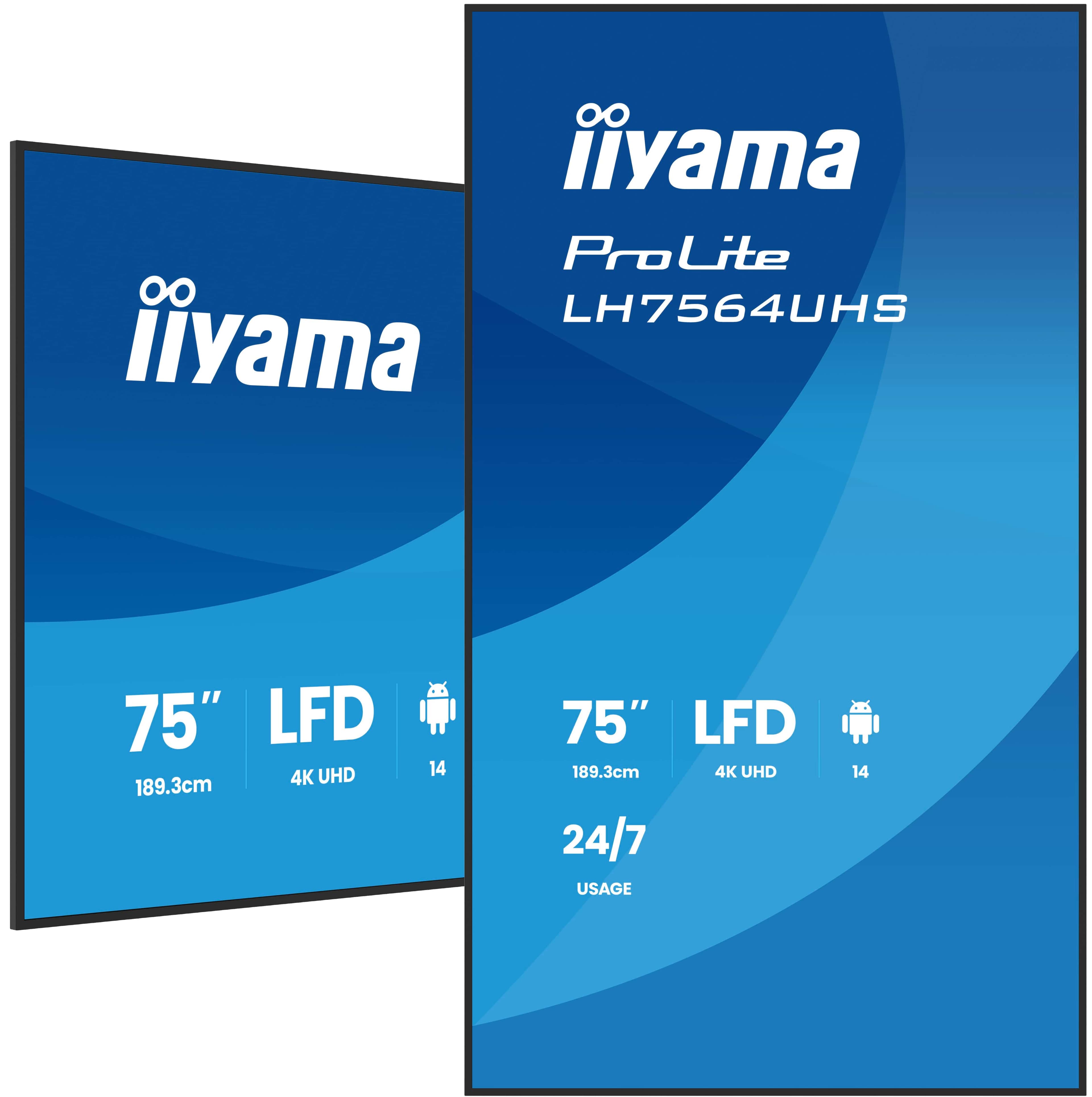
Professional displaySamsung QMC and iiyama LH series signage displays built for 24/7 operation. Usually portrait in lobbies and corridors, landscape in canteens and production areas.
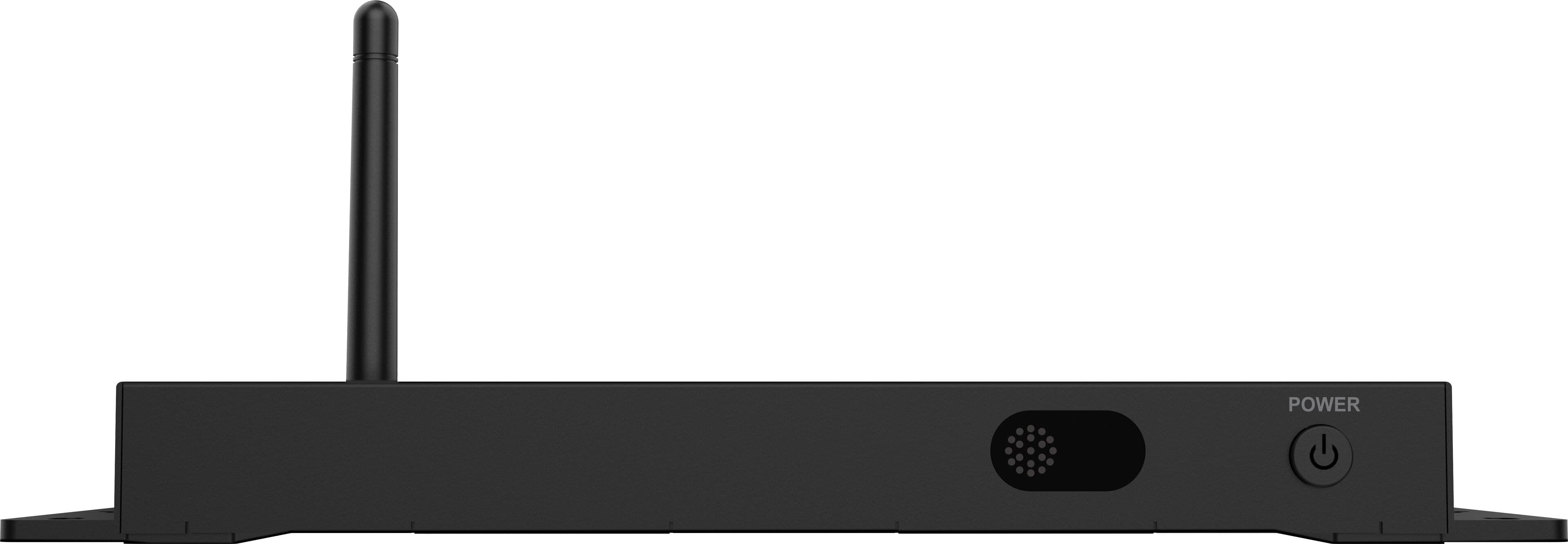
PlayerSamsung displays have a built-in Tizen player and iiyama displays an Android player. An external player is added when several displays must play in sync.
Content management softwareMagicINFO or VXT on Samsung displays. Content creation, scheduling, user permissions and display monitoring are done in the same panel.
Network and infrastructureA network point and socket for each display. With MagicINFO and VXT, content keeps playing from the display's local storage if the connection drops.
What is shown on the displays?
Automatic content. For production data, menus or shift rosters to reach the display without manual entry, the source system must be able to export the data. We check this on site during the survey. Content updated by hand goes stale within a few weeks; we explain how to plan internal communication displays in our article on digital signage in internal communication.
Why a professional display instead of a TV?
Corporate TV displays are often on all day and sometimes overnight. That is where the difference between a consumer TV and a professional signage display shows.
| Topic | Consumer TV | Professional signage display |
|---|---|---|
| Daily operation | Designed for a few hours of viewing a day | 16/7 or 24/7 depending on the model |
| Warranty | Often does not cover commercial use | Given for commercial use |
| Remote management | Limited or none | Power, content and status monitoring from the software |
| Portrait mounting | Not supported on most models | Landscape and portrait on Samsung QMC and iiyama LH |
| Player | Tied to an app store and user account | Tizen or Android player paired with content management software |
What determines the cost?
In a corporate TV quote the display price is only one line. When comparing quotes, look at these items:
Number and size of displays
Quantity and size are the largest item. Using the same model across several buildings makes spare parts and service simpler.
Operating class
A display that switches off after working hours and one that stays on 24/7 come from different classes; the difference shows in price and warranty.
Software licence
Samsung VXT is licensed per display on subscription. We settle the licence model during the survey, based on display count and growth plans.
Mounting and infrastructure
Brackets, network points, sockets and cable ducts. High-ceilinged production areas may need extra equipment for installation.
Data connection
Pulling content such as production data or menus automatically from existing systems is a separate work item.
Content preparation
Whether your own team prepares content or you use a content management service changes the annual cost.
We give a firm price once the display list, positions and content plan are known. For projects with many branches or buildings we recommend a trial installation at one site first; once the content flow works there, the rollout budget is planned with real figures.
Four steps from survey to first broadcast
Content management and technical support
Most corporate TV projects stall because nobody is clearly responsible for updating content, more often than because of hardware. Before installation we agree with you who owns the content and which content will be fed automatically. For organisations that do not want to assign a team we offer a content management service, and a technical support service for faults after installation.
Get a Quote
Let's plan your corporate TV project.
Tell us how many buildings and branches you have, where you want displays and what you want to show; after the survey we will prepare a quote with a defined scope.
Get a QuoteHeadquarters and office lobbies
Factories and production areas
Branch networks, hospitals and public buildings