
Skip to Main Content
SamsungSamsung Smart Signage · MagicINFO · VXT

Samsung MagicINFO & VXT Signage Display Management

Tizen-based Samsung signage displays need no external player: MagicINFO or the new cloud platform VXT runs inside the display. From QMC Crystal UHD displays to video wall panels, we handle supply, installation, licensing and content management for Samsung projects.

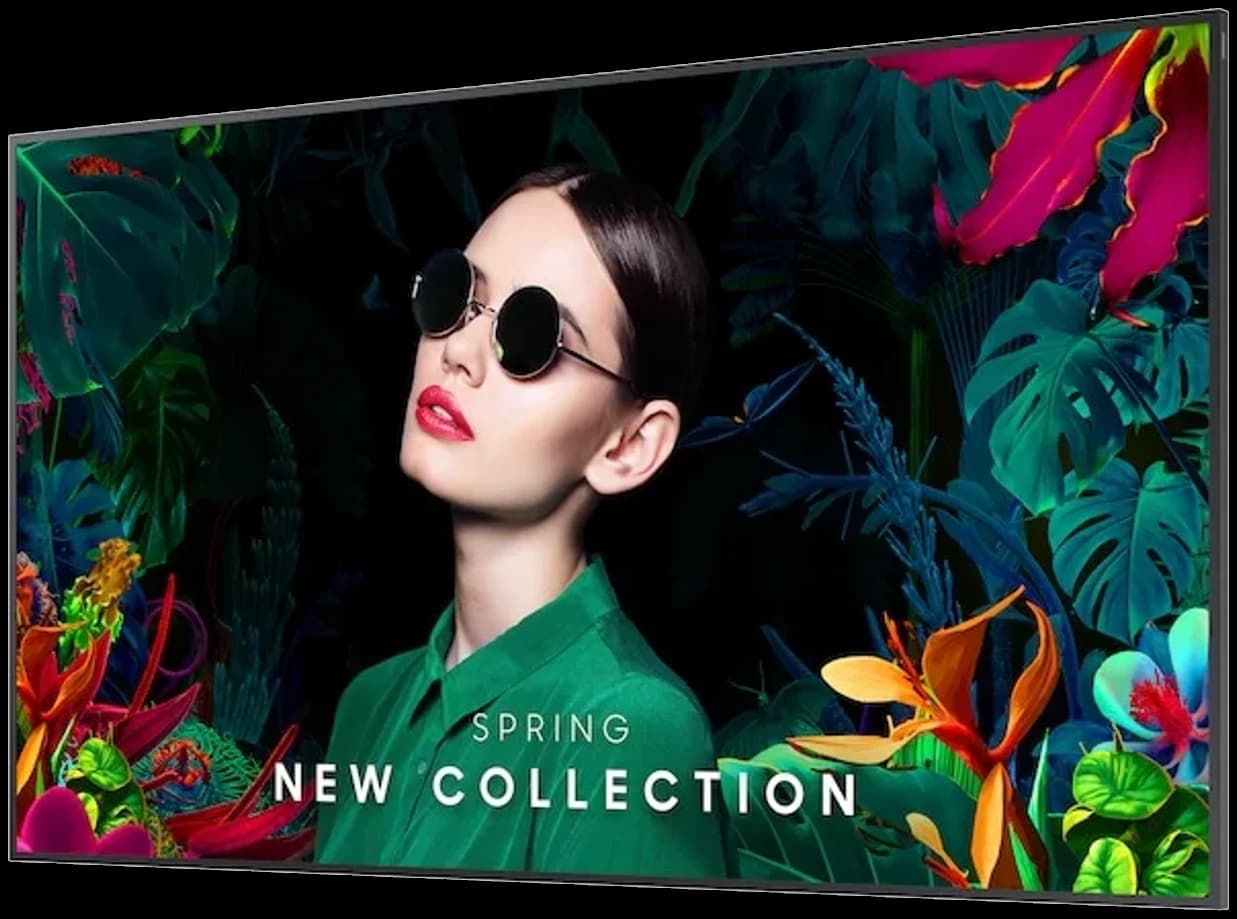
Samsung QMC Crystal UHD signage display
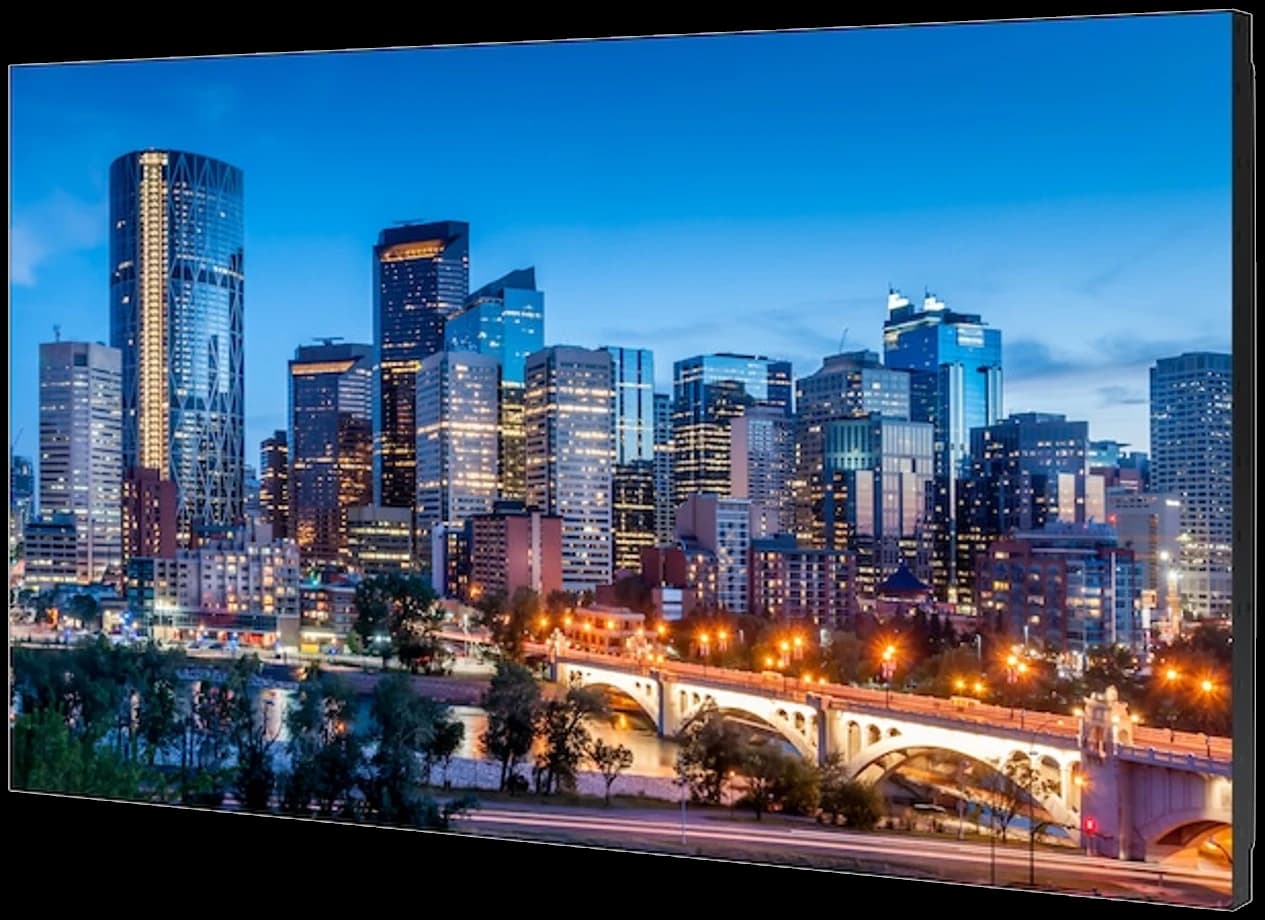
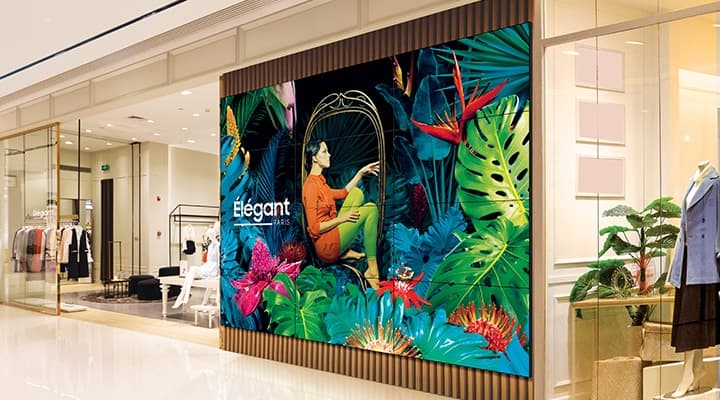
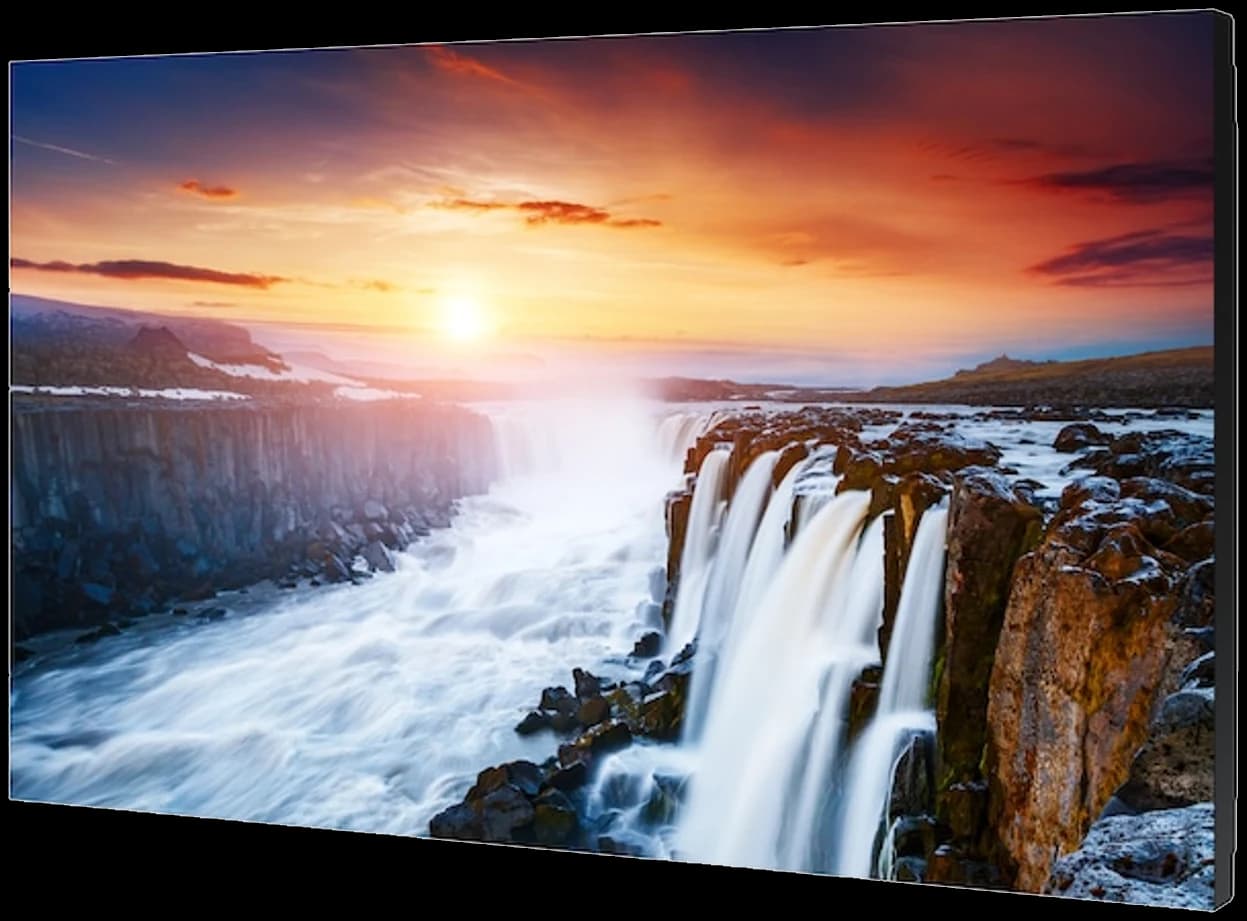
Samsung VH55C-R video wall panel
43"–98"
QMC Crystal UHD range
Tizen 7.0
Built-in SoC, no player
MagicINFO
On-premise / cloud CMS
VXT
Next-generation cloud platform
Brand Profile

Display and software from one maker: the Samsung signage ecosystem

Samsung is one of the few manufacturers that supplies both the display and the content management software for corporate signage. With the Smart Signage Platform (SSSP) chip inside the panel, the MagicINFO Player runs directly on the display — no PC, no player box, no extra cabling. Across hundreds of retail sites, that is one device fewer at every location.

This page brings together Samsung's QMC Crystal UHD signage displays and video wall panels, the difference between MagicINFO and VXT, and the migration timeline. Ask our team for a survey and quotation, whether for an existing MagicINFO estate or a new Samsung project.

Samsung QM43C Crystal UHD signage display, angled view
Product Families

Displays and platform

Signage display, video wall panel and content management software — when all three come from Samsung, compatibility questions disappear and support comes from a single source.

Samsung QMC series Crystal UHD signage display
QMC Series

Crystal UHD Digital Signage Displays

43" · 50" · 55" · 65" · 75" · 85" · 98"

4K signage displays rated for 24/7 use in stores, lobbies, meeting rooms and waiting areas. Tizen 7.0 and the built-in MagicINFO/VXT Player make them broadcast-ready out of the box; slim symmetrical bezels look the same in landscape and portrait.

  • 4K UHD, 500 nit, VA panel
  • Tizen 7.0, VXT Player pre-installed
  • Landscape and portrait mounting
  • HDMI, USB, LAN, Wi-Fi connectivity
See models
Samsung VM55C-E video wall panel
VH / VM Series

Video Wall Panels

46" · 55" · slim bezel

Slim-bezel video wall panels for control rooms, lobbies and shop windows. VH series offers 700 nit and bezels down to 0.88 mm for near-seamless walls; VM series suits cost-effective multi-screen setups. One piece of content is distributed across the whole wall via MagicINFO/VXT.

  • Full HD panels, 24/7 operation
  • 0.88 mm – 3.5 mm bezel options
  • IP5X dust protection
  • Matrix and asymmetric wall support
See models
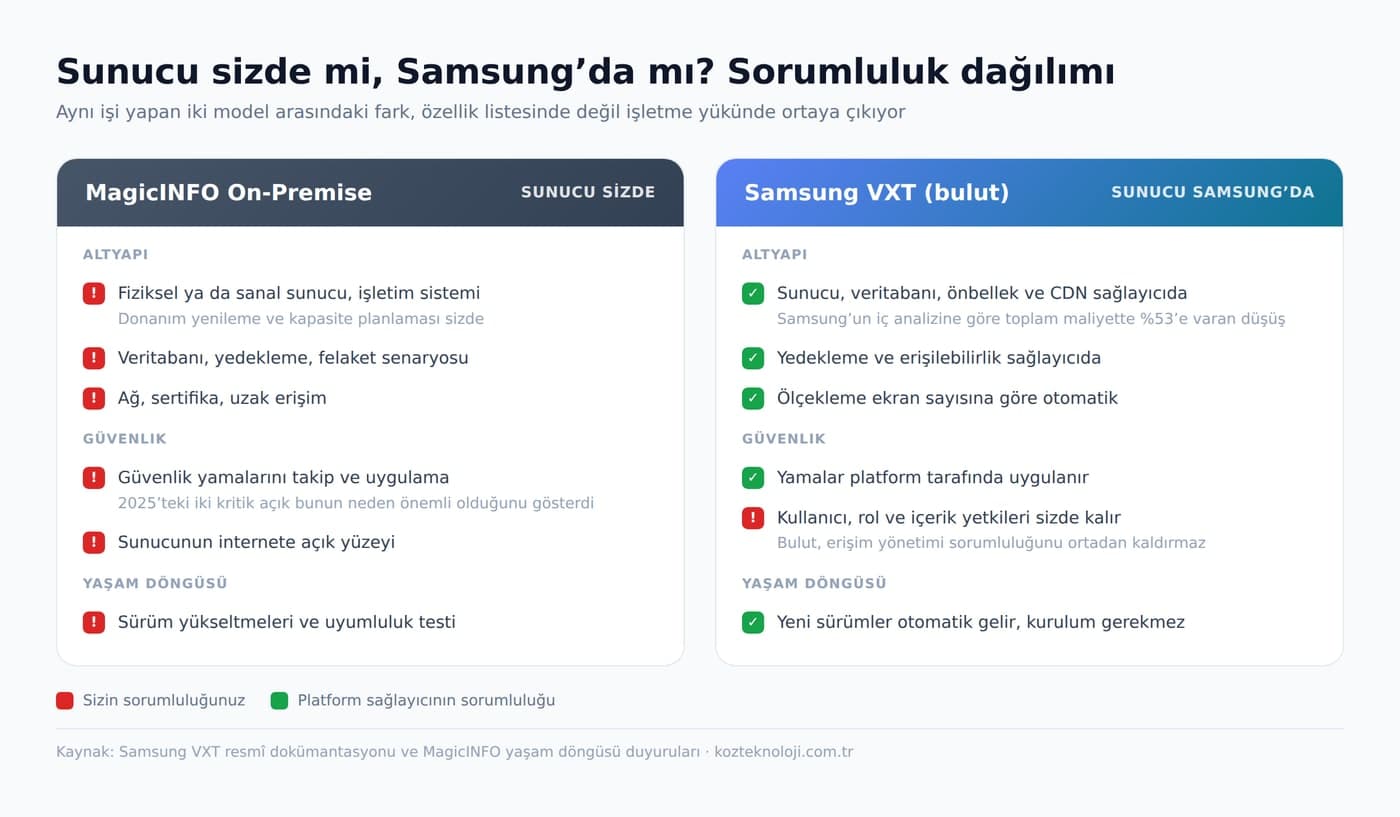
Responsibility split between MagicINFO on-premise and Samsung VXT
MagicINFO

On-Premise Enterprise Content Management

Author · Server · Player

Samsung's long-standing CMS platform. The server runs on your side; content design, scheduling, user permissions and device monitoring sit in one console. Lite and Premium licence tiers. On-premise licence sales end on 31 December 2026; support continues until the end of 2029.

  • Server on-site: full control, patching is yours
  • Perpetual licence model
  • Multi-zone, video wall, kiosk (Premium)
  • Existing installations keep running
Read the licensing guide
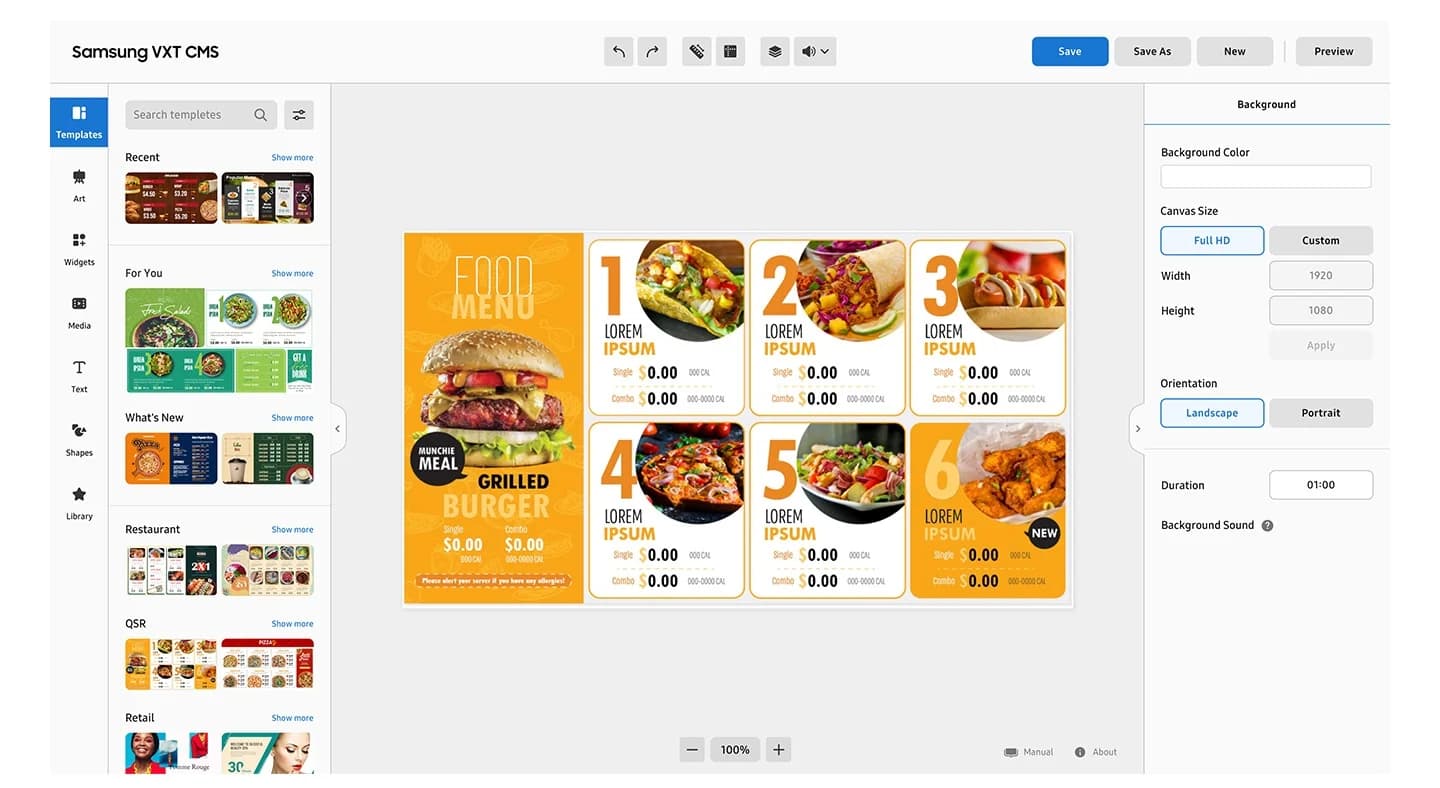
Samsung VXT content management interface
Samsung VXT

Cloud-Based Next-Generation Platform

S · P · X plans

The cloud CMS replacing MagicINFO. The server sits with Samsung; there is nothing to install, patch or back up. Per-display subscription; new QBC/QMC/QHC displays ship with the VXT Player pre-installed. Existing MagicINFO content migrates with the CMS Transformer tool.

  • Content, scheduling and monitoring from a browser
  • Tizen 4.0+ and Android 10+ device support
  • S: playback · P: monitoring+control · X: enterprise
  • Tool-assisted migration from MagicINFO
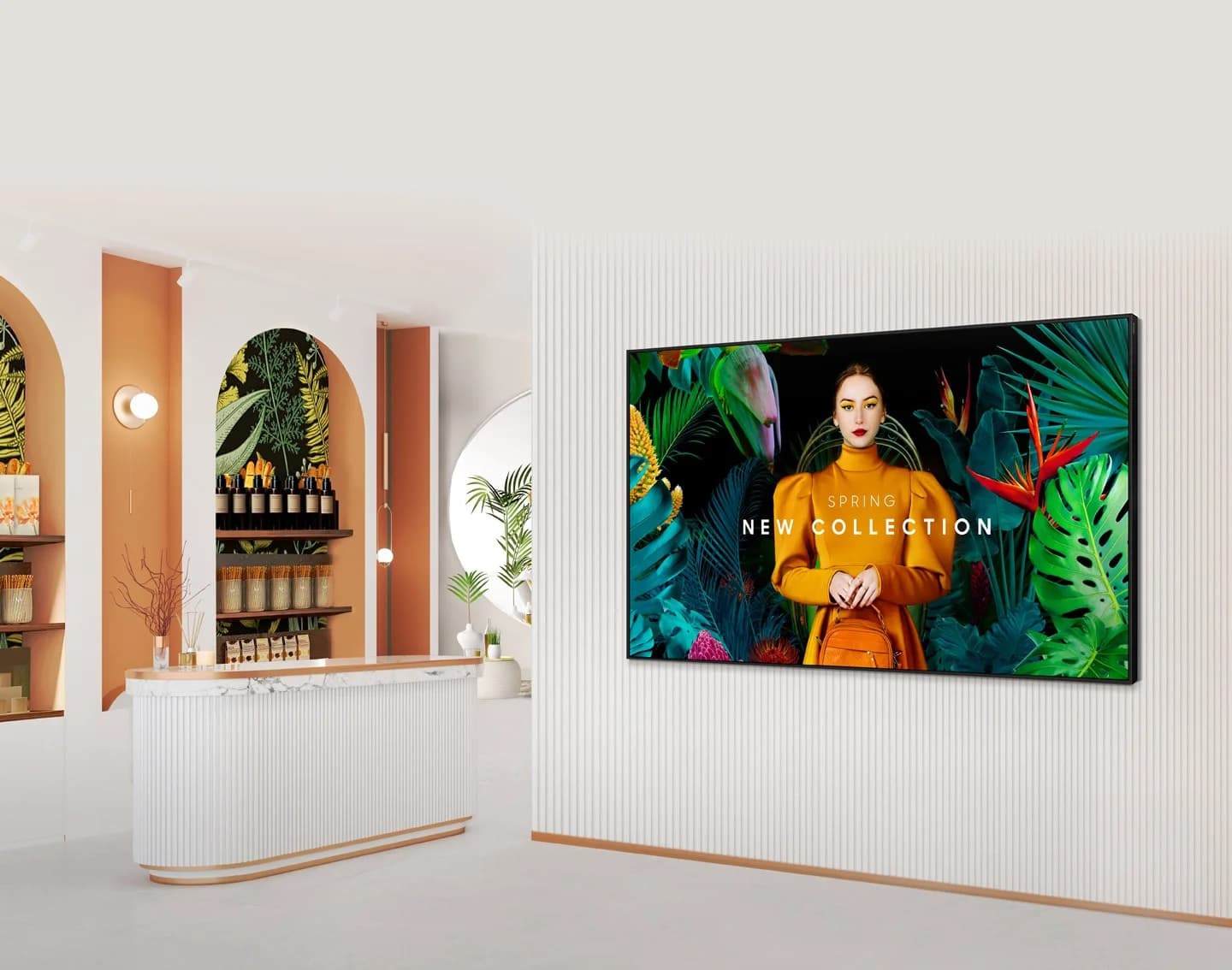
Samsung signage display in a retail store
Content Management Platform

MagicINFO or VXT? It depends on display count and timeline

Both platforms do the same job: content creation, scheduling, display monitoring. The difference is operational load. With MagicINFO the server and patches are yours; with VXT the infrastructure is Samsung's and you pay a subscription. For new projects we recommend VXT directly; for existing MagicINFO estates we plan the migration together based on version, display count and growth plans.

01

No external player

The SSSP/Tizen chip sits inside the display; content runs on the panel, cutting failure points and cabling.

02

Central scheduling

Scheduled playlists are pushed from one console to displays grouped by branch, floor or region.

03

Device monitoring and remote control

Power state, active source, temperature and faults; remote power, input and firmware updates.

04

FailOver protection

If connectivity drops, content keeps playing from local storage; the display never goes dark.

05

Video wall and multi-zone

Matrix and asymmetric walls, multi-zone layouts (Premium / P–X plans).

06

Migration with CMS Transformer

MagicINFO content, schedules and device settings move to VXT with a compatibility report.

MagicINFO → VXT Timeline

What each date means

"MagicINFO is ending" is too broad. Nothing happens to your displays; what changes is whether you can buy new licences and when support stops.

  1. May 2025

    Security patch 21.1052

    Samsung fix for CVE-2025-4632 (CVSS 9.8). If your on-premise server is below this build: patch first, plan second.

  2. 31 Dec 2026

    On-premise licence sales end

    No new MagicINFO on-premise licences for new or existing customers. The critical date if you plan to grow.

  3. 31 Dec 2029

    Samsung support ends

    Updates, security patches and technical support stop. The installation keeps working, unprotected.

  4. Today

    New installations on VXT

    VXT for all new signage projects. QBC/QMC/QHC series ship with the VXT Player; setup is as short as switching the display on.

Samsung has periodically announced P-series discounts for on-premise customers migrating via CMS Transformer; the last published deadline was 30 June 2026. We confirm current campaign terms together at quotation stage.

QMC Series Comparison

Choose the right screen size

All QMC models share the same panel technology and software platform; the difference is size. 43"–55" for menu boards and counters, 65"–85" for lobbies and showrooms, 98" for large halls.

ModelScreenResolutionBrightnessOperating System
QM43C
43”3840 × 2160 (4K UHD)500 nitsTizen 7.0Details
QM50C
50”3840 × 2160 (4K UHD)500 nitsTizen 7.0Details
QM55C
55”3840 × 2160 (4K UHD)500 nitsTizen 7.0Details
QM65C
65"3840 × 2160 (4K UHD)500 nitsTizen 7.0Details
QM75C
75"3840 × 2160 (4K UHD)500 nitsTizen 7.0Details
QM85C
85”3840 × 2160 (4K UHD)500 nitsTizen 7.0Details
QM98C
"98"3840 × 2160 (4K UHD)500 nitsTizen 7.0Details
Product List

Samsung signage and video wall models

Each product page lists full specifications, SKU, connectivity and application areas.

QMC Series — Crystal UHD Signage

7
Samsung QM43C 43 inç Crystal UHD Signage ekran

Samsung 43-inch Crystal UHD Signage QMC

The Samsung QM43C 43” Crystal UHD Signage display offers a professional solution for corporate digital signage projects with 4K UHD resolution, 500 nits of brightness, 24/7 operation support, the Tizen 7.0 operating system, and a wide range of connectivity options.

View Product
Samsung QM43C 43 inç Crystal UHD Signage ekran

Samsung QM50C 50-inch Crystal UHD Signage Display

The Samsung QM50C 50” Crystal UHD Signage display offers a professional solution for corporate digital signage projects with 4K UHD resolution, 500 nits of brightness, 24/7 operation support, the Tizen 7.0 operating system, and a wide range of connectivity options.

View Product
Samsung QM43C 43 inç Crystal UHD Signage ekran

Samsung QM55C 55-inch Crystal UHD Signage Display

The Samsung QM55C 55” Crystal UHD Signage display offers a professional solution for corporate digital signage projects with 4K UHD resolution, 500 nits of brightness, 24/7 operation support, the Tizen 7.0 operating system, and a wide range of connectivity options.

View Product
Samsung QM43C 43 inç Crystal UHD Signage ekran

Samsung QM65C 65-inch Crystal UHD Signage Display

The Samsung QM65C 65” Crystal UHD Signage display offers a professional solution for corporate digital signage projects with 4K UHD resolution, 500 nits of brightness, 24/7 operation support, the Tizen 7.0 operating system, and a wide range of connectivity options.

View Product
Samsung QM43C 43 inç Crystal UHD Signage ekran

Samsung QM75C 75-inch Crystal UHD Signage Display

The Samsung QM75C 75” Crystal UHD Signage display offers a professional solution for corporate digital signage projects with 4K UHD resolution, 500 nits of brightness, 24/7 operation support, the Tizen 7.0 operating system, and a wide range of connectivity options.

View Product
Samsung QM43C 43 inç Crystal UHD Signage ekran

Samsung QM85C 85-inch Crystal UHD Signage Display

The Samsung QM85C 85” Crystal UHD Signage display offers a professional solution for corporate digital signage projects with 4K UHD resolution, 500 nits of brightness, 24/7 operation support, the Tizen 7.0 operating system, and a wide range of connectivity options.

View Product
Samsung QM43C 43 inç Crystal UHD Signage ekran

Samsung QM98C 98-inch Crystal UHD Signage Display

The Samsung QM98C 98” Crystal UHD Signage display offers a professional solution for corporate digital signage projects with 4K UHD resolution, 500 nits of brightness, 24/7 operation support, the Tizen 7.0 operating system, and a wide range of connectivity options.

View Product
With Koz Teknoloji

Display, licence, installation and content: one partner

Half of a Samsung project is software. Which licence, how many displays, MagicINFO or VXT, how existing content migrates — we plan all of it with the hardware and stay with you after installation.

01

Survey and platform decision

MagicINFO / VXT and licence tier chosen with you, based on display count, branch structure and IT preferences.

02

Supply and installation

QMC displays or video wall panels, brackets, cabling; turnkey including calibration for video walls.

03

Licensing and platform setup

VXT account or MagicINFO Server setup, display pairing, user permissions, first content and schedules.

04

Migration and support

Migration from existing MagicINFO to VXT with CMS Transformer; remote support, on-site service, content management.

FAQ

Common questions about Samsung MagicINFO and VXT

MagicINFO is the content management platform Samsung developed for its signage displays. It has three parts: Author for content design, Server for central management and scheduling, and Player running inside the display. On SSSP/Tizen displays it delivers content playback, device monitoring and remote control without an external player. It comes in on-premise and cloud editions.
Nothing happens to your displays. Samsung ends MagicINFO on-premise licence sales on 31 December 2026 and support on 31 December 2029. Existing installations keep running, but no new on-premise licences can be bought from 2027. The successor platform is Samsung VXT.
VXT is Samsung's cloud-based content management platform. It does the same job (content, scheduling, monitoring) but the server sits with Samsung; there is no infrastructure to install or patch. Instead of a perpetual licence it uses a per-display subscription (S, P, X plans). New QBC/QMC/QHC displays ship with the VXT Player pre-installed.
Yes. Samsung's VXT CMS Transformer tool produces a compatibility report and then transfers content, schedules and device settings from the MagicINFO server to VXT. It sends nothing without your approval and supports air-gapped networks via file-based reports. Koz Teknoloji handles planning, compatibility checks and the transfer.
Samsung signage displays on Tizen 4.0 or later with current firmware (standalone signage, outdoor, stretch, All-in-One, indoor LED S-BOX, The Wall, ProTV series) and Android 10+ devices. Older panels below Tizen 4.0 must be listed individually before migration; we check this together during the survey.
Lite offers single-zone full-screen content and basic scheduling. Premium adds multi-zone layouts, video wall (matrix and asymmetric), advanced HTML5/WebAuthor, touch-kiosk management and wider device control. Video wall or interactive kiosk projects require Premium.
No. On SSSP/Tizen-based Samsung displays such as the QMC series, the MagicINFO or VXT Player runs inside the display. A separate PC or player box is only needed to run custom applications such as Windows-based software.

Let's Find the Right Solution for Your Project

Contact our team for corporate AV, digital signage or professional visualization solutions tailored to your needs.