
Self-service
What is a kiosk?
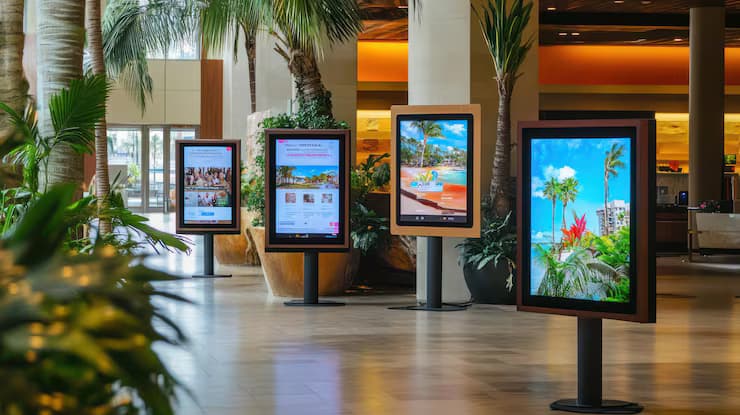
A kiosk is a touch-screen device on which users complete tasks on their own. A touch display, a computer or Android player and, if needed, a printer, card reader or barcode reader are fitted inside an enclosure. Tall floor-standing models used while standing are called totems. A kiosk handles repetitive tasks such as issuing queue numbers, giving information, wayfinding and taking orders, regardless of working hours.
Touch displayCapacitive display suitable for public use.
Locked applicationThe device runs only its own application.
Remote managementContent and application updates are made centrally.
Types of kiosk
Information kiosk
Shows floor plans, service lists and announcements in lobbies, campuses, museums and public buildings. Users reach the information from a menu.
Self-service ordering kiosk
In restaurants and cafés customers place their order on the screen; a card reader and a printer are added for payment and receipts.
Queue and appointment kiosk
Issues queue numbers, checks appointments and directs people to departments in hospitals, banks and public service buildings.
Wayfinding kiosk
Shows directions from the user's position to their destination in shopping centres, terminals and large buildings.
Outdoor totem
Used at building entrances, car parks and squares. It needs a high-brightness display readable in sunlight and an enclosure that withstands rain and temperature changes.
Vertical screens that only display content without touch are also called totems; they are planned under digital signage solutions with the same content management software.
System
What parts make up a kiosk?
We use iiyama touch displays in kiosk projects. You can compare the models on the touch displays page.
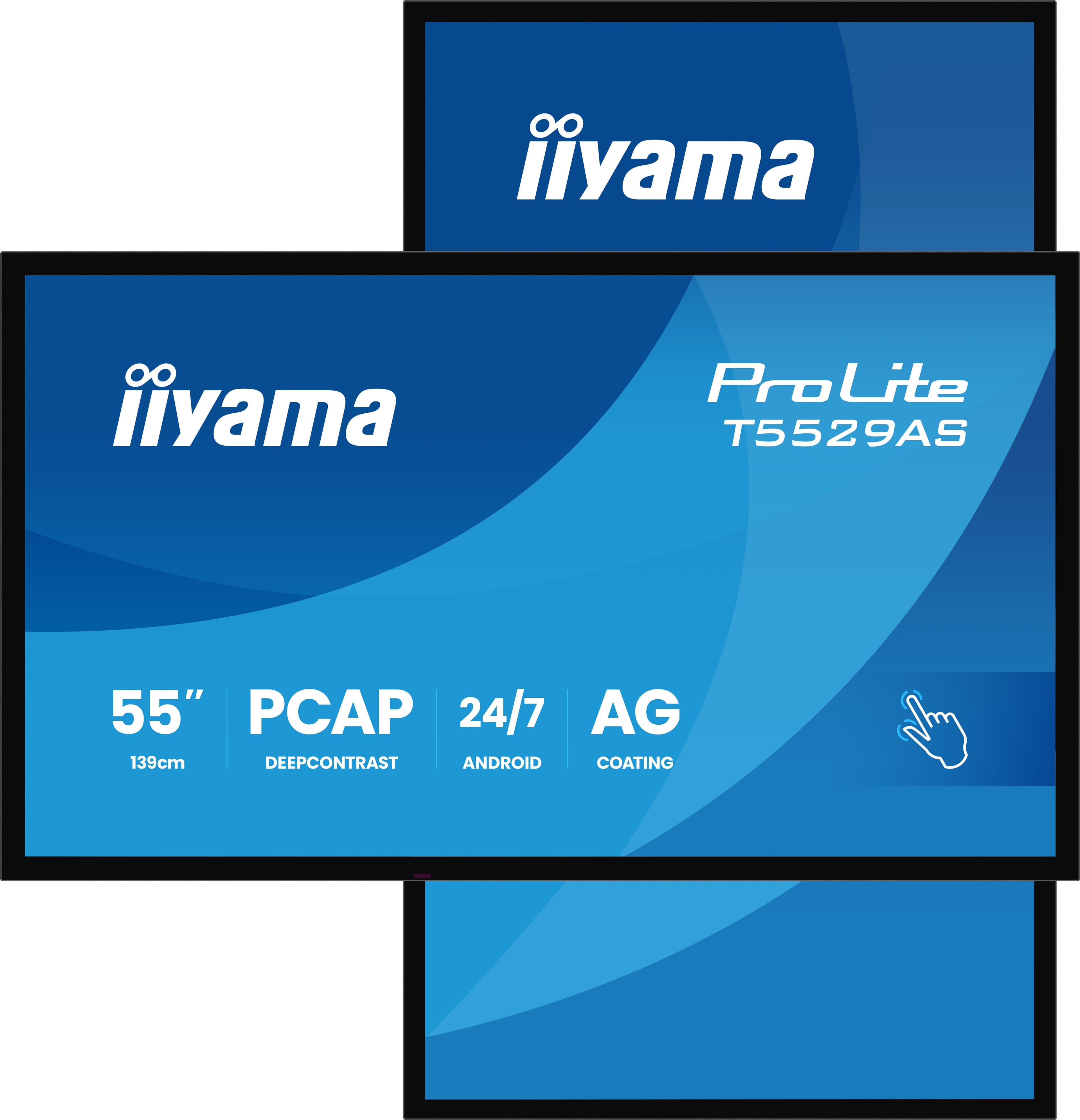
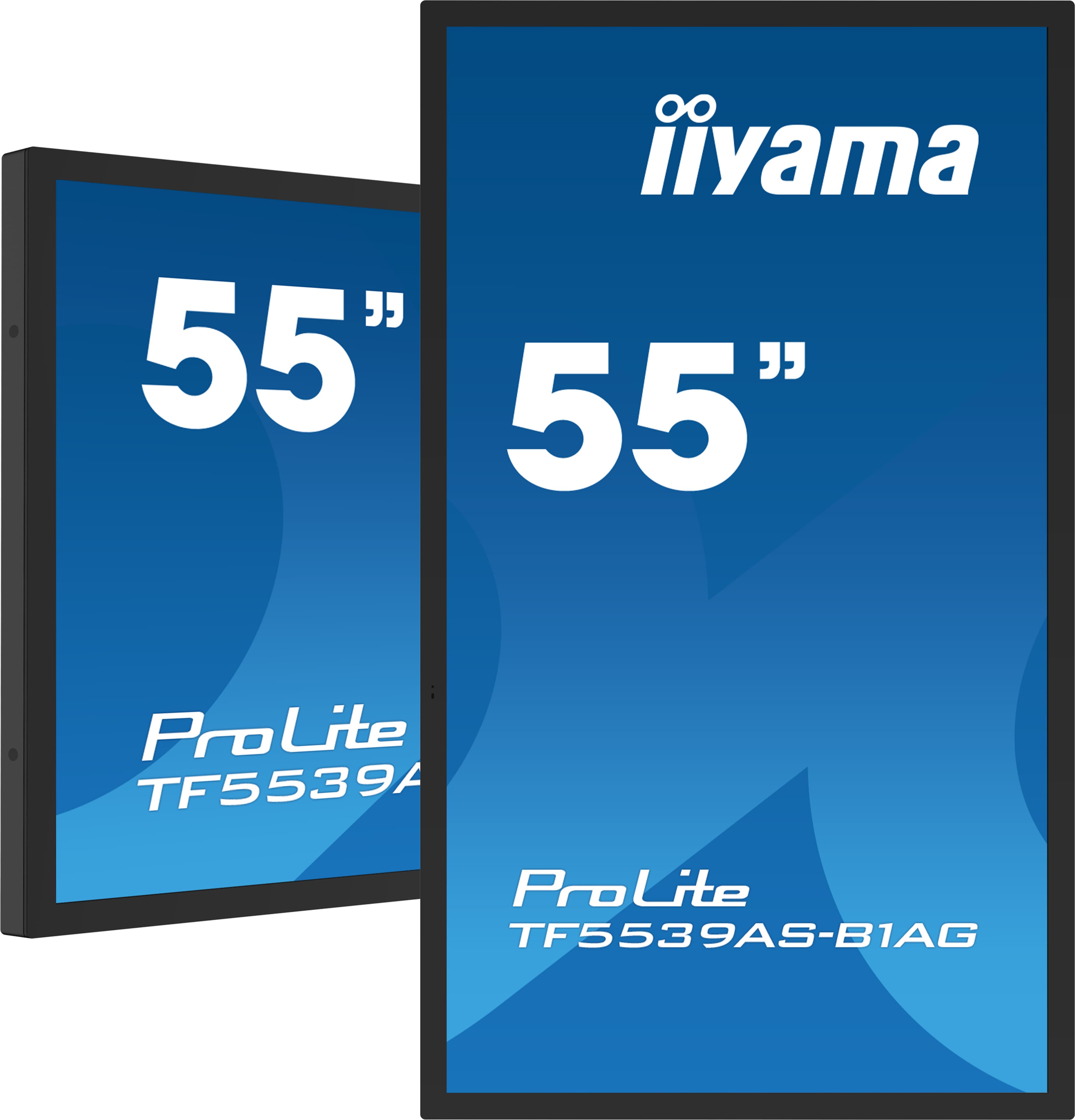
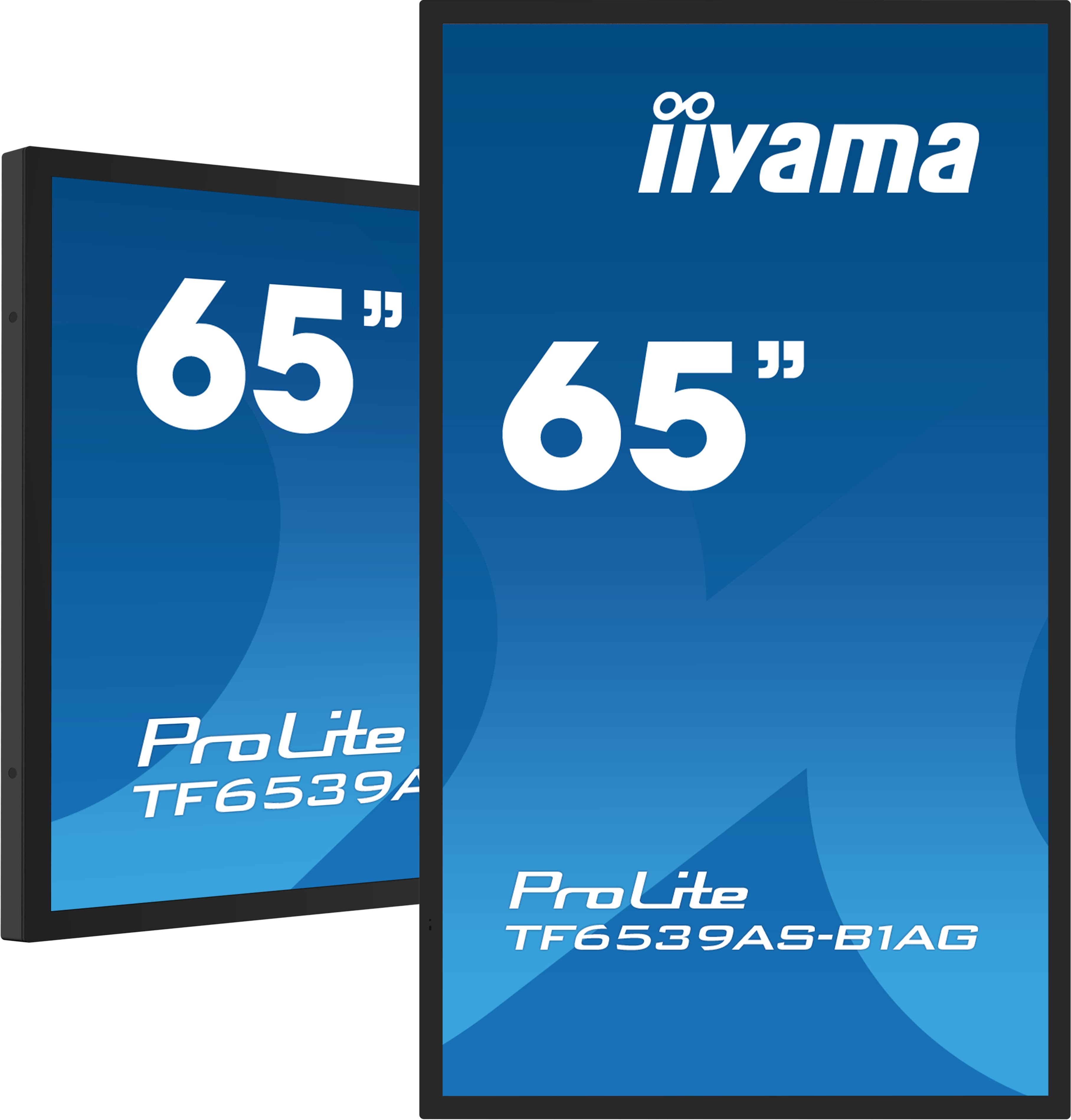
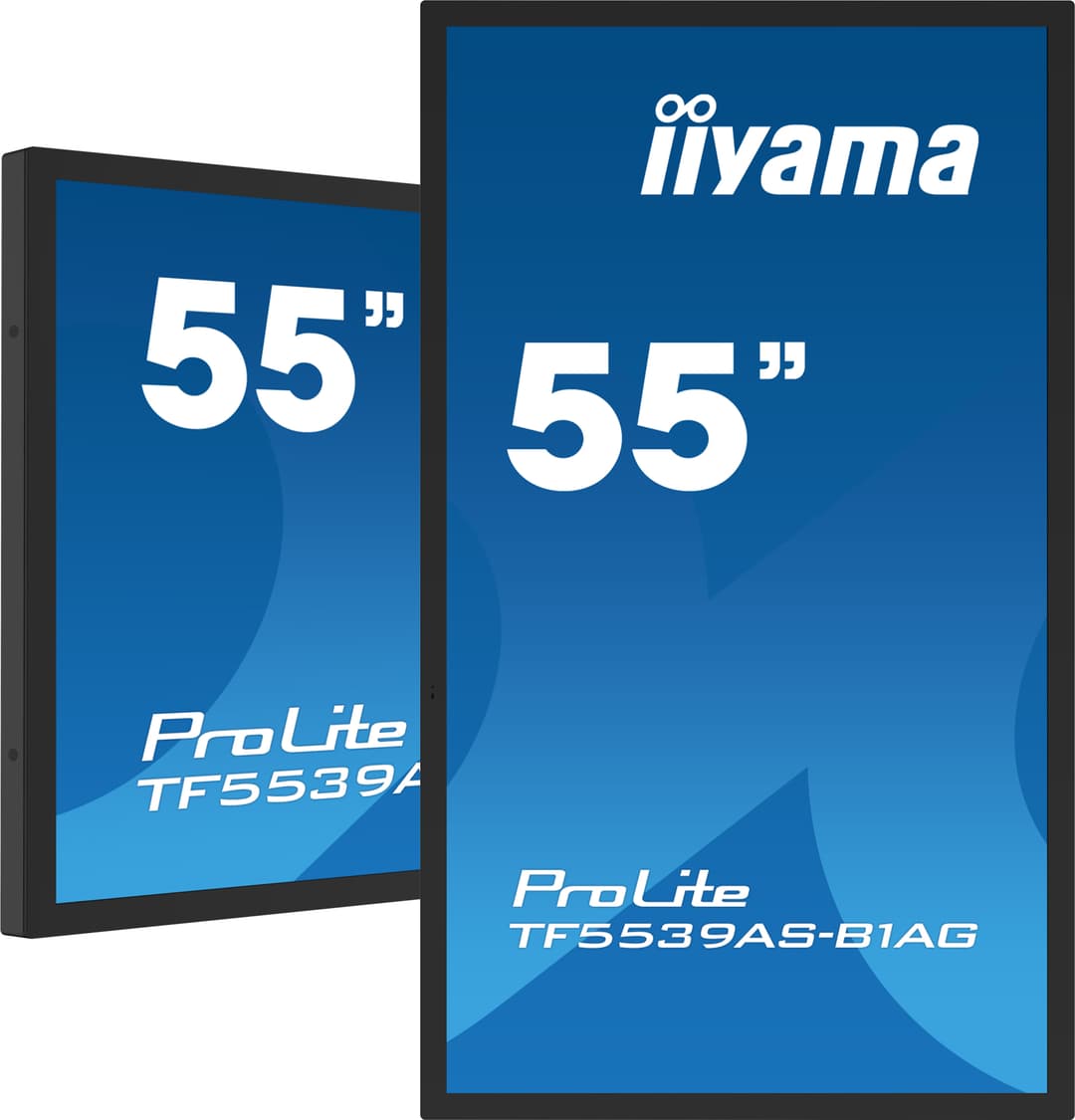
Touch displayThe iiyama T and TF series use projected capacitive (PCAP) touch. The product pages of kiosk-design models such as the TF5539AS-B1AG and T5529AS-B1AG list 24/7 operation.
Computer or playerSome models have Android built in (Android 14 on the T5529AS-B1AG). If a Windows application will run, a separate computer is fitted in the enclosure.
EnclosureFloor-standing totem, wall-mounted or countertop. The enclosure is chosen to house and ventilate the display, computer and peripherals.
PeripheralsA printer for receipts and queue numbers, a card reader for payment, a barcode or QR reader. If they will be added later, the enclosure is chosen for them from the start.
SoftwareOrdering, queuing or information application. The device is locked in kiosk mode; users cannot reach the operating system.
Network and powerA power outlet and network connection for each kiosk. Outdoors, cables are brought in from the ground and protected.
What to check when choosing
The kiosk's task
Will it issue queue numbers, take orders or show directions? Display size, peripherals and software are chosen according to this question.
Location and light
Indoors, behind glass and outdoors need different brightness and enclosures. Spots in direct sunlight are assessed separately during the survey.
Usage intensity
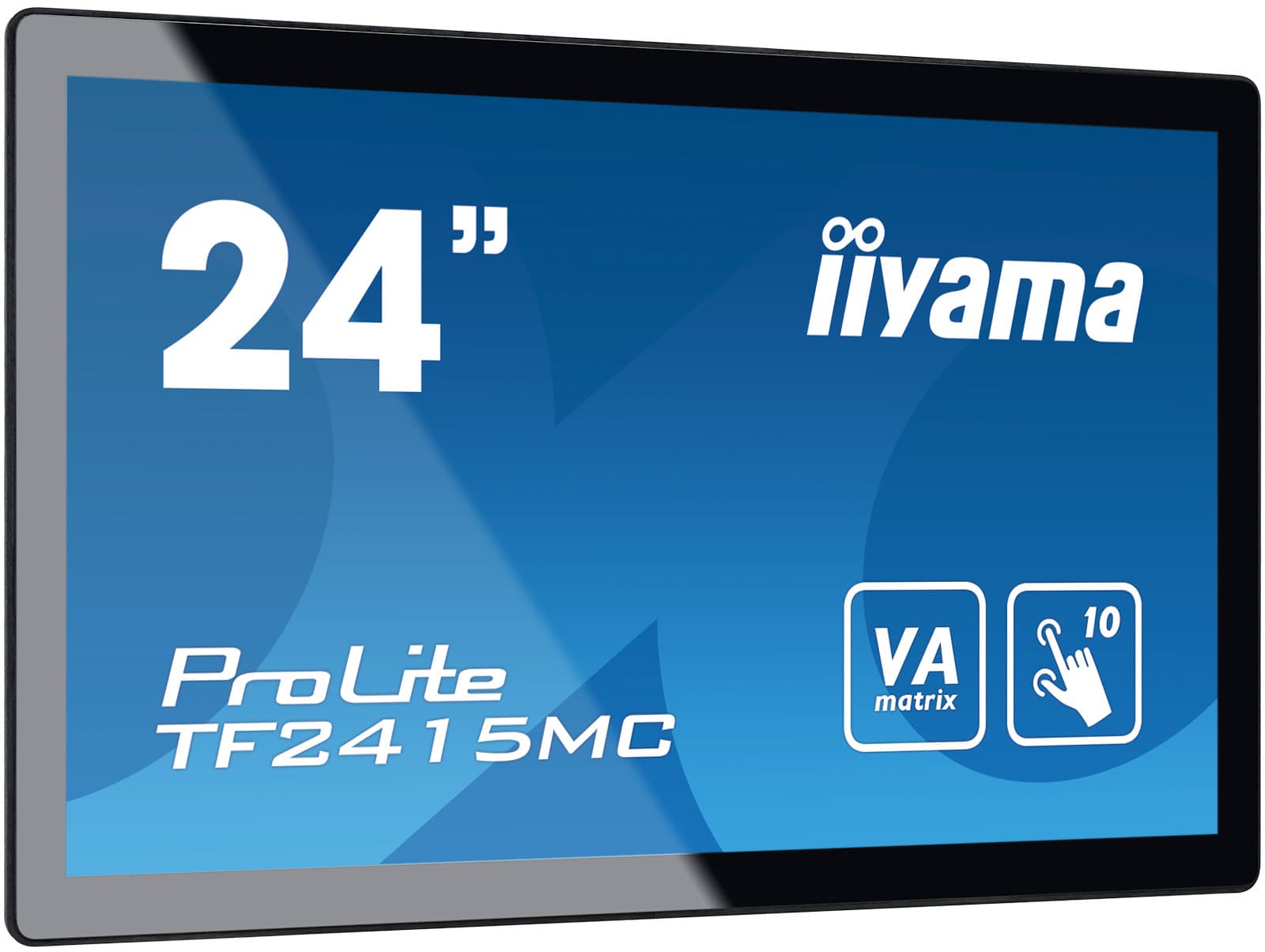
A screen touched hundreds of times a day needs a glass surface and enclosure that can take the load. The product pages of models such as the TF2415MC-B2 list use with gloves and IP65 protection rating.
Accessibility
Screen height and angle are set for access by people standing and people using wheelchairs.
Source of the software
If you already have an application, it is installed on the device. If not, we discuss suitable options during the survey.
Service access
How the enclosure is opened for faults or paper changes, and who responds, should be clear from the start.
From survey to use in 4 steps
If content needs regular updates we offer a content management service, and for faults and maintenance a technical support service.
Get a Quote
Let's plan your kiosk project.
Tell us the location, the quantity and the task the kiosk will perform; after the survey we will prepare a quote including hardware and installation.
Get a QuoteLobbies, campuses and public buildings
Restaurants and shops
Hospitals, terminals and shopping centres