Interactive Smart Board Selection Guide
We explain, using actual product data, how to make an informed decision when choosing an interactive whiteboard based on criteria such as screen size, touch technology, operating system, and installation.
Why Can’t the Choice of an Interactive Whiteboard Be Reduced to a Single Criterion?
When purchasing an interactive whiteboard, people often focus on just one criterion: screen size. But size is only one part of making the right choice. Touch technology, operating system, connectivity options, and mounting method also significantly impact the daily user experience. We’ll explain the following criteria using the iiyama ProLite TE13A series from our catalog as a concrete example, so you can see what each value actually means.
Screen Size and Room Scale
While a 65-inch panel is sufficient for a small-to-medium-sized classroom or meeting room, a spacious auditorium or large conference hall may require 86-inch or even 98-inch formats. Incorrect scaling creates problems in both directions: in a small room, a panel that’s too large dominates the space, while in a large hall, a small panel is unreadable from the back rows. A practical starting point is to measure the distance from the user in the back row to the screen and ensure that the panel’s diagonal is no less than roughly one-sixth of that distance. The TE13A series covers this range with 65-inch, 75-inch, 86-inch, and 98-inch options.
Touch Technology and Sensitivity
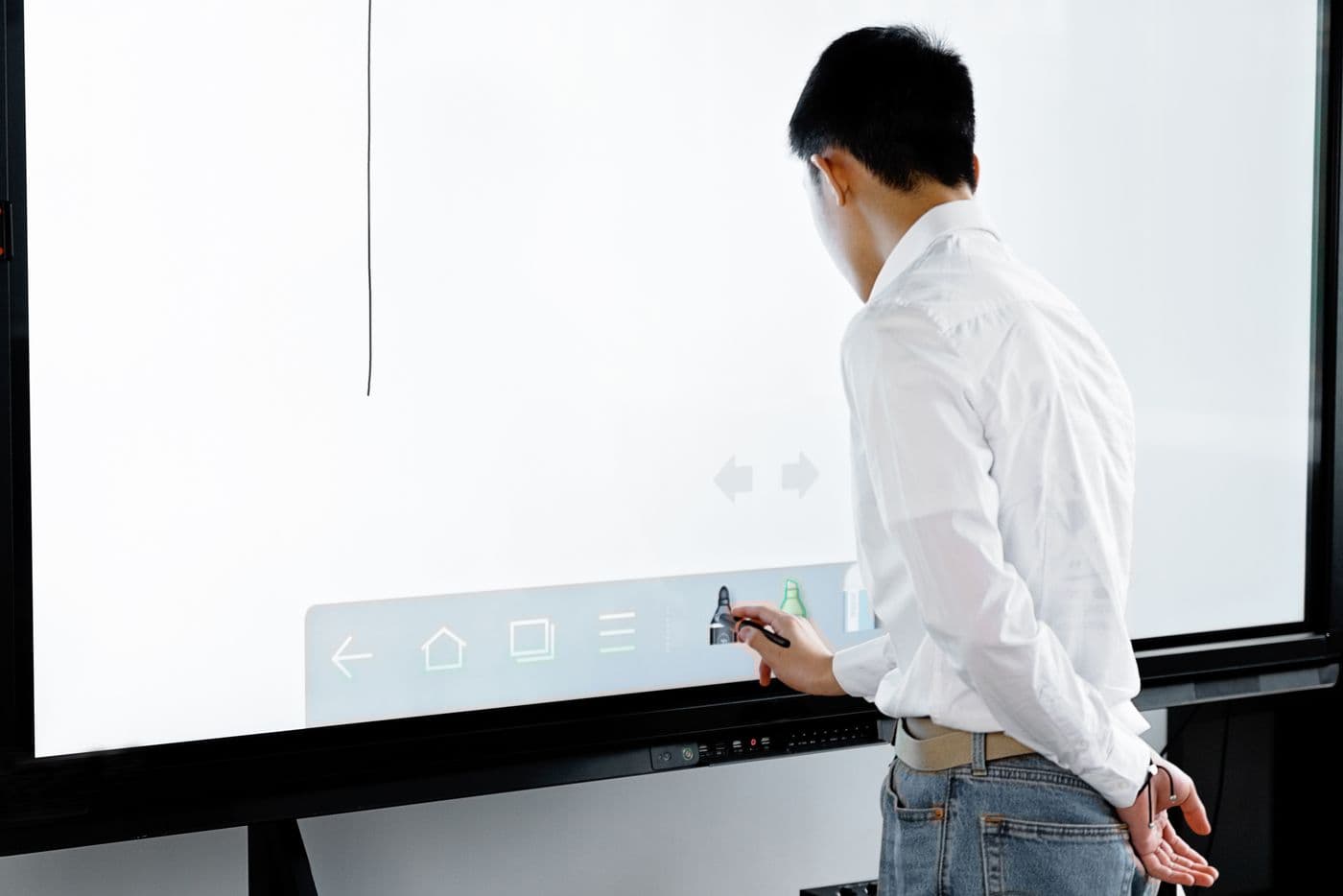
Infrared-based multi-touch is a common standard in interactive whiteboards. It’s important to understand what these numbers mean: The PureTouch-IR+ technology in the TE13A series supports up to 40 simultaneous touch points, 10 of which can be used for writing at the same time. This means that multiple students can work at the board at the same time. A 5 ms touch response time and ±1 mm accuracy ensure there’s no lag between the pen tip and the line while writing; in daily use, this is actually the most noticeable aspect of what might seem like the most abstract specification on the technical list.
Operating System and Application Ecosystem
Most modern interactive whiteboards come with a built-in Android-based operating system; this means presentations, web browsers, and educational apps can be run directly on the panel without the need for an external computer. If your organization uses Google Workspace, be sure to also consider models with Google EDLA certification: on EDLA-licensed devices, the Play Store and Google services operate under a licensed framework. The TE13A series comes with iiWare 21E, based on Android 14, and is EDLA-certified. Since uncertified devices lack official support for Google apps, this distinction can create a difference that’s difficult to remedy later if your existing infrastructure is Google-based.
Connectivity and Wireless Screen Sharing
The ability for users to wirelessly share their screens from their own laptops or phones to the board provides significant convenience in daily use. On the wired side, HDMI, USB-C, and DisplayPort; and on the wireless side, Wi-Fi 6E and built-in sharing software add flexibility for various devices and scenarios. Since USB-C carries video, audio, touch data, and charging all through a single cable, it significantly reduces cable clutter, especially in meeting rooms where laptops are frequently swapped out. We’ve also covered wireless presentation options for meeting rooms in our comparison guide.
Installation, Hygiene, and Durability
In high-traffic environments, a panel surface with an antibacterial and anti-glare coating makes a difference in both hygiene and viewing angles. In areas that remain open all day, such as classrooms, be sure to check whether the panel is suitable for 24/7 operation; consumer-grade screens may experience image retention issues at this pace. Compliance with the VESA standard during installation ensures compatibility with various stands and wall-mounting systems: The TE13A series features a 600 x 400 mm VESA mounting hole, enabling use with height-adjustable mobile stands.
Let’s Determine the Right Model Together
The most practical way to make the right choice is to know upfront the distance from the back row of the room to the screen and how many hours a day the panel will be on. With these two pieces of information, the range of suitable models narrows quickly. If you share your room dimensions and existing software infrastructure, we can determine the right model together. Check out our smart classroom solutions or let us know your needs.