Skip to Main Content
Digital Menu Board Systems

Digital Menu Board Systems

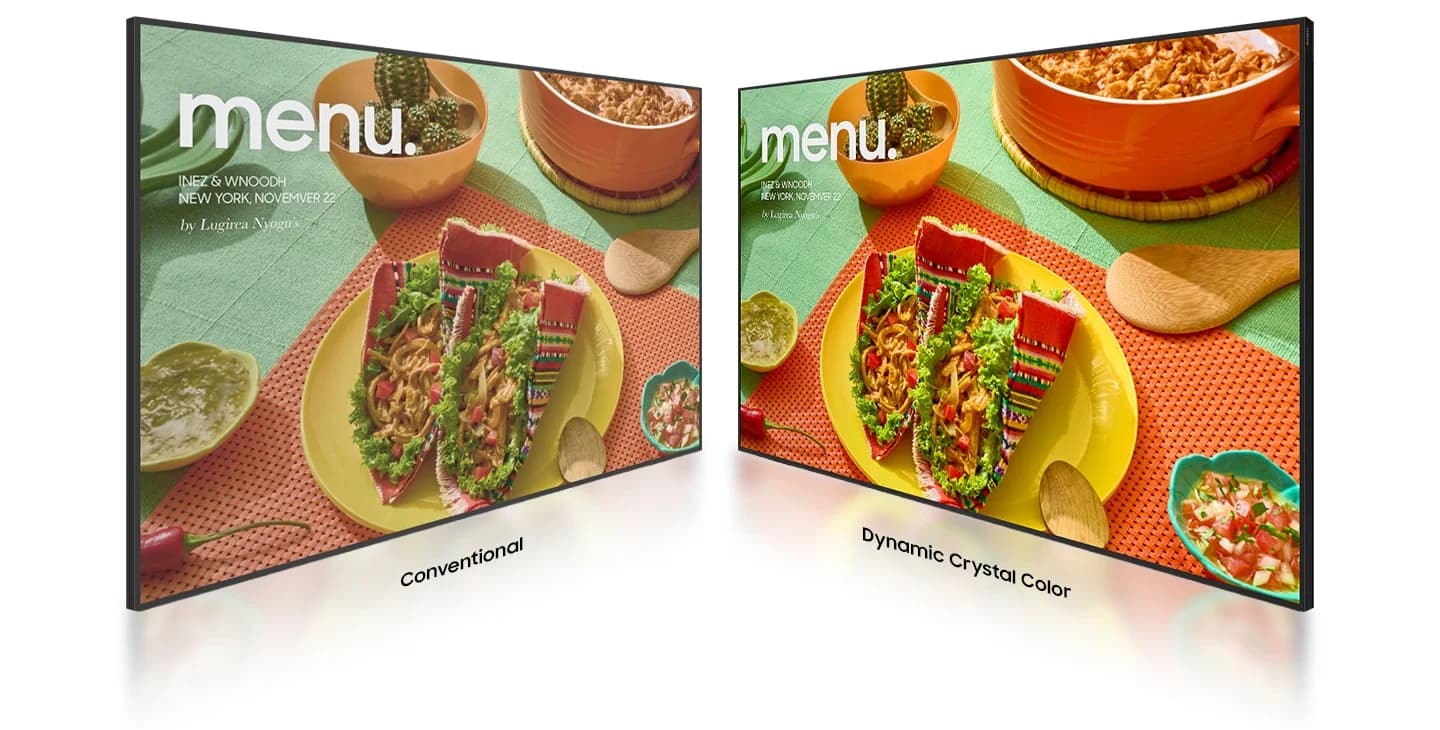
Digital menu board systems for restaurants, cafes, and chain businesses; screen solutions that instantly reflect price and promotional updates across all locations and automatically switch between menus throughout the day.

Why a Digital Menu

Four Problems That Printed Menus Can’t Solve

A printed menu board begins to generate costs when it can no longer keep up with the business’s changing needs. Here are some typical situations where a digital menu board provides a solution.
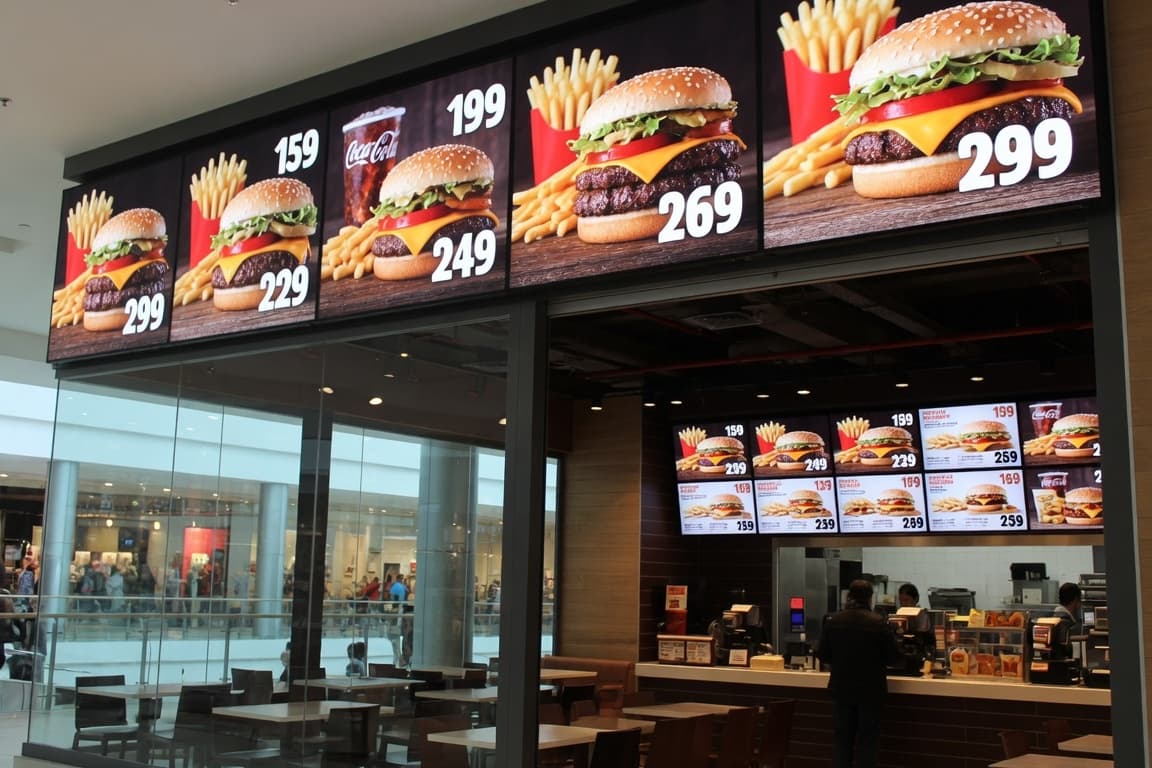
Cost of price updates: Every price change requires reprinting, shipping, and installation. On a digital board, the same process is completed in a few minutes at no additional cost.
Out-of-Stock Items: Items that are out of stock remain on the printed menu, and orders are canceled at the register. On a digital menu, the relevant item can be hidden immediately.
Intra-day menu changes: Instead of physically changing the board when switching from breakfast to lunch, the screen automatically switches to the appropriate content at a preset time.
Inconsistencies Across Locations: Different designs and prices appearing at different locations damage brand perception. Central management resolves this from a single source.
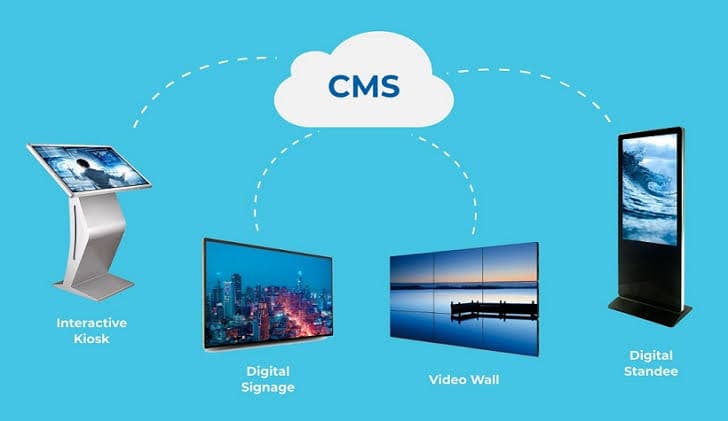
Bulut tabanlı içerik yönetim sisteminin farklı ekran tiplerini merkezden yönetmesini gösteren şema
How the System Works

A Simple Three-Component Structure

A digital menu board is not a complex setup. It consists of three parts, and selecting the right components determines the system’s lifespan.

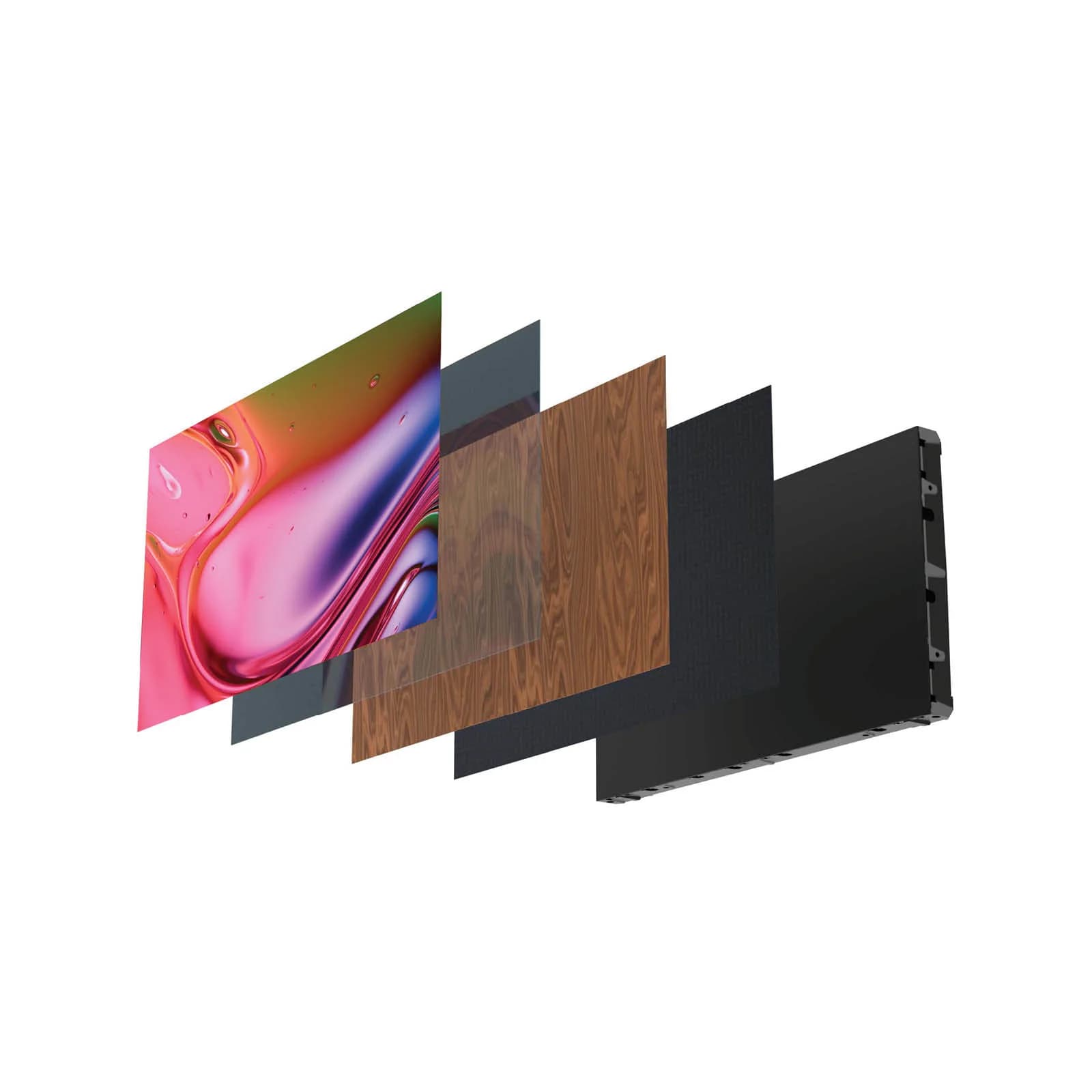
Screen: Since it will remain on all day behind the counter, a professional panel suitable for 24/7 operation is required; a home-use TV will experience image retention issues at this pace.
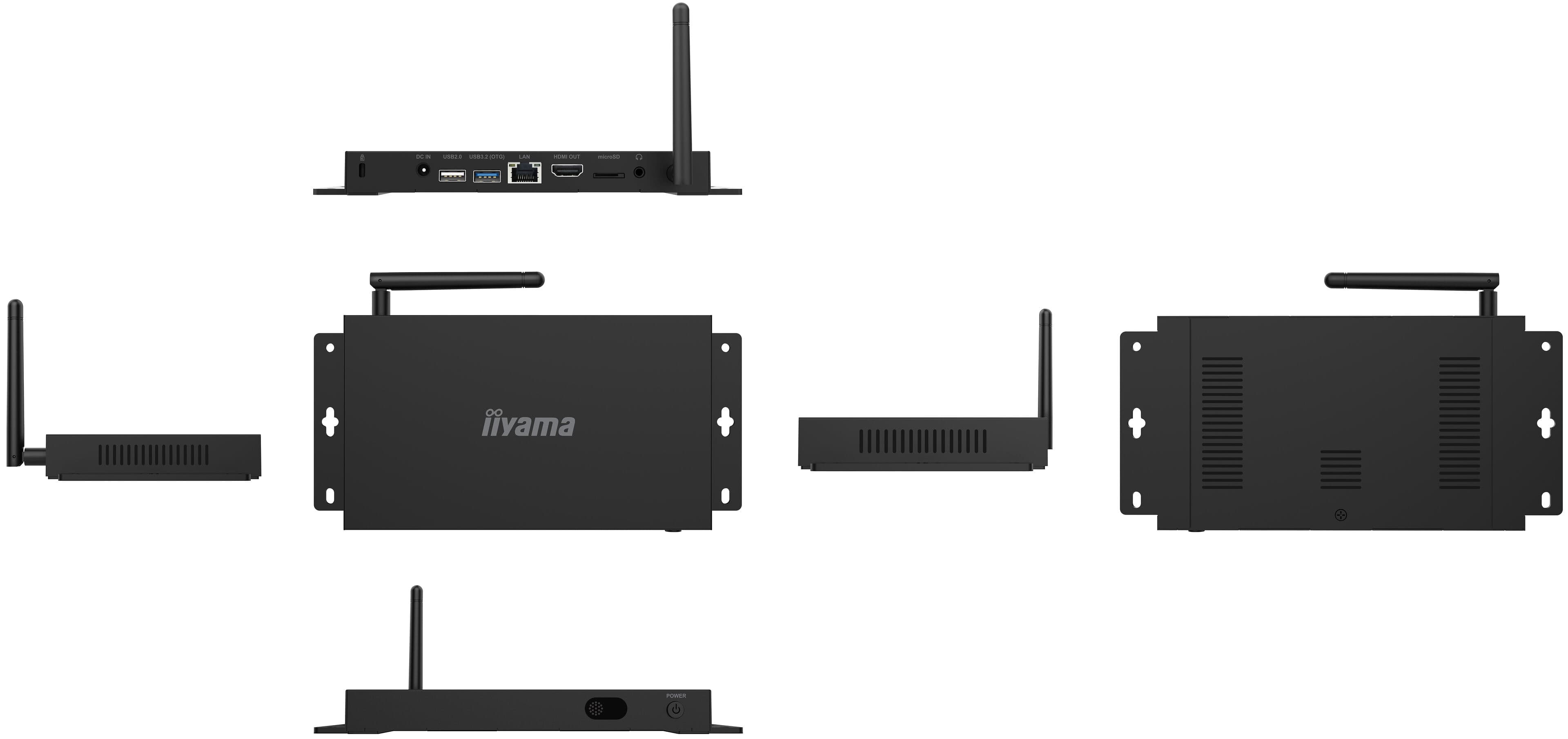
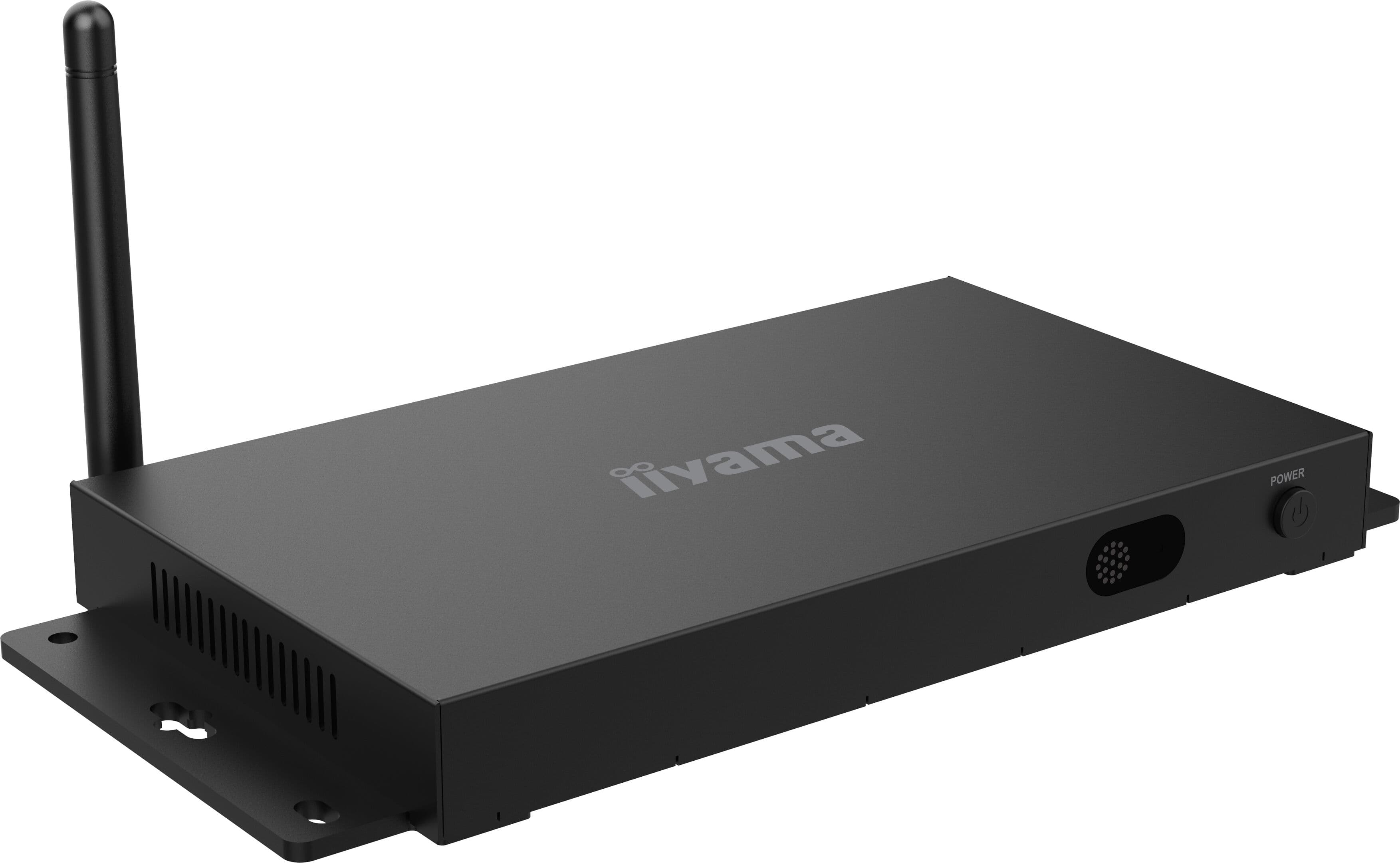
Media Player: The screen’s built-in player or an external digital signage player displays the content on the screen and establishes communication with the central system.
Content management software: This is the layer where you prepare the menu, schedule it, and distribute it to branches. You can also check whether the screens are online from here.
Planning

Points to Clarify Before Installation

In menu board projects, most decisions that are revised later stem from a few questions that weren’t asked at the outset.


How many screens, and in what configuration? The number of menu categories determines the number of screens. In a setup with three screens side by side, it must be decided from the start whether the content will function as a single wide canvas or if each screen will operate independently.
Horizontal or vertical? Behind the counter, a horizontal layout is generally preferred, while the order line and display cases are better suited for a vertical layout. The orientation of the layout completely changes the content template.
Reading distance: The distance from the start of the line to the screen determines the font size and, consequently, how many products will fit on a single screen.
Who will update the menu? Central marketing or the branch manager? If the distribution of authority is not defined in the software from the outset, the system will become impossible to update after a few months.
Use Cases

Application Areas

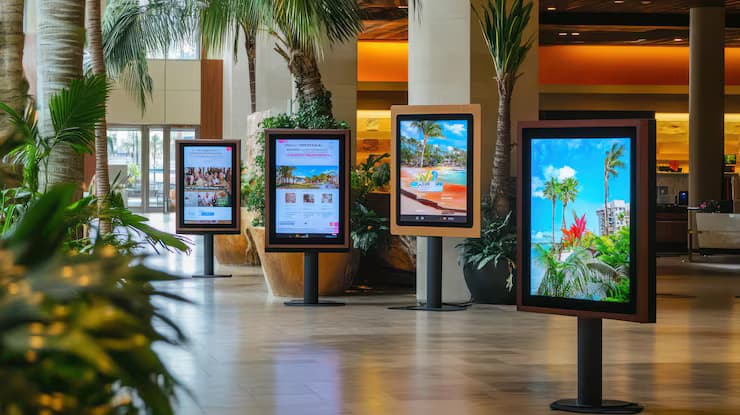
Fast food and chain restaurants
Cafes, bakeries, and coffee chains
Shopping mall food court restaurants
Hotel lobby bar and buffet areas
Corporate cafeterias and dining halls
Gas station convenience stores and snack bars
Features

What We Deliver with Digital Menu Board Systems

Centralized content management

The screens at all branches are managed from a single panel; you can monitor which screens are online from that same screen.

Scheduled broadcast

Content is scheduled by day and time; by setting an end date for the campaign, the menu is prevented from remaining on the screen after it has expired.

Multi-screen canvas

Screens set up side by side can be configured to function as a single wide display or as separate categories.

Panel suitable for 24/7 operation

The screens that remain on all day behind the counter use professional-grade panels designed to withstand prolonged exposure.

Horizontal and vertical use

Horizontal layout for the countertop, and vertical layout for the order queue and display case; the layout is prepared according to the template’s orientation.

Remote monitoring

The on/off status of the screens and the content being displayed can be viewed remotely; detecting a malfunction does not require being at the branch.

Advantages

Why Choose This Solution?

01

Printing costs are eliminated

No reprinting, shipping, or installation is required for price or product changes; updates are made via the software.

02

All branches are updated at the same time

The central team prepares the menu once and sends it to defined branch groups either simultaneously or on a scheduled basis.

03

The daily menu changes automatically

The breakfast, lunch, and dinner menus activate automatically based on the time of day; staff do not need to change the display.

04

Out-of-stock items are hidden immediately

Out-of-stock items can be removed from the screen, thereby reducing the number of orders canceled at the register.

05

Campaign visibility increases

Dynamic content and product images allow for a more eye-catching presentation than a printed display.

06

The staff's workload decreases

Routine tasks such as changing signs, applying labels, and adjusting prices are eliminated; the branch staff can focus on customers rather than the menu.

Related Products

Explore the Products

FAQ

Frequently Asked Questions

Clear and concise answers to the key questions asked before choosing a solution.

Get more information
A digital menu board is a display system used in restaurants and cafes to replace printed menu boards, with content that can be updated remotely via software. Changes to prices, products, and promotions are reflected on all screens within minutes, without the need for reprinting.
It is technically possible but not recommended. The screen behind the counter remains on all day, and the menu content is largely static. Home televisions experience overheating and image retention issues when used this way. Professional digital signage panels designed for 24/7 operation are manufactured specifically for this scenario.
Yes. The content management software features an interface that requires no technical knowledge; updating prices and products on a pre-designed template takes just a few minutes for most businesses. After installation, we provide training to the team responsible for updating the menu.
The number of displays is determined by the number of menu categories and the reading distance. As the distance from the starting point of the line to the display increases, the font size should increase; consequently, fewer items will fit on a single display. We determine the correct number by observing the counter layout during the planning phase.
Yes, this is the feature that generates the most value in chain restaurants. The central team prepares the menu once and sends it to defined branch groups. If regional variations are needed, a custom content section can also be defined for specific branches.
It depends on the point of use. Behind the counter, horizontal placement is generally suitable; however, vertical screens work more effectively next to the order line, at the entrance, and in display areas. Since the orientation of the screen directly affects the content template, it is determined before installation.

Let's Find the Right Solution for Your Project

Contact our team for corporate AV, digital signage or professional visualization solutions tailored to your needs.