Touch display
What is an interactive display?
An interactive display is a large-format touch screen you can write on with a finger or a pen. It has an Android-based operating system built in, so a whiteboard, a browser or a presentation file can be opened without connecting a laptop. In a meeting room it replaces the whiteboard and the screen; in a classroom it replaces the projector and the board. Schools usually call the same product a smart board.
Writing and drawingNotes are added on top of the presentation and saved as a file.
Wireless sharingA laptop or phone screen is mirrored without a cable.
One unitDisplay, speakers and operating system are in the same device.
Interactive display, smart board and touch monitor: the difference
Interactive displays and smart boards are the same product group: companies say interactive display, schools say smart board. Touch monitors are a separate group made for kiosks and desktop use.
| Topic | Interactive display / smart board | Touch monitor |
|---|---|---|
| Size | 55-105 inch in the iiyama TE series | 10-65 inch in the iiyama T and TF series |
| Operating system | Android built in; OPS computer slot for Windows | Most models connect to a computer, some have Android built in |
| Touch technology | Infrared (PureTouch-IR on the TE13A series), up to 40 simultaneous touch points | Projected capacitive (PCAP) |
| Typical use | Group writing, presentations, lessons, video calls | Kiosks, information screens, single-user tasks |
You can compare models on the smart board and interactive display models page, and kiosk and desktop models on the touch displays page.
Interactive displays in meeting rooms
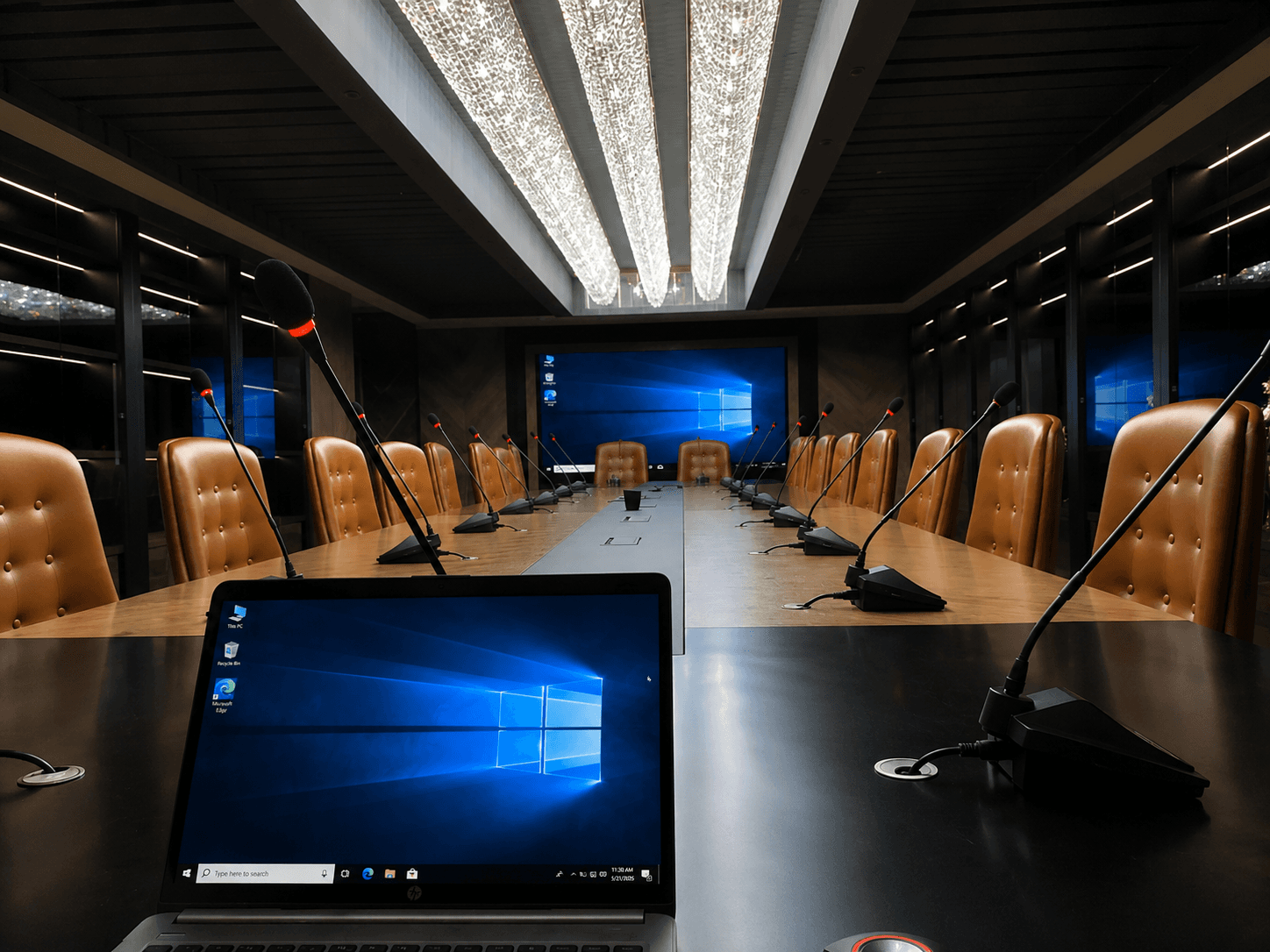
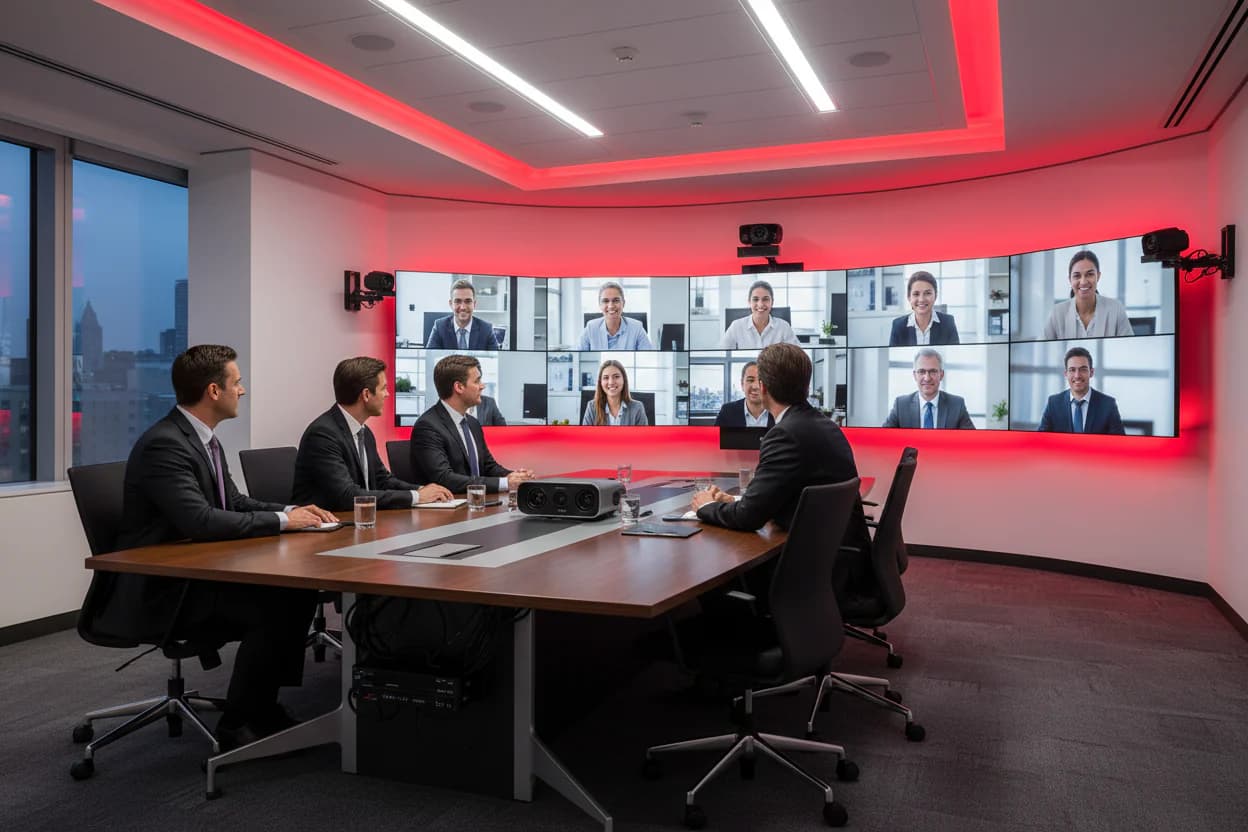
An interactive display is useful in rooms where participants can walk up to the screen and touch it. In large halls it goes next to the main display; options for the main display, professional screens or LED, are on the meeting room display page.
Interactive displays in classrooms (smart boards)
In a classroom an interactive display replaces the projector and the whiteboard. There is no need to close the curtains in a bright room and no lamp to replace. The teacher opens the lesson file on the screen, writes on it and saves the lesson notes as a file. For sizes by classroom type, classroom sound systems and teacher training, see the smart boards and smart classroom systems page.
Display size by room size
The distance from the back row to the screen sets the size. The values below are the starting values we use in smart classroom projects; the final size is set during the site survey from the room dimensions.
| Room | Recommended diagonal | Farthest distance |
|---|---|---|
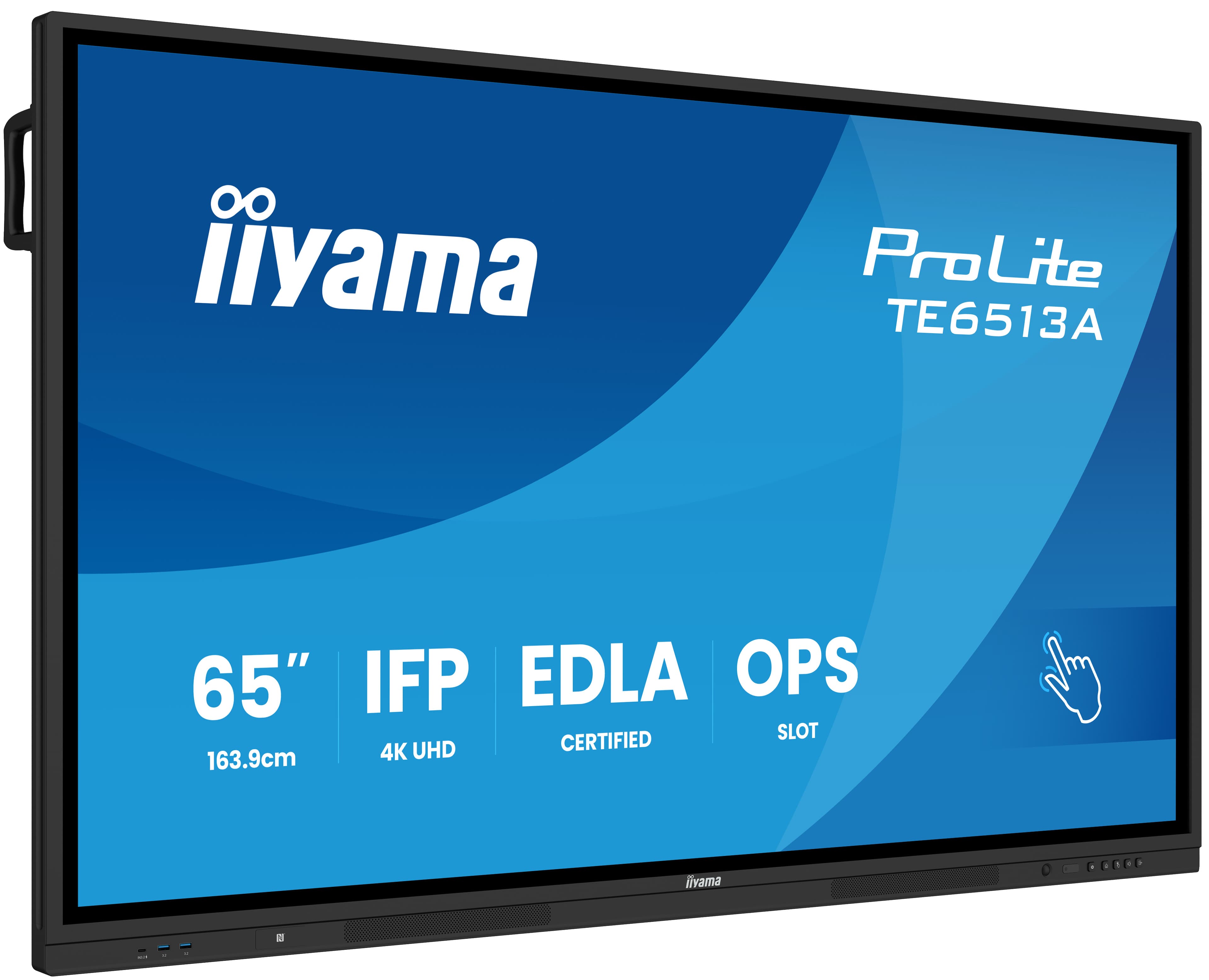
| Small room or classroom | 65-75 inch | Up to 5 metres |
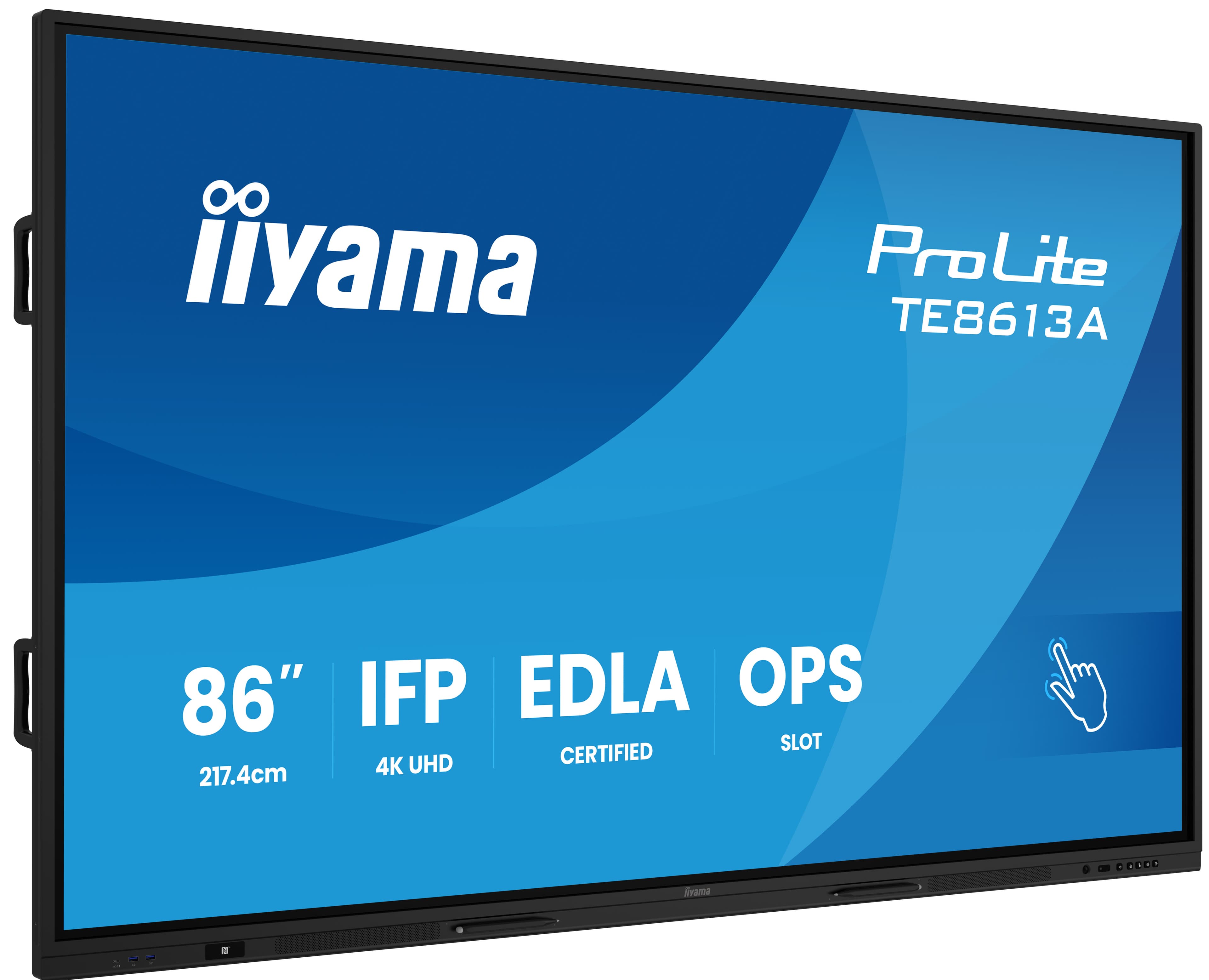
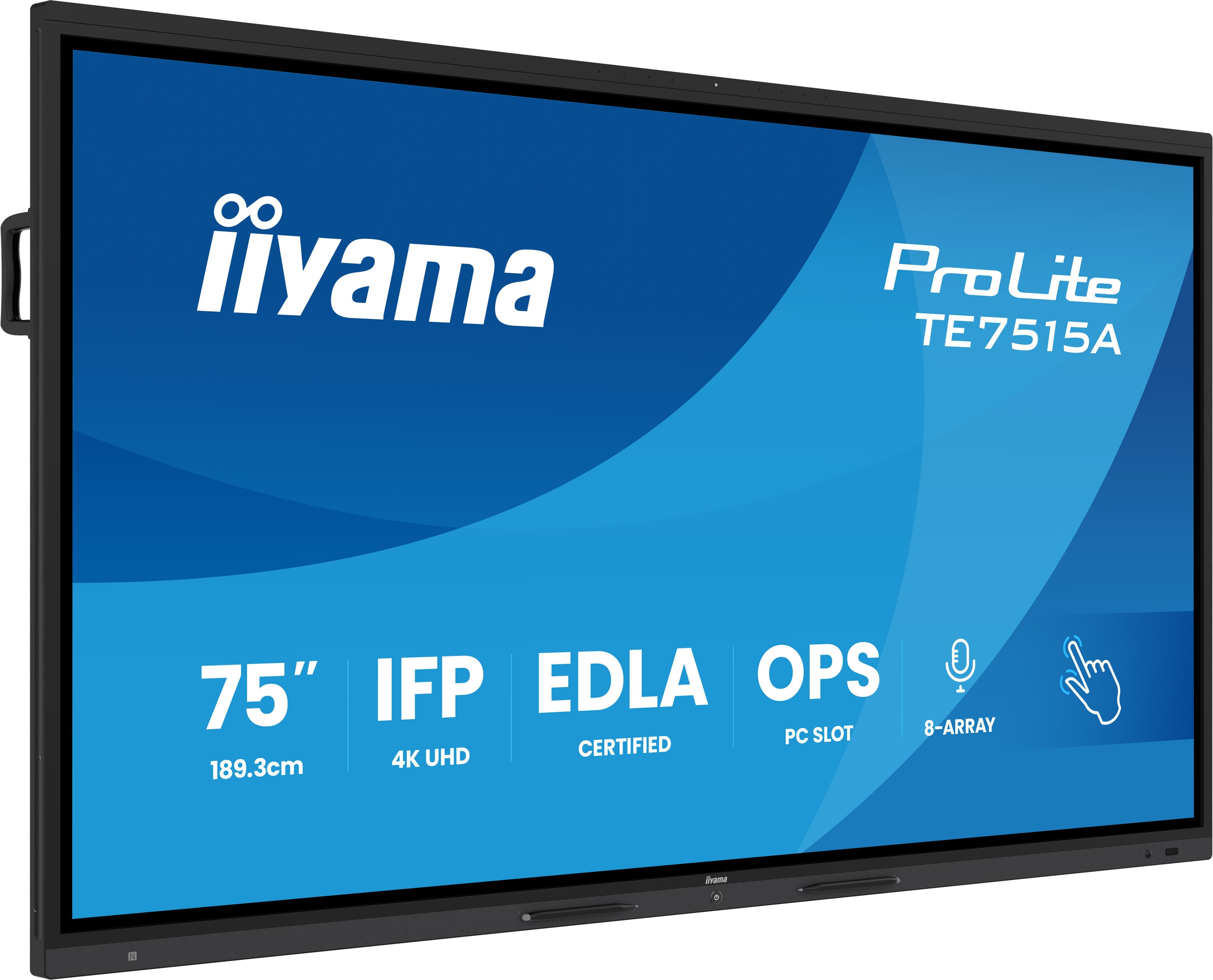
| Standard room or classroom | 75-86 inch | 5-8 metres |
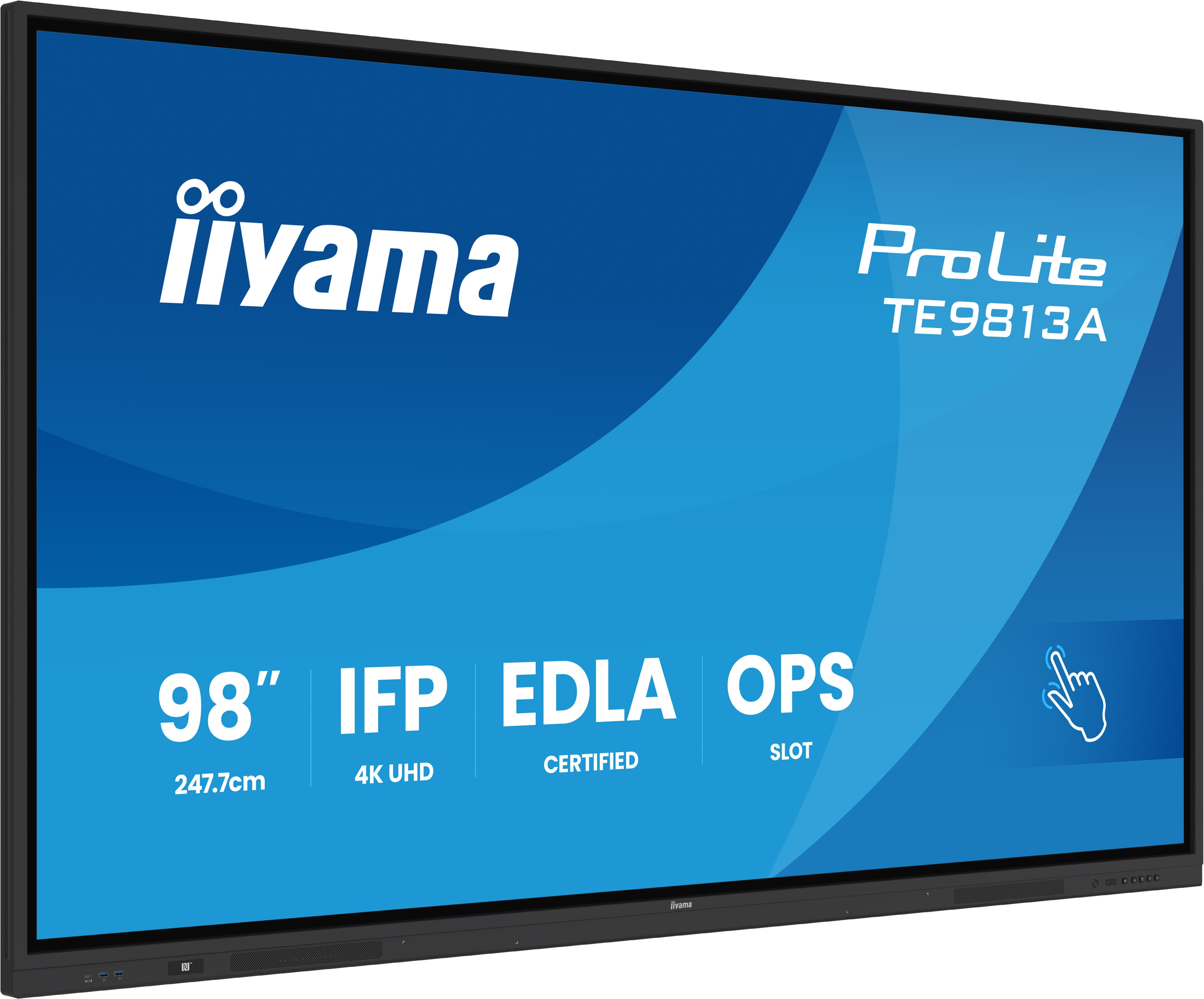
| Large room or classroom | 86-98 inch | 8-11 metres |
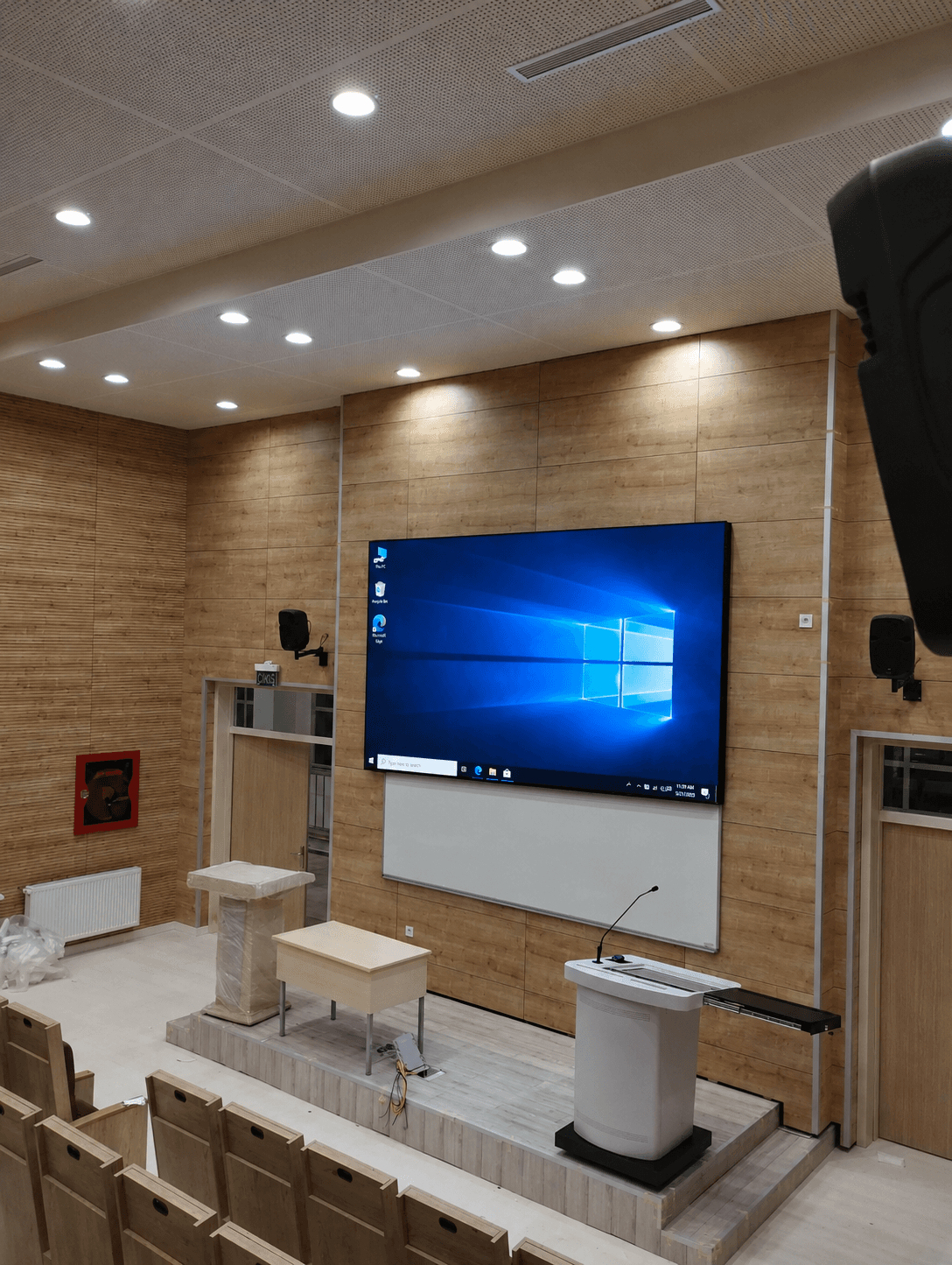
| Lecture hall and auditorium | 98 inch and above, or LED | Over 11 metres |
What to check when choosing
Touch technology
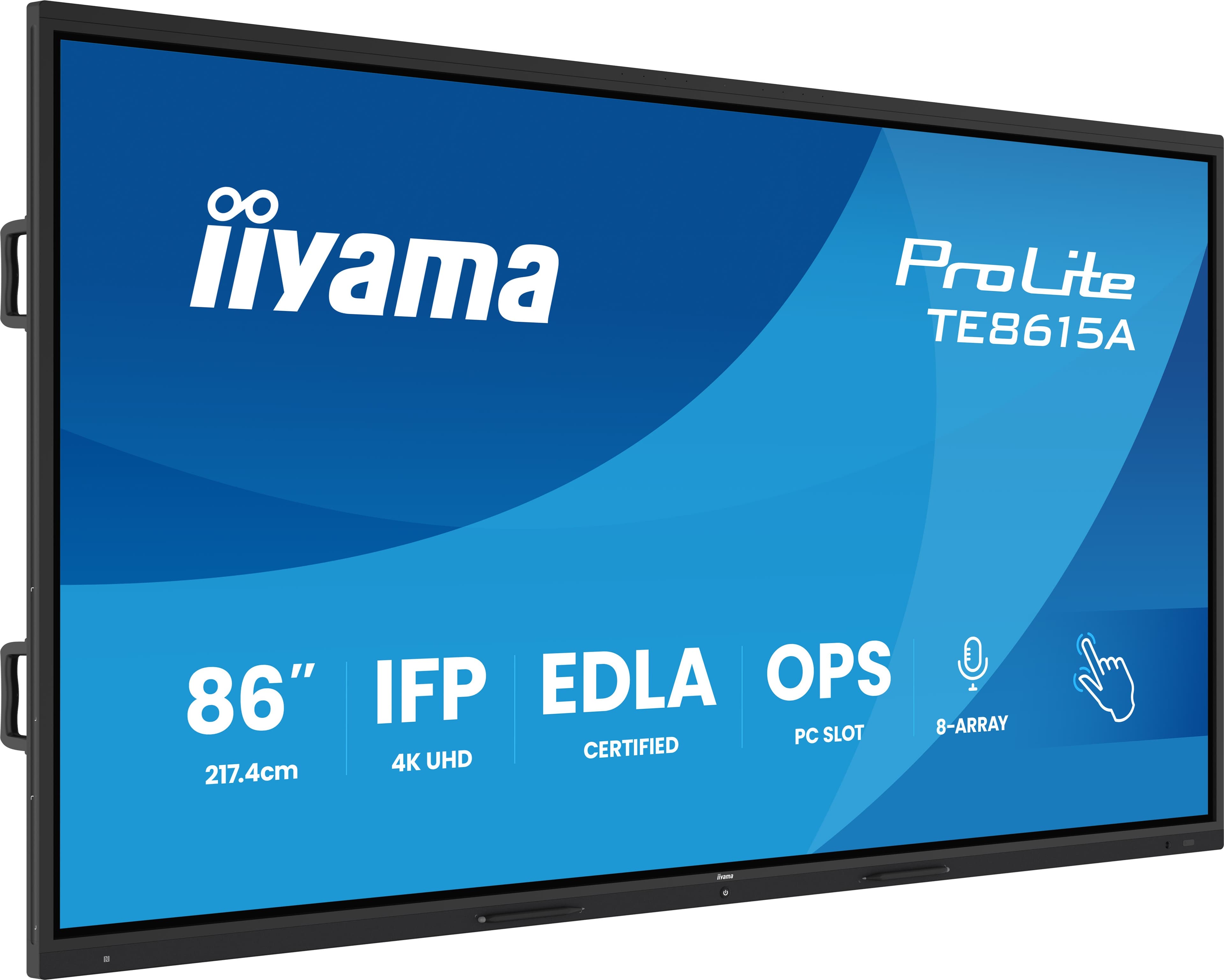
The iiyama TE series uses infrared touch. The product pages of the TE13A models list up to 40 simultaneous touch points and a 5 ms touch response time, so several people can write at once.
Operating system and Google EDLA
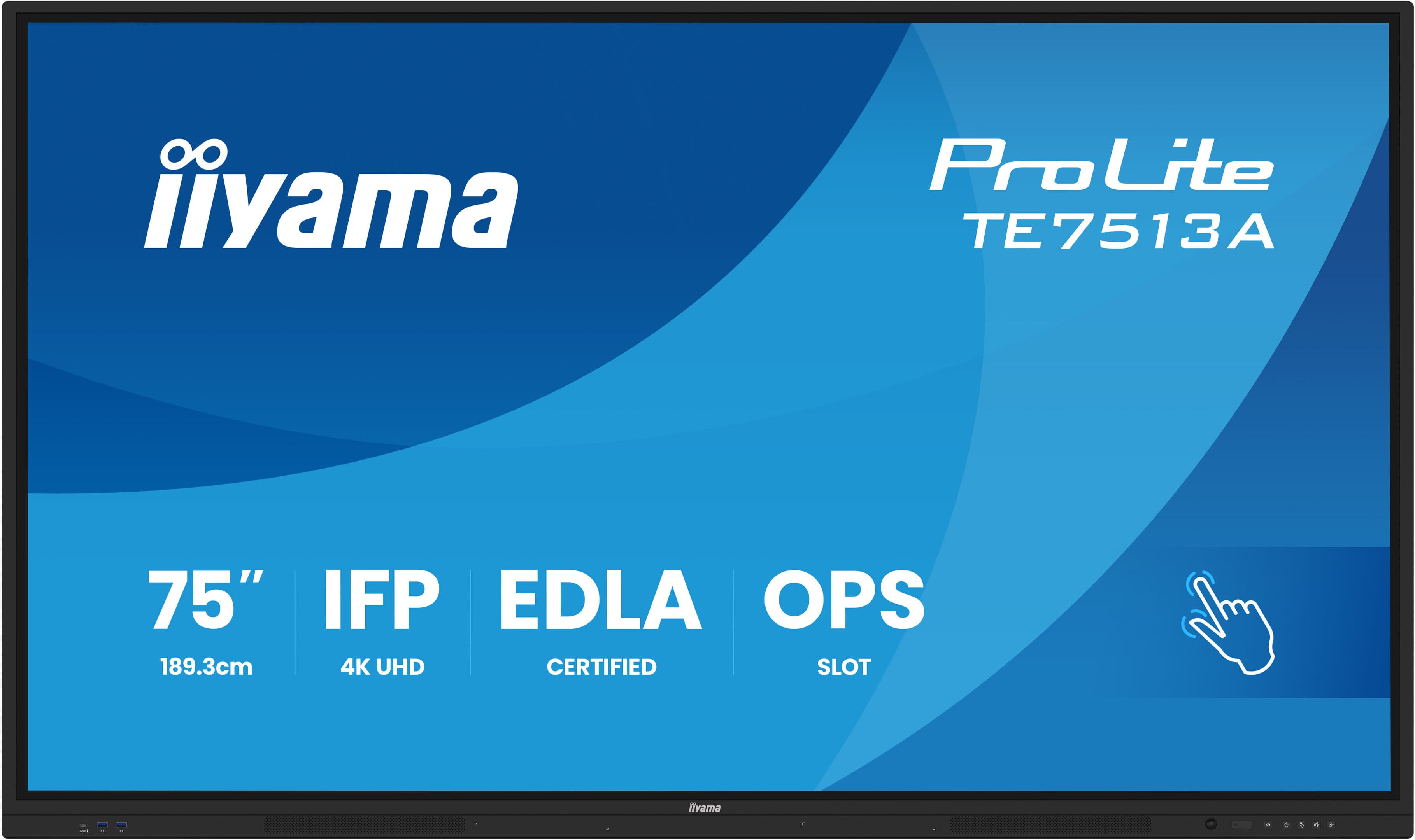
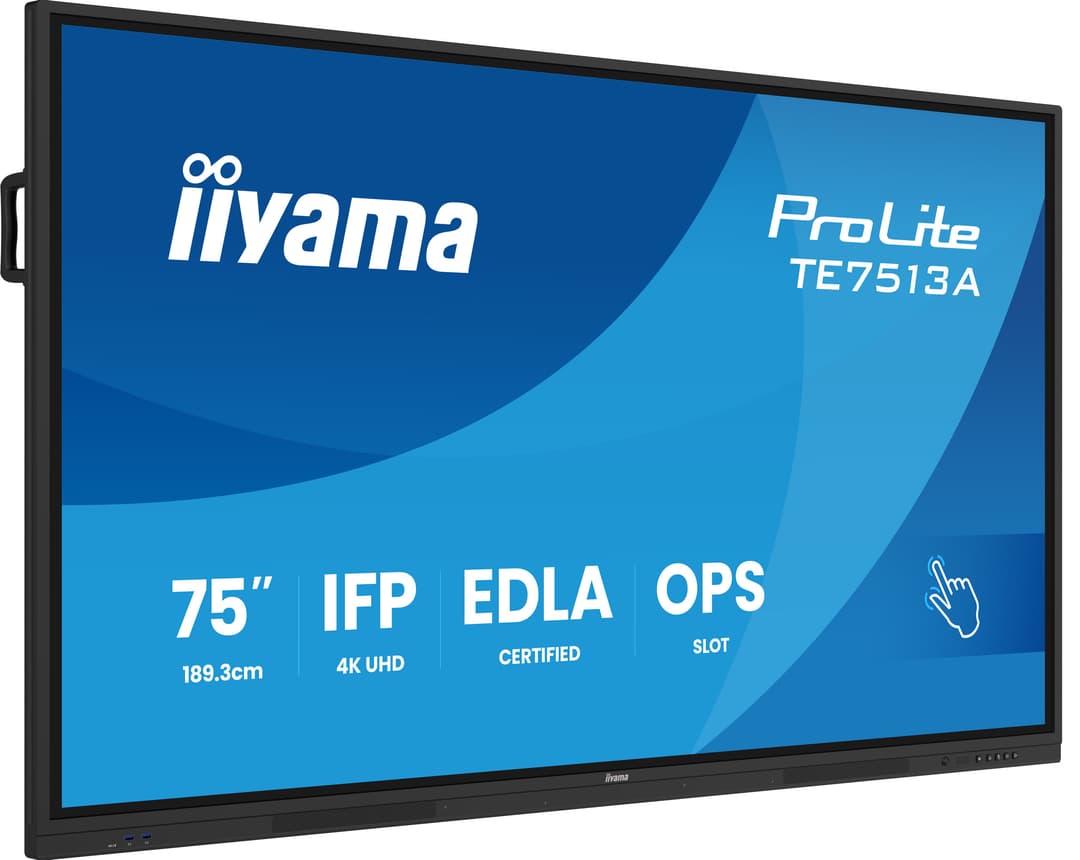
TE13A and TE15A models ship with Android 14. On Google EDLA certified models such as the TE7513A-B2AG, Google Play and Google apps install directly.
OPS computer
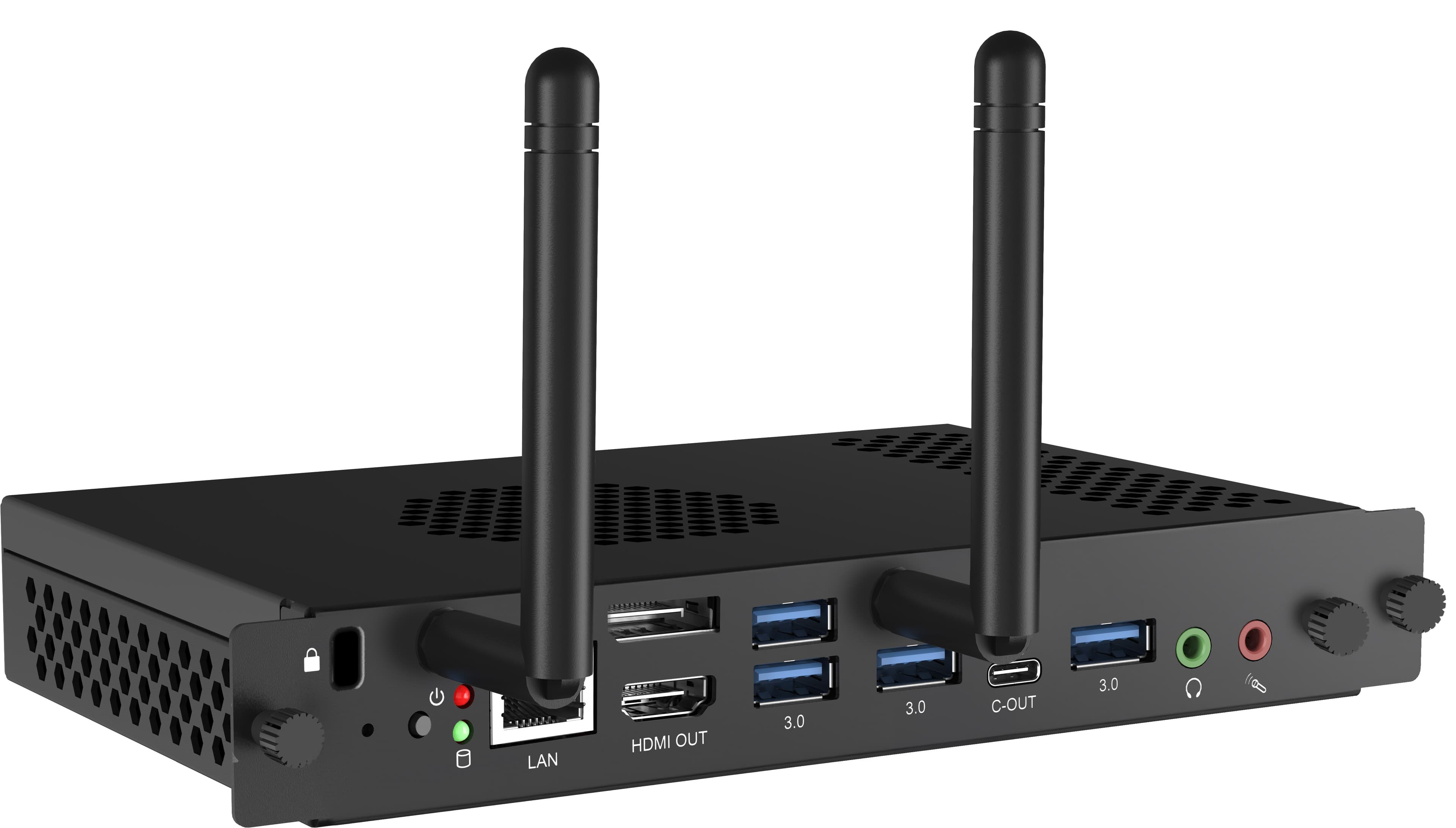
If a Windows application is needed, a computer is inserted into the OPS slot at the back of the display. The iiyama OPC51204BC-1 ships with Windows 11 IoT Enterprise; no separate case or cabling is needed.
Connectivity
The product pages list Wi-Fi 6, Bluetooth 5.0, HDMI and USB inputs. List the sources that will connect in the room (laptops, document camera, video conferencing computer) at the start.
Audio and microphone
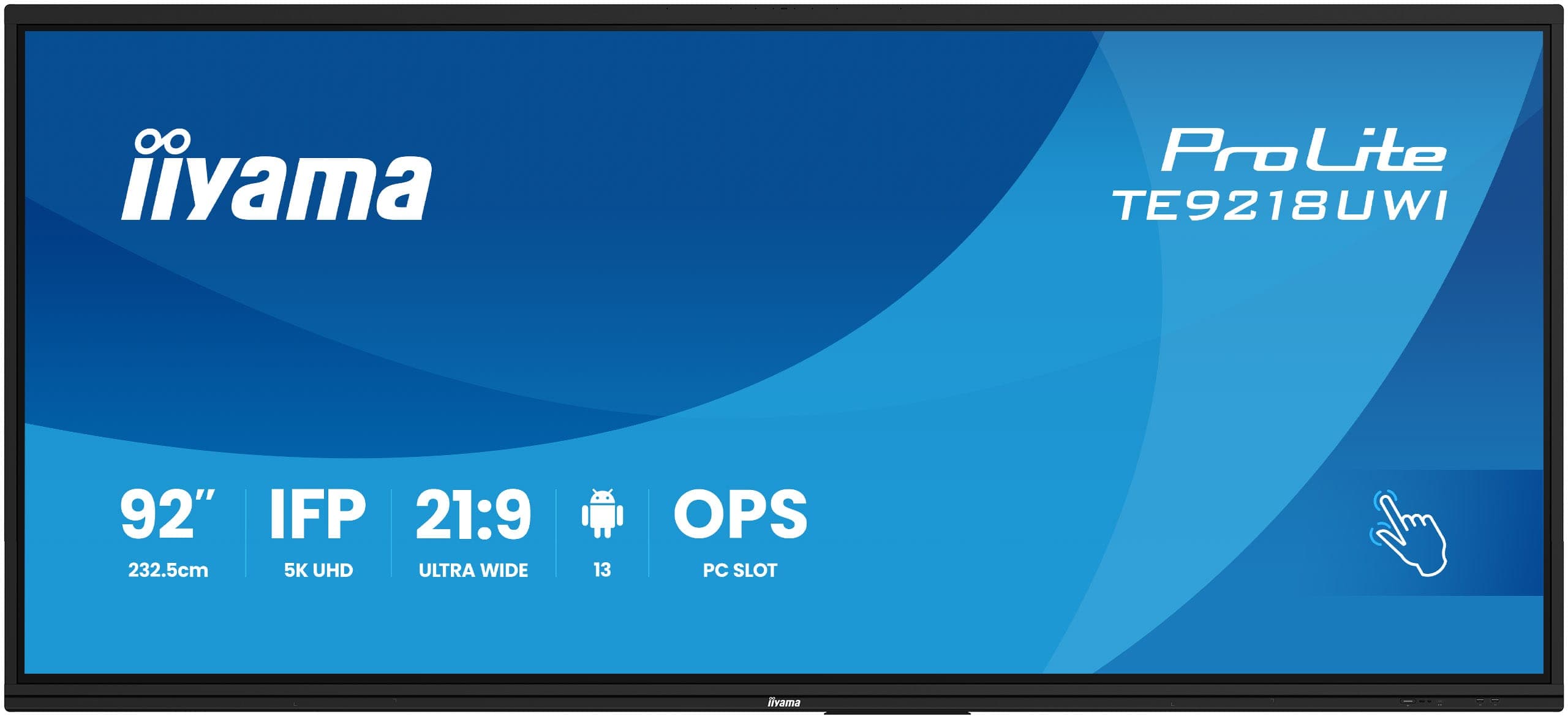
The TE series has two built-in speakers; TE15A and the wide-format UWI models also have a built-in microphone. Large rooms and video conferencing get an external audio system.
Daily operating hours
Depending on the model, 24/7, 18/7 or 16/7 operation is specified. For displays that stay on all day, check this value on the product page.
Mounting
Wall mount or mobile stand
The mounting type depends on whether the display stays in one room or moves between several.
Fixed wall mountThe TE series uses VESA mounting (400x400 mm to 1000x400 mm depending on the model). The load capacity of the wall is checked during the survey; plasterboard walls need reinforcement.
Height-adjustable mountPreferred in classrooms used by different age groups and in rooms where users sit.
Mobile standA stand on wheels is used when the display moves between rooms.
CablingA power outlet and network point for the display, and a cable duct from the table to the display for HDMI. If an OPS computer is used, the network connection is brought to the back of the display.
Software and wireless sharing
On iiyama interactive displays a phone or computer screen is mirrored wirelessly with EShare / iiShare; displays are switched on and off and updated remotely with iiControl. Details are on our iiyama page. For organisations that want the same sharing button in every room, we also install Barco ClickShare wireless presentation systems; we compare the options in our wireless presentation systems comparison guide.
From survey to use in 4 steps
Get a Quote
Let's plan your interactive display project.
Tell us the number of rooms or classrooms, their dimensions and how the display will be used; after the survey we will prepare a quote with a defined scope.
Get a QuoteMeeting and boardrooms
School classrooms and university lecture rooms
Corporate training rooms