







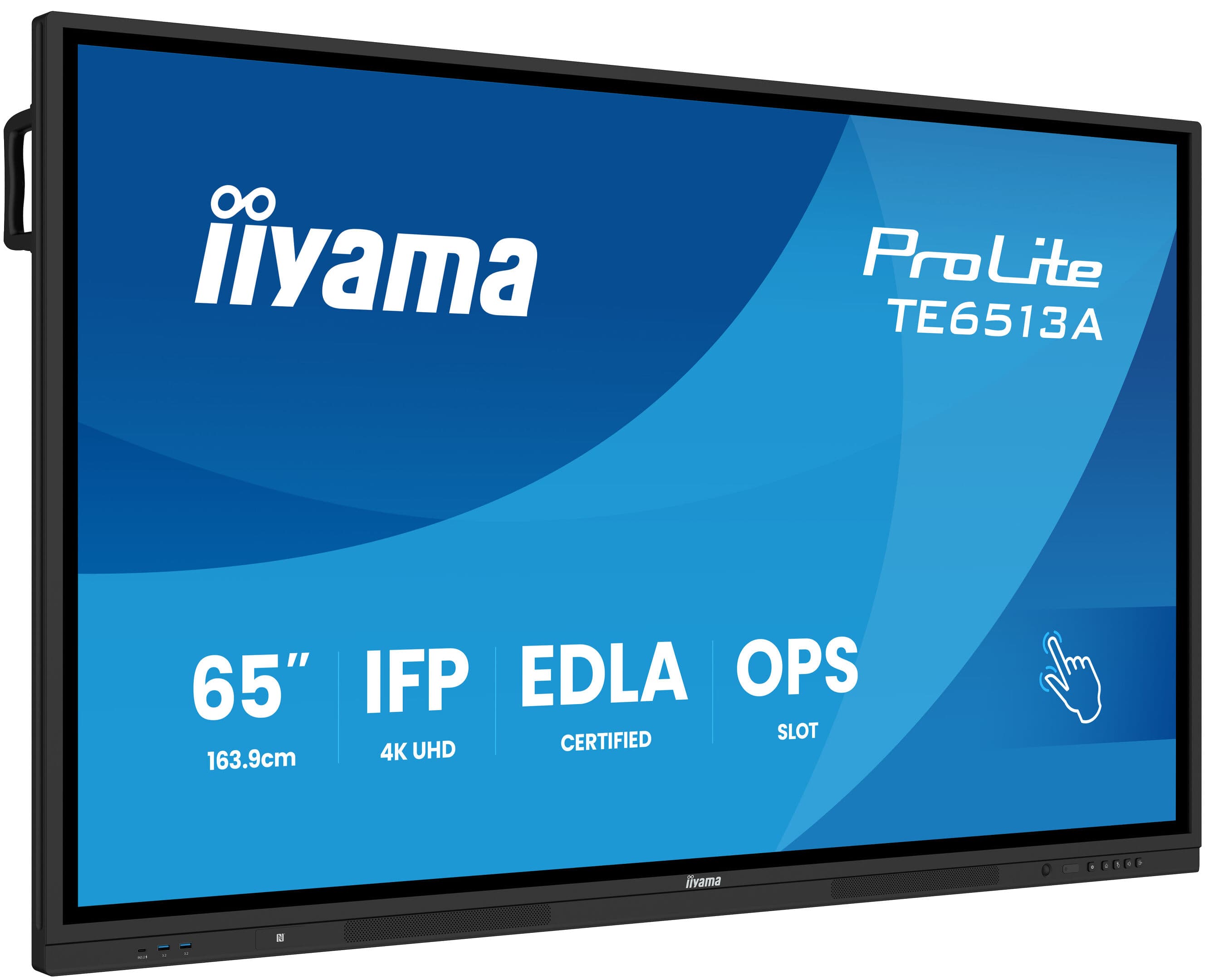
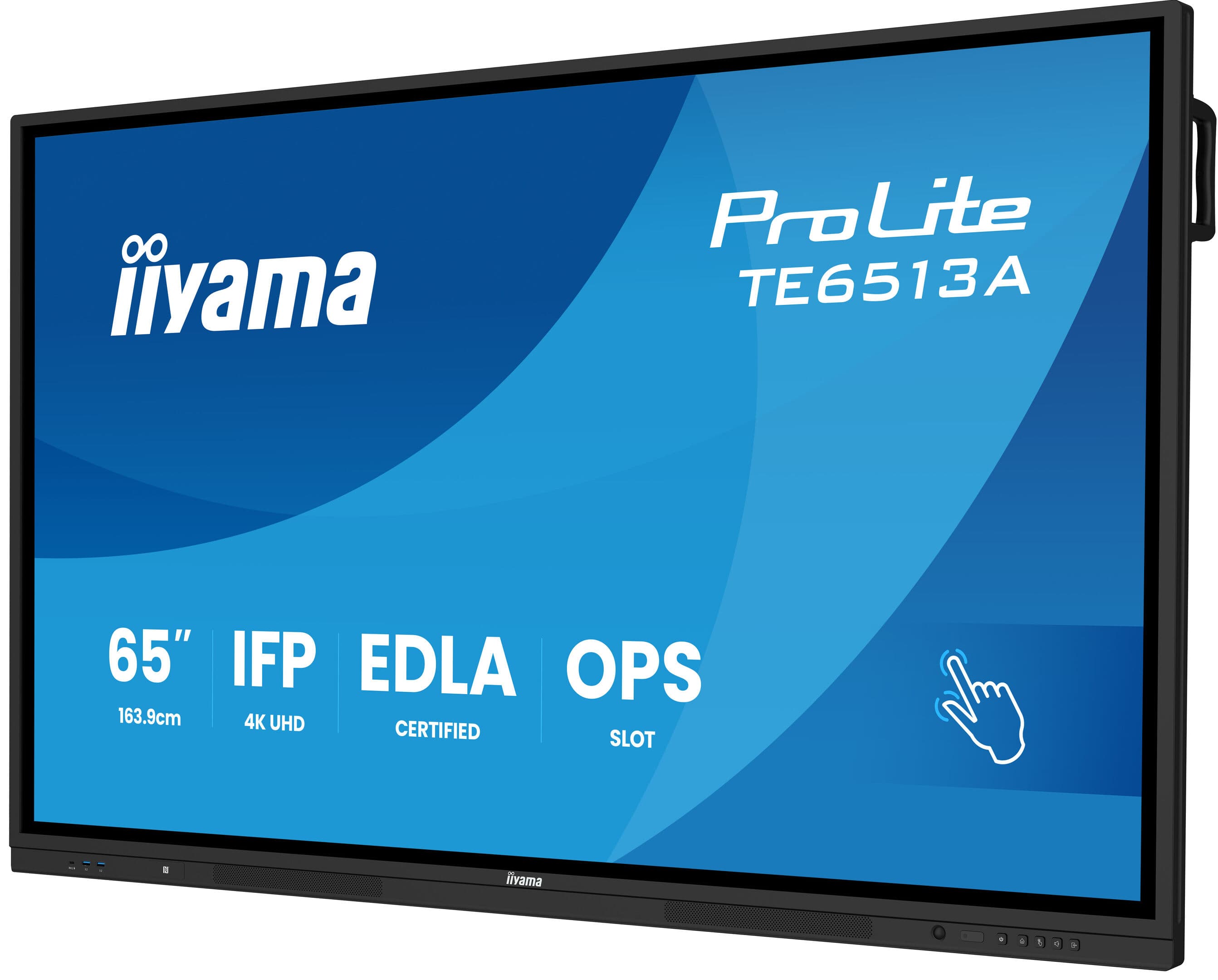
What Is the Smart Board Replacing?
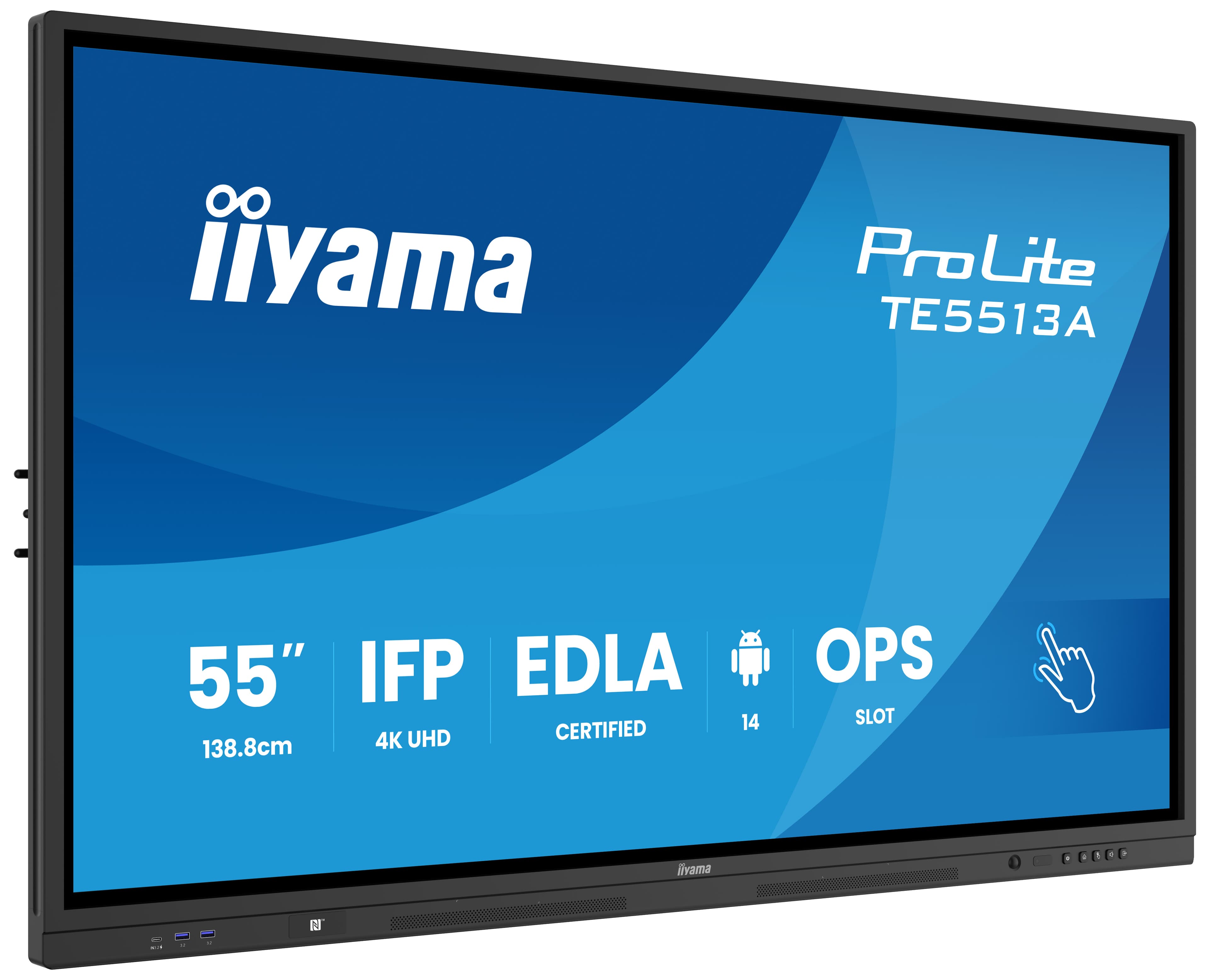
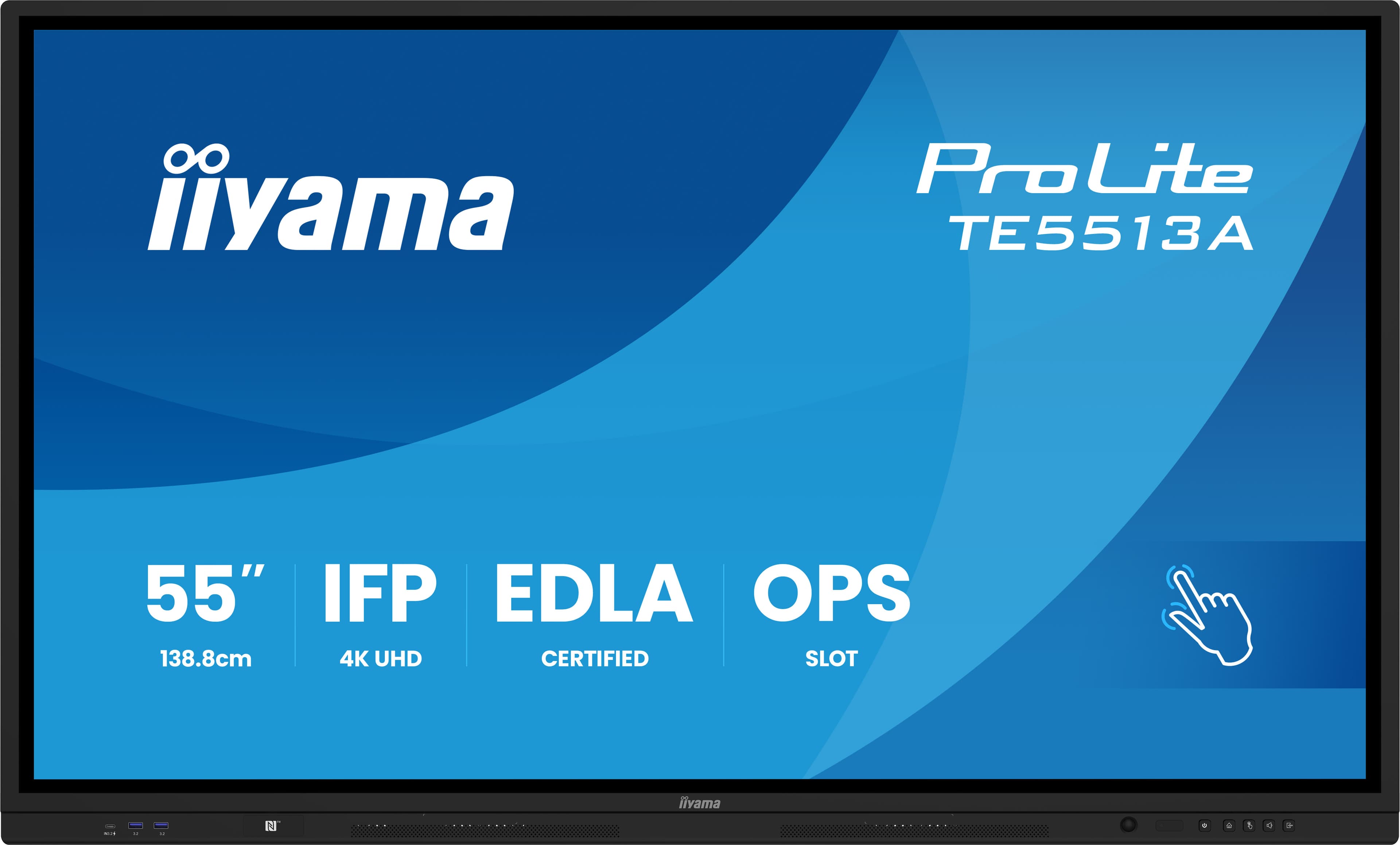
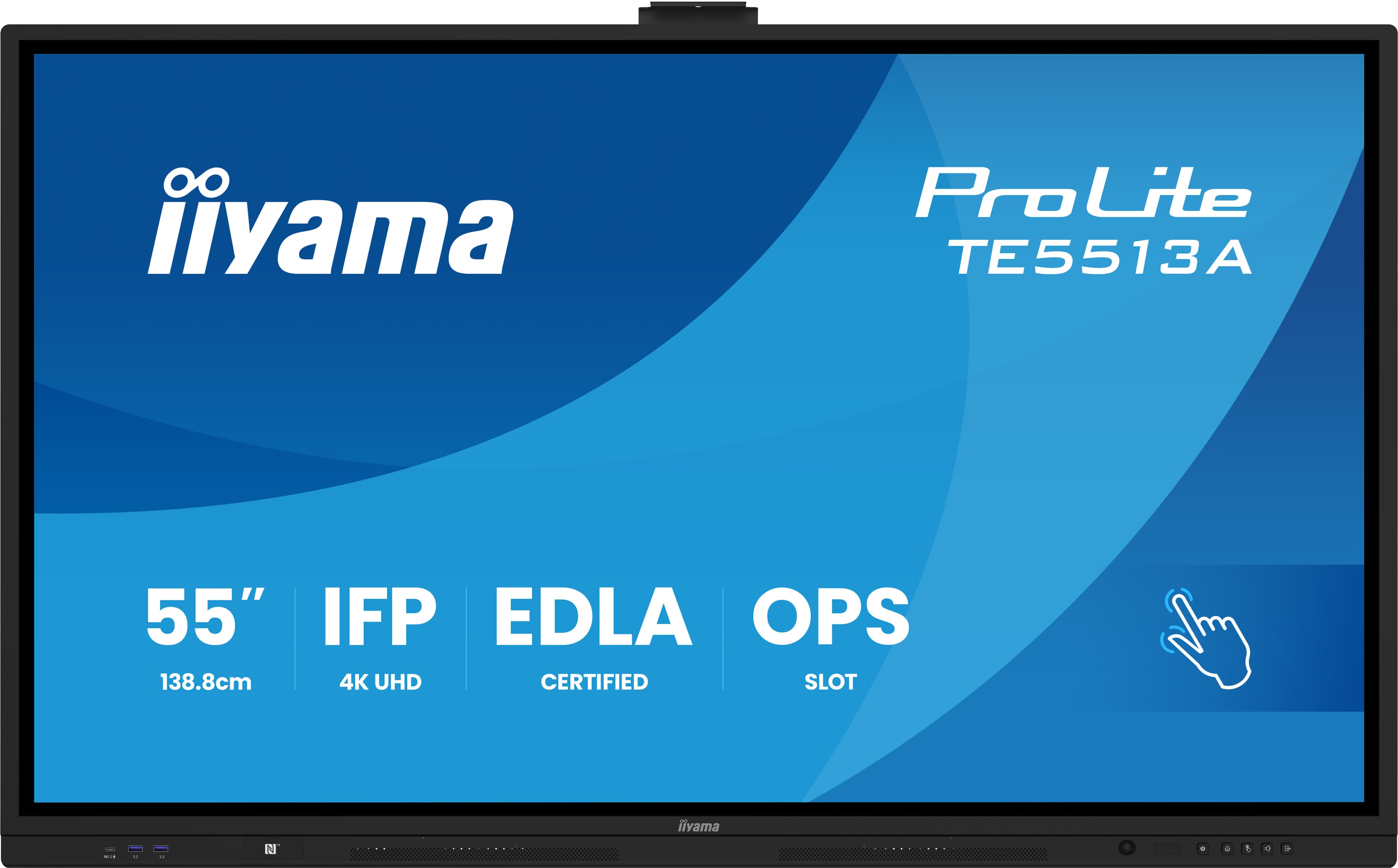
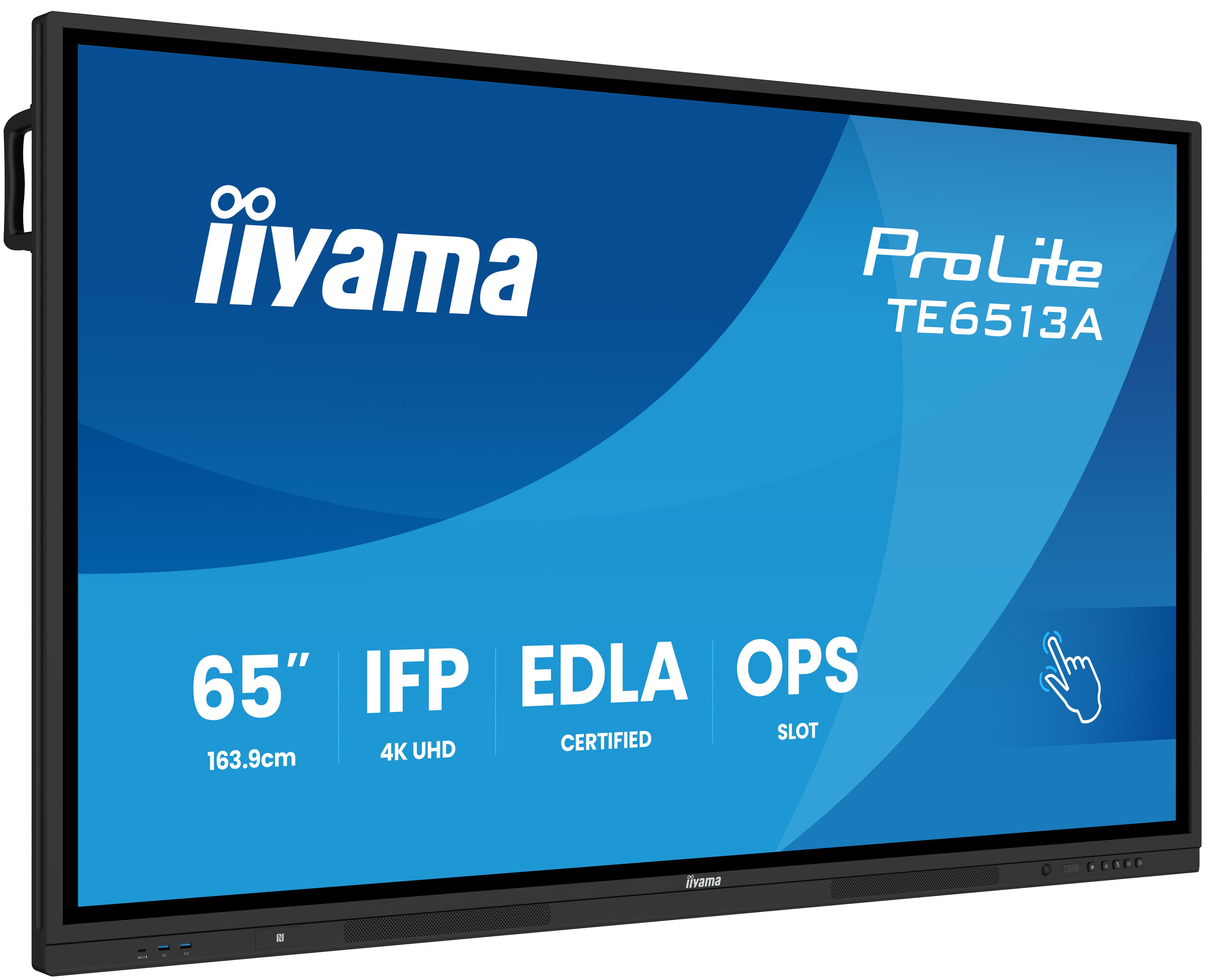
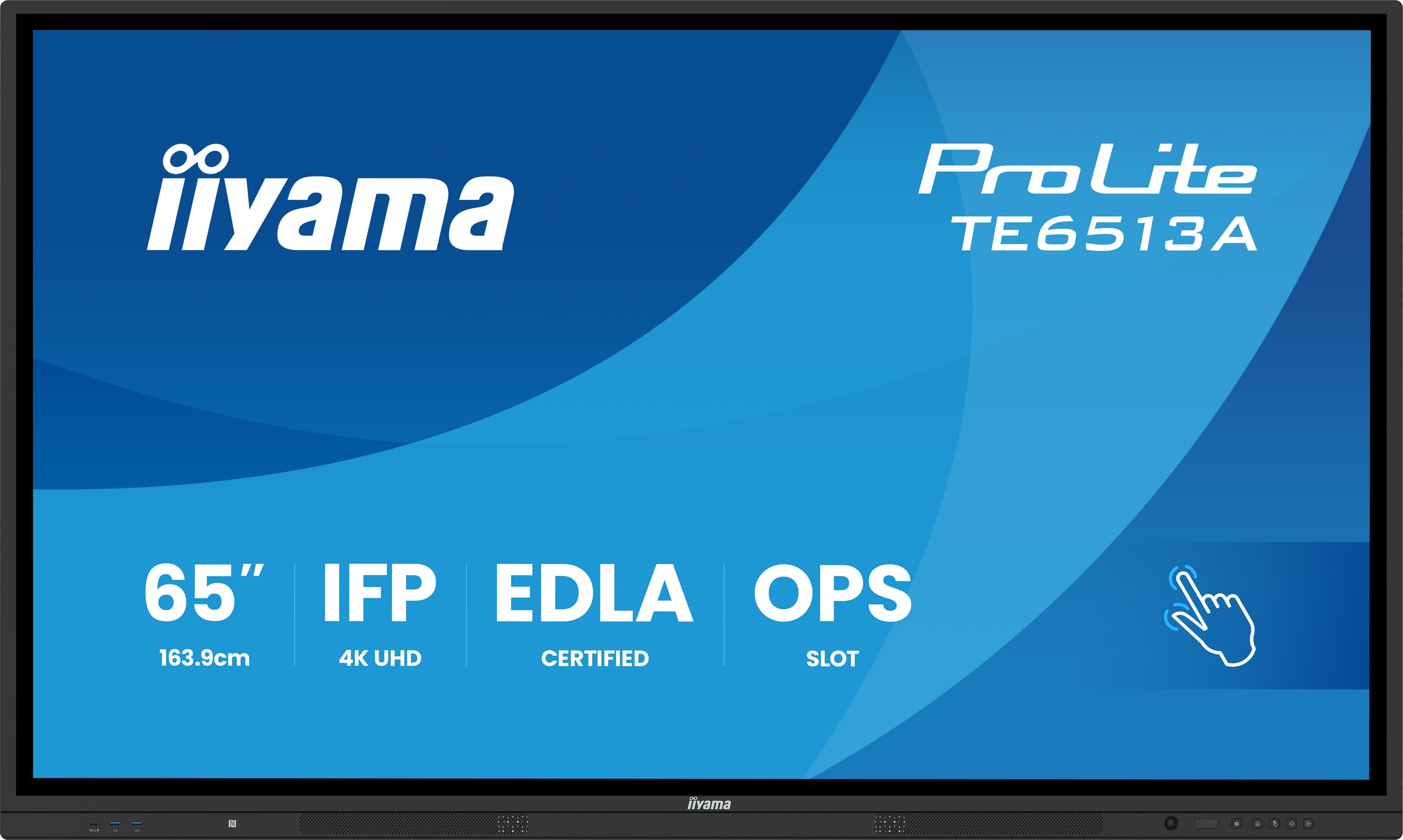
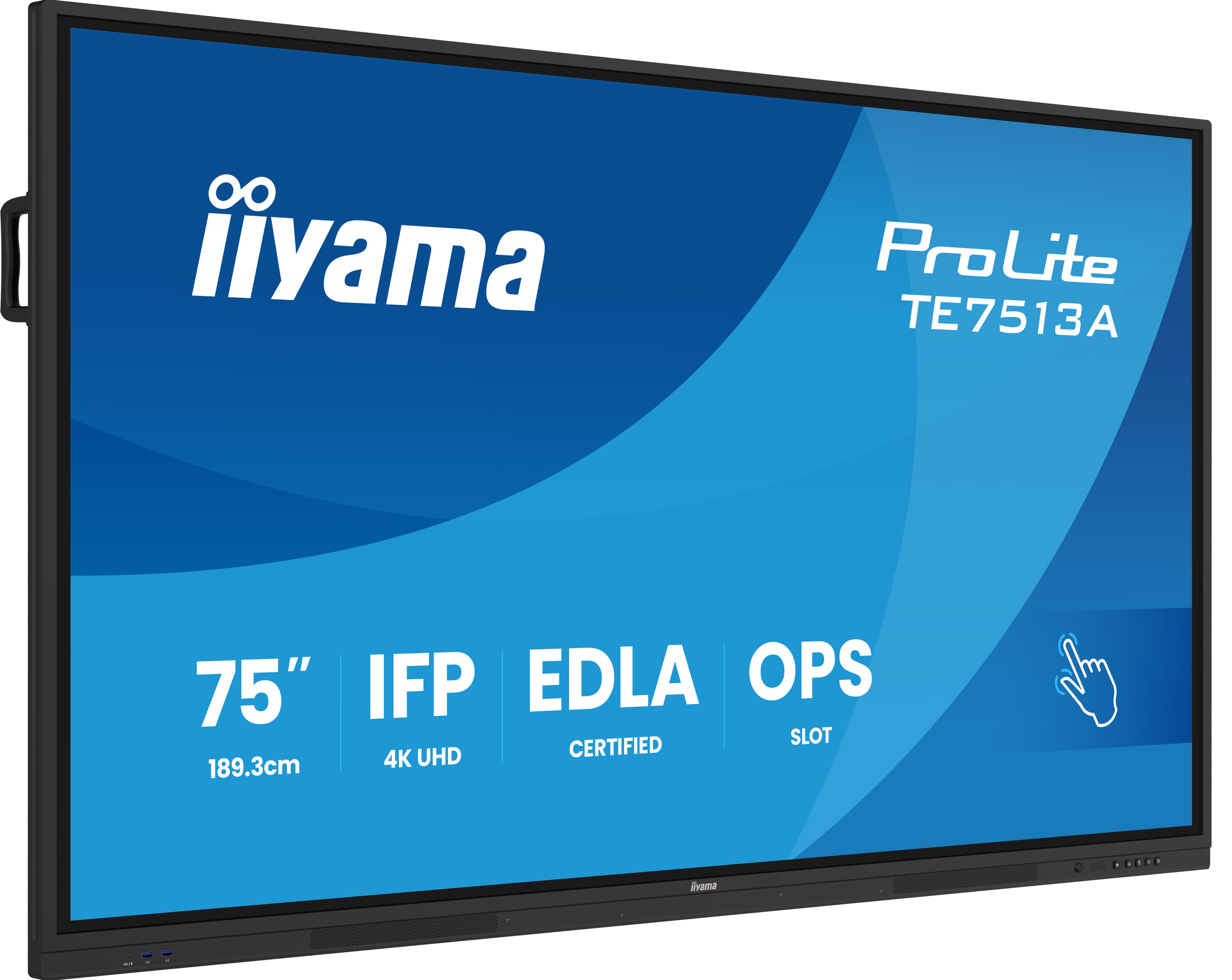
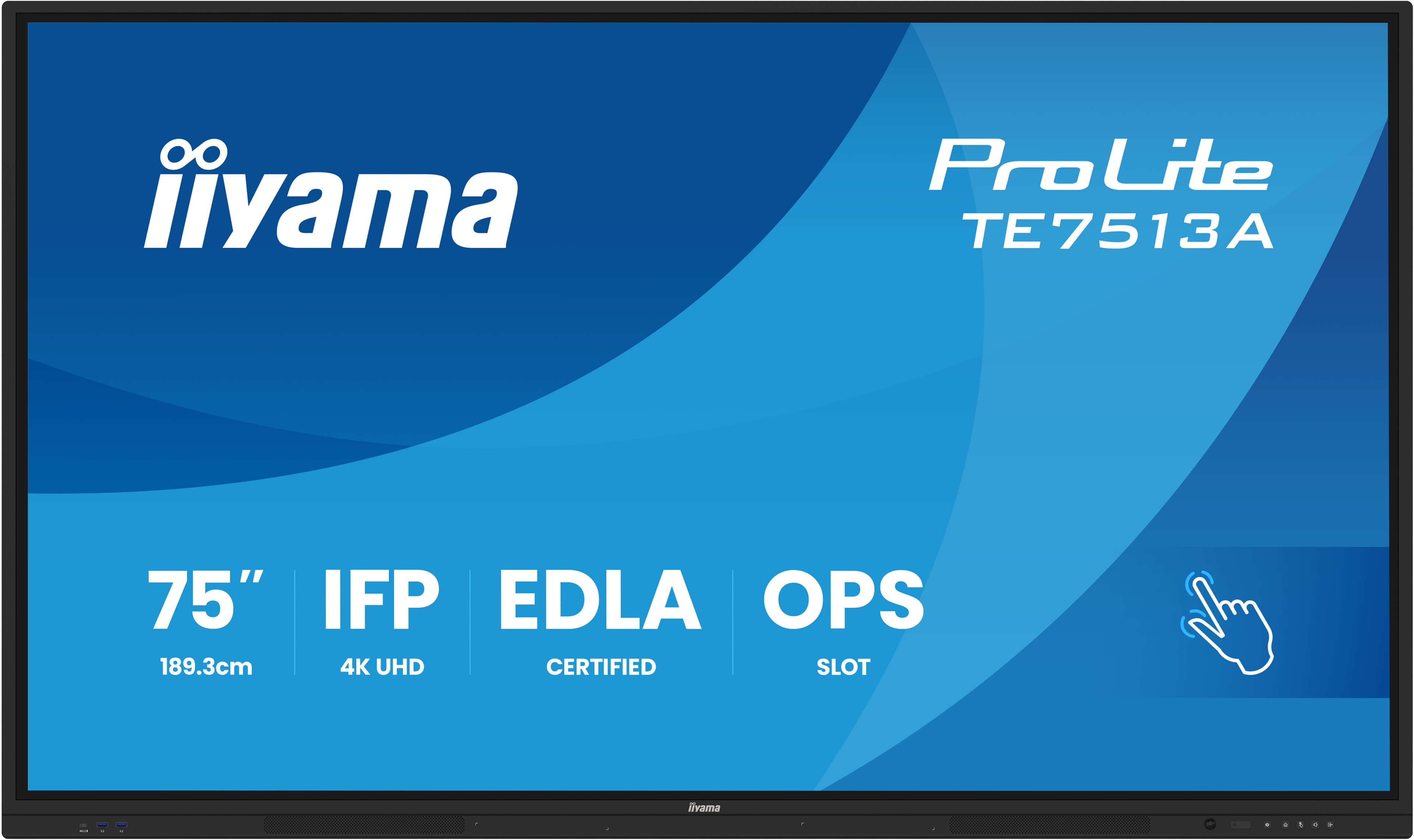
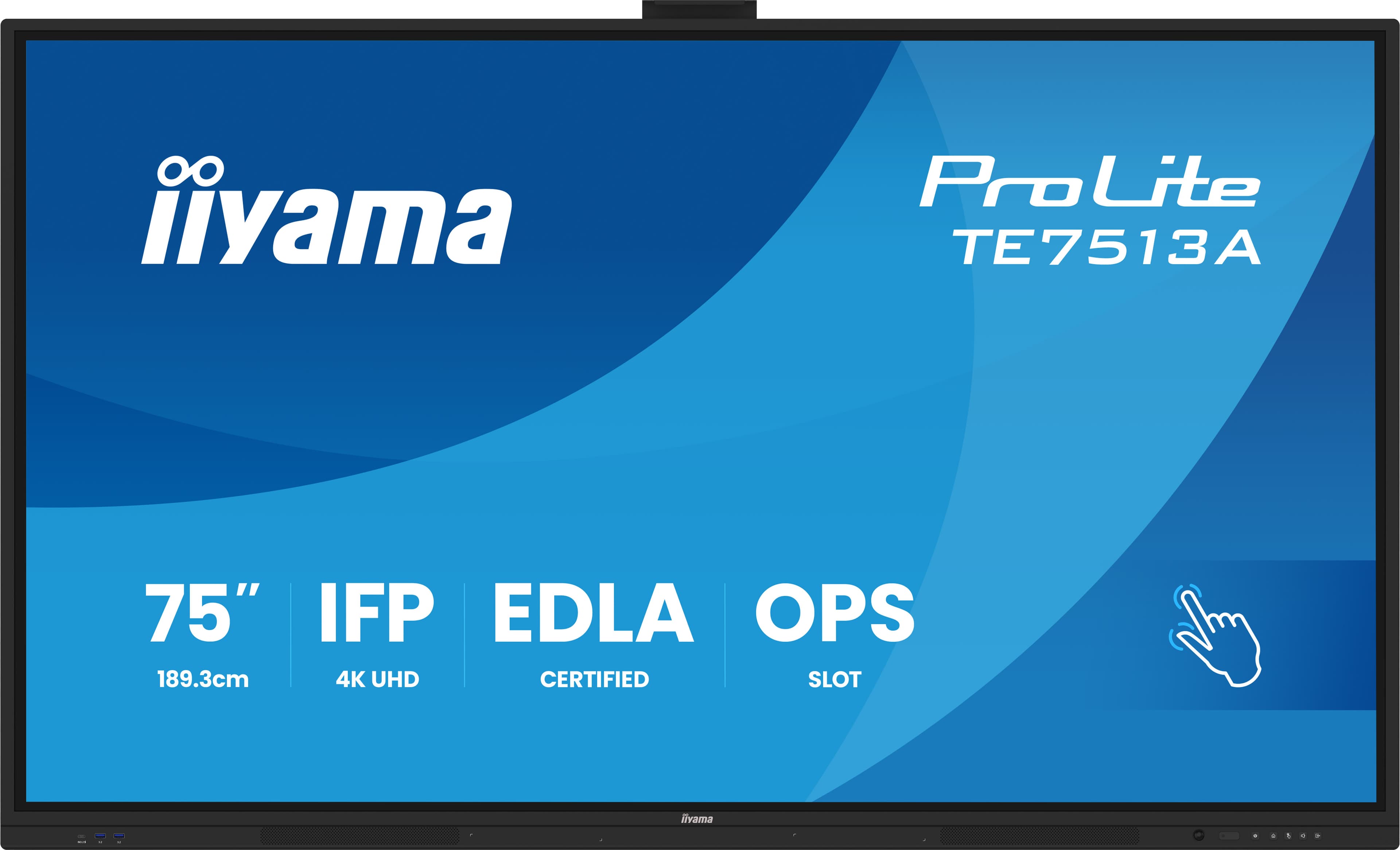
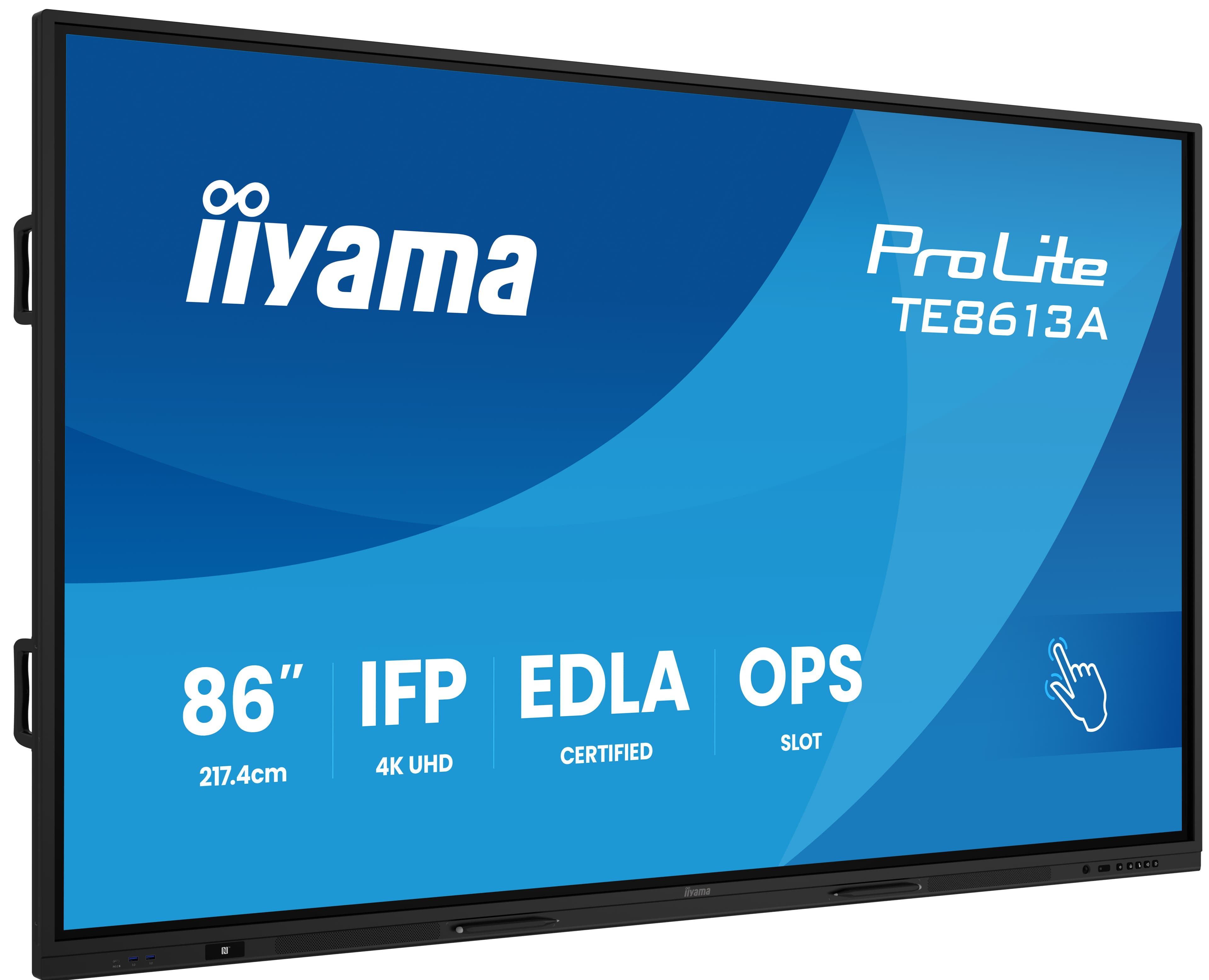
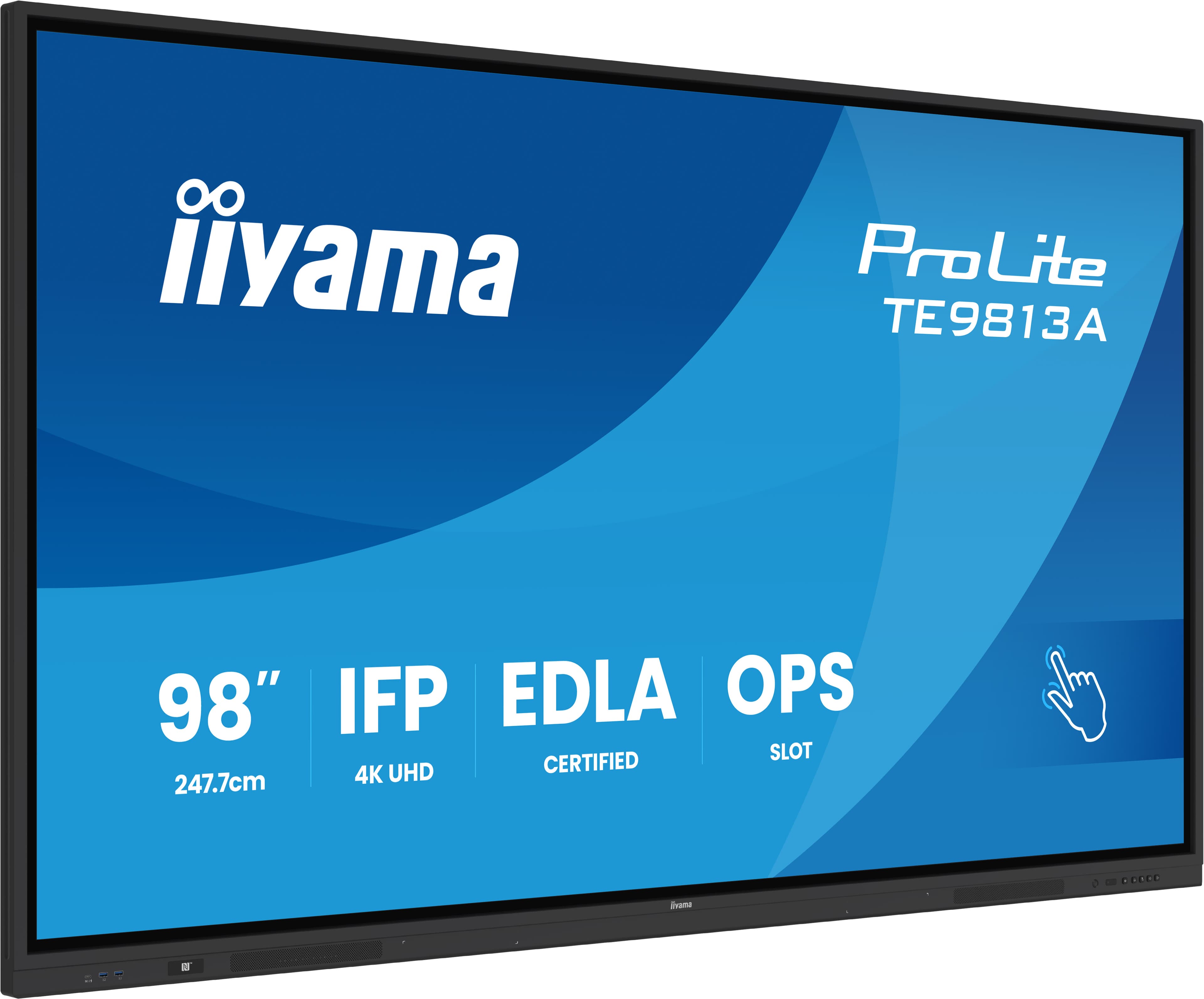
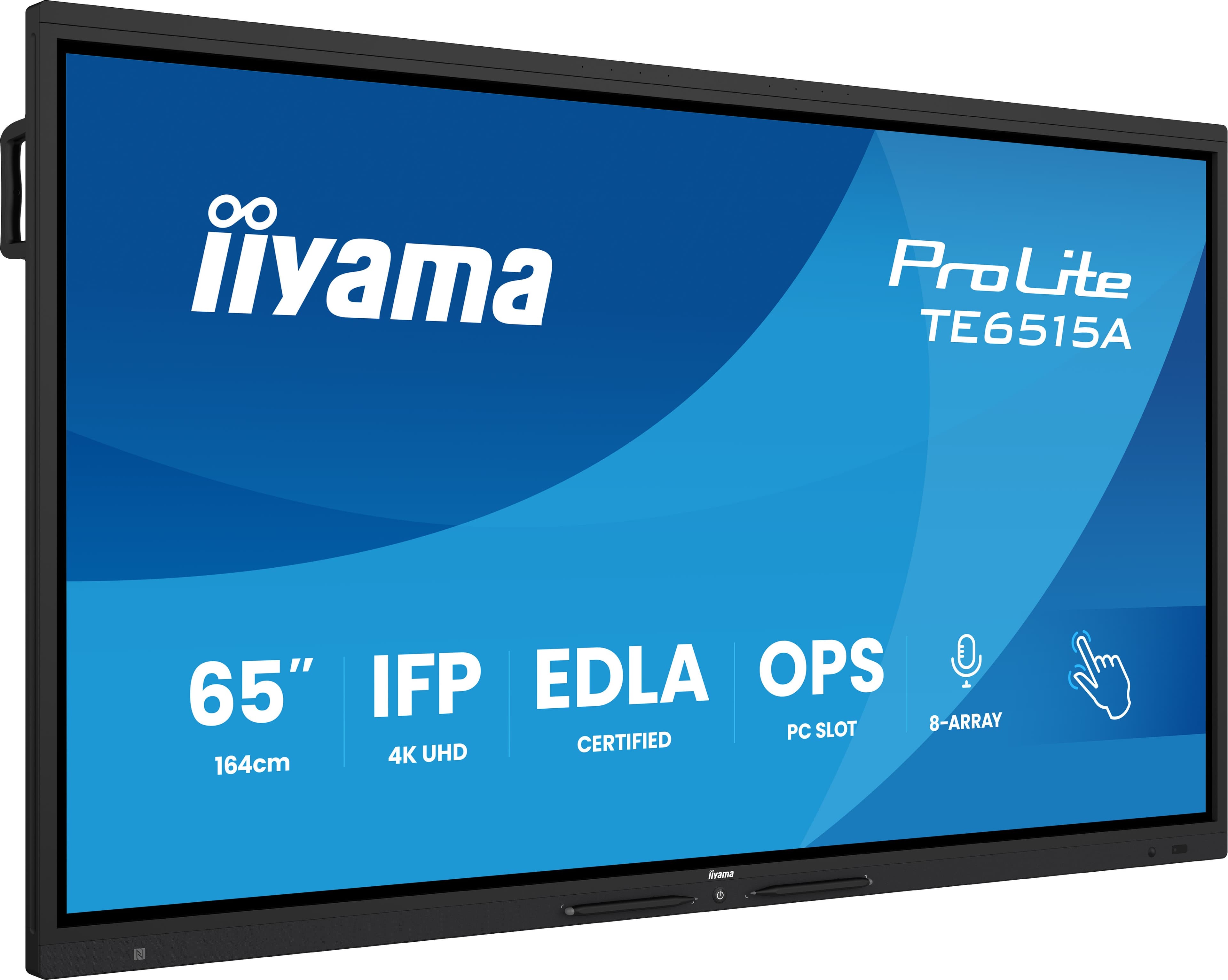
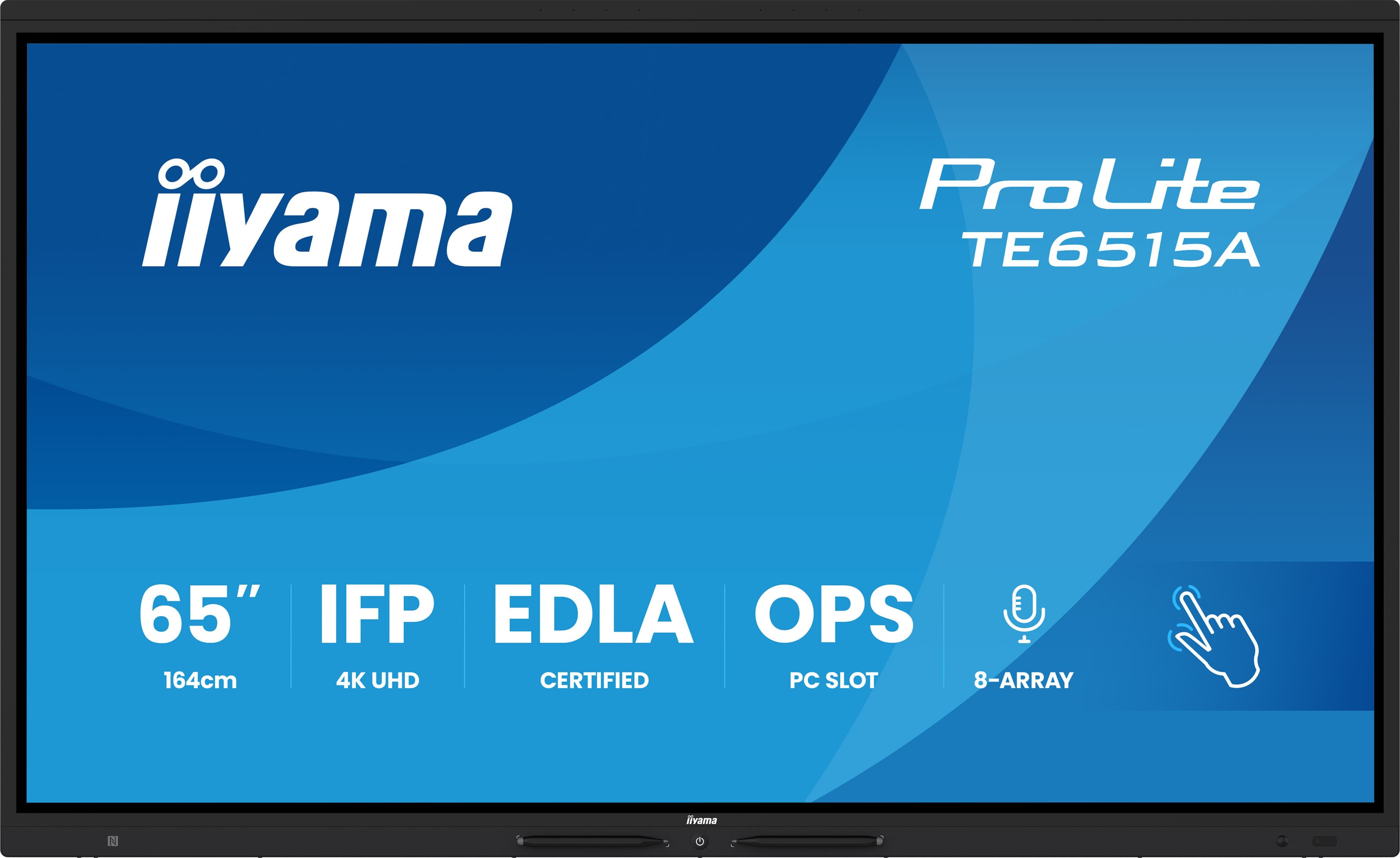
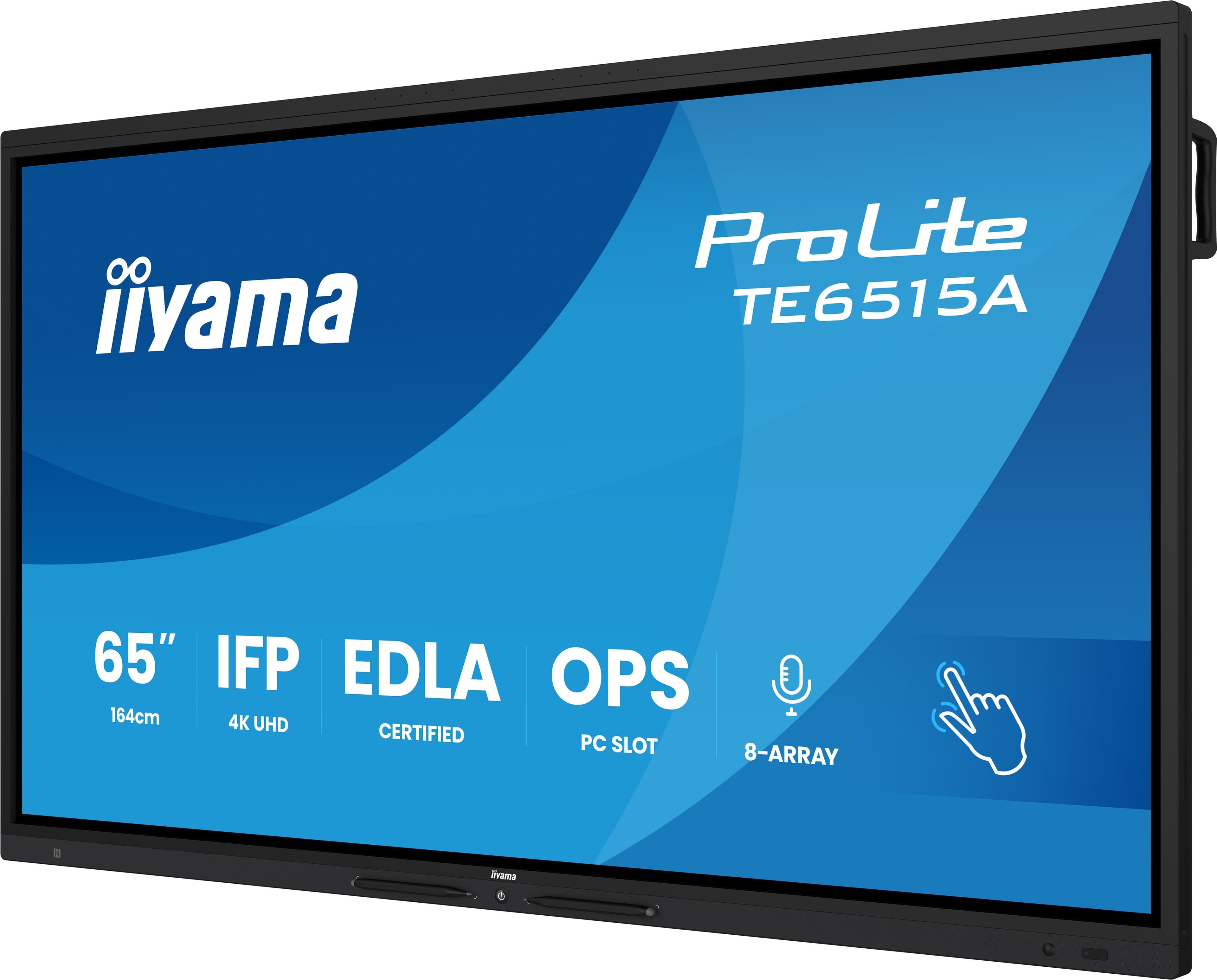
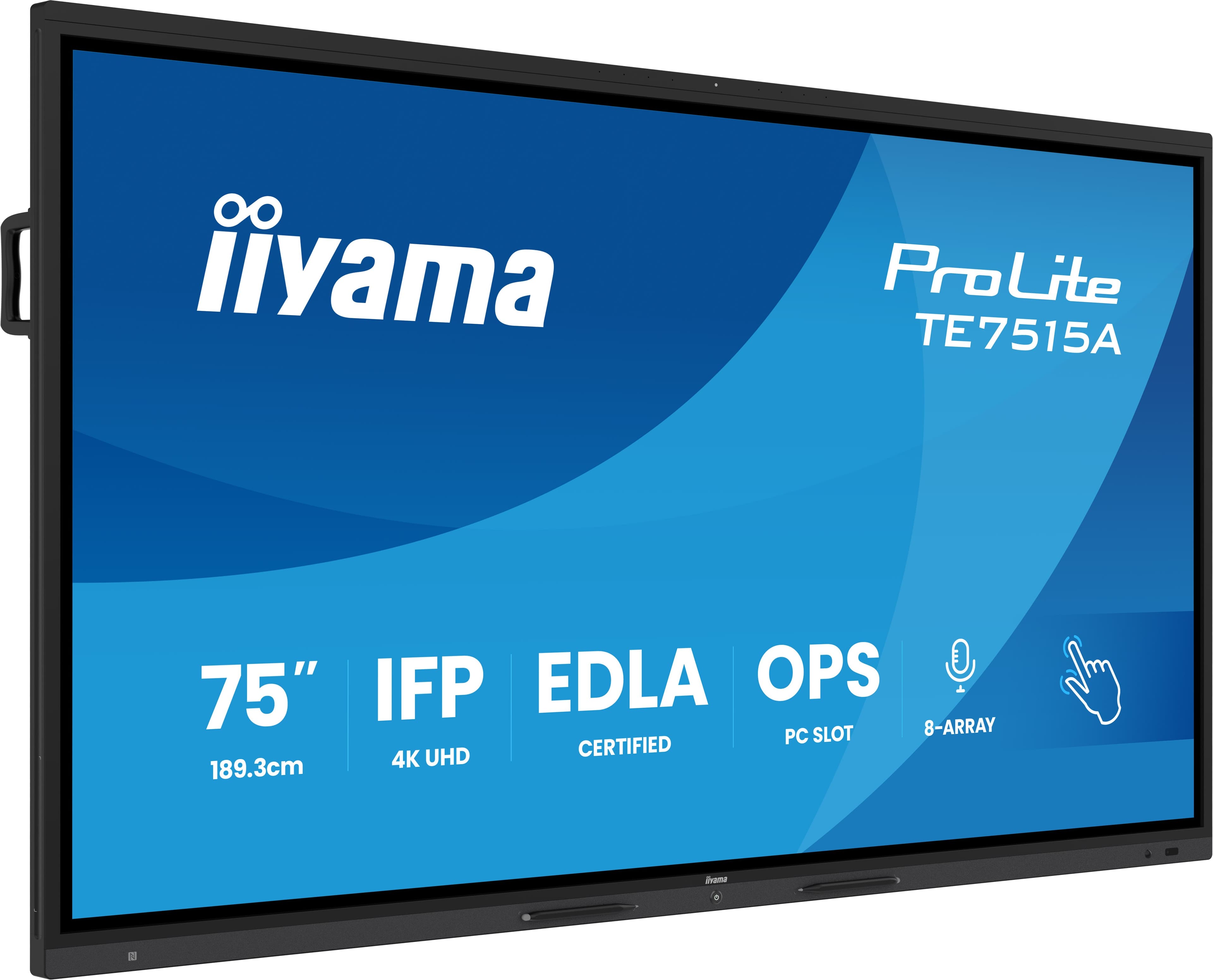
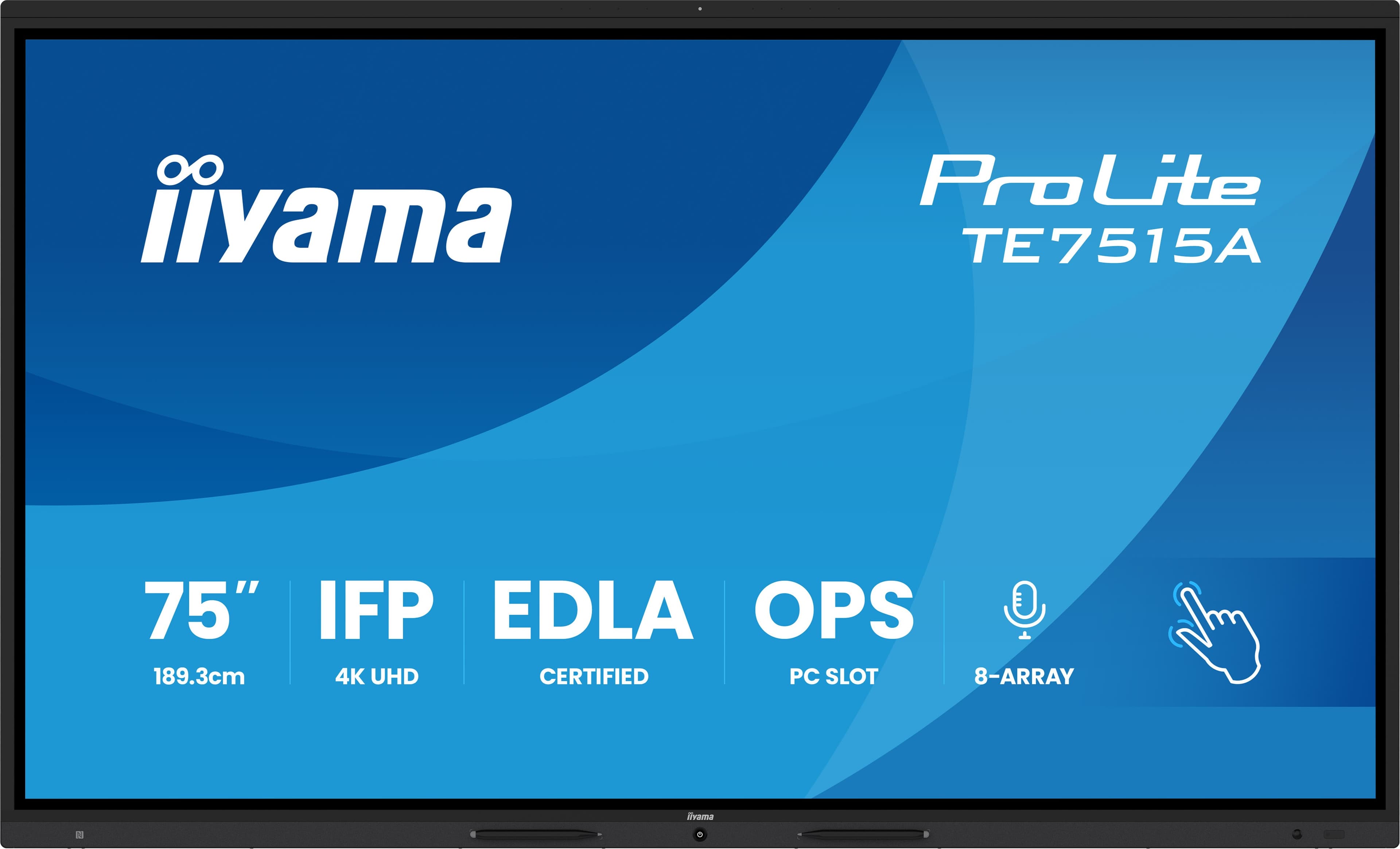
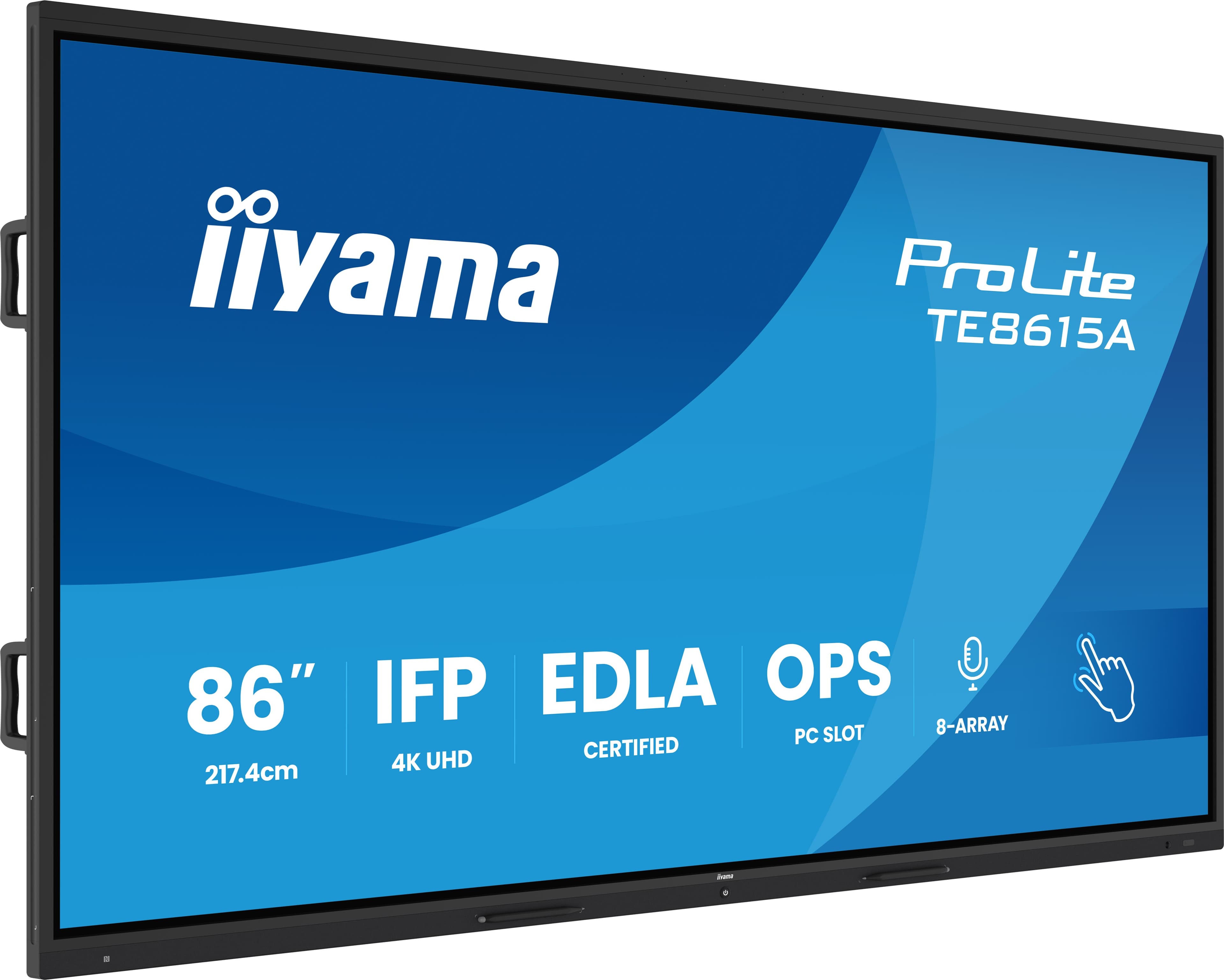
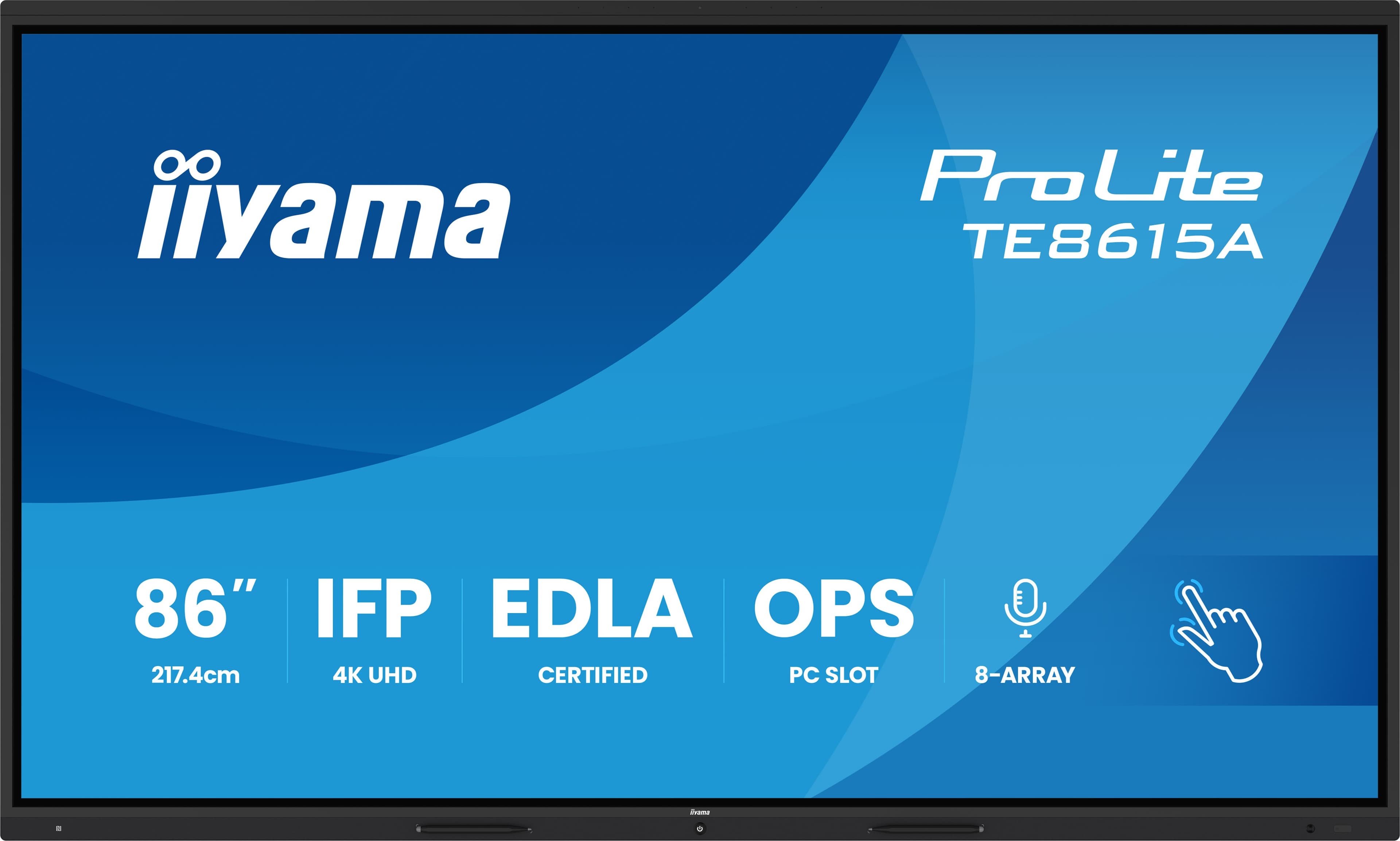
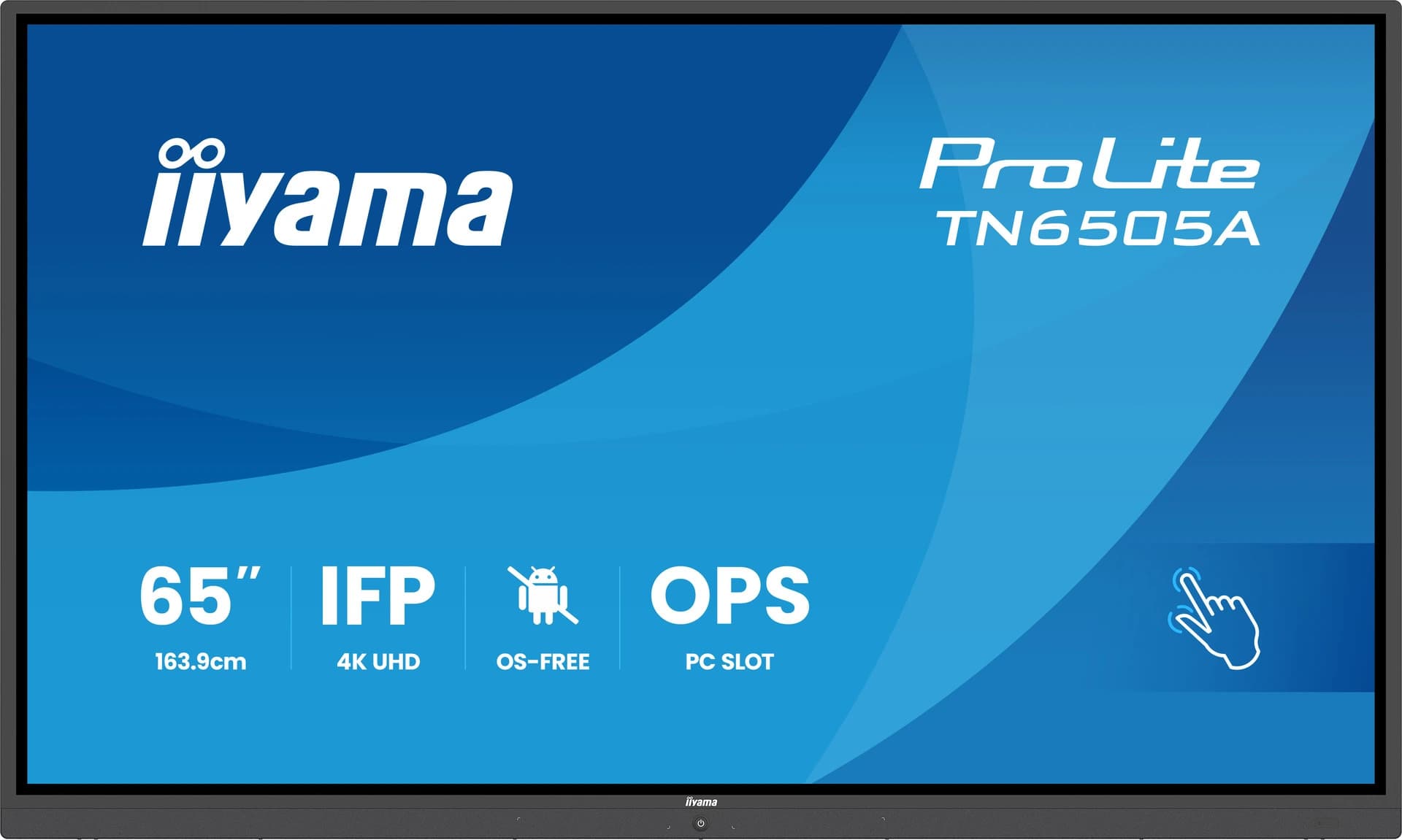
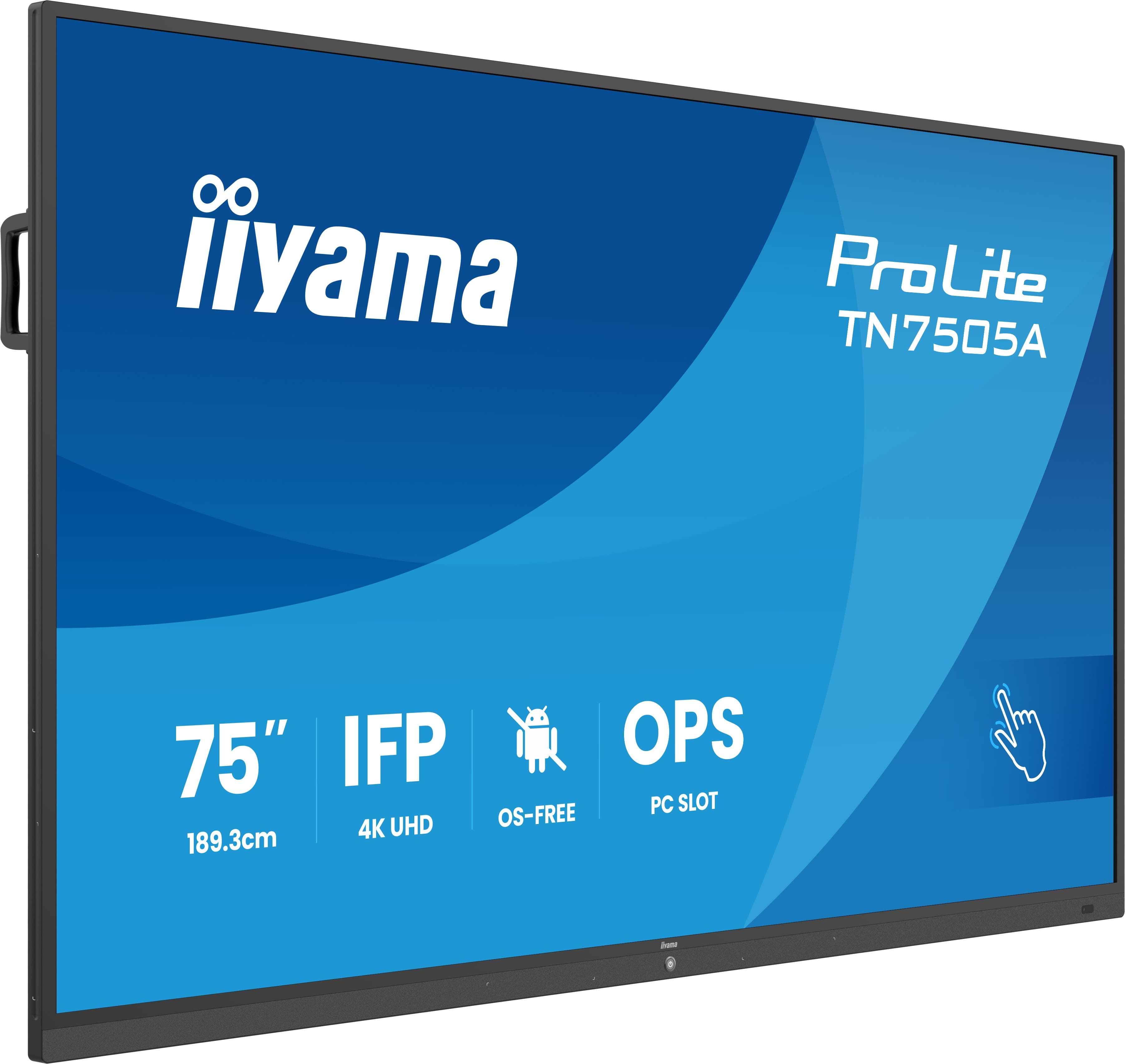
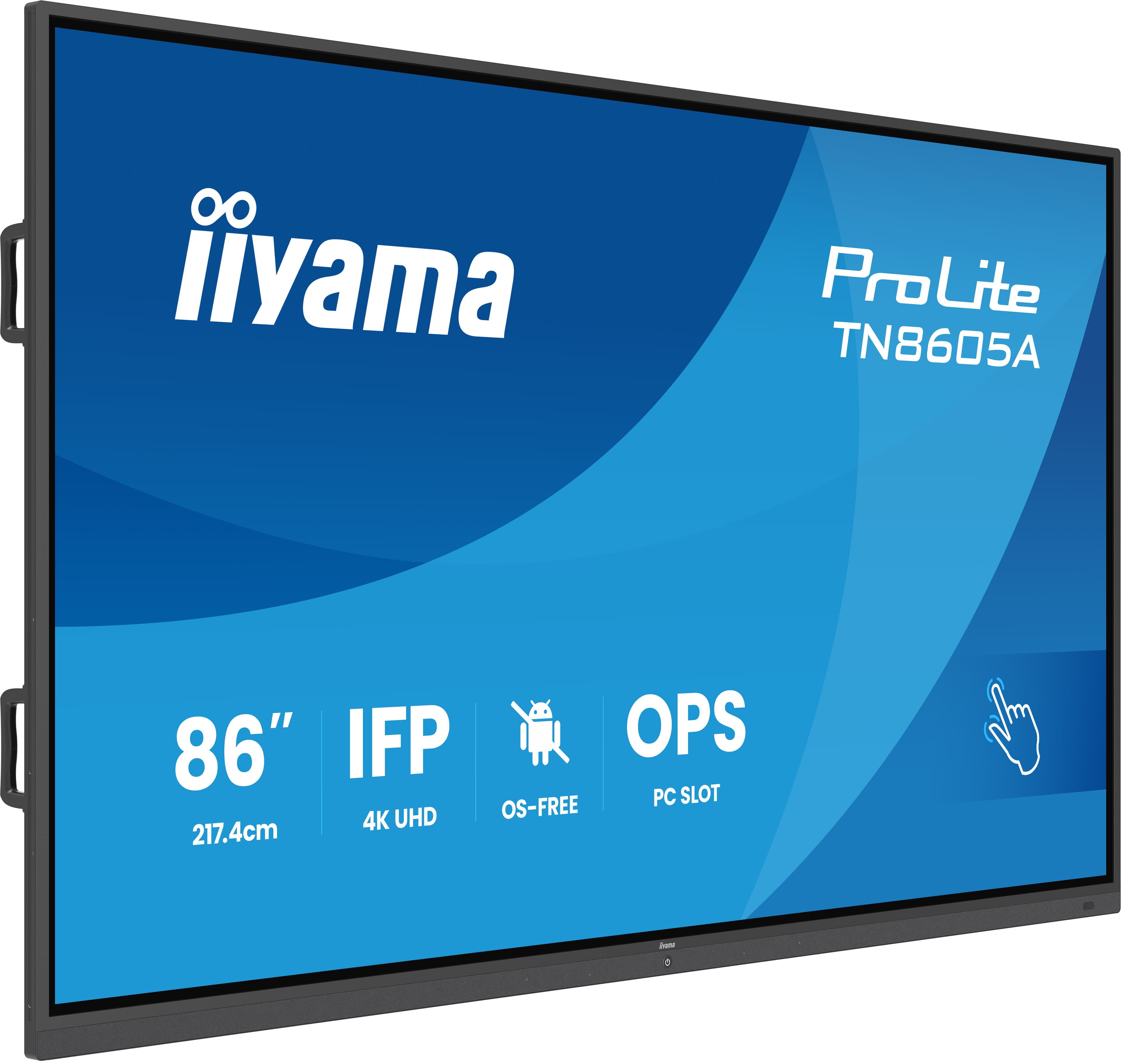
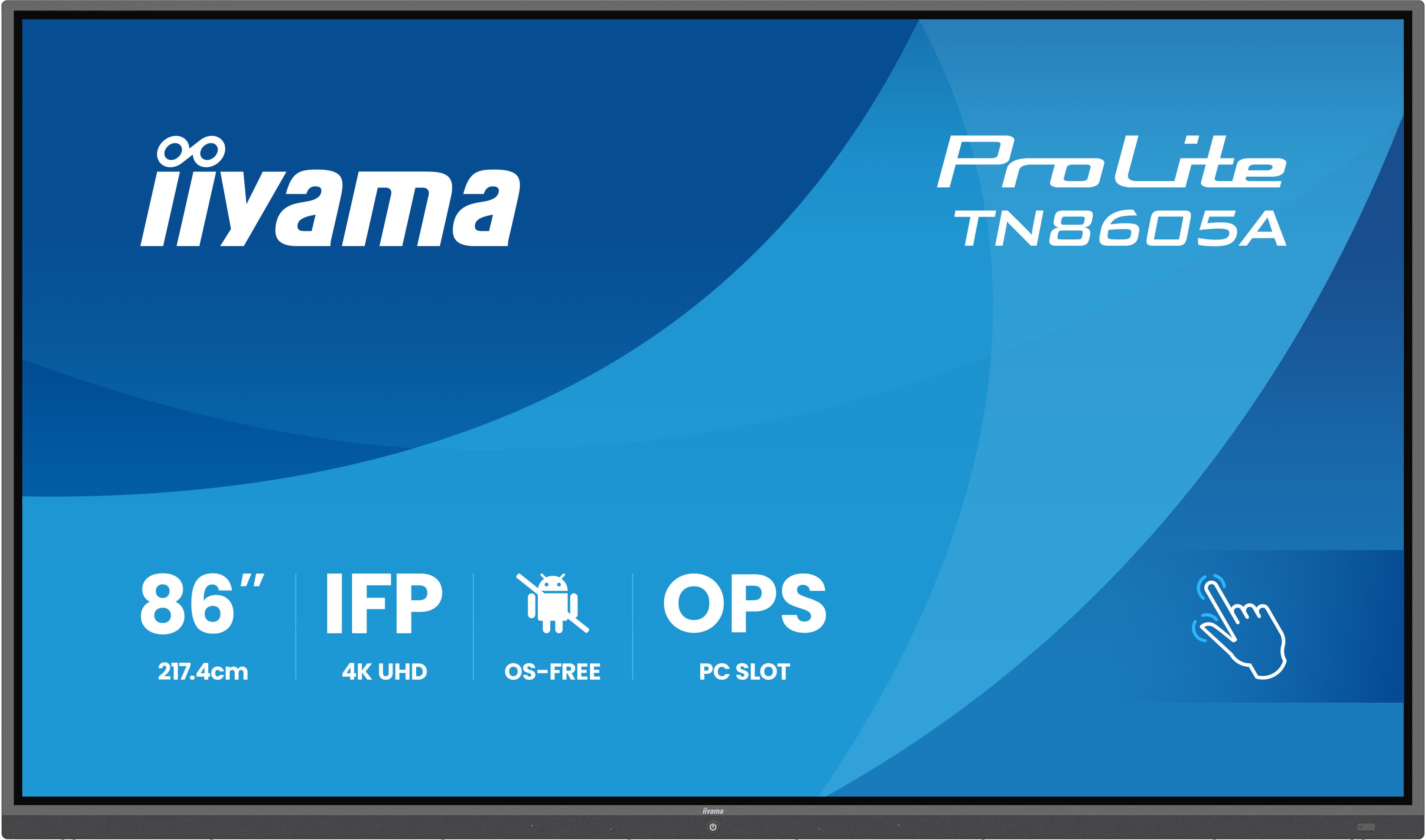
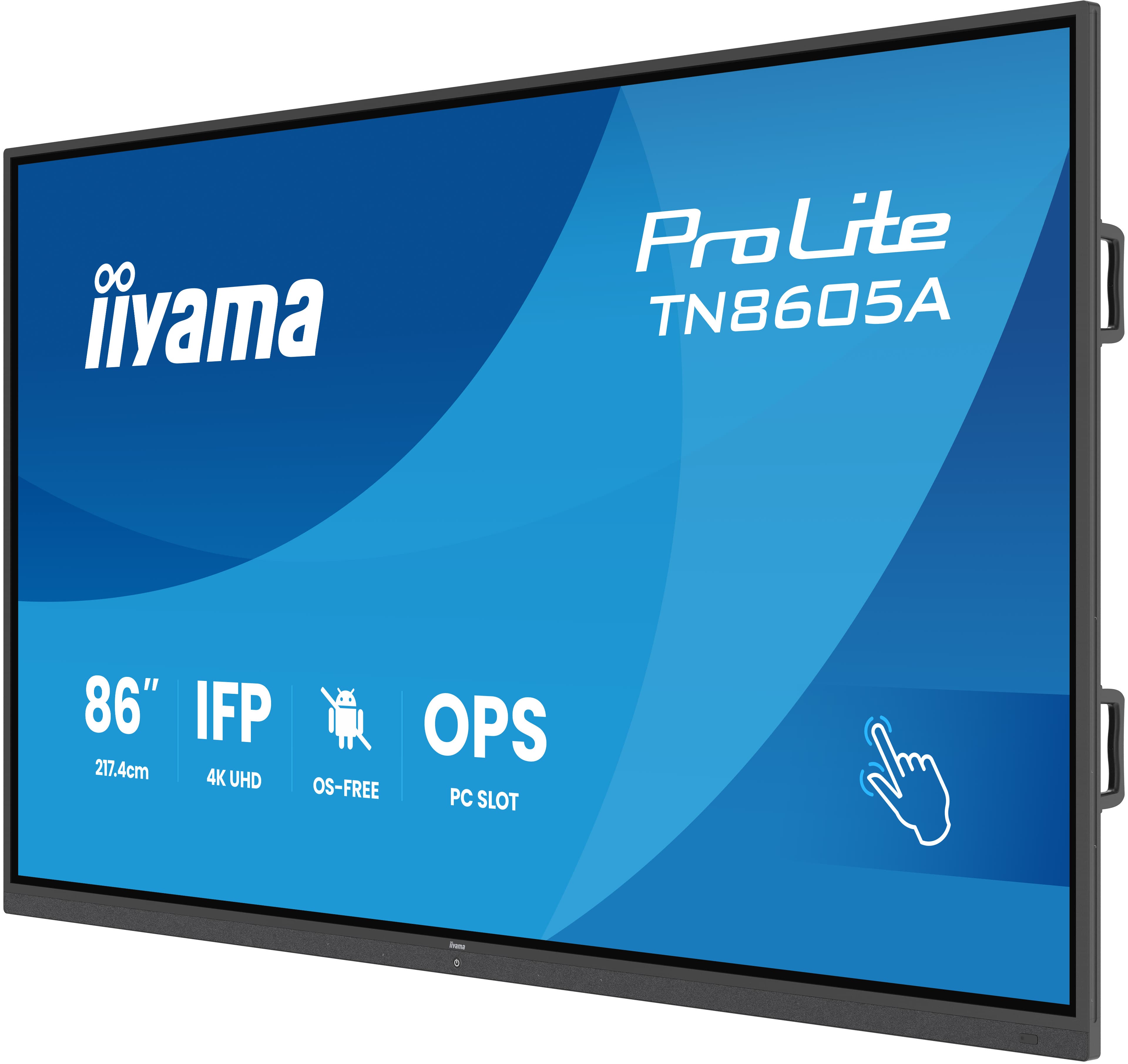
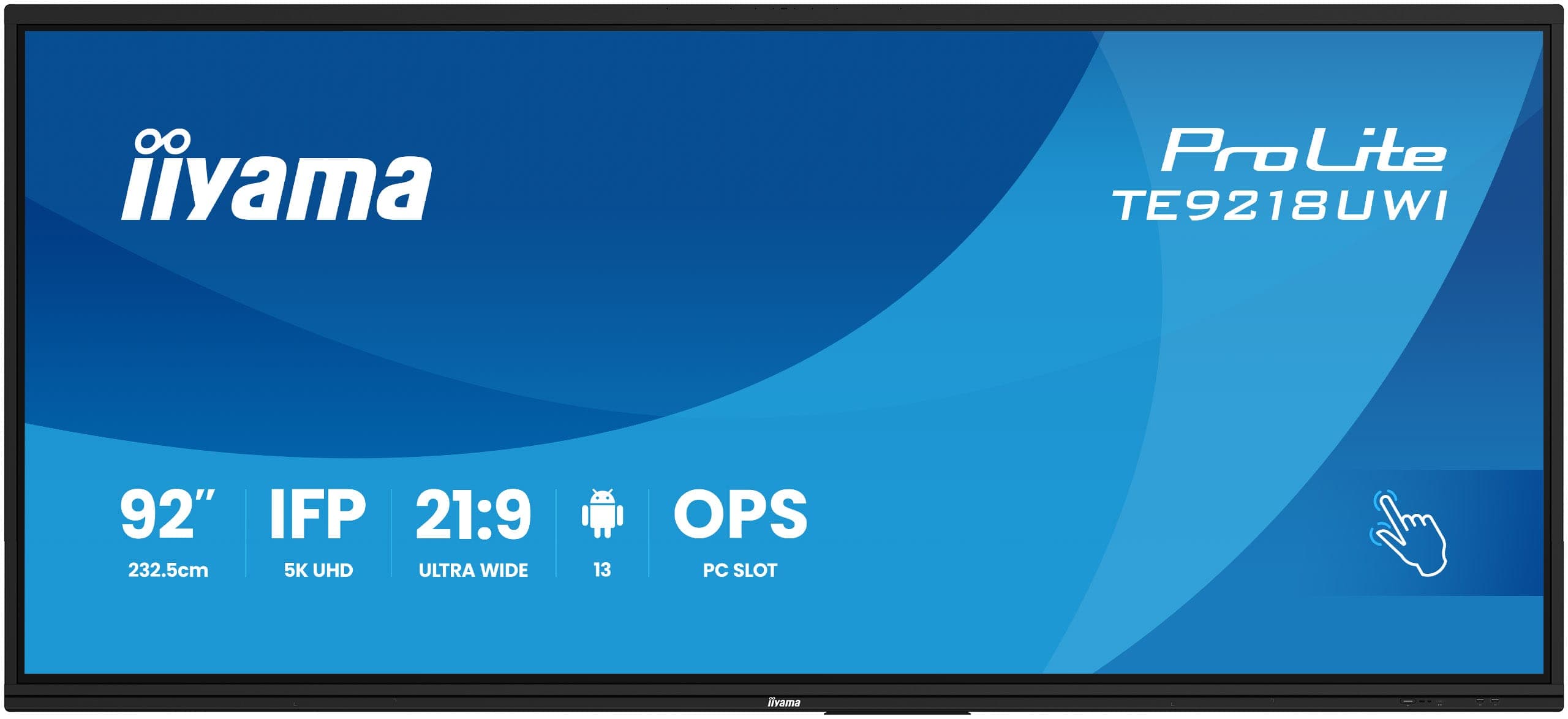
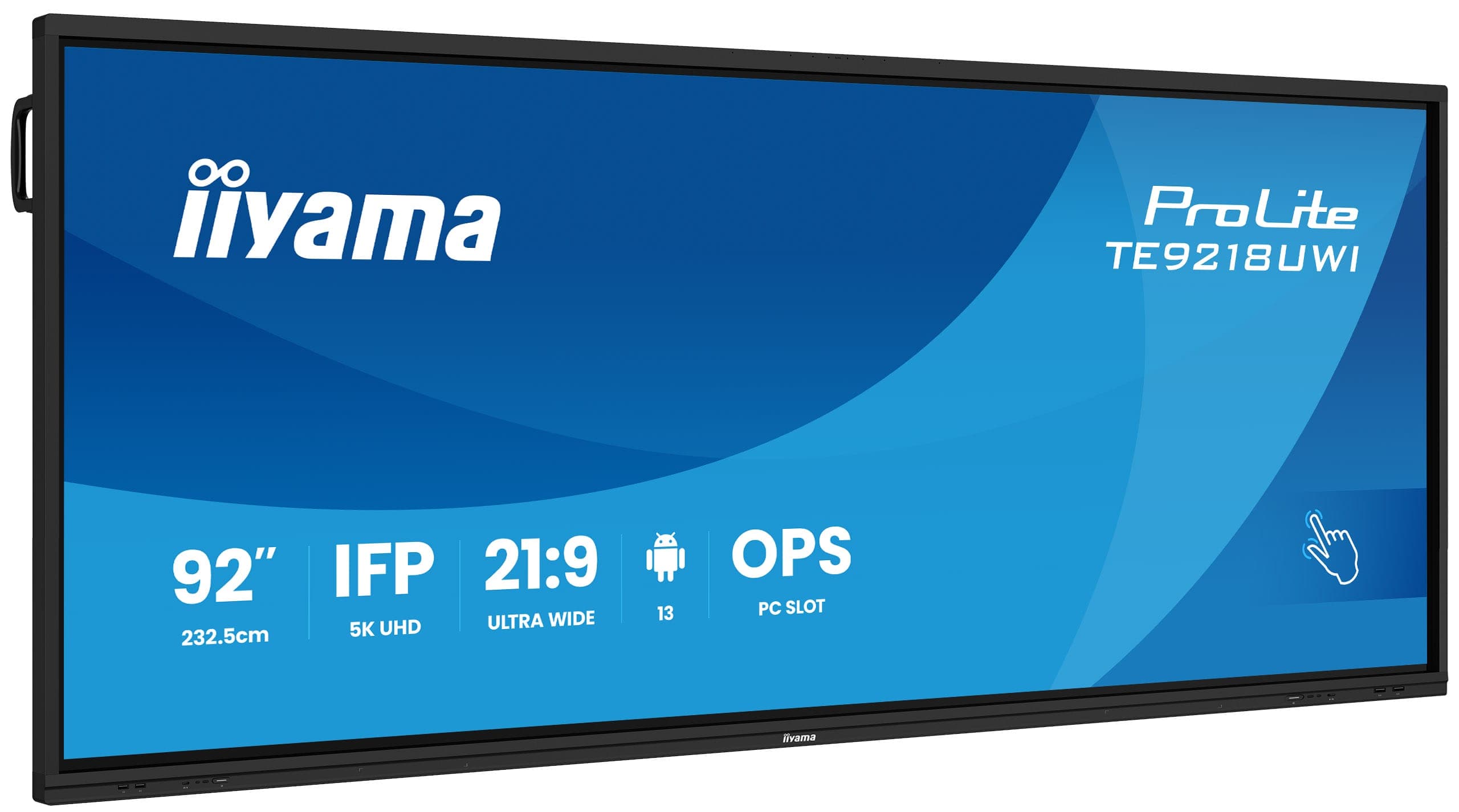
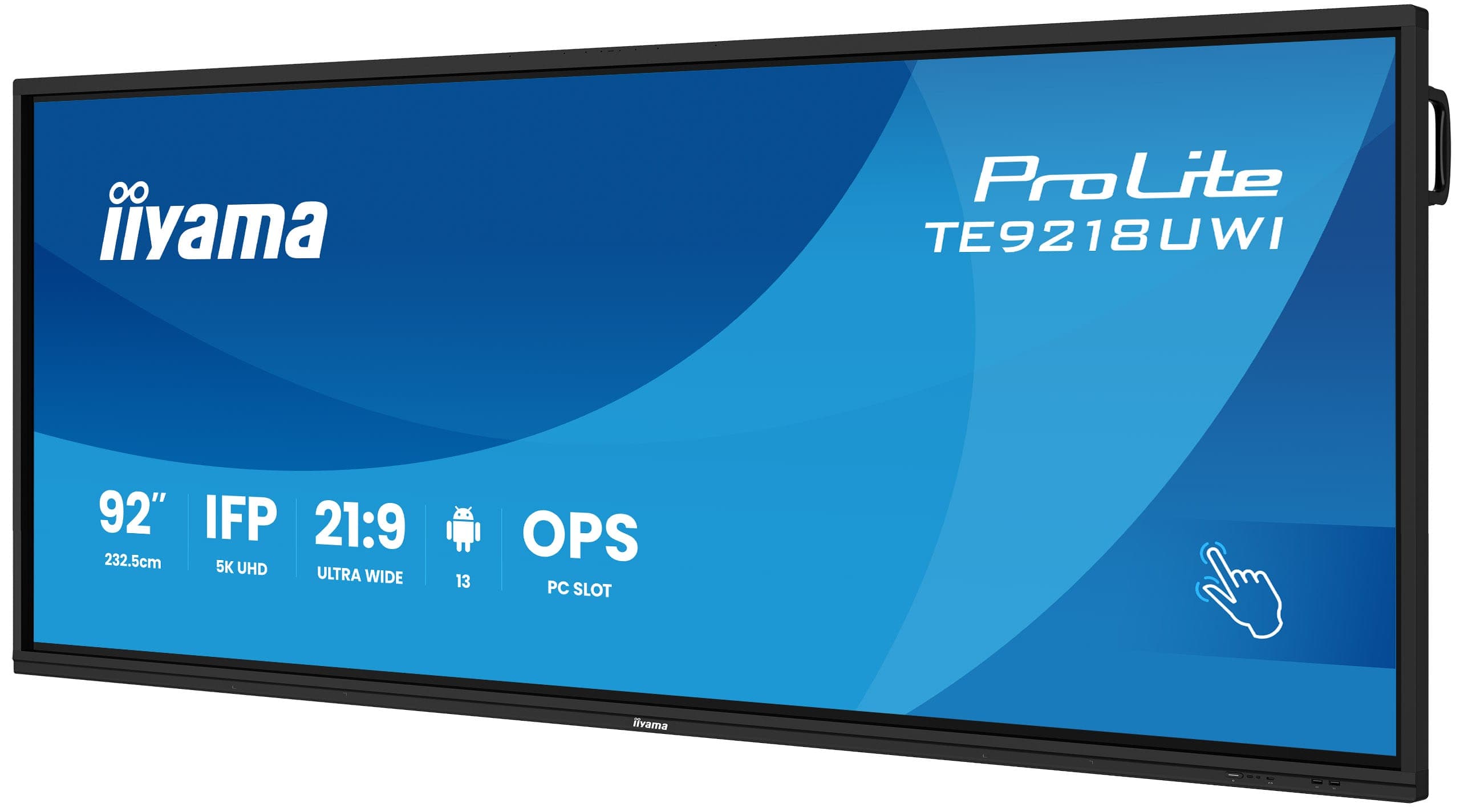
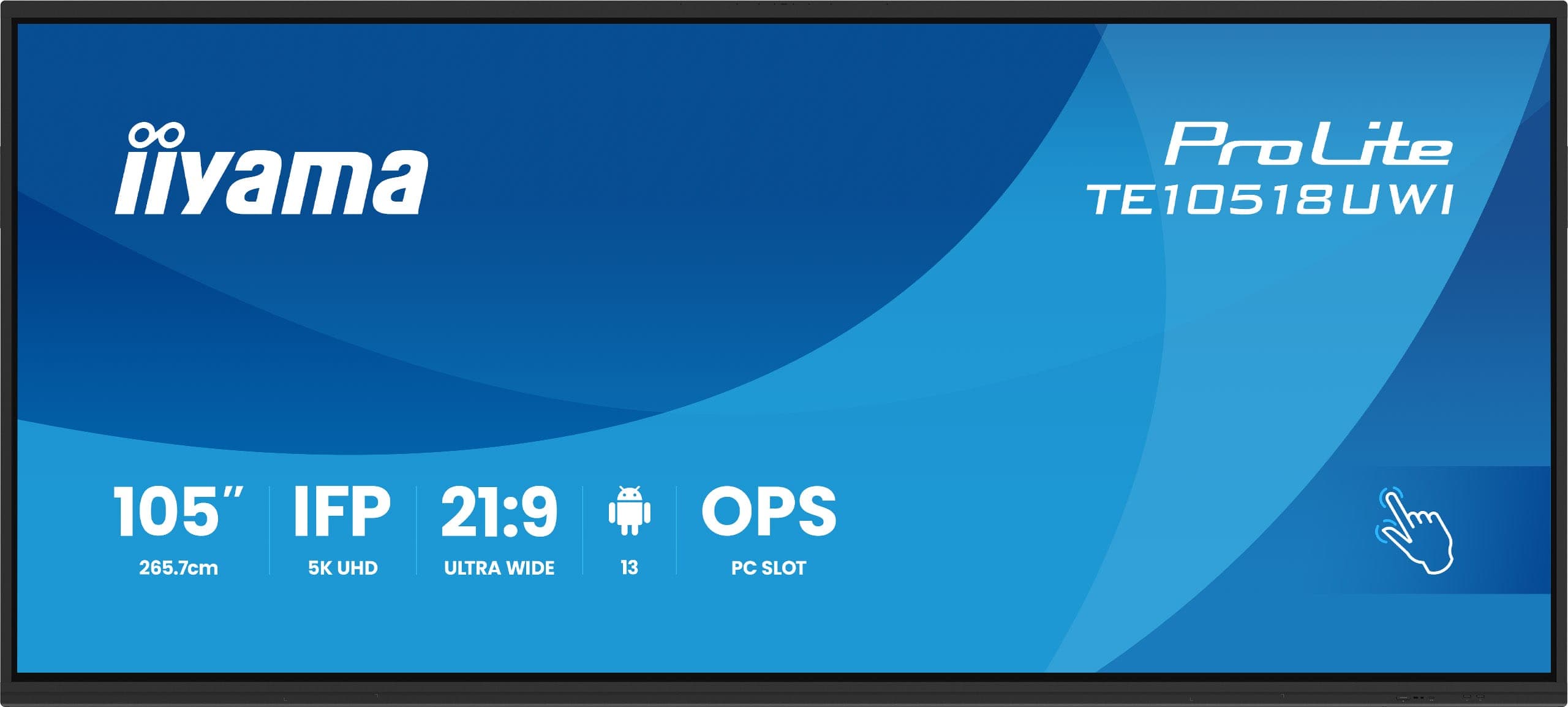
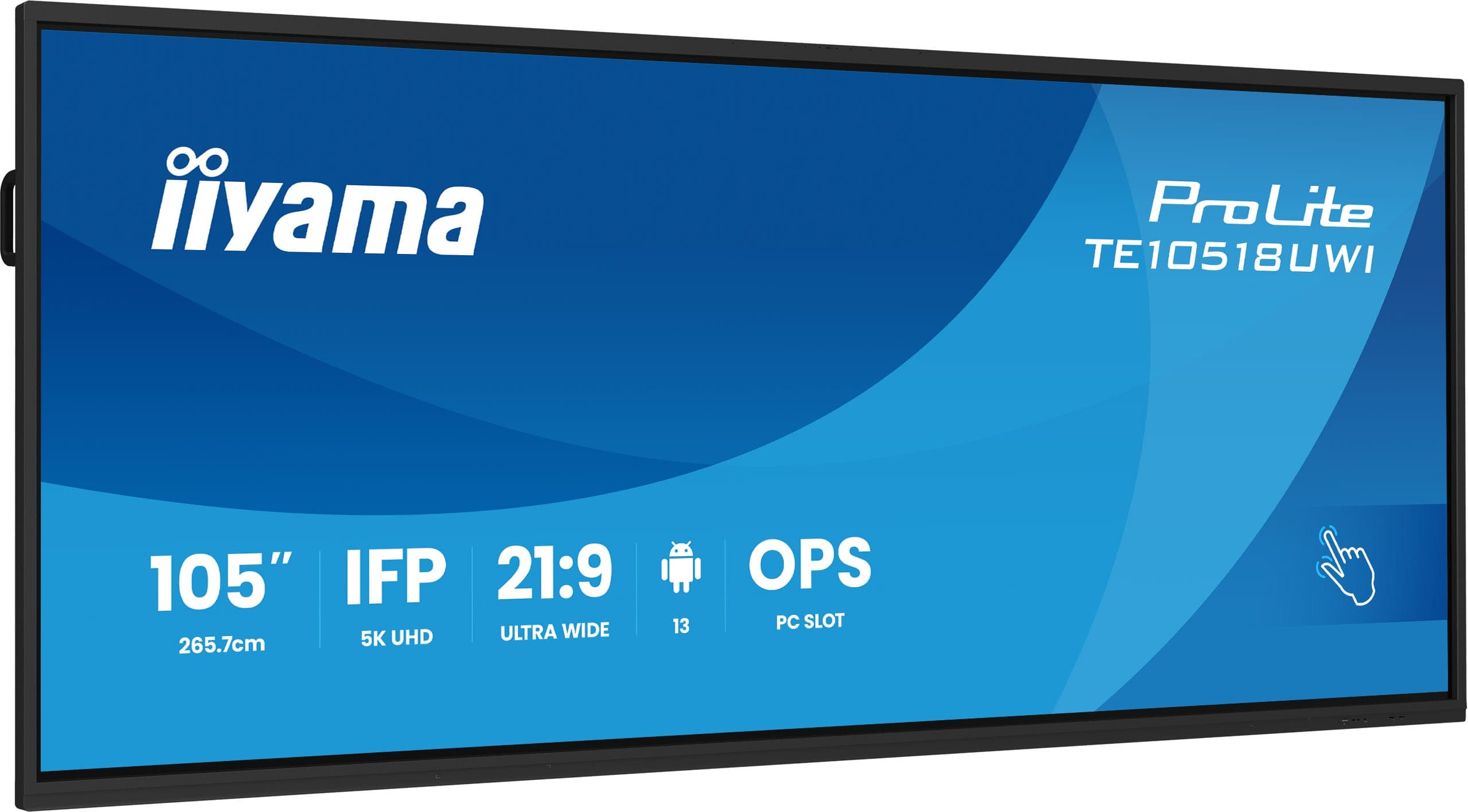
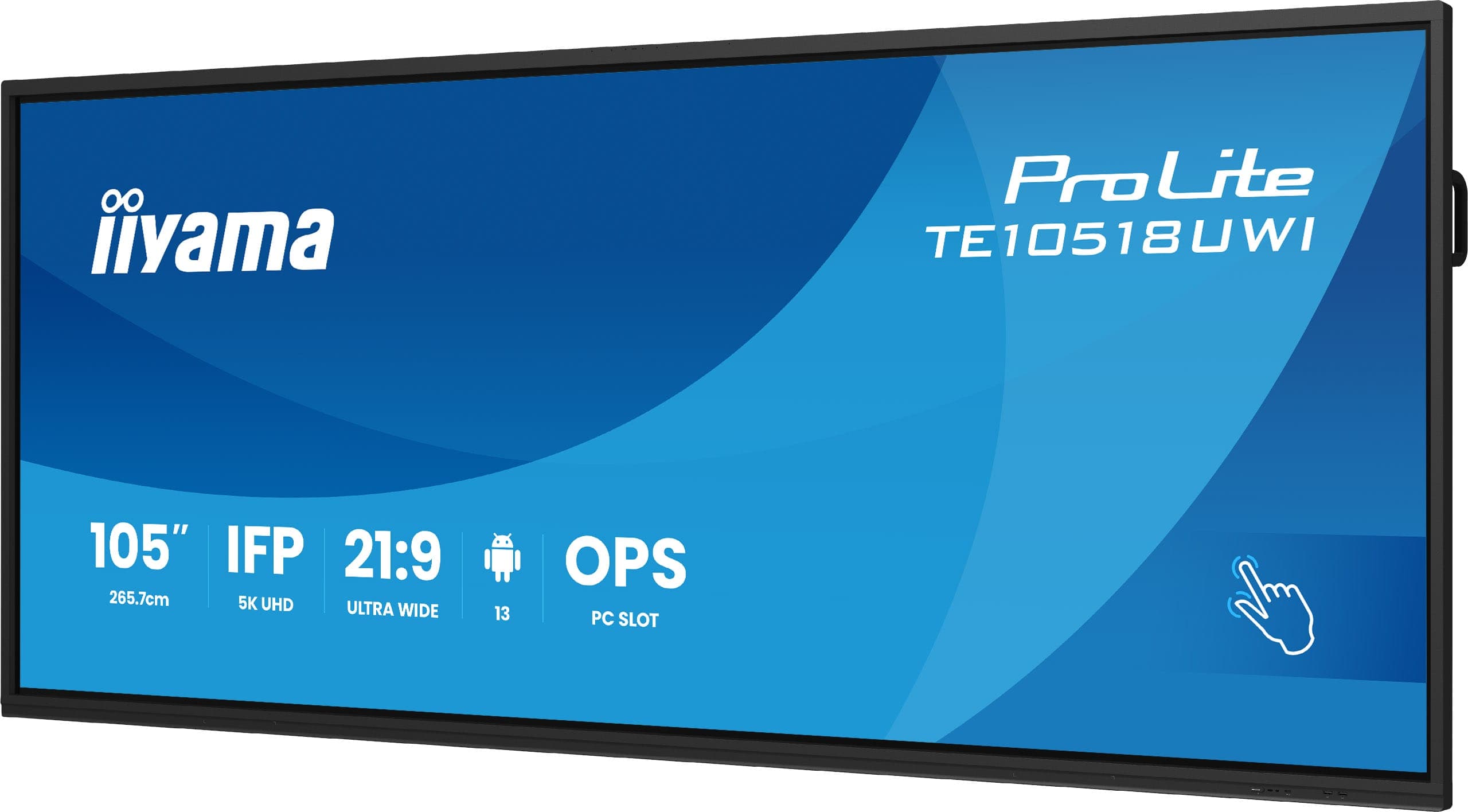
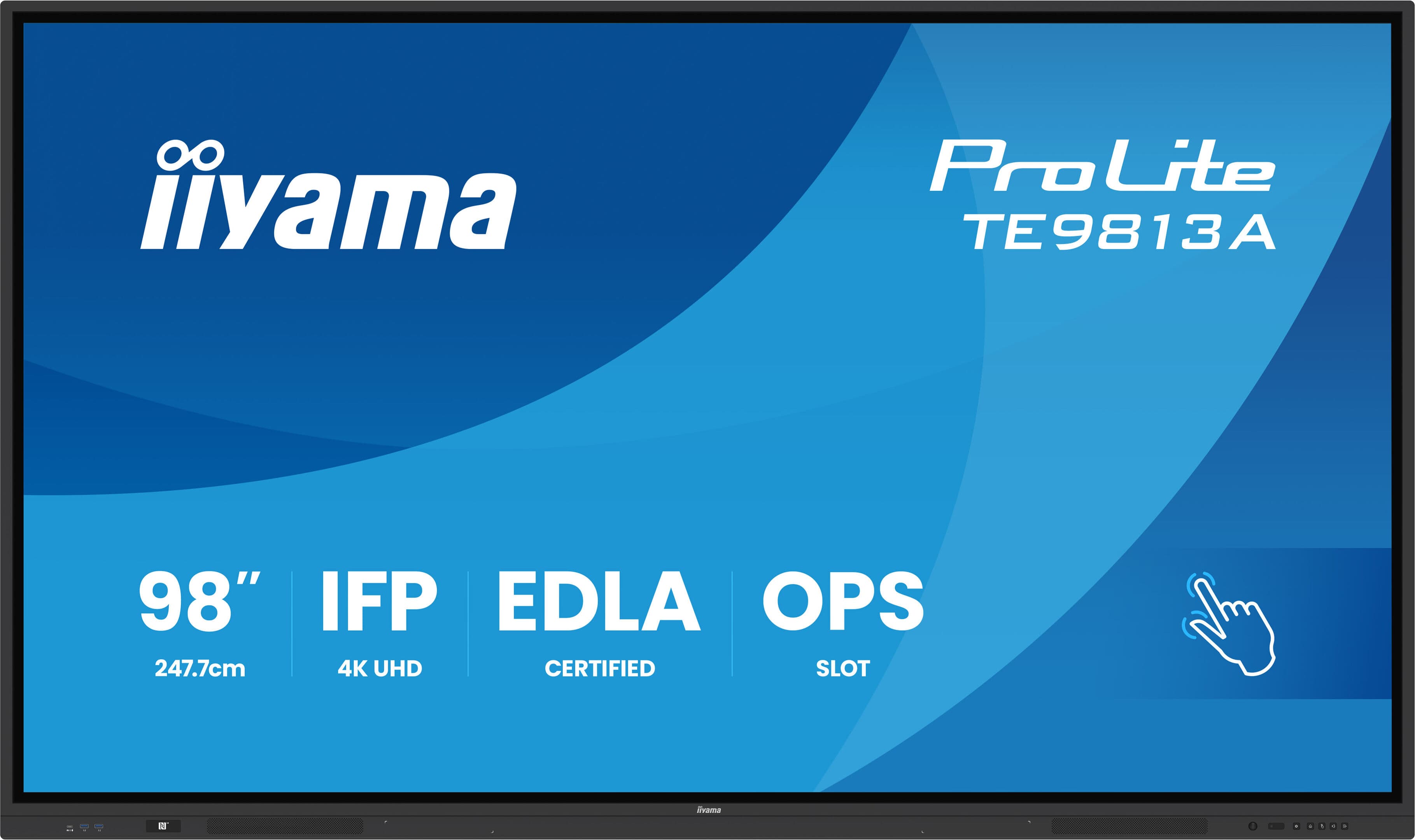
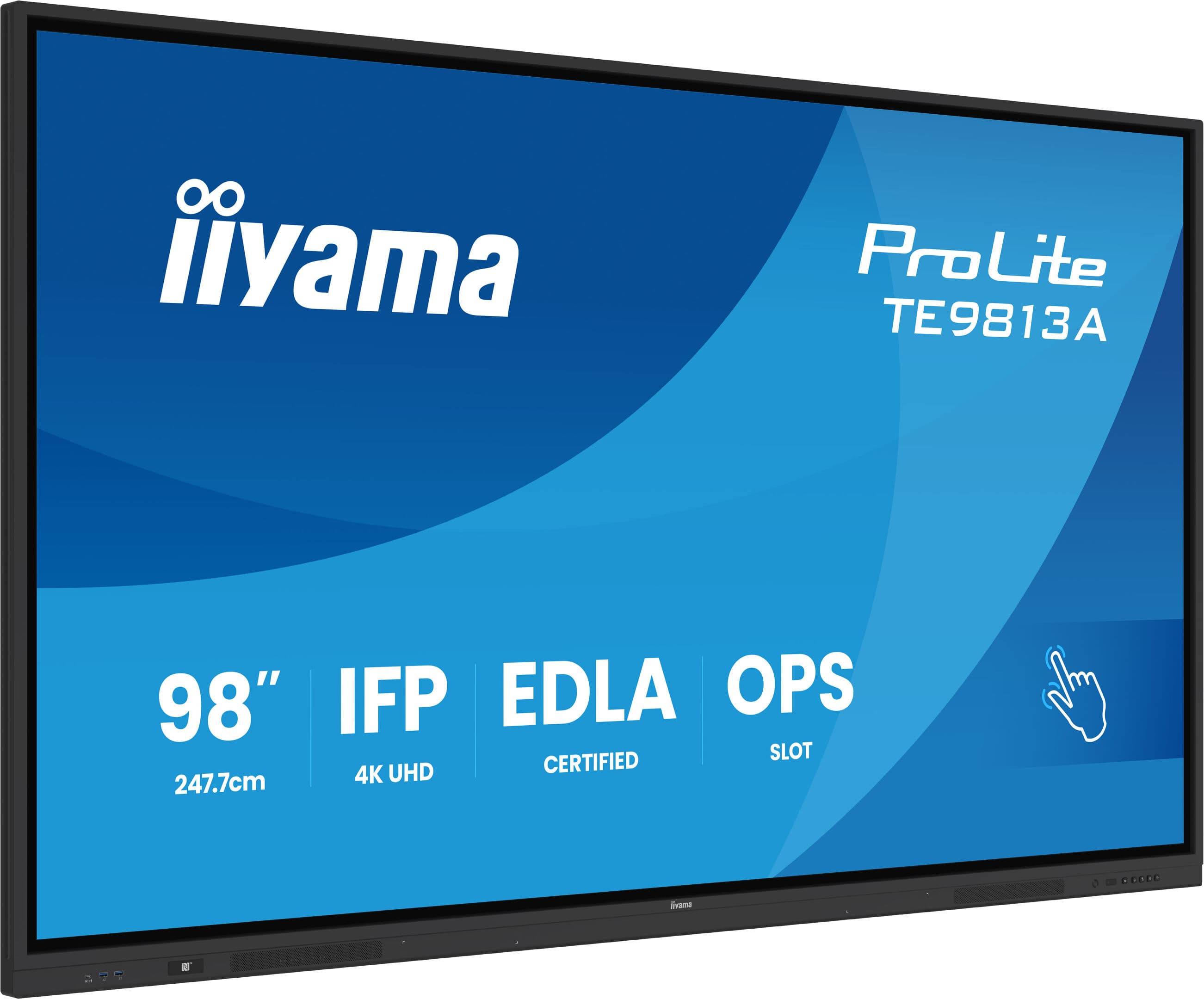
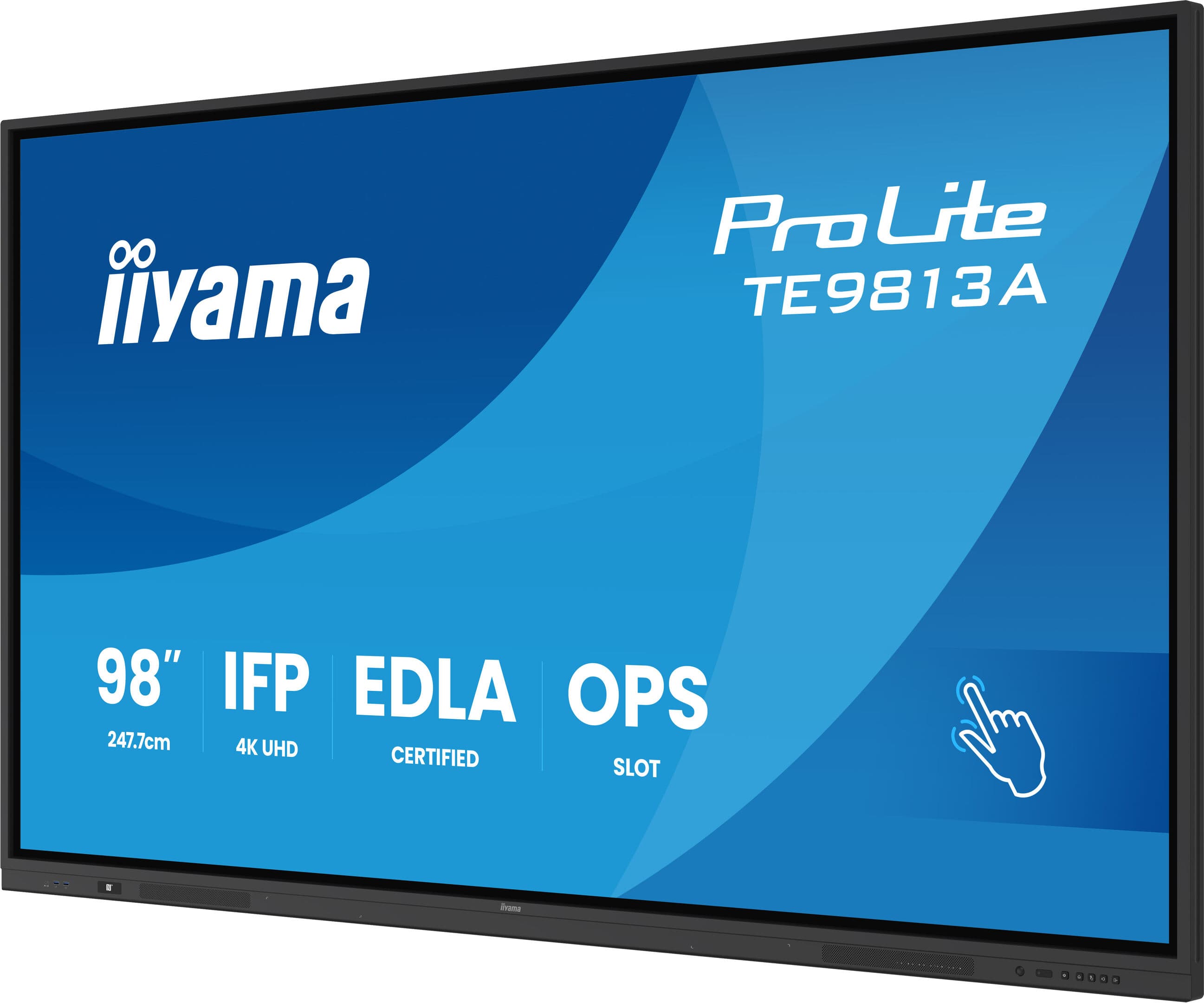
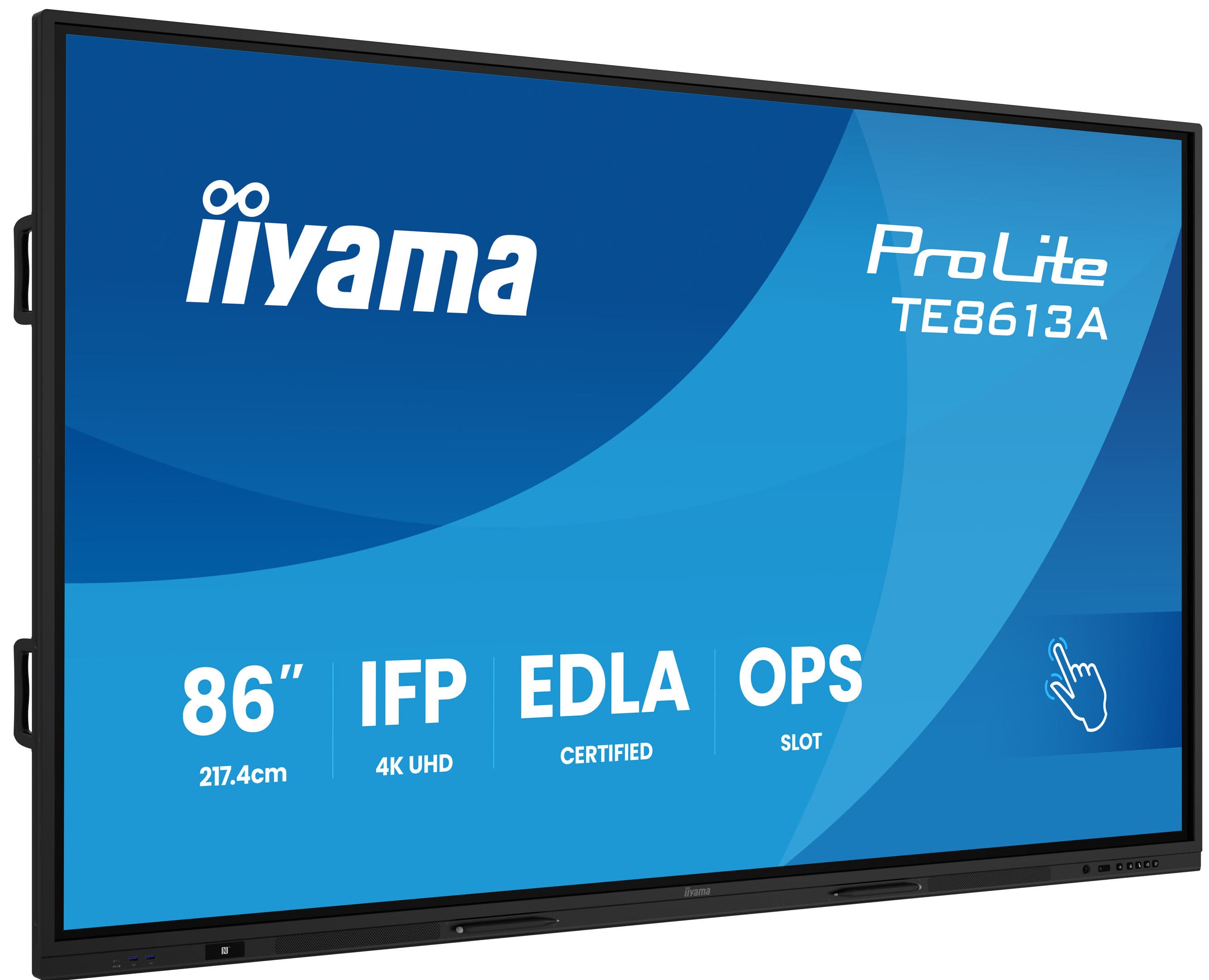
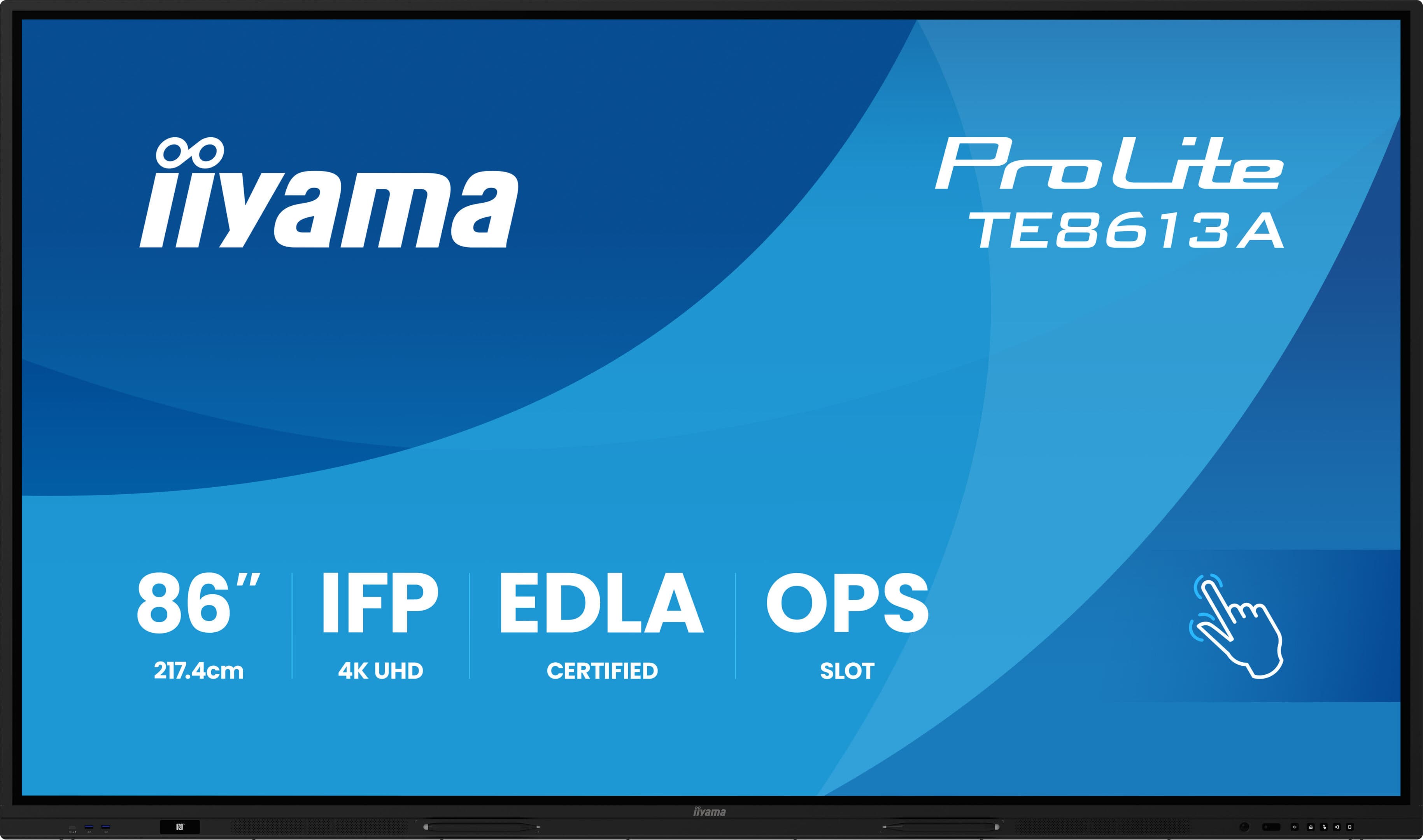
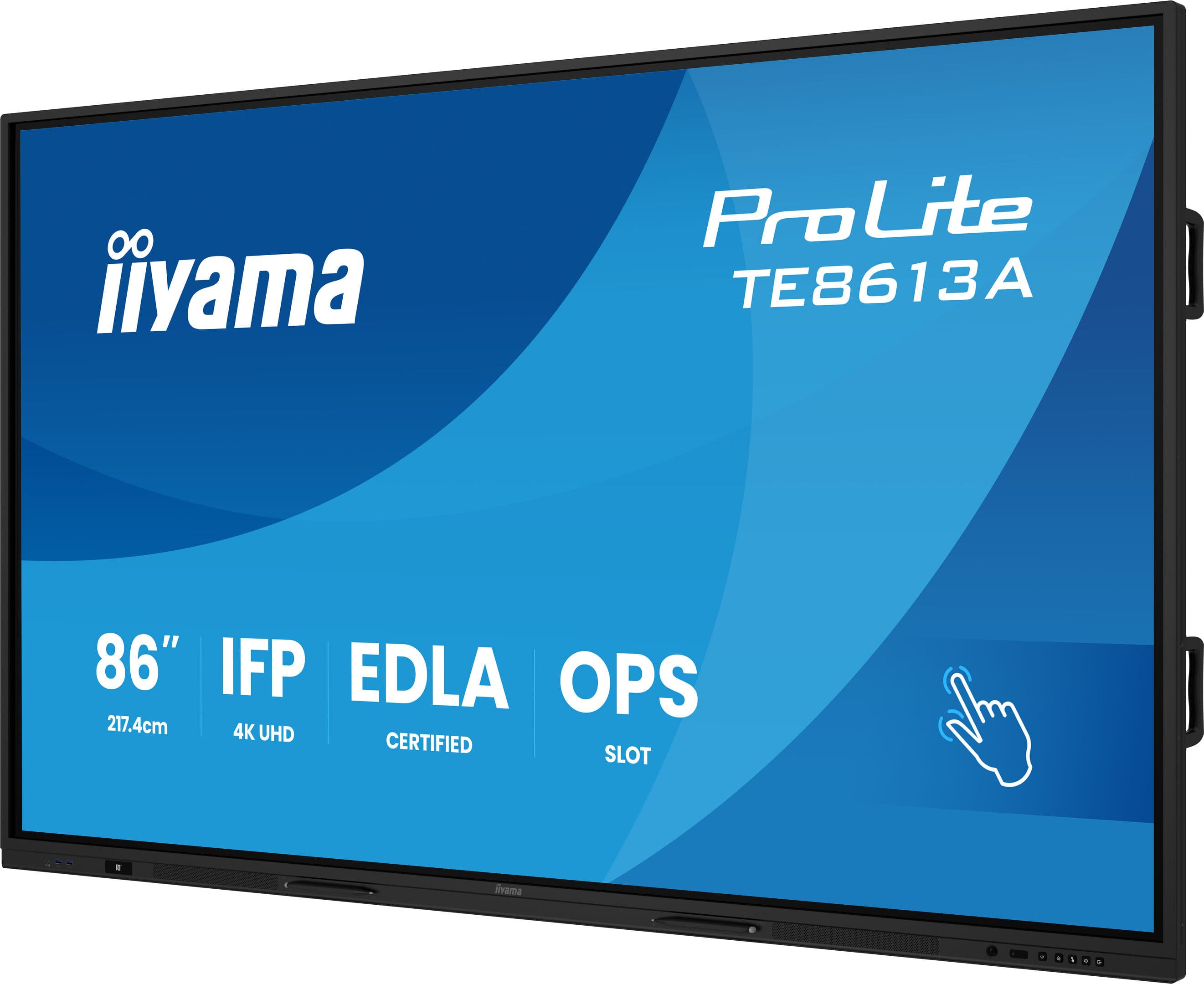
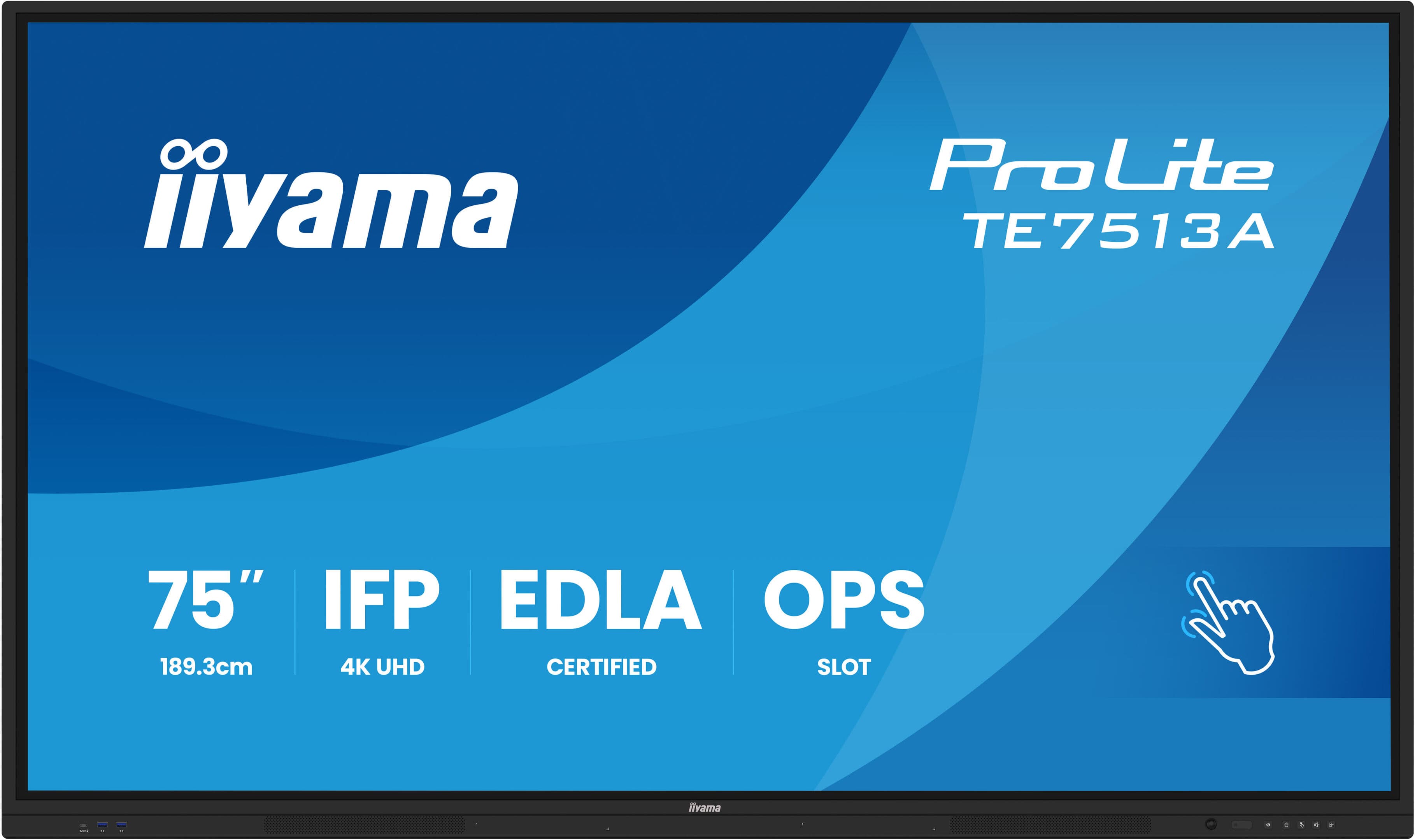
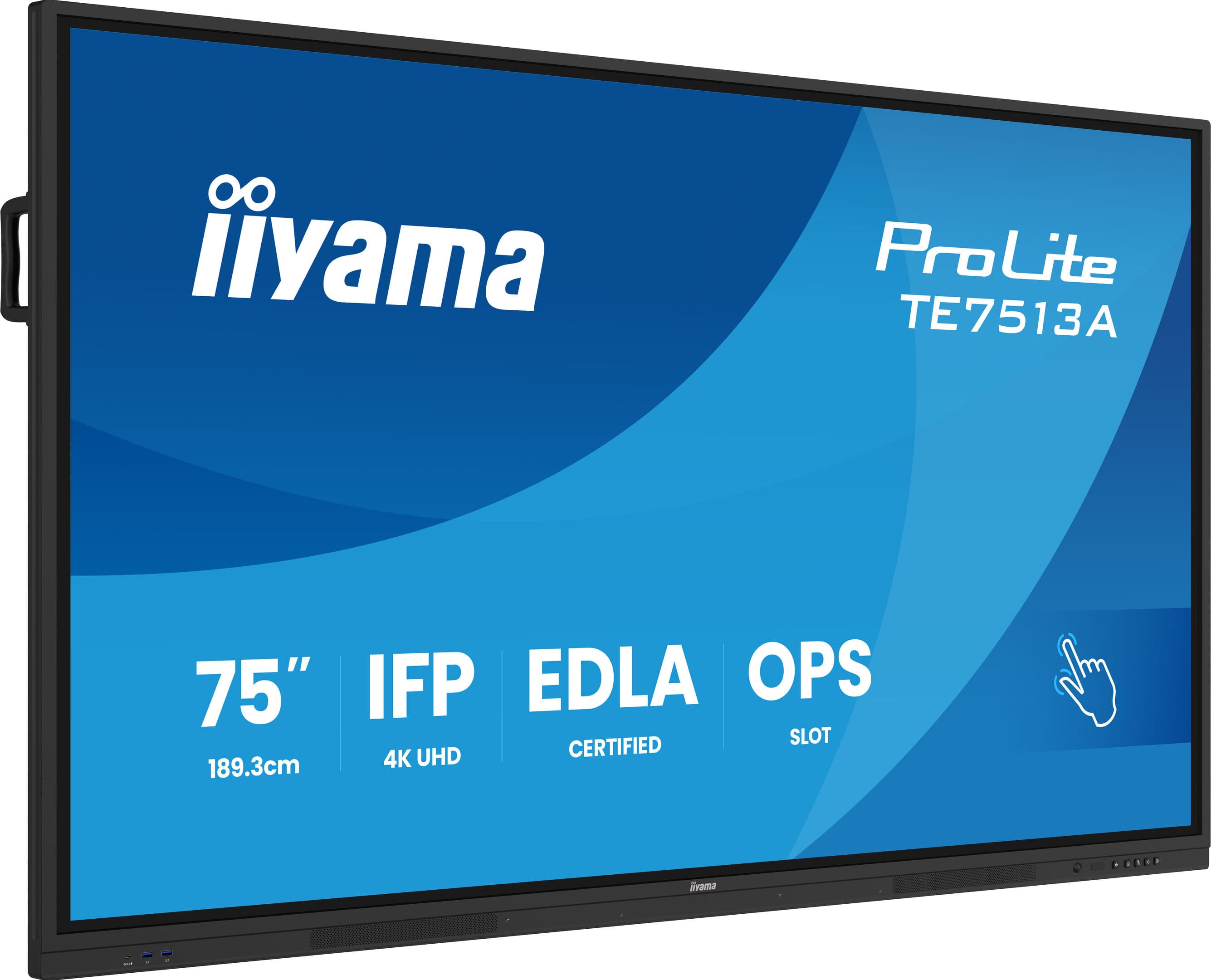
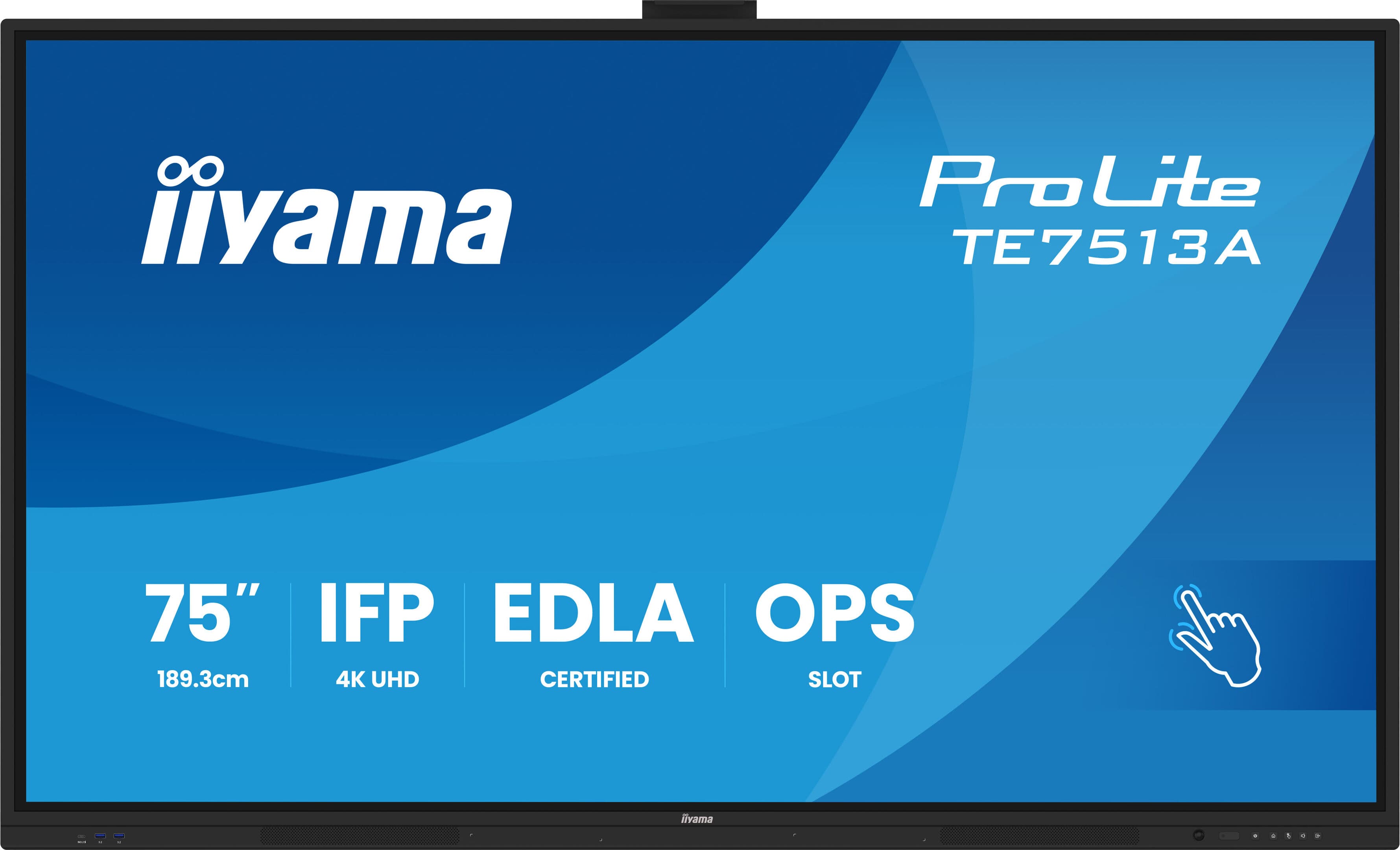
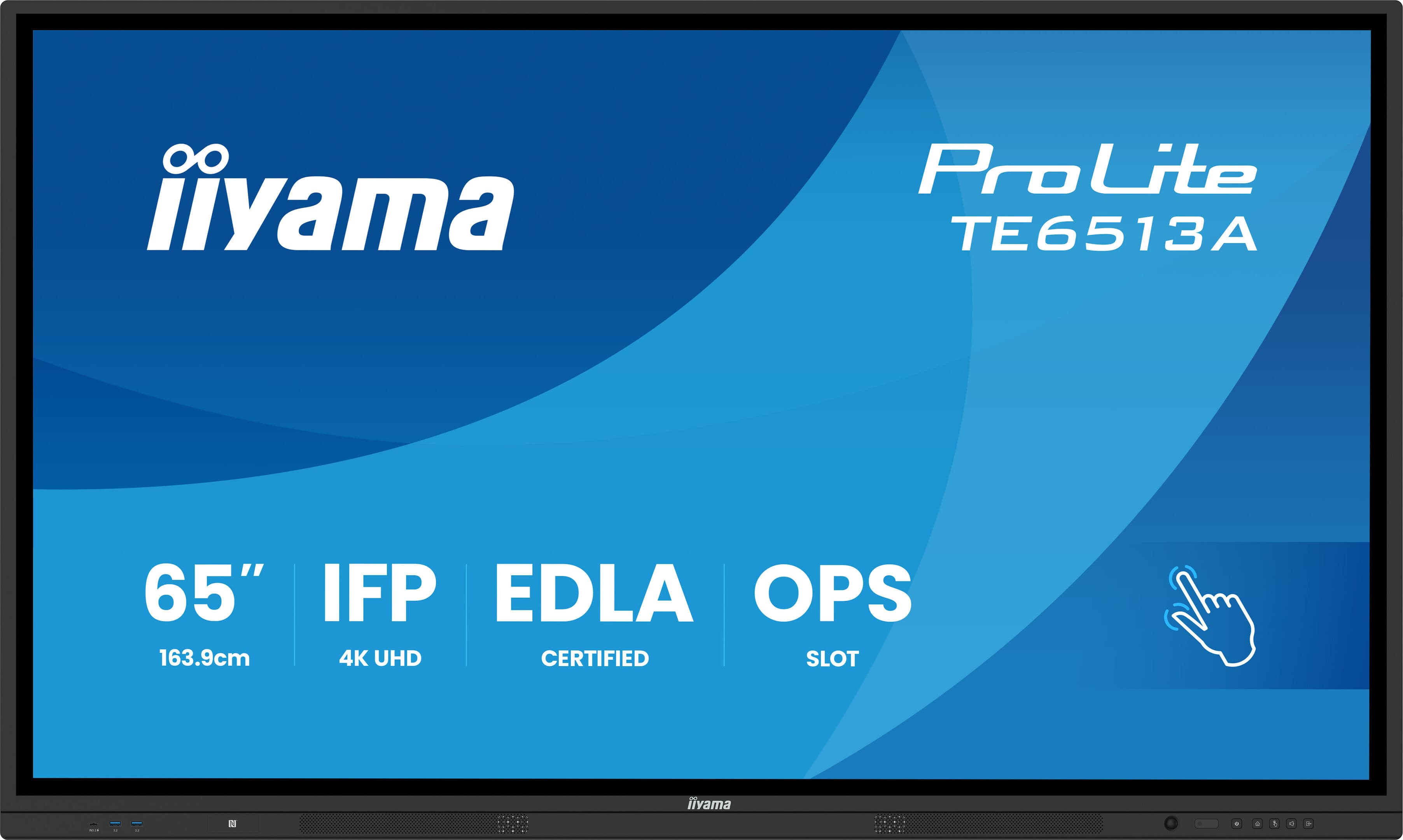
The smart board is a single device that replaces both projectors and whiteboards. Projectors had chronic issues such as needing to replace the lamp, the need to darken the room, and the teacher’s shadow; none of these exist with the smart board. It works in a well-lit classroom or meeting room without needing to close the curtains or deal with a clutter of markers. Most institutions are making the transition one classroom at a time rather than all at once; therefore, it’s beneficial to discuss a phased plan from the start.
Three Criteria That Determine Your Choice
- Screen size and room depth: The distance from the back row to the screen determines the size. In deep classrooms, a board that’s too small won’t be readable from the back, and the investment will be wasted.
- Touch Technology and Simultaneous Touch Points The number of people who can write at the same time depends on how the class or meeting is conducted. If group work is planned, multi-touch capability is essential.
- Software and Compatibility with Your Existing Setup It’s just as important that the device works seamlessly with your organization’s presentation and meeting applications as it is with the device’s own software.
Classrooms and Meeting Rooms Are Not the Same Environment
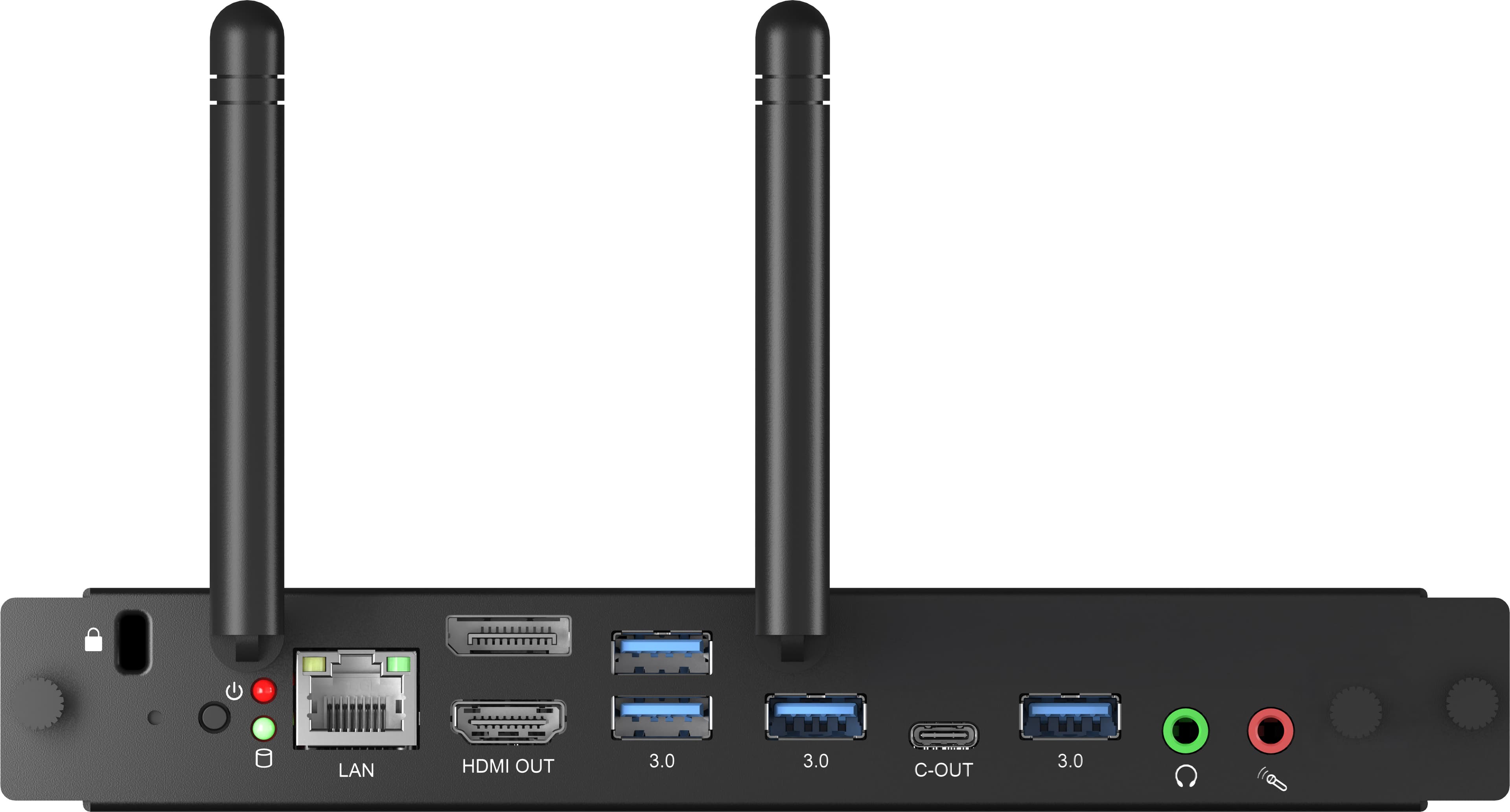
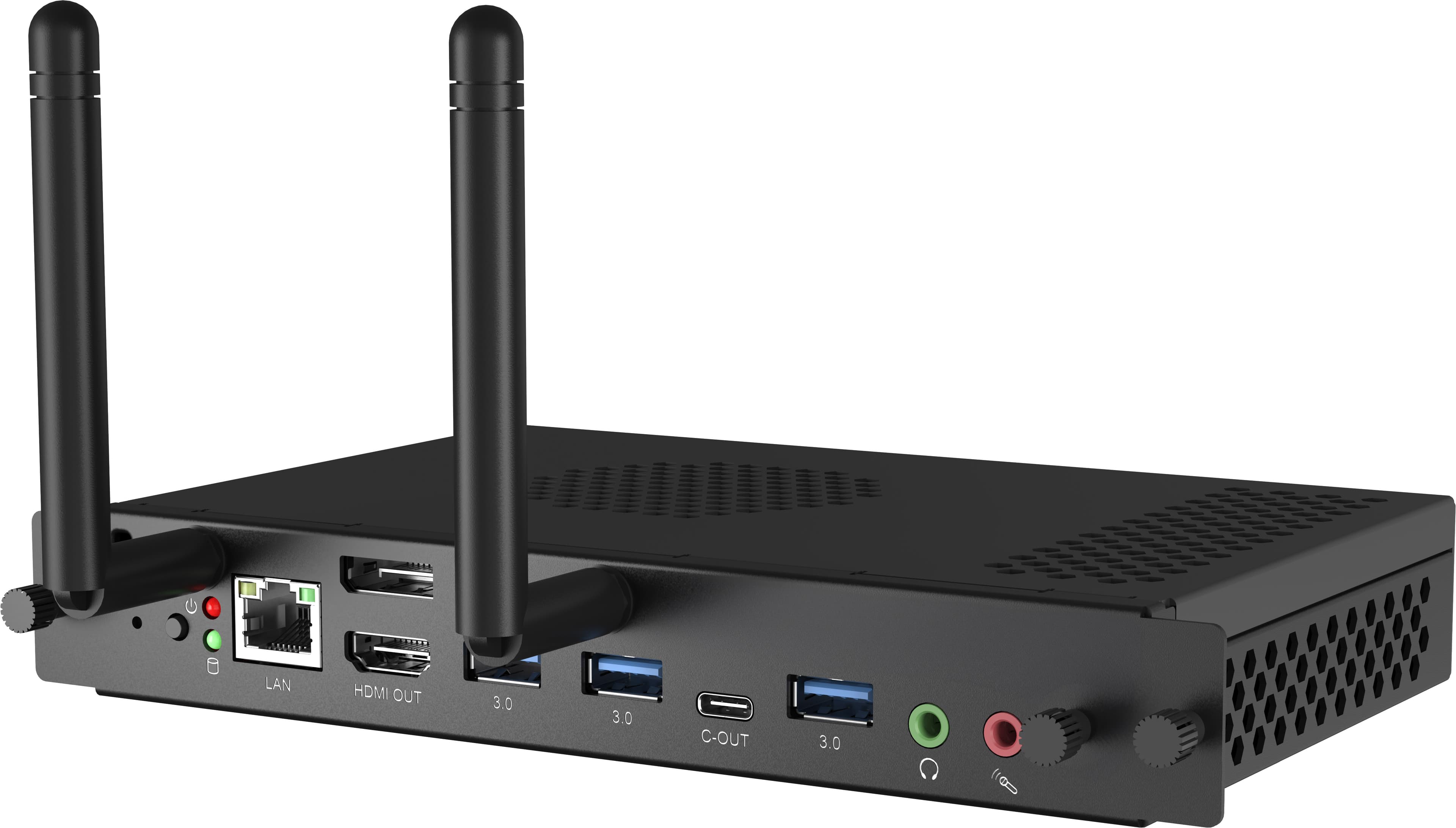
In classrooms, the device is used all day long by many different users; a durable surface, scratch-resistant glass, and a simple interface are key features. In meeting rooms, however, the screen’s ability to pair quickly with laptops and integrate with video conferencing is key. For meeting room setups, we often configure the smart board alongside wireless display transmission systems; this ensures participants don’t have to search for cables, and meetings start on time.
How Do We Determine the Right Model for Your Project?
Once we’ve determined the room’s depth, the number of users, and the applications that will be used, we present models that meet these criteria along with their price ranges. Since the product lineup changes over time, we base our decision not on a fixed list of models but on the room’s dimensions and intended use. If you’re equipping multiple classrooms or rooms, selecting the series together from the start will make your job easier, ensuring that any devices added later will work seamlessly with the current setup.
Installation, Setup, and Staff Training
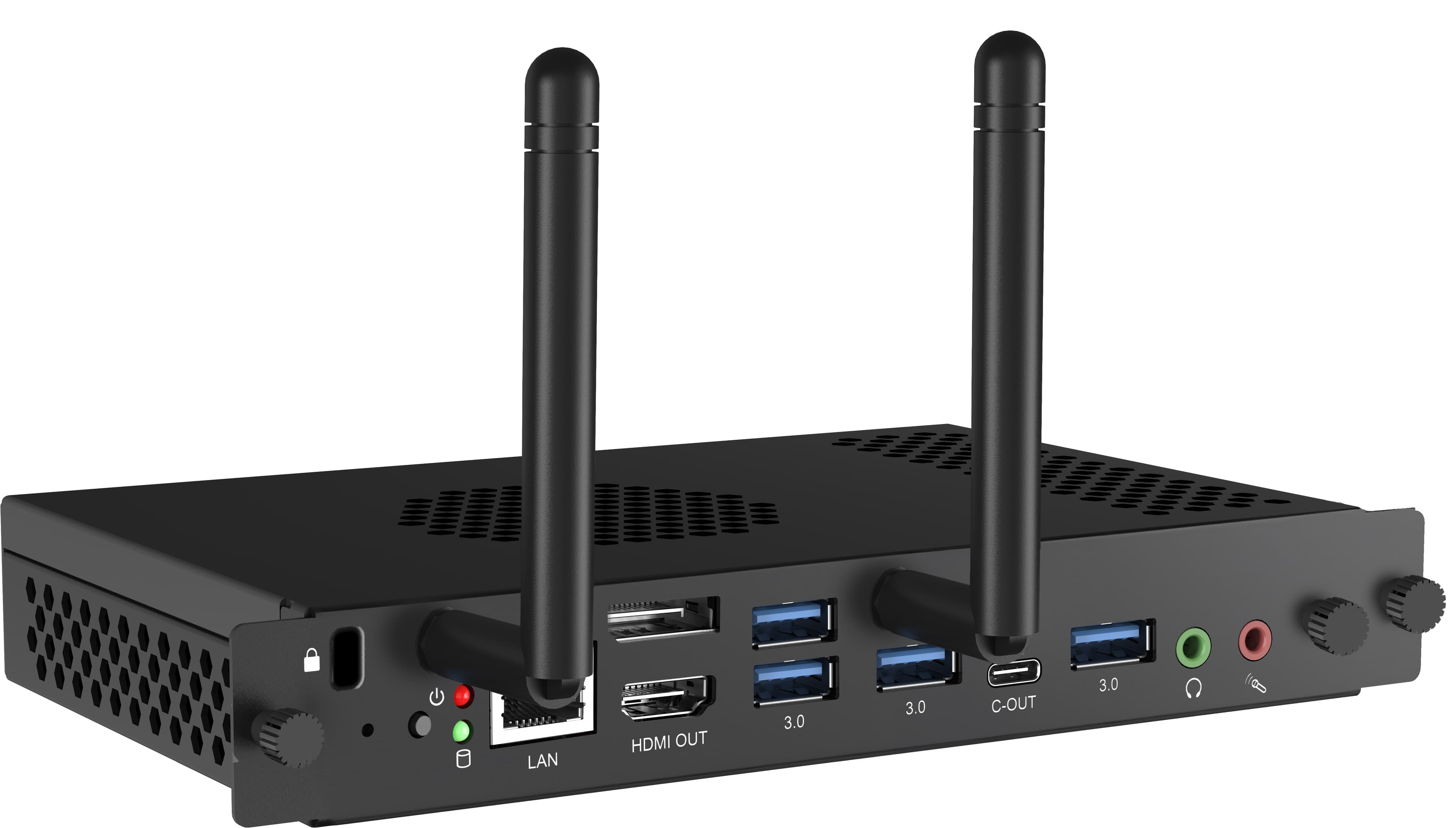
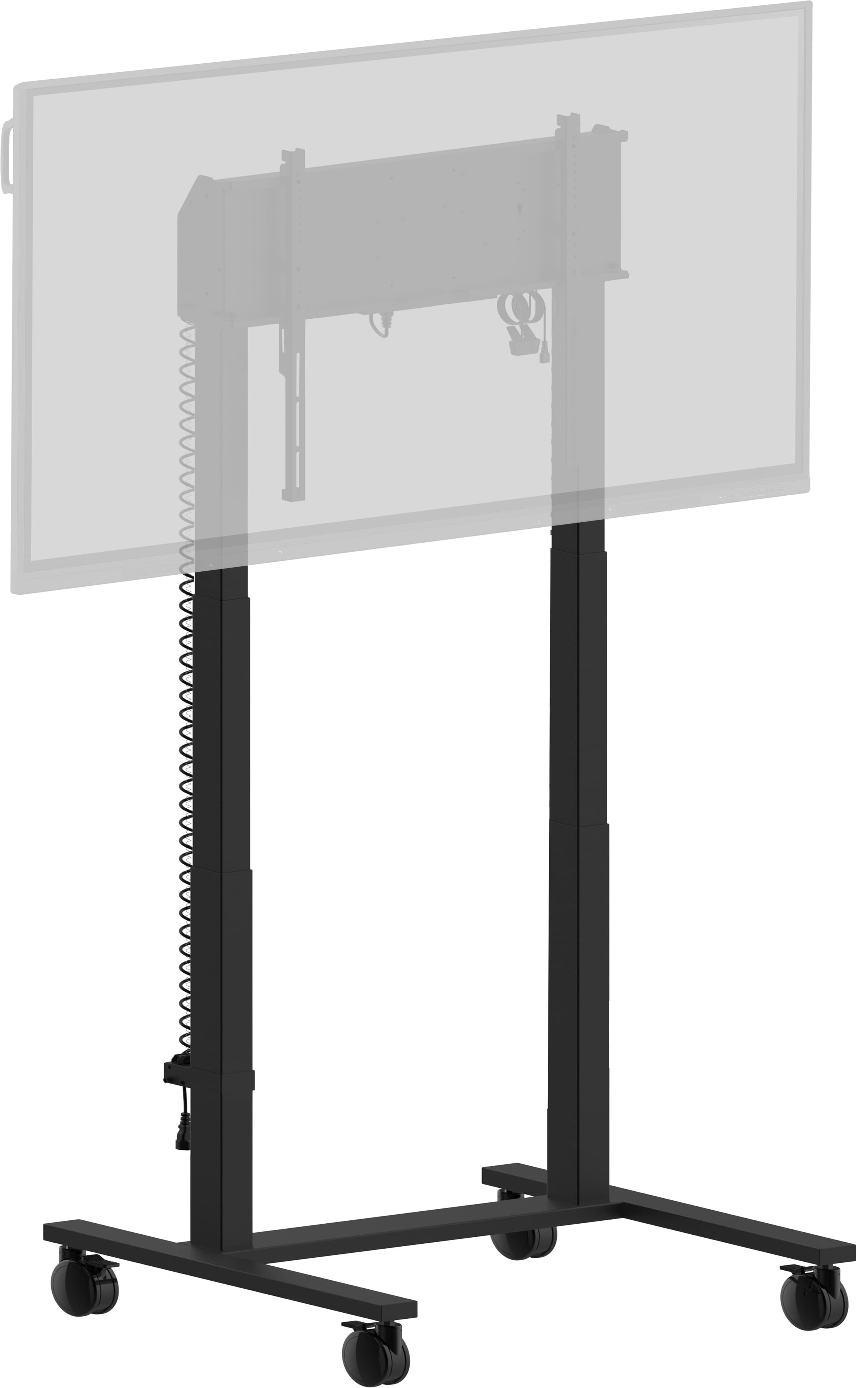
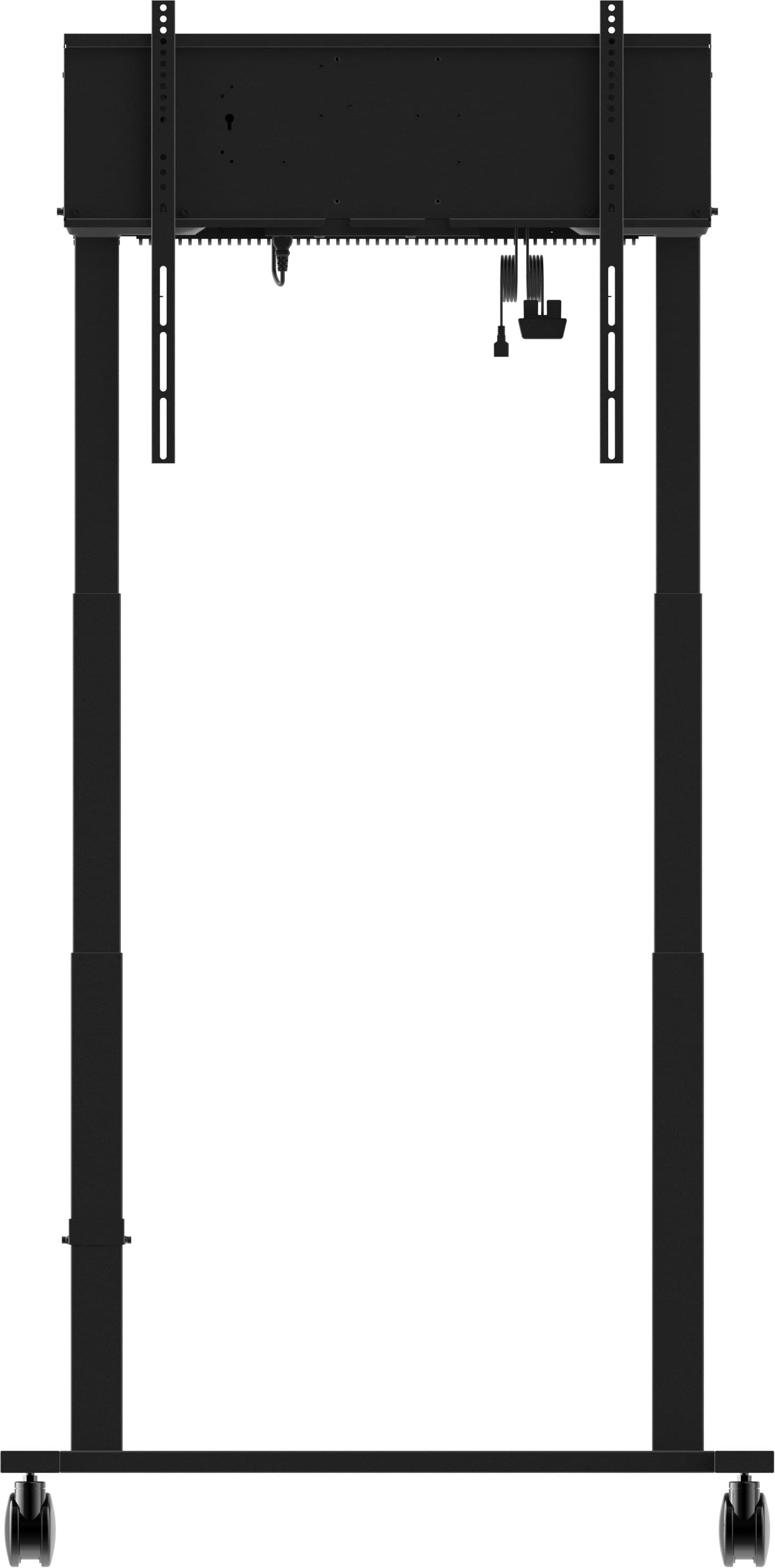
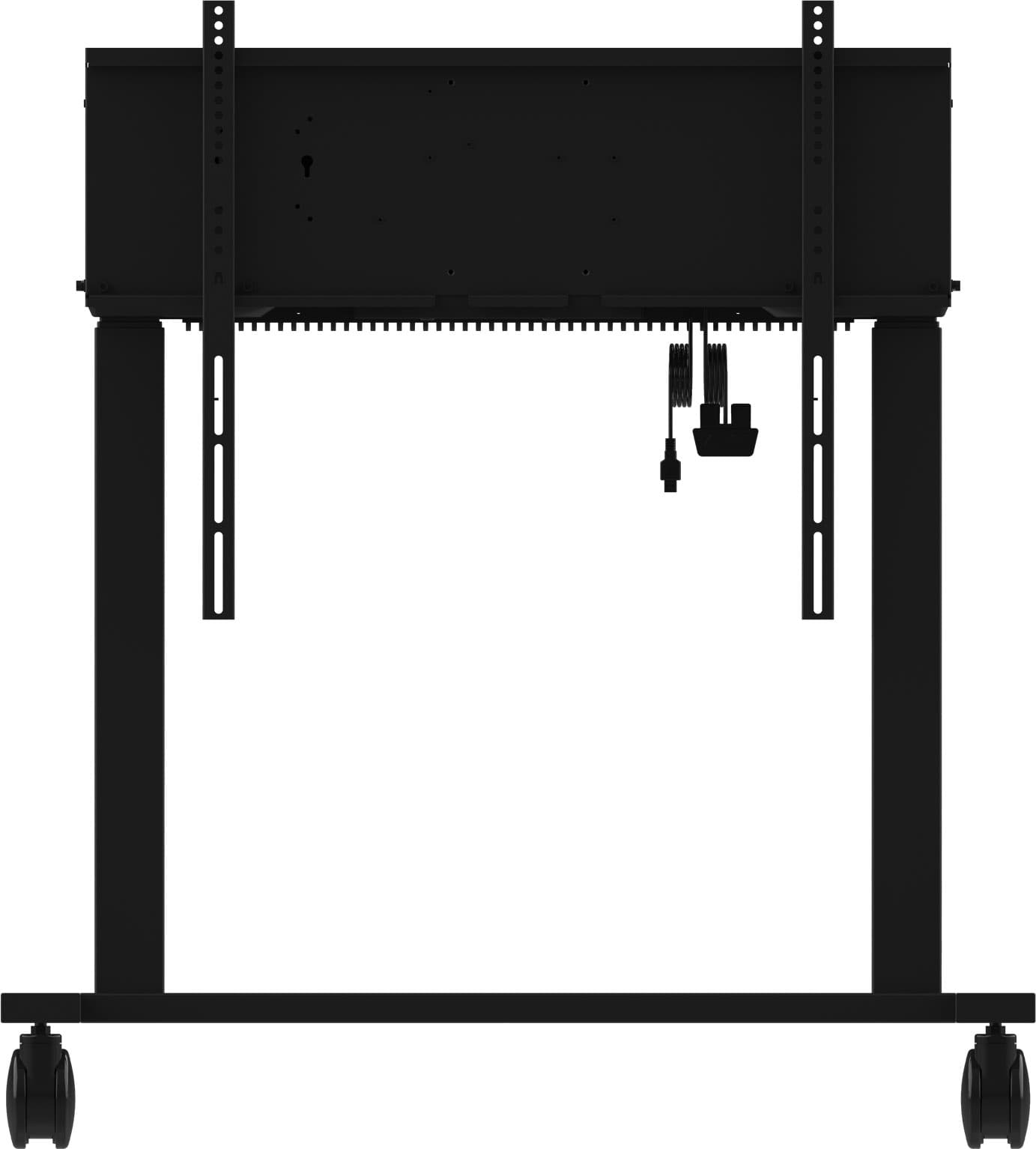
The scope includes selecting wall mounts or wheeled stands appropriate for the wall type, height adjustment, network connection, and software installation. The most impactful step, however, is the last one: we provide on-site training to the teachers or staff who will be using the device. Smart boards delivered without training are often used just like a whiteboard and then set aside in most institutions. For a holistic setup, you can explore our smart classroom and educational technology solutions, as well as our meeting and video conferencing systems; you can also read the selection criteria in our smart board selection guide.
Smart Board Prices and the Quotation Process
The price is determined by screen size, touch technology, software package, and mounting type. If multiple rooms are to be equipped, a volume discount applies. Please share the number of rooms, screen size, and mounting type (wall-mounted / freestanding), and we’ll calculate the total cost, including installation and training. You can reach us via our Contact page.