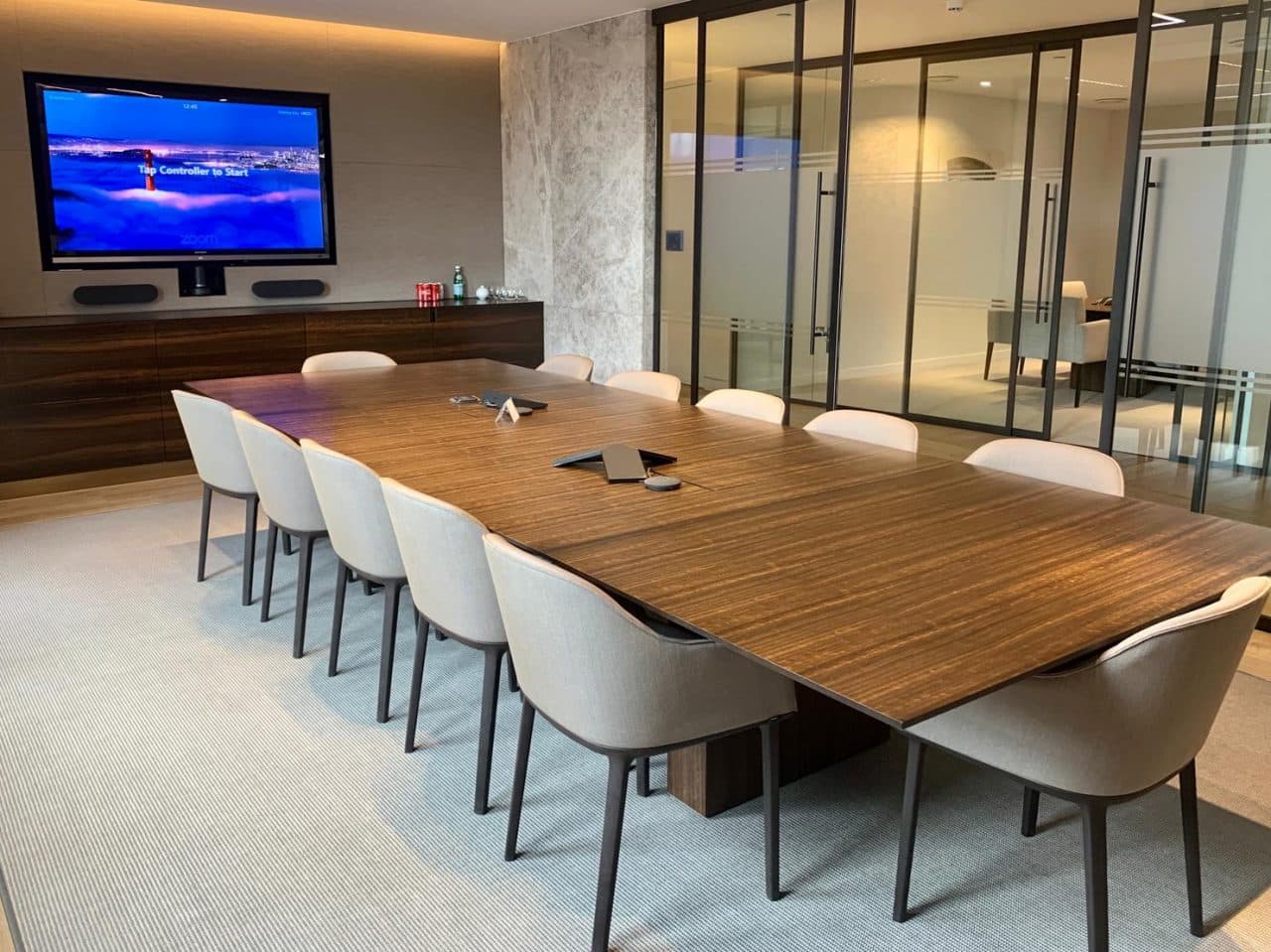
In the room and at the door
What is a meeting room display?
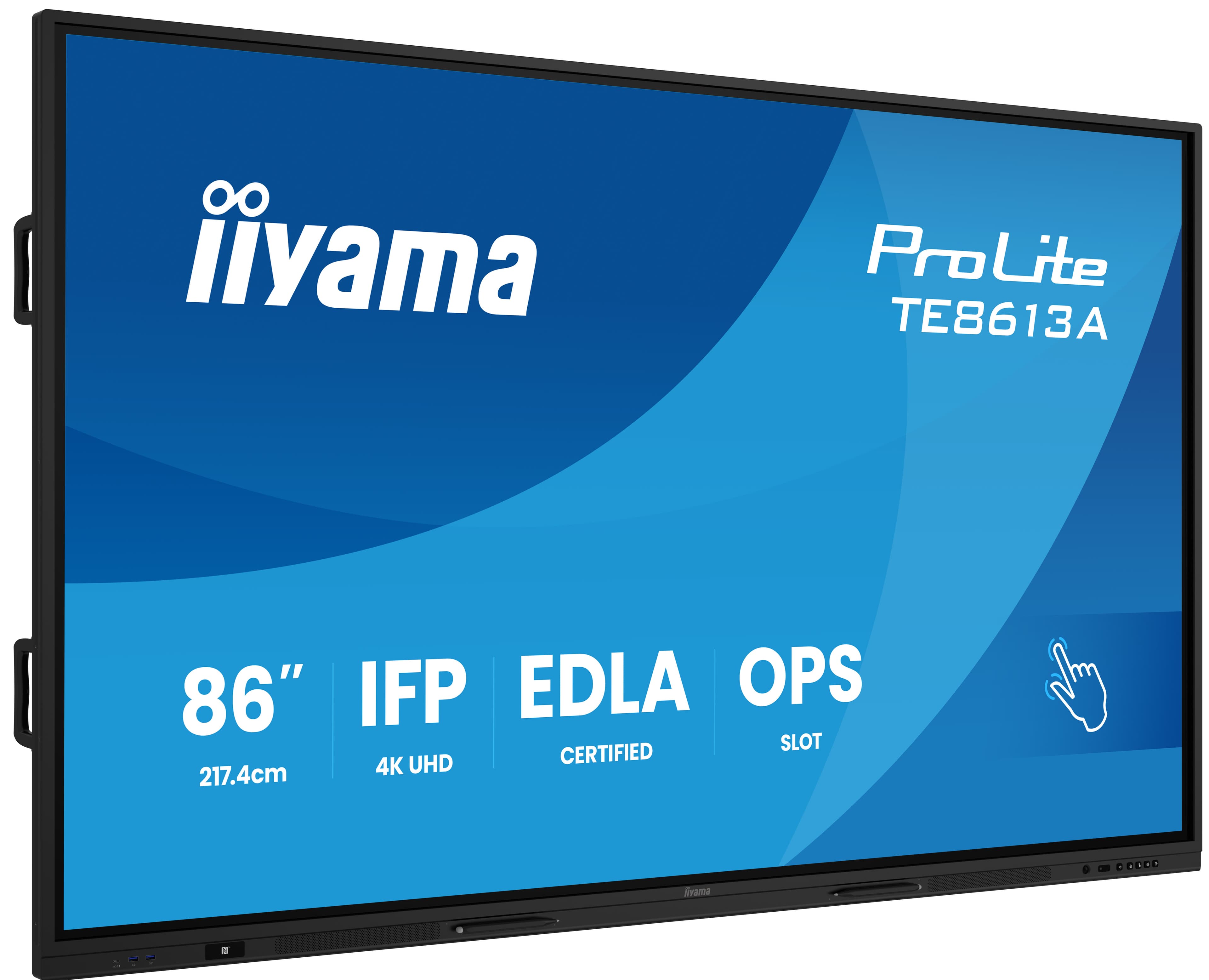
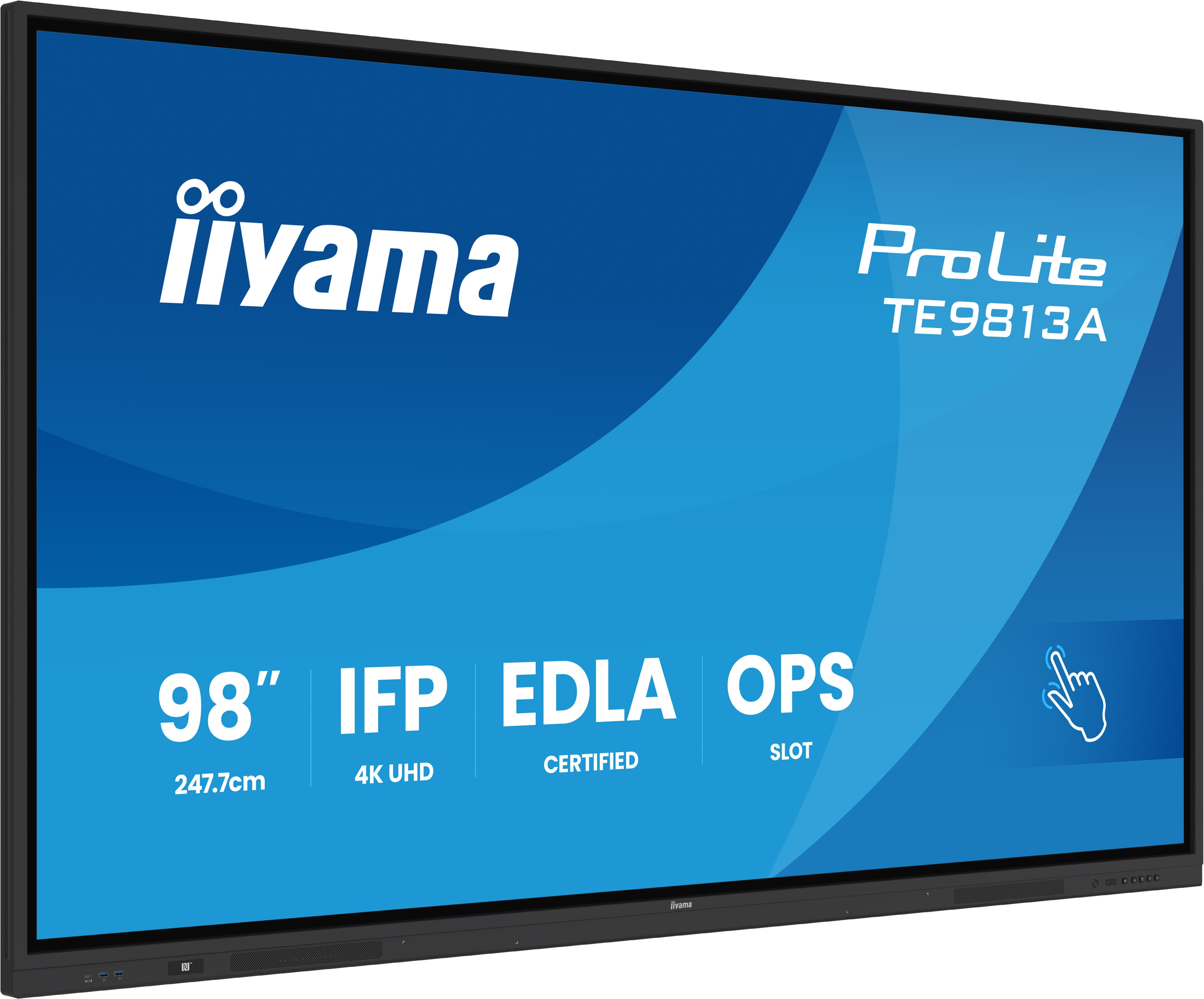
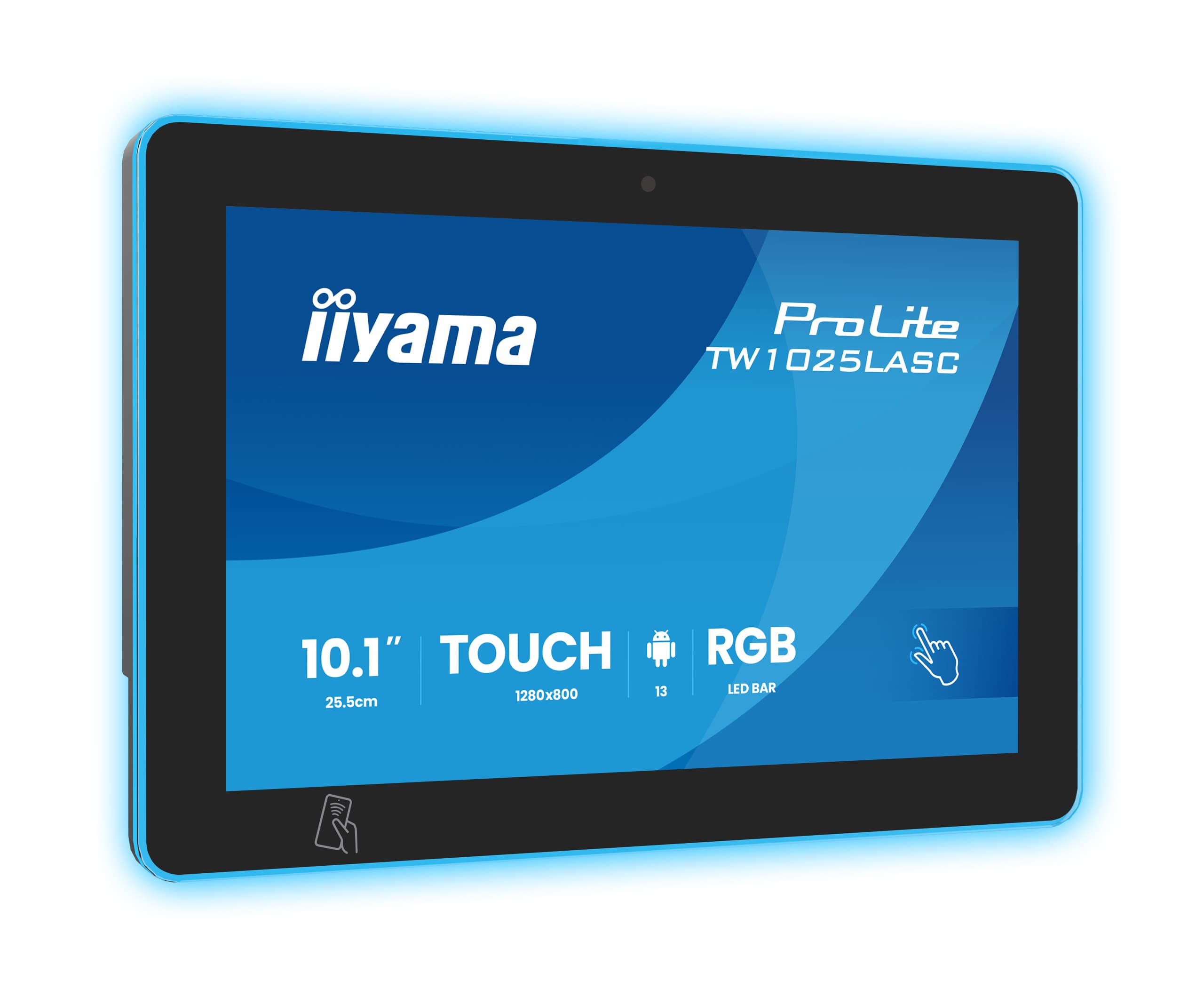
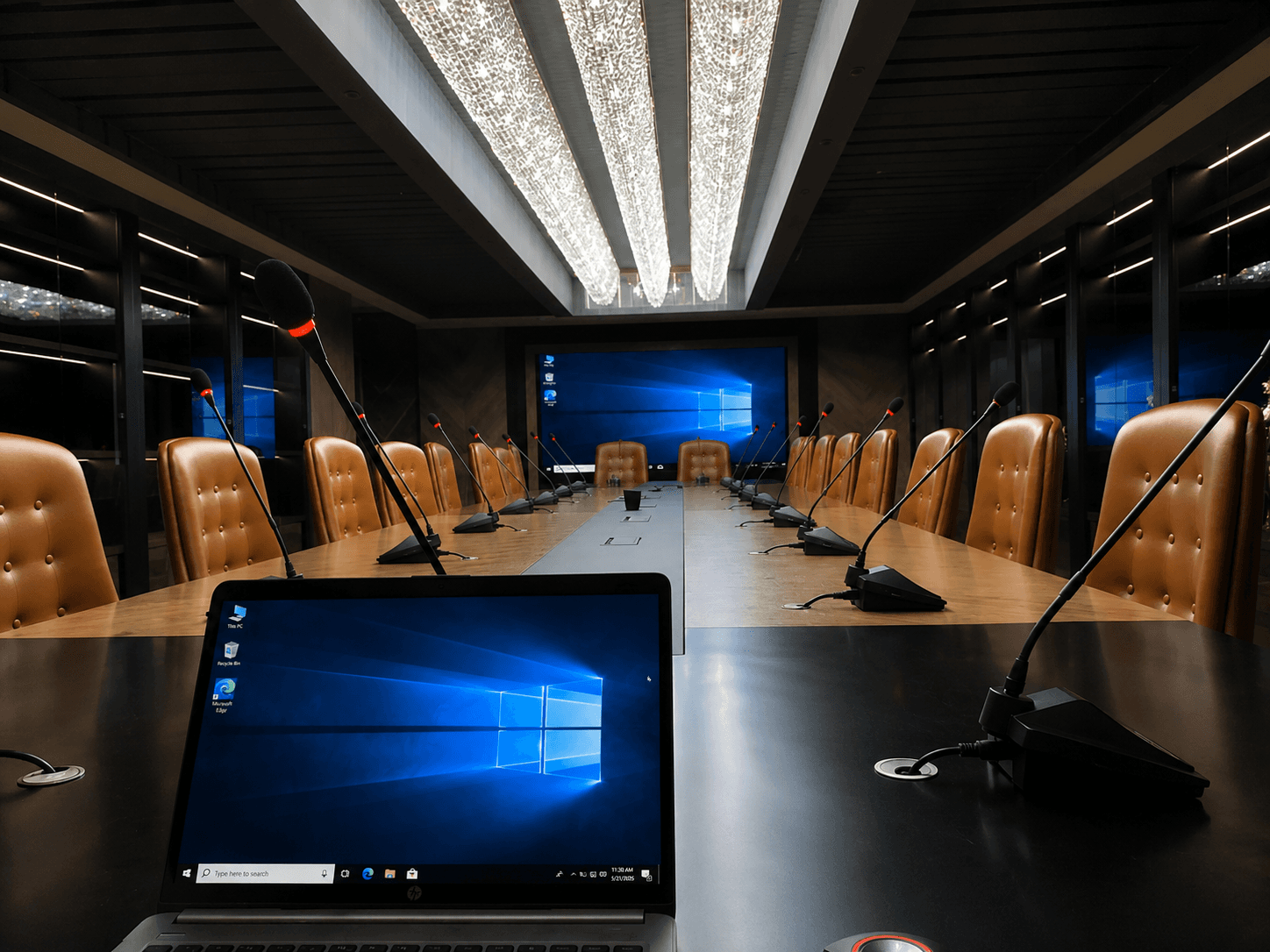
The term meeting room display is used for two different devices. The first is the large screen inside the room, where presentations, video conferences and collaborative work take place. The second is the small touch panel next to the door, which shows whether the room is free or busy and where bookings are made. This page covers the display inside the room; we have a separate solution page for door panels.
In-room displayProfessional display, LED or interactive panel.
Door panel10 and 15 inch touch panels synchronised with the calendar.
Planned togetherDisplay, camera, audio and wireless presentation are handled in the same project.
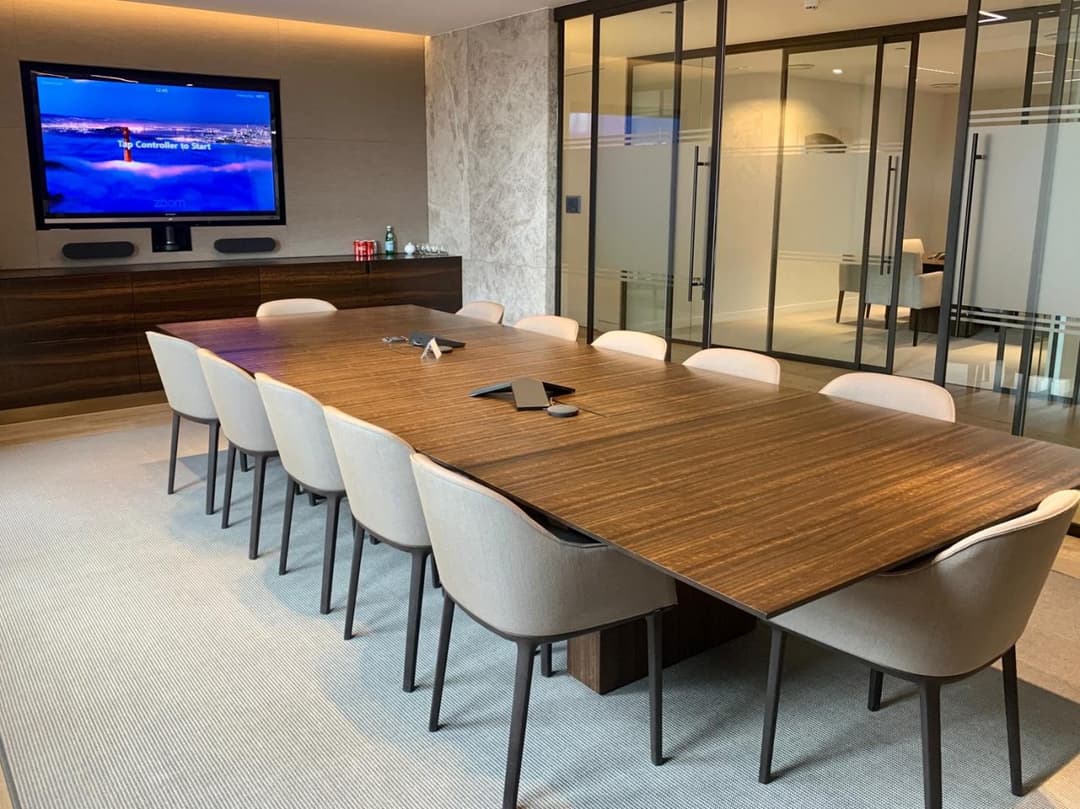
Display by room size
The values in the table are the starting values we use on our meeting room and smart classroom pages. The final size is set by the room dimensions and the distance from the farthest seat to the screen; we confirm it by measuring during the site survey.
| Room | Participants or distance | Starting recommendation |
|---|---|---|
| Small huddle room | Farthest seat up to 5 metres | 65-75 inch professional display or interactive panel |
| Standard meeting room | 6-10 people | 86-98 inch professional LCD display |
| Large meeting room and boardroom | 10-16 people | 108-138 inch All-in-One LED display |
| Hall | Farthest seat beyond 11 metres | LED display |
We cover the selection criteria, room lighting and viewing distance in detail in our meeting room display selection guide.
Professional display, LED or interactive panel?
What happens in the room drives the choice. Installing different displays in different rooms of the same building is often the right answer.
Planning together with wireless presentation and video conferencing
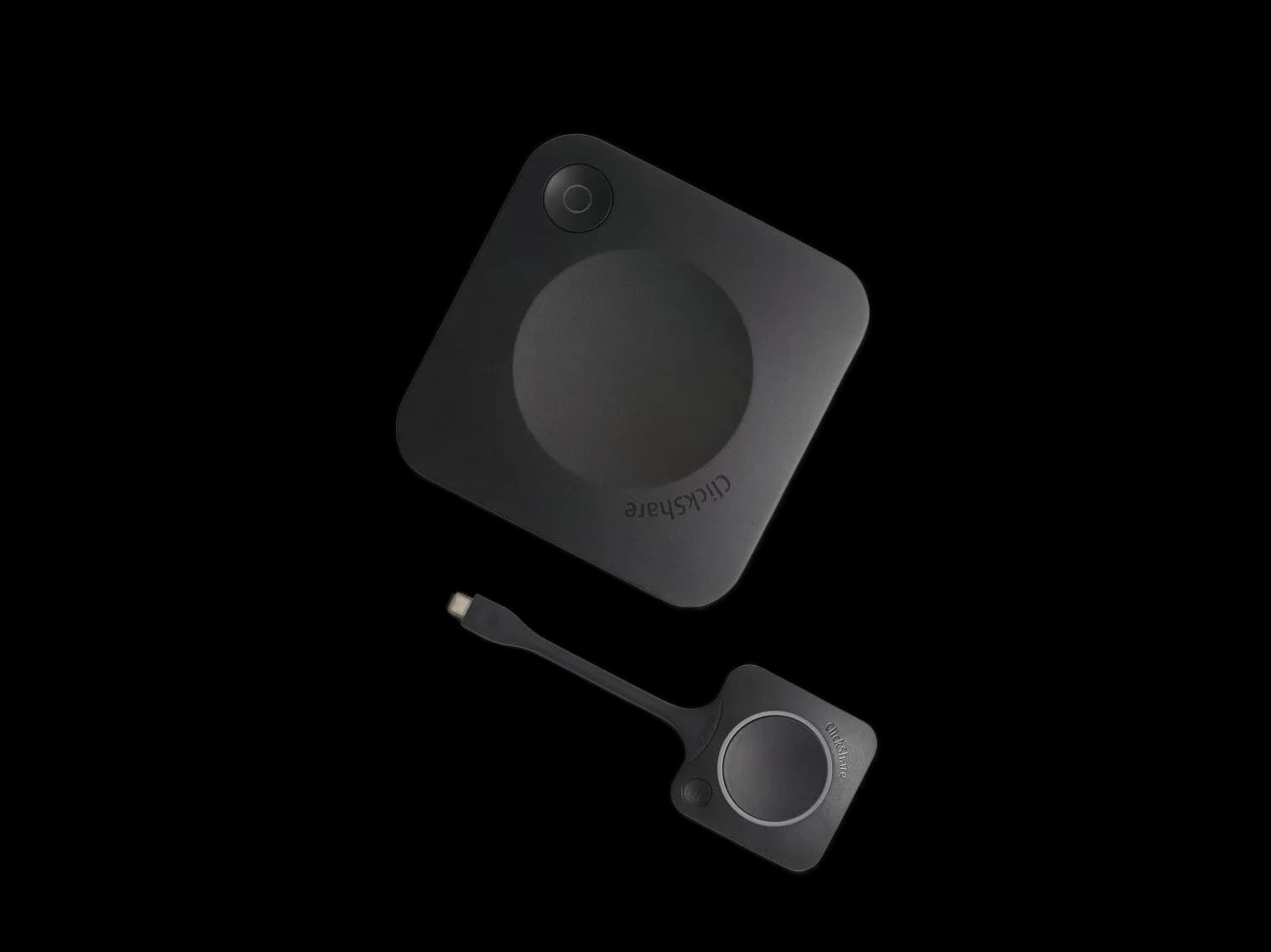
The position of the display sets the position of the camera: the camera goes above or below the display, close to the participants' eye line. The number and position of microphones follow the table layout. If wireless presentation is used for laptops, systems such as Barco ClickShare are installed in the same project as the display. Buying the display first and adding the camera and wireless presentation later often means redoing the mounting and cabling. We cover cameras, microphones and control on the meeting and video conferencing systems page.
Mounting
Mounting and cable management
A meeting room display is usually wall-mounted. The infrastructure is prepared before mounting so that cables stay out of sight.
Wall mountA VESA mount rated for the display's weight is used. The wall's load capacity is checked during the survey; plasterboard walls need reinforcement.
Mobile standA stand on wheels is chosen if the display is used in several rooms or wall mounting is not possible.
Cable managementA cable duct or in-wall conduit from the table to the display and a connection box on the table. Power and network points for the display, camera and wireless presentation device.
HeightThe bottom edge of the display goes high enough to be seen over seated participants' heads; the camera goes close to eye level.
Door information display
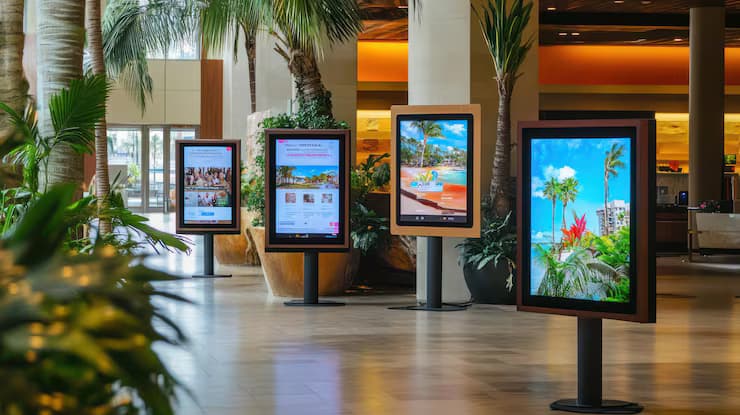
The touch panel next to the door shows the room's calendar: a green light when the room is free, red when it is busy, and the next meeting. The panel synchronises with Microsoft 365, Exchange and Google Workspace calendars, and a free room can be booked directly from the panel. We cover panel models and installation on the meeting room booking system page.
From survey to meeting in 4 steps
Get a Quote
Let's plan your meeting room display.
Tell us the number of rooms, their dimensions and what happens in them; after the survey we will prepare a quote with a defined scope.
Get a QuoteSmall huddle and meeting rooms
Boardrooms
Meeting halls and door displays