Meeting Room Display Selection: Which Display for Which Room?
How to choose between an LED display, a professional display and an interactive panel for a meeting room, based on room size, how the room is used and lighting.
When people pick a display for a meeting room, they usually start with the product. The decision actually depends on three things: the size of the room, what the meeting is used for, and how the room is lit. This article compares LED displays, professional displays and interactive panels on those three points. It does not name brands or quote technical values. Exact figures are settled during the site survey and on the manufacturer's product page.
Three questions before you start
- What happens in the room? Watching presentations, working on a shared document and holding video calls each ask something different of the display.
- How many people are there, and how far away do they sit? The person in the back row should be able to read small text.
- How is the room lit? A room with large glass walls and a room with no windows do not treat the same display the same way.
Your answers largely decide which of the options below goes to the top of your list.
LED display: large surface, flexible size
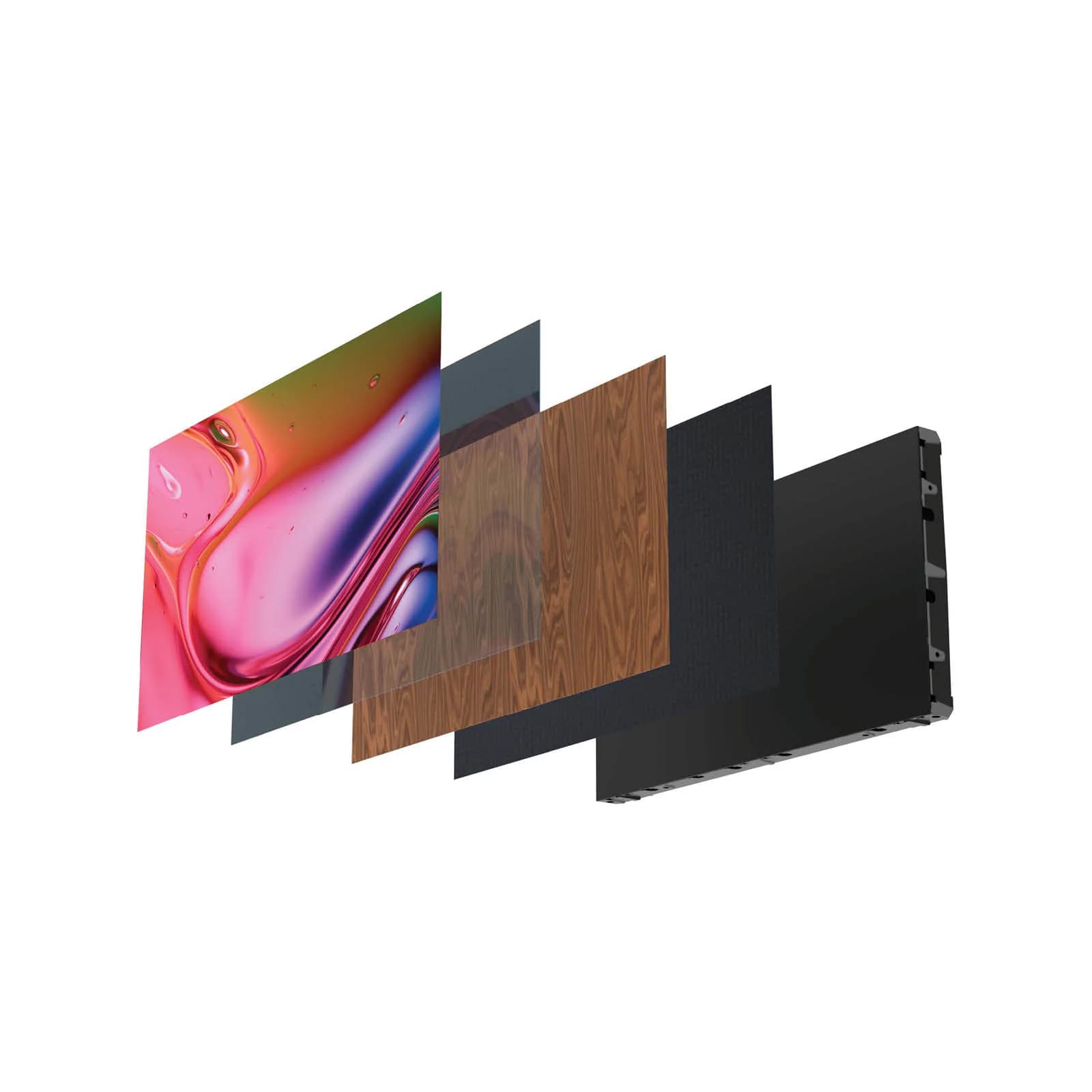
An LED display is built by placing units called cabinets side by side. Each cabinet holds LED modules. Because of this, the display can be sized to fit the wall. There is no wide bezel between cabinets as there is between separate screens placed next to each other. How visible the seams are depends on the product.
The value people check most is pixel pitch. The smaller the pitch, the finer the image, and the closer viewers can sit. With a larger pitch, individual dots become visible from close up. Because a meeting room is viewed from a short distance, indoor models with a small pixel pitch are the ones usually discussed. For the calculation method, see our LED display selection guide (in Turkish). The exact value for your room is set during the survey, together with the display size and viewing distance.
LED displays stand out in these rooms:
- Large halls, boardrooms and training rooms
- Spaces that want an uninterrupted surface covering the wall from end to end
Before installation, plan the wall structure, ventilation and electrical supply. Whether service access is from the front or the back also depends on the product, so ask early.
Professional display: a solid choice for a standard meeting room
A professional display is a large-format screen made for commercial use. It differs from a home television in being designed for long operating hours and central management. Daily operating time, warranty terms and remote management features vary by model, so check them on the manufacturer's product page.
Professional displays stand out in these rooms:
- Small and medium-sized meeting rooms
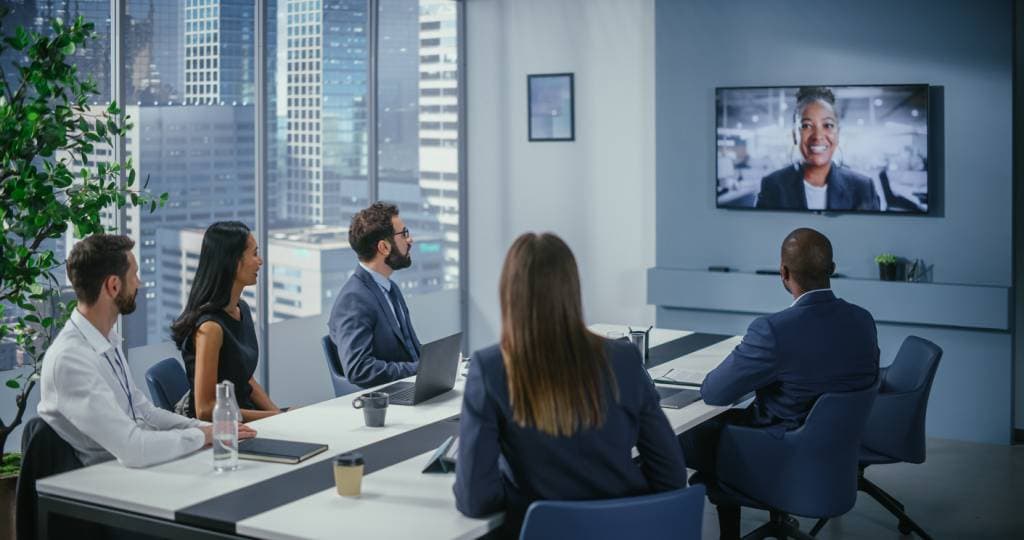
- Rooms where presentations and video calls come first
- Organizations that want to install the same model in several rooms and manage them from one place
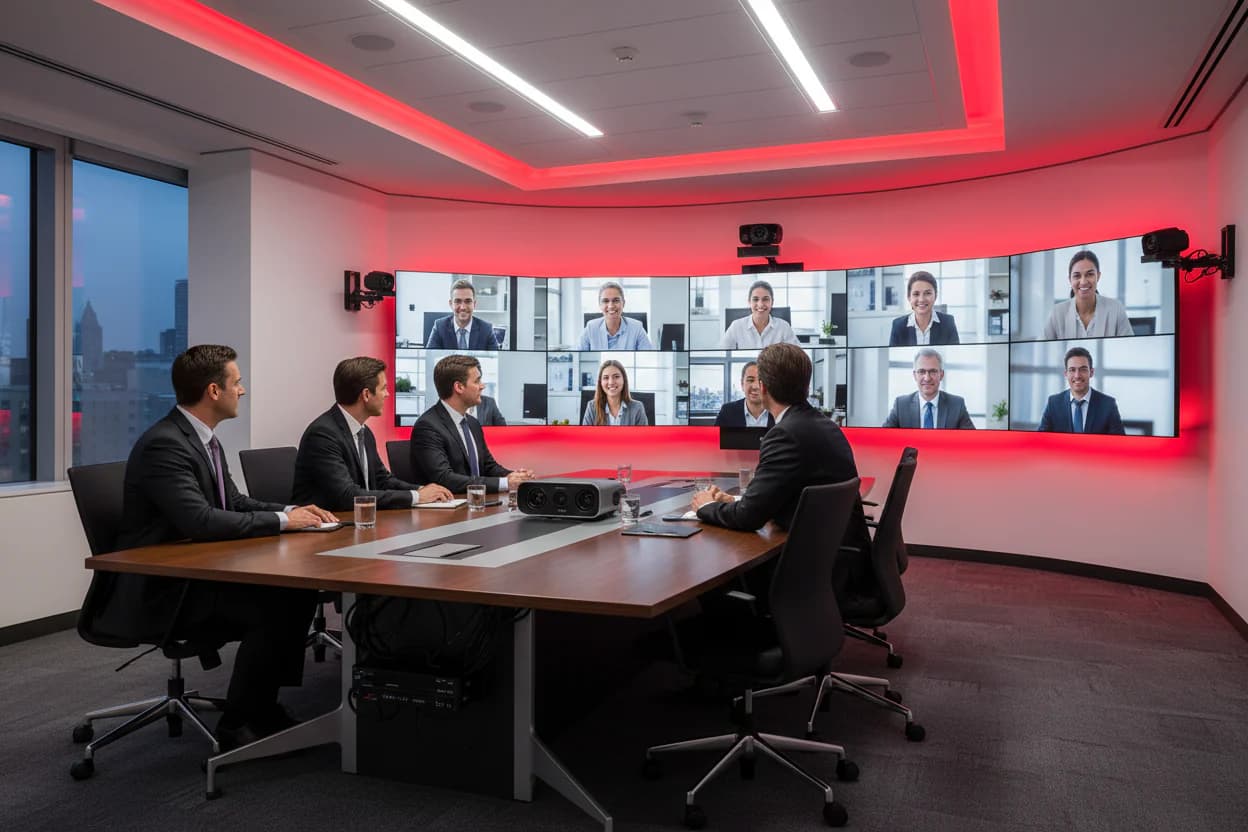
You can also tile several displays into a video wall. In that case the bezels show up as lines in the image. For a large wall, a single professional display may not be enough, and an LED display is worth considering for such a room.
Interactive panel: rooms where work gets produced
An interactive panel combines a touch screen with writing and drawing software. Participants take notes on the screen, sketch shapes and edit a document together. Meeting notes can be saved as files. This kind of use can take the place of the whiteboard in the room.
Interactive panels stand out in these rooms:
- Rooms used for brainstorming, planning and training
- Areas where project teams work on a shared document
- Small and medium rooms where participants can walk up to the screen
The touch and writing experience, wireless screen sharing and software support vary by product. For details, you can read our interactive smart board selection guide (in Turkish) and the manufacturer's documentation. Installation options are on the interactive display systems page. As the screen gets larger, it becomes harder for everyone to reach the surface. In very large halls an interactive panel is therefore usually placed next to the main display rather than in place of it.
Which one for which need?
| Need | Option that stands out |
|---|---|
| Large hall, wide uninterrupted surface | LED display |
| Standard meeting and presentation room | Professional display |
| Drawing, note-taking and document editing together | Interactive panel |
| Very bright room | Check the brightness value; consider LED displays and high-brightness professional models |
| Shared management across several rooms | Professional display |
The table is a starting point. In the same building, choosing different solutions for different rooms often gives the best result.
Five topics beyond the display
The display is only one part of a meeting room system. For a wider view, see our meeting room audio-visual systems buying guide (in Turkish).
- Connectivity: Will laptops connect by cable or wirelessly? The input types in the room must match the inputs on the display.
- Video conferencing: The camera should sit close to eye level of the display, and the microphones should cover every participant. These are planned together with the display.
- Audio: However good the picture is, sound that cannot be understood ruins a meeting. Room acoustics and speaker placement are assessed during the survey.
- Light control: Curtains, the direction of the light and the position of the display relative to the window all affect the image.
- Maintenance: It should be clear from the start who to call when something fails. If the display, audio and control system come from separate suppliers, responsibility is split.
Frequently asked questions
Is an LED display or a professional display better for a meeting room?
An LED display stands out if the room is large, if the whole wall will be used, or if you do not want bezel lines between screens. In a standard-sized meeting room a professional display is often enough. The decision depends on room size and viewing distance, so it is settled during the survey.
Can an interactive panel replace a regular display?
If the meeting involves writing, drawing and working on a shared document, it can serve as the only display. If the hall is very large or the room is only used to watch presentations, part of the panel's features go unused. A professional display or an LED display is then a better fit.
Who should choose the display?
The people who use the room and the technical team should decide together. Users know how meetings actually run, and the technical team knows the infrastructure. The integrator then sees the dimensions, lighting and cabling on site during the survey and shapes the recommendation accordingly.
A quote with a defined scope for your room
Koz Teknoloji runs meeting room and video conferencing projects through a single point of contact, from the survey to commissioning, training and maintenance. For in-room display installation, see our meeting room display solutions page. You can see the scope on the meeting and video conferencing systems page, door booking displays on the meeting room booking system page, other business areas on the solutions page, and brands and product groups on the products page.
Send us the size of your room, how it is used and the number of participants. After the survey, we will prepare a quote with a defined scope.