
What Tasks Do Kiosks and Totems Take Over?
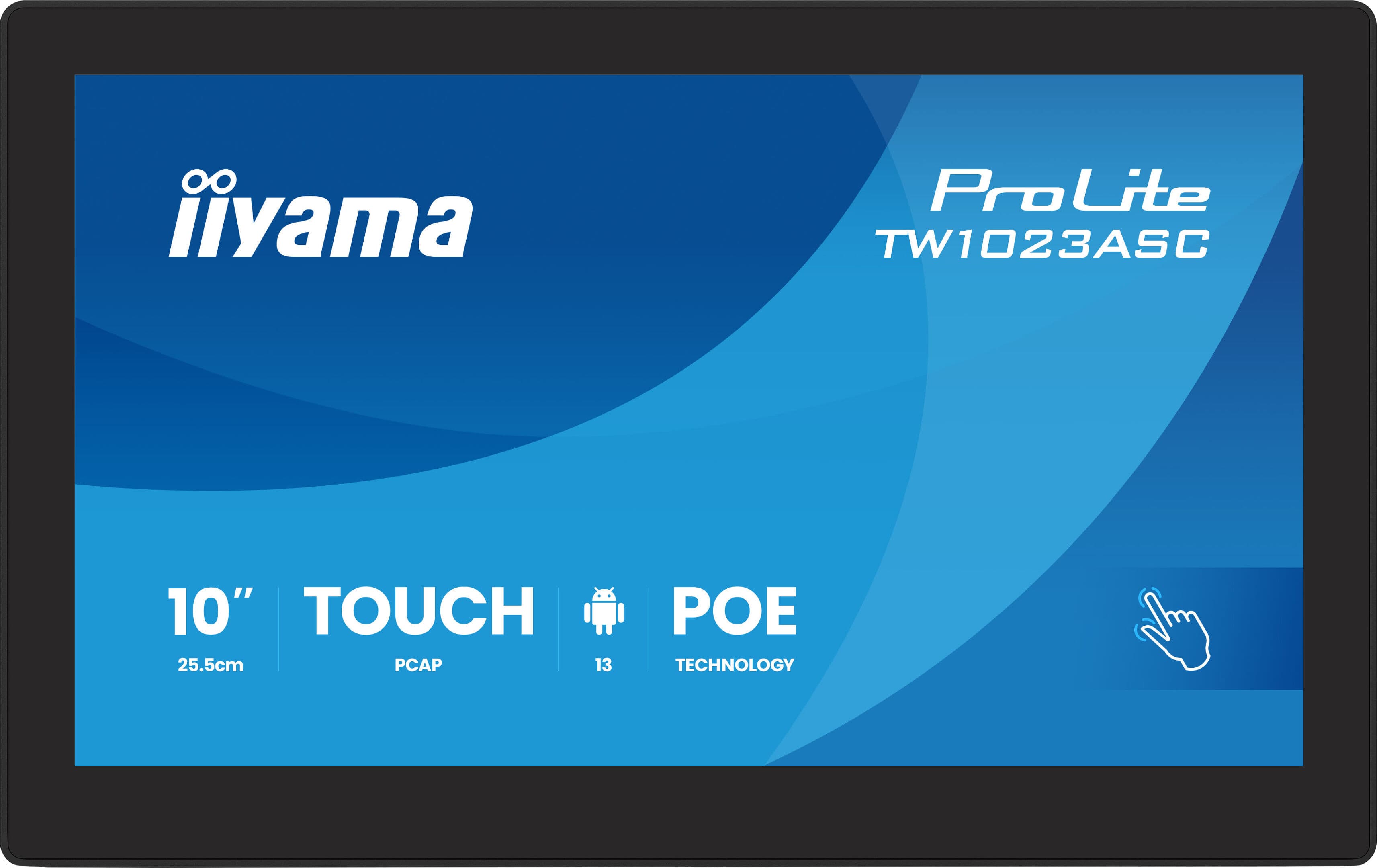
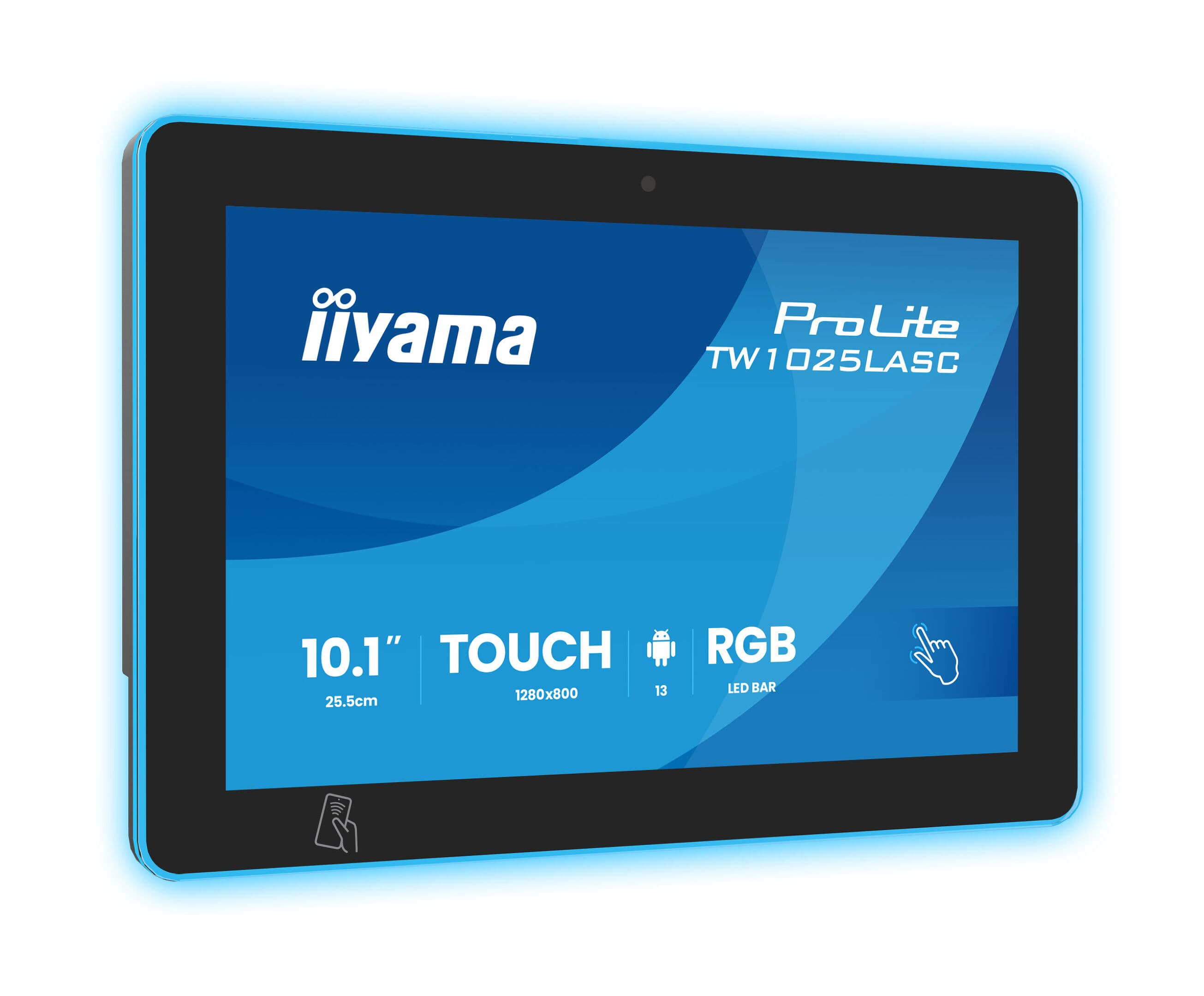
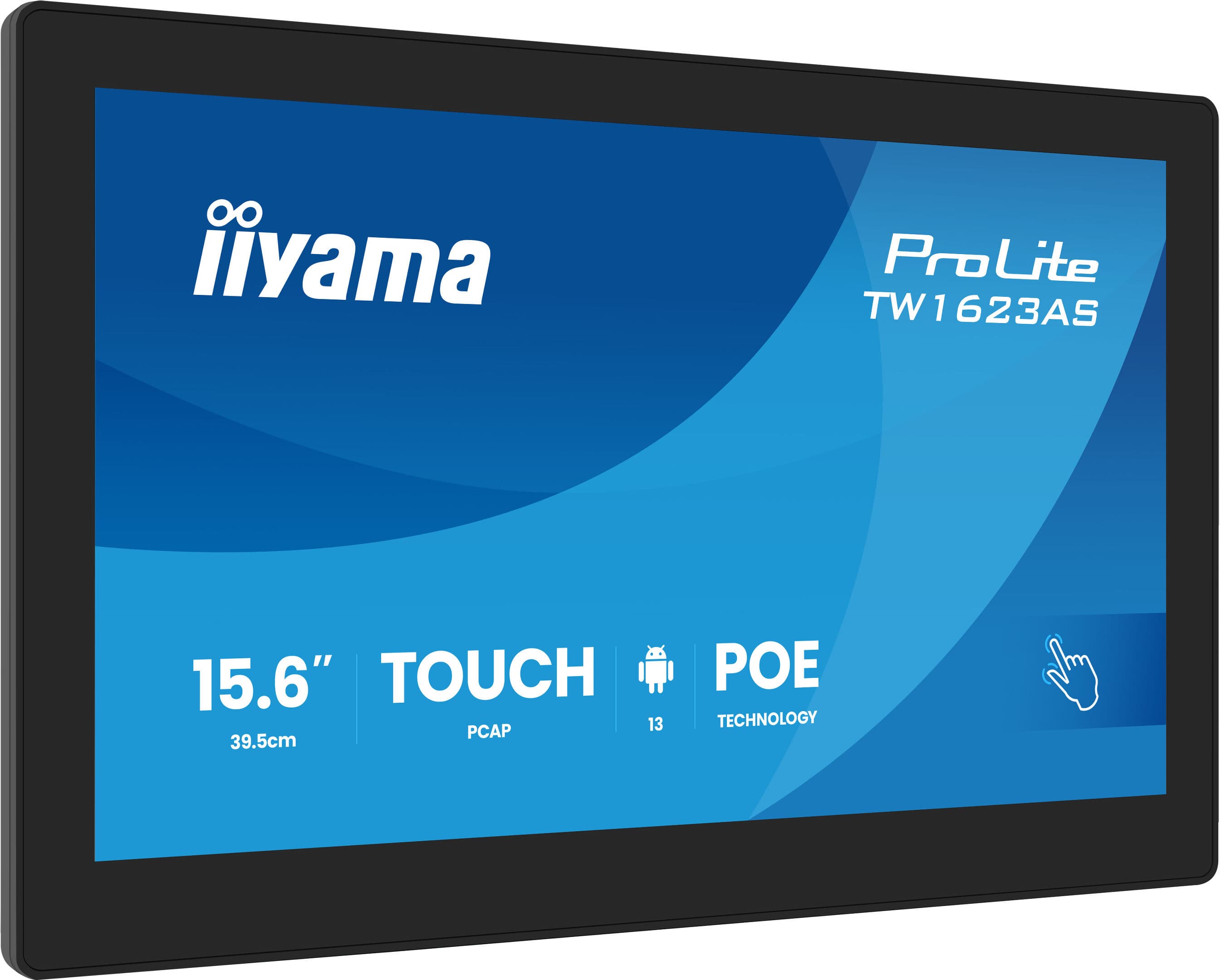
Kiosk installations are often considered to reduce the workload on staff: managing lines, providing directions, offering information, and taking orders. These are repetitive tasks limited to business hours; a kiosk continues to perform them even after hours. To ensure a return on investment, it must be clear from the outset which tasks the kiosk will take over—kiosks set up with the mindset of “let’s just put one there and see what happens” quickly become nothing more than screen savers.
Applications by Use Case
- Stores and Malls: Product search, inventory checks, floor and store navigation.
- Restaurants and Cafes: Self-service ordering; directly reduces checkout lines during peak hours.
- Hospitals and Public Institutions: Queue management, appointment inquiries, and department navigation.
- Hotel and Office Lobbies: Greeting, visitor registration, and information.
Mounting Type and Durability Depend on Usage Intensity
Freestanding totems are anchored to the floor and attract attention in open areas and high-traffic zones. Panel PCs mounted on walls or counters save space in tight areas. Usage intensity is more critical than location: the glass surface, screen, and body of a kiosk receiving hundreds of touches per day must withstand this load. In public areas, ensuring that cables and connection points are inaccessible is also a security-related aspect of the installation.
How Do We Determine the Right Model for Your Project?
Once we’ve determined the installation location, the estimated daily number of users, the applications the screen will run, and whether it’s for indoor or outdoor use, we present options that meet these criteria along with their prices. If additional hardware such as a printer, barcode scanner, or card reader is required, we select the enclosure accordingly; if these needs arise later, the enclosure often needs to be replaced. Although the product lineup may change over time, the selection criterion remains the same: the kiosk must be chosen based on the specific task it will perform.
Installation, Content Management, and Technical Support
The scope includes floor mounting, electrical and network connections, application installation, and locking the device to run only that specific application—if this final step is skipped, users can access the device’s operating system. If regular content updates are required, our content management service handles this, and our technical support service is available for troubleshooting and maintenance. In most projects, kiosks are planned alongside digital signage screens as part of the same digital signage setup.
Kiosk and Totem Pricing and Quotation Process
Pricing is determined by screen size, enclosure type, durability class, and additional hardware; if you already have a ready-made application on the software side, the cost decreases significantly. Please share the installation location, quantity, and the specific tasks the kiosk will perform; we’ll prepare a quote that includes hardware and installation. You can reach us through our Contact page.