
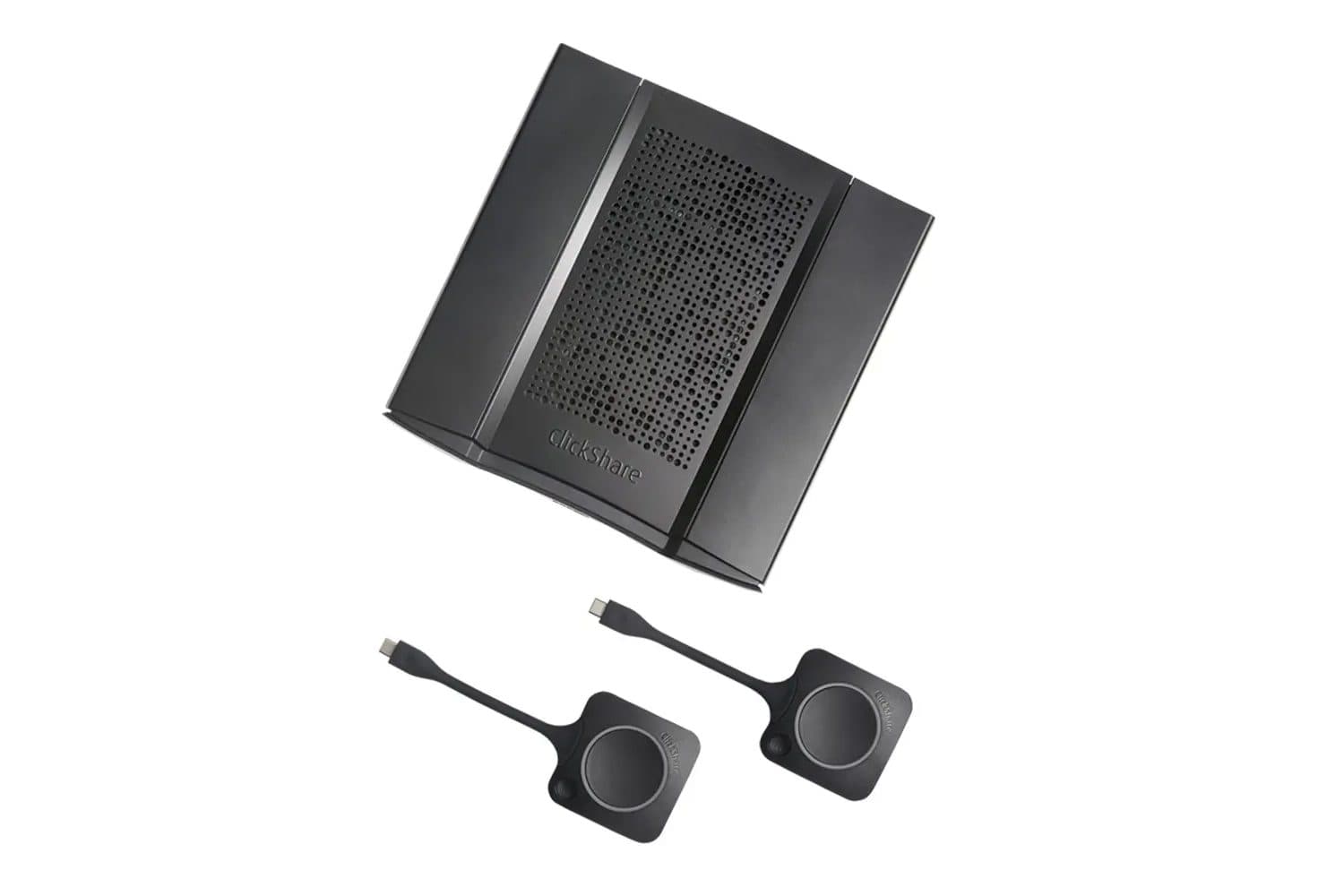
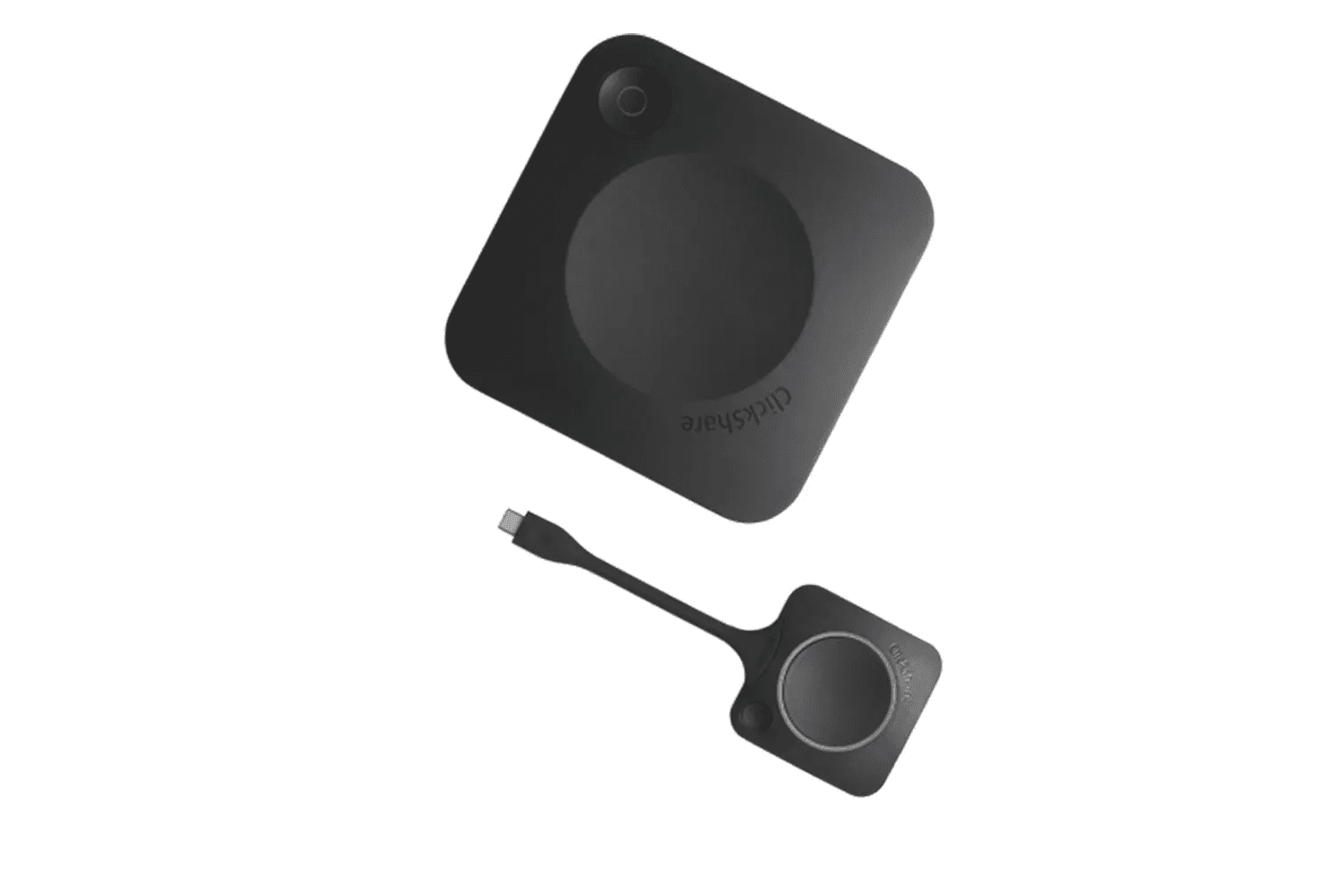
Don’t Spend the First Five Minutes of the Meeting Looking for a Cable
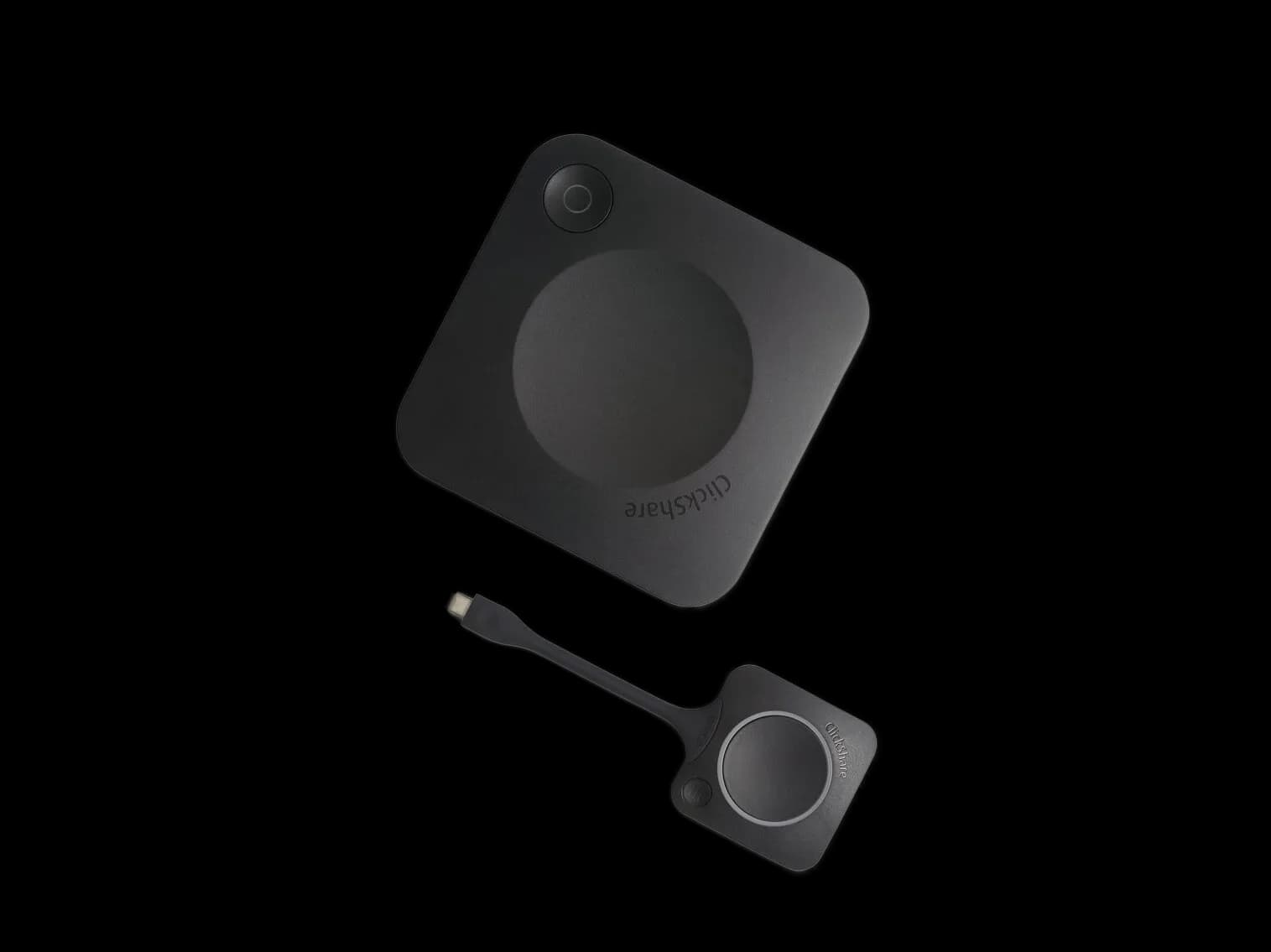
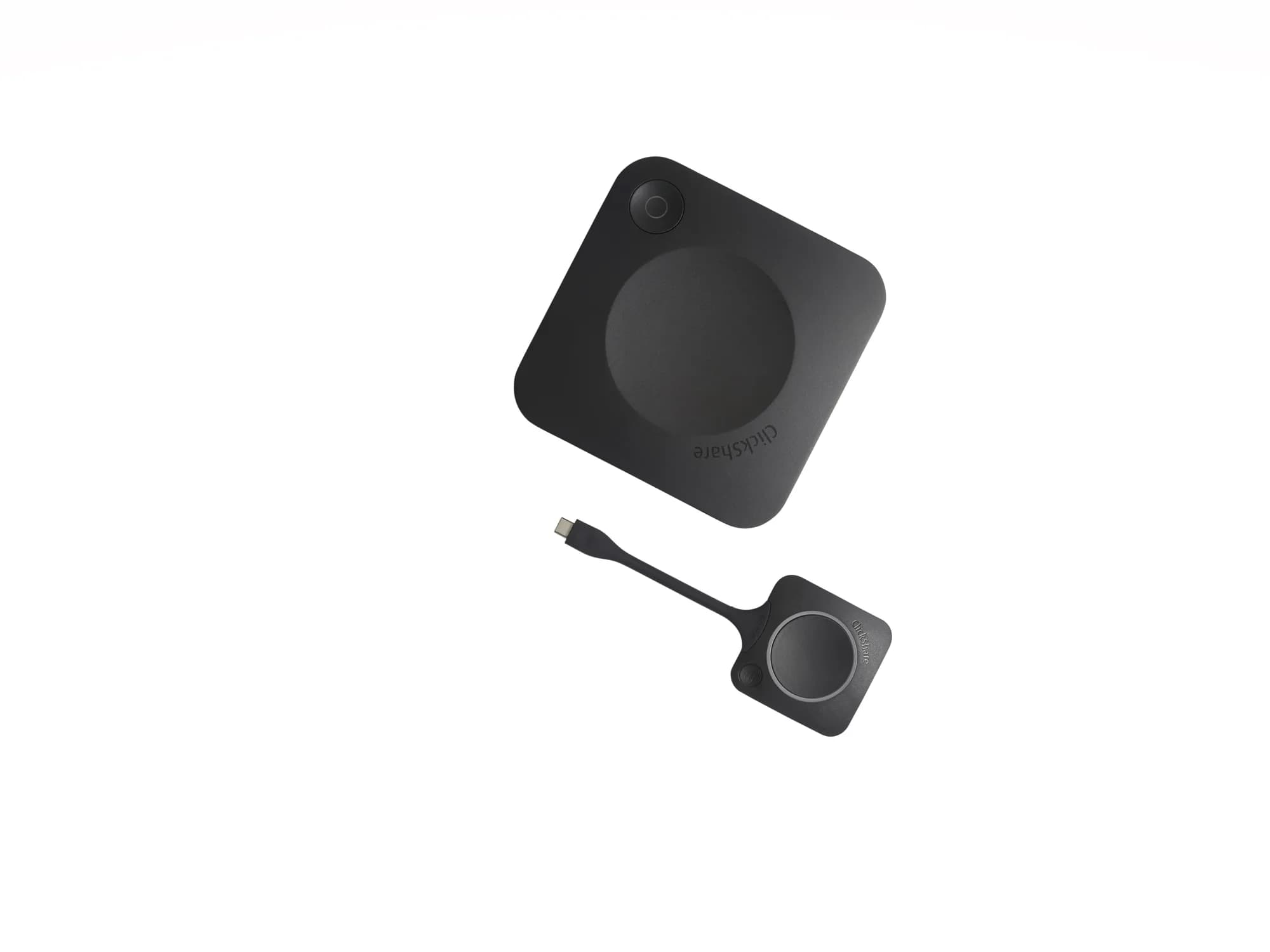
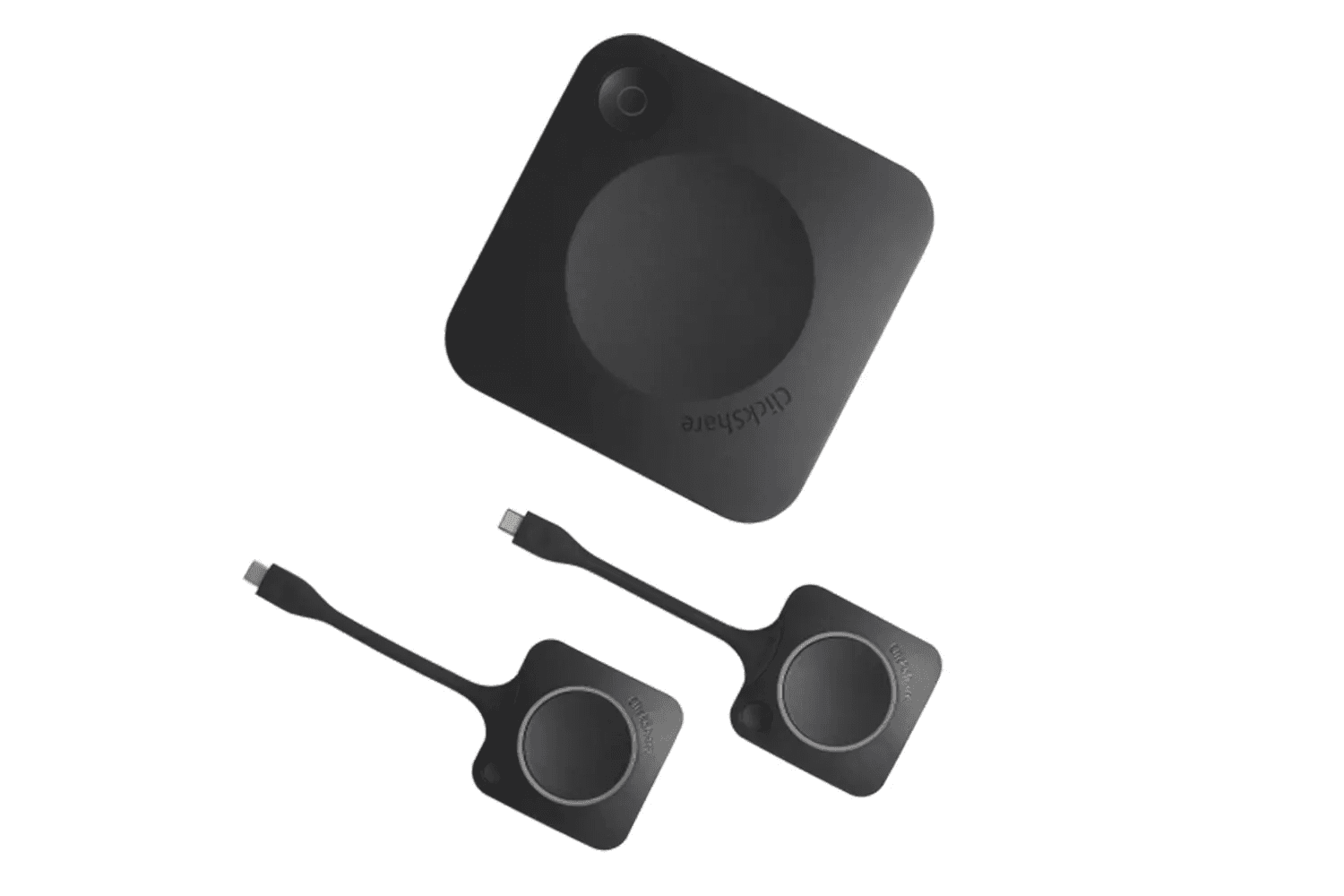
Almost all requests for wireless presentation systems stem from the same complaint: meetings start with a search for an adapter. With different laptop brands, different ports, and guest participants, every meeting gets delayed by a few minutes. A wireless presentation system eliminates this step entirely; the participant presses a single button, and the screen appears. In a room where five meetings are held each day, this adds up to hours each month.
Three Key Selection Criteria
- Who uses the room? If only your own team uses it, a software-based solution is sufficient. If there are guest and vendor participants, hardware-based systems that work without any device setup cause fewer problems.
- How many people will be sharing at the same time? If a single server is sufficient, a simple setup will do; in rooms where two screens are split for comparison, multi-user sharing support is required.
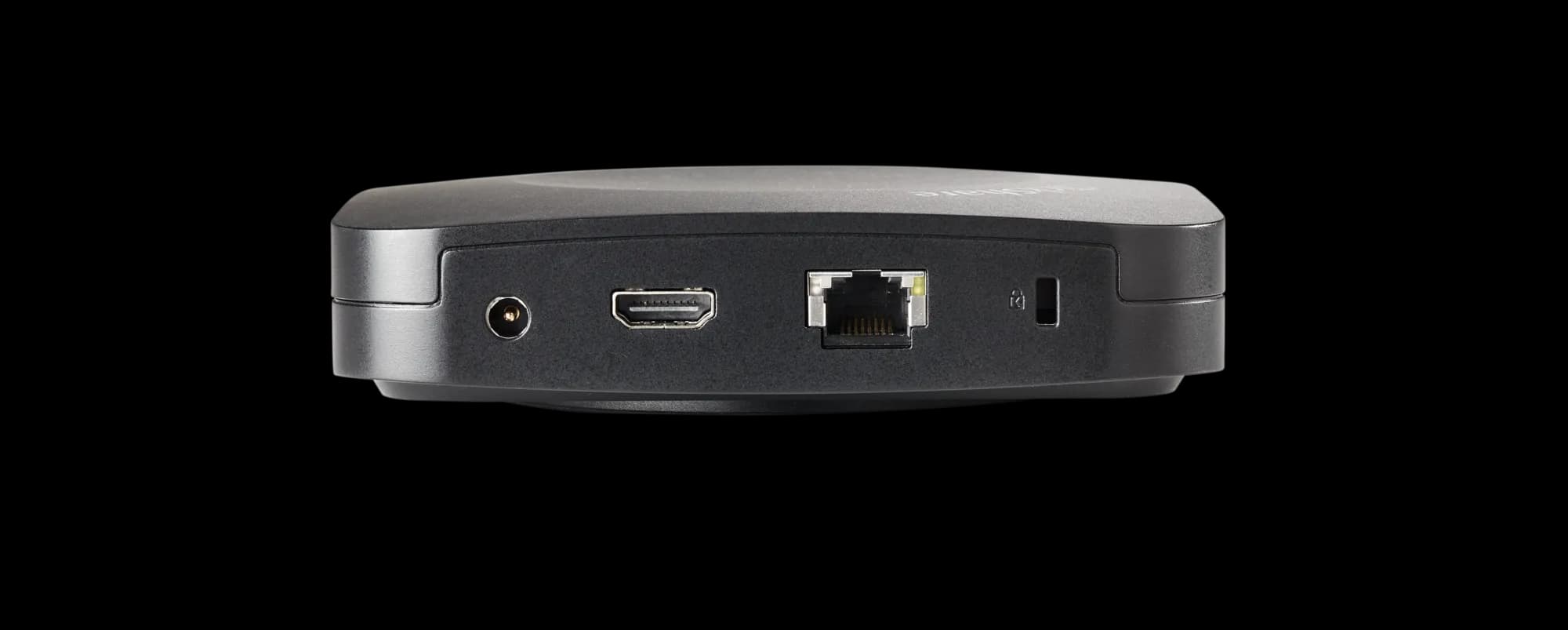
- Your IT Policy: Every device connecting to the corporate network must be approved by the IT team. A system that can operate independently of the network significantly shortens this process.
A Presentation Room Is Not the Same as a Hybrid Meeting Room
In a presentation room, it is sufficient for the image to appear on the screen. In a hybrid meeting room, however, remote participants must both see the presentation and hear the audio from the room; here, the transmission system alone is not enough—it must work in conjunction with a video conferencing camera and audio system. This is why the setup and budget for the two types of rooms differ—it’s the first thing we clarify when receiving a request.
How Do We Determine the Right System for Your Project?
After determining the room’s capacity, whether guest participation is expected, whether hybrid meetings will be held, and your IT team’s network policy, we present the suitable options along with their prices. If you’re equipping multiple rooms, installing the same system in all of them offers a significant benefit in terms of user convenience: no matter which room an employee enters, they simply press the same button.
Installation, Network Integration, and Commissioning
We plan the installation together with your IT team: network settings, security policies, and—if applicable—corporate login procedures are discussed in advance. Screen pairing, audio routing, and user testing are all part of the commissioning process. If you’d like to set up the entire room as a turnkey solution, our meeting and video conferencing system solution handles the screen, camera, audio, and transmission components all in one package.
Wireless Presentation System Pricing and Quotation Process
Pricing is determined by the number of presenters, support for simultaneous sharing, and whether the system is hardware- or software-based. Please share the number of rooms, the average number of participants per room, and whether guest usage is expected; we’ll prepare a quote that includes installation. You can reach us via our Contact page.