
What is a digital signage display?
A digital signage display is a professional display built to show announcements, campaigns and wayfinding content in stores, lobbies, offices and public buildings. It differs from a home TV in three ways: it is designed for long operating hours, it plays content from its own built-in player or an external device, and it is managed centrally over the network. The Samsung and iiyama models on this page range from 13 to 105 inches.
Commercial display or TV
TVs are designed to be watched for a few hours a day. On a display that shows the same picture from morning to evening this soon leaves marks on the panel, and a TV warranty often does not cover commercial use. Commercial signage displays are built for continuous operation, portrait mounting and remote management. The price difference is usually recovered by the first replacement or repair it avoids.
Series comparison
| Series | Sizes | Brightness | Operating hours | Orientation |
|---|---|---|---|---|
| Samsung QMC (QM43C - QM98C) | 43, 50, 55, 65, 75, 85, 98 inch | 500 nit | 24/7 | Landscape and portrait |
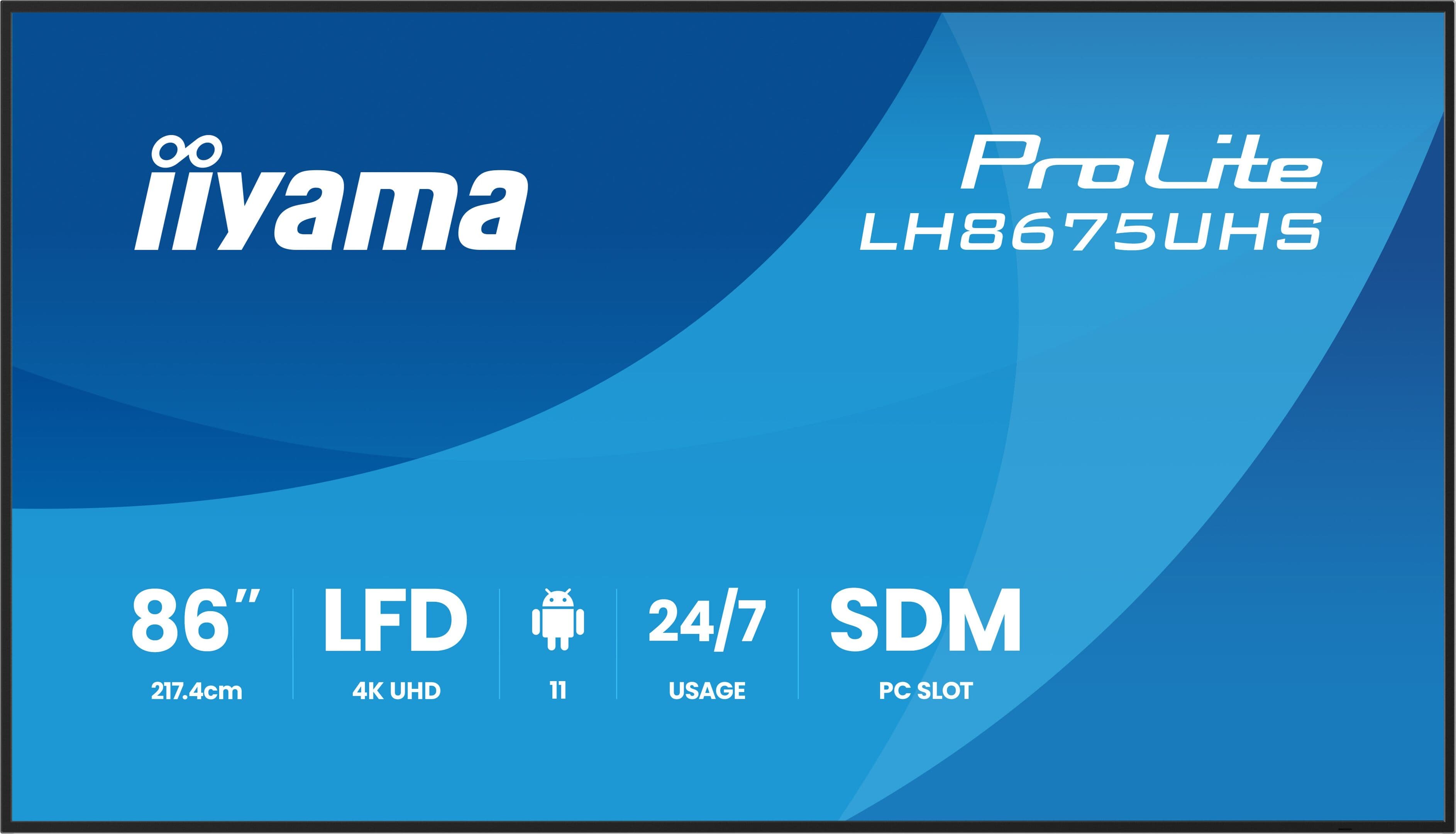
| iiyama ProLite LH series | 32 to 98 inch | 500 cd/m² | 24/7 | Landscape and portrait |
| iiyama LH10551UWS | 104.7 inch, 21:9, 5120 × 2160 | 500 cd/m² | 24/7 | Landscape and portrait |
| iiyama S2225AS / S2425AS | 21.5 and 23.8 inch | 500 cd/m² | 24/7 | Landscape and portrait |
Samsung QMC displays run Tizen and the iiyama LH and S series run Android; content plays on the display's own processor. The list also includes small models such as the 13 and 24 inch Samsung QB and the 32 inch Samsung QM32R. Connectivity and dimensions for each model are on the product pages.
Choosing size and brightness
Size depends on the viewer's average distance from the screen: in a lobby viewed from 3-4 metres a 55 inch display is easy to read, while the same display looks small in a 10 metre hall. Brightness depends on ambient light. 350-500 nit is enough for offices and lobbies. The models on this page are indoor displays; a window display facing the street needs 2,500 nit or more, so a separate high-brightness model is chosen. Wall type, cable route and socket position are settled during the site survey, because they are the most expensive things to change later.
Where is it used?
- Stores and showrooms Campaign and product visuals. Near shop windows, brightness is calculated separately because of daylight.
- Lobbies and reception areas Corporate presentation and wayfinding. Displays are usually portrait and stay on for long hours.
- Restaurants and cafes Menus and prices. In digital menu board systems content is updated centrally; the 12 menu board displays in the Taam Club project run from one content management system.
- Offices, factories and branches Announcement, shift and production displays. We describe this staff-facing use on the corporate TV systems page.
Player and content management
For a single display or a simple setup, the display's built-in player is enough and no extra device or cabling is needed. For synchronised playback across several displays or heavy video content, an external player is more stable. Samsung displays are managed with MagicINFO and VXT; iiyama displays use an Android-based player. Details of the iiyama models are on the iiyama brand page.
Installation, content management and technical service
Mounting the display is only part of the work. The scope also covers setting up the playback source, scheduling the displays to switch on and off remotely, and training the person who will manage the content. If your schedule changes often, our content management service can take it over; our technical support service covers faults after installation. To plan displays, players and software together, see digital signage solutions.
Pricing and quotation
Price depends on screen size, brightness class, quantity and how difficult the installation is. Unit cost falls as quantity rises, so if you plan a phased rollout, say so at the start. Share the installation site, the number of displays and the daily operating hours and we will give you one total that includes installation. You can reach us via our contact page.
Frequently asked questions
What is the difference between a commercial display and a TV?
A commercial display is built for 16/7 or 24/7 operation depending on the model, is managed remotely over the network and can be mounted in portrait. A TV is designed for a few hours of use a day, and its warranty often does not cover commercial use.
Which series should I choose for a display that stays on 24/7?
The Samsung QMC and iiyama LH series on this page are built for 24/7 operation. The small Samsung QB models are 16/7 displays for locations that switch off outside working hours.
Can the displays be mounted in portrait?
Yes. The Samsung QMC and the iiyama LH and S series can be mounted in landscape or portrait. Portrait displays need portrait content.
Do we need a separate player?
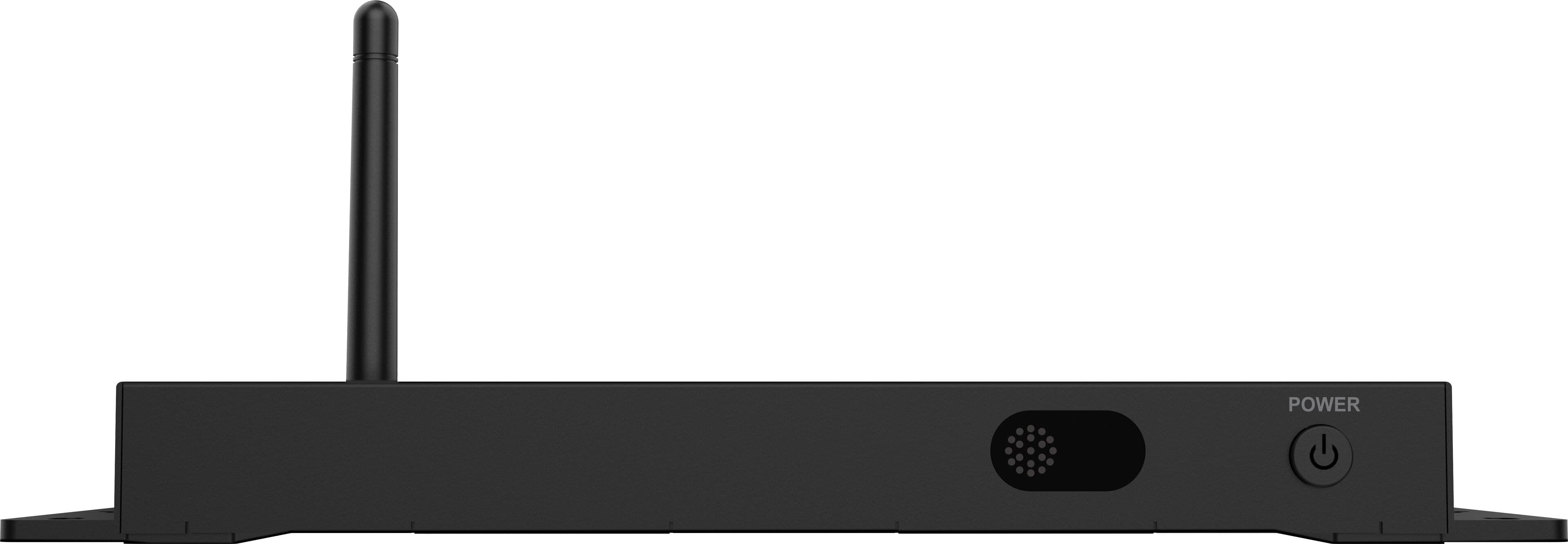
In most installations, no: QMC displays play content on Tizen and iiyama LH displays on Android. For synchronised playback across several displays or heavy content we recommend an external player; the iiyama iiSignageBox in this list is made for that.
Are these displays bright enough for a shop window?
The models on this page are rated at 500 nit or less and suit indoor use. A sunlit window display facing the street needs a separate model with 2,500 nit or more.
What information do you need for a quote?
A photo of the installation site, the number of displays, how many hours a day they will be on, the viewing distance and who will update the content. With this we agree the right models and the installation scope with you.